
1. შესავალი
The Xiaomi Mi 5000mAh Power Bank is a portable charging solution designed for smartphones and other USB-powered devices. Its slim 9.9mm design and lightweight construction (156 grams) make it highly portable, fitting easily into a pocket or bag. Equipped with a 5000mAh lithium-ion polymer battery, it provides reliable power on the go. The integrated battery indicator keeps you informed about the remaining charge level.
2. უსაფრთხოების ინფორმაცია
- არ დაუშვათ პაუერბანკის ექსტრემალურ ტემპერატურაზე (60°C / 140°F-ზე მეტი ან 0°C / 32°F-ზე ნაკლები), მზის პირდაპირ სხივებზე ან ცეცხლზე ზემოქმედება.
- Avoid dropping, disassembling, or attempting to repair the device yourself. This may cause damage or injury.
- Keep the power bank away from water, moisture, and other liquids.
- Use only certified charging cables and adapters. Using incompatible accessories may lead to fire, explosion, or other hazards.
- შეინახეთ ბავშვებისთვის მიუწვდომელ ადგილას.
- Dispose of the power bank according to local regulations for electronic waste. Do not dispose of it in household waste.
3. პაკეტის შიგთავსი
- Xiaomi Mi 5000mAh Power Bank (Model XPB5000)
- USB Charging Cable (Micro USB to USB-A)
- მომხმარებლის სახელმძღვანელო
4. პროდუქტი დასრულდაview
Familiarize yourself with the components of your Xiaomi Mi 5000mAh Power Bank.
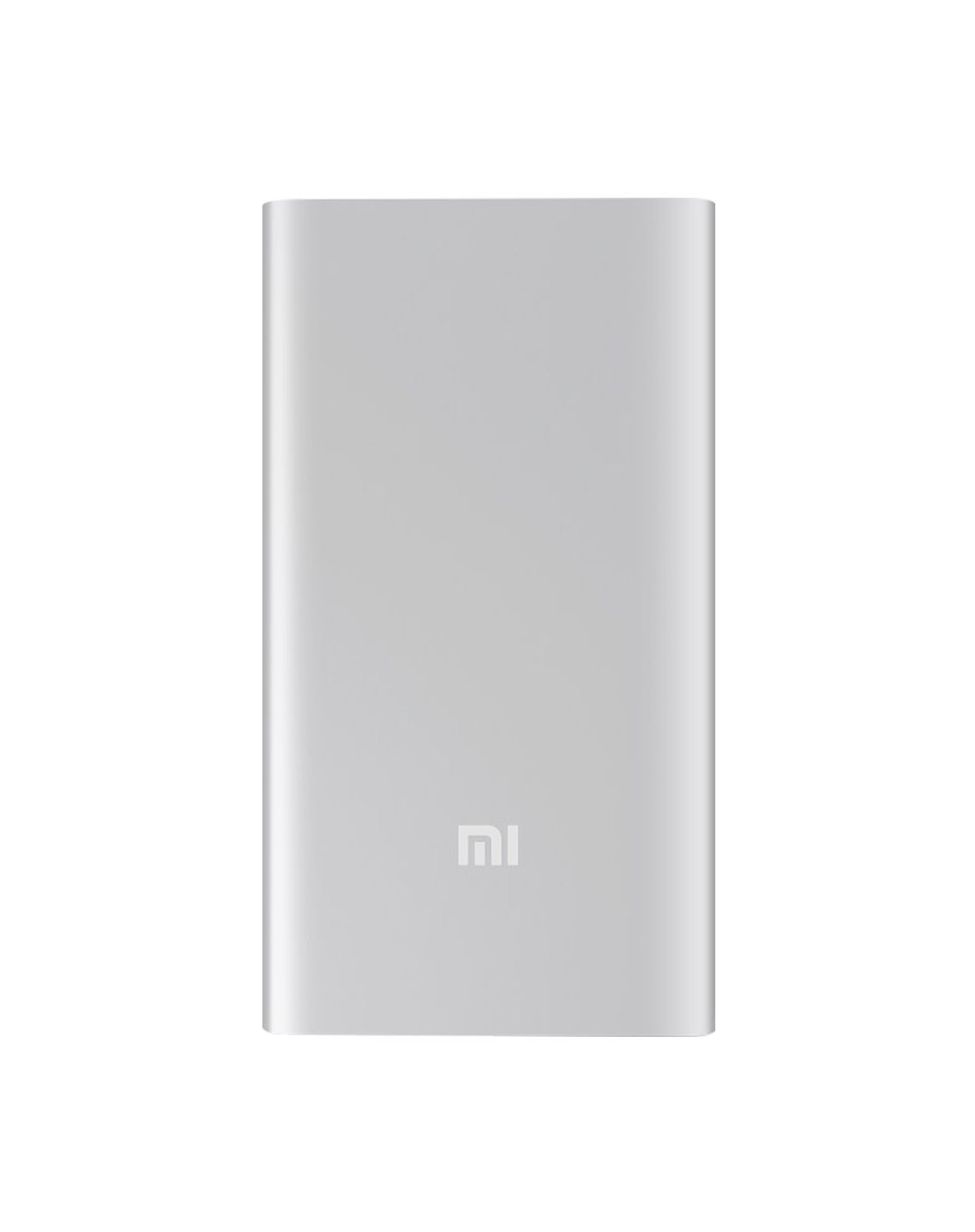
სურათი 4.1: წინა view of the Xiaomi Mi 5000mAh Power Bank, silver color with the 'Mi' logo.

სურათი 4.2: ზედა view of the power bank, highlighting the ports and indicators.
- მიკრო USB შეყვანის პორტი: გამოიყენება თავად პაუერ ბანკის დასატენად.
- USB-A გამომავალი პორტი: გამოიყენება გარე მოწყობილობების დასატენად.
- დენის ღილაკი: Press once to check battery level; press and hold to turn on/off (if applicable, some power banks are auto-on).
- LED ინდიკატორები: Four small lights that show the remaining battery capacity of the power bank. Each light typically represents 25% of the charge.
5. დაყენება
5.1 საწყისი გადასახადი
Before using your Xiaomi Mi 5000mAh Power Bank for the first time, it is recommended to fully charge it.
- Connect the Micro USB end of the provided cable to the power bank's Micro USB Input Port.
- კაბელის USB-A ბოლო შეაერთეთ USB კედლის ადაპტერთან (არ მოყვება) ან კომპიუტერის USB პორტთან.
- The LED indicators will light up and blink, showing the charging progress. All four LEDs will remain solid when the power bank is fully charged.
6. საოპერაციო ინსტრუქციები
6.1 პაუერ ბანკის დატენვა
თქვენი პაუერ ბანკის დასატენად:
- Use the included USB cable to connect the power bank's Micro USB input port to a power source (e.g., wall charger, computer USB port).
- The LED indicators will show the charging status. When all four LEDs are solid, the power bank is fully charged.
6.2 თქვენი მოწყობილობის დამუხტვა
To charge a smartphone or other USB-powered device:
- Connect your device's charging cable to the USB-A Output Port of the power bank.
- დააკავშირეთ კაბელის მეორე ბოლო თქვენს მოწყობილობას.
- პაუერბანკმა ავტომატურად უნდა დაიწყოს თქვენი მოწყობილობის დატენვა. თუ არა, დატენვის დასაწყებად ერთხელ დააჭირეთ ჩართვის ღილაკს.
- The LED indicators will show the power bank's remaining charge while it is in use.
7. მოვლა
- დასუფთავება: პაუერბანკის გასაწმენდად გამოიყენეთ რბილი, მშრალი ქსოვილი. არ გამოიყენოთ უხეში ქიმიკატები ან აბრაზიული მასალები.
- შენახვა: Store the power bank in a cool, dry place away from direct sunlight and extreme temperatures. If storing for extended periods, charge it to about 50% every three months to prolong battery life.
- ბატარეის მოვლა: Avoid fully discharging the power bank frequently, as this can reduce its overall lifespan.
8. Დიაგნოსტიკა
| პრობლემა | შესაძლო გამოსავალი |
|---|---|
| Power Bank არ იტენება | დარწმუნდით, რომ დამტენი კაბელი საიმედოდ არის დაკავშირებული როგორც დამტენთან, ასევე კვების წყაროსთან. სცადეთ სხვა კაბელი ან კედლის ადაპტერი. შეამოწმეთ, აქტიურია თუ არა კვების წყარო. |
| მოწყობილობა არ იტენება Power Bank-იდან | Check if the power bank has sufficient charge (indicated by LEDs). Ensure the cable connecting the device to the power bank is functional and securely connected. Press the power button on the power bank once. |
| ნელი დატენვა | Ensure you are using a high-quality cable. The charging speed may vary depending on the device being charged and the power bank's remaining capacity. |
| LED ინდიკატორები არ მუშაობს | The power bank might be completely discharged or damaged. Try charging it for a few hours. If the issue persists, contact support. |
9. სპეციფიკაციები
| ფუნქცია | დეტალი |
|---|---|
| ბრენდის სახელი | Xiaomi |
| მოდელის ნომერი | XPB5000 |
| ბატარეის ტევადობა | 5000 mAh |
| ბატარეის უჯრედის შემადგენლობა | ლითიუმის პოლიმერი |
| ფერი | ვერცხლი |
| განსაკუთრებული თვისებები | მსუბუქი წონა |
| ტtage | 5 ვოლტი |
| მიმდინარე | 2.1 Amps |
| დენის წყარო | იკვებება ბატარეით |
| თავსებადი მოწყობილობები | სმარტფონები |
| თავსებადი ტელეფონის მოდელები | Apple iPhone 5S, Apple iPhone 6 (and other USB-compatible devices) |
| შეყვანის პორტი | 1 (მიკრო USB) |
| გამომავალი პორტი | 1 (USB-A) |
| ელემენტის ზომები (L x W x H) | 15 x 4.5 x 2.5 სმ |
| წონა | 156 გრამი (დაახლოებით) |
| GTIN / UPC | 06954176883742 / 700254076065 190268050890 |
Note: The specification 'Number of Ports: 6' from product data likely refers to the combination of physical ports (Micro USB input, USB-A output) and the four LED indicators.
10. გარანტია და მხარდაჭერა
10.1 ინფორმაცია გარანტიის შესახებ
According to the product specifications, this item is sold with "No Warranty". Please refer to your point of purchase for any return or exchange policies.
10.2 მომხმარებელთა მხარდაჭერა
For further assistance or inquiries regarding your Xiaomi Mi 5000mAh Power Bank, please contact the retailer where the product was purchased or visit the official Xiaomi support webსაიტი პროდუქტის ზოგადი ინფორმაციისთვის.
ოფიციალური Xiaomi Webსაიტი: https://www.mi.com/global/support