
ProForm PFEX01215
ProForm Le Tour De France Upright Exercise Bike User Manual
Model: PFEX01215
1. შესავალი
This manual provides essential information for the safe and effective use of your ProForm Le Tour De France Upright Exercise Bike, Model PFEX01215. Please read all instructions carefully before assembly and operation. Retain this manual for future reference.
უსაფრთხოების ინფორმაცია:
- ნებისმიერი ვარჯიშის პროგრამის დაწყებამდე გაიარეთ კონსულტაცია ექიმთან.
- მოარიდეთ ბავშვები და შინაური ცხოველები აღჭურვილობას.
- Place the exercise bike on a level surface.
- დარწმუნდით, რომ ყველა ნაწილი საიმედოდ არის გამკაცრებული ყოველი გამოყენების წინ.
- მომხმარებლის მაქსიმალური წონა: 250 ფუნტი (113.4 კგ).
2. დაყენება და შეკრება
Unpack all components and ensure all parts are present. Refer to the included assembly guide for detailed step-by-step instructions. Basic assembly typically involves attaching the stabilizers, pedals, seat, handlebars, and console.

სურათი 2.1: Fully assembled ProForm Le Tour De France Upright Exercise Bike. This image shows the complete bike from a front-side angle, highlighting the console, handlebars, seat, pedals, and the distinctive "Le Tour De France" branding on the flywheel.
2.1 Stabilizer Installation
Attach the front and rear stabilizers to the main frame using the provided bolts and washers. Ensure they are firmly secured to prevent wobbling during use.
2.2 Pedal Attachment
The pedals are marked 'L' for left and 'R' for right. Attach the left pedal by turning it counter-clockwise and the right pedal by turning it clockwise into the crank arms. Tighten securely with a wrench.
2.3 Seat and Handlebar Adjustment
Adjust the seat height and handlebar position to ensure a comfortable and ergonomic riding posture. The seat features an adjustable post for vertical positioning, and the handlebars can be adjusted for angle.

სურათი 2.2: A user adjusting the seat height of the exercise bike. This image illustrates the process of loosening and tightening the knob to set the seat to the desired vertical position.

სურათი 2.3: A user adjusting the handlebar angle on the exercise bike. This image shows how to manipulate the adjustment mechanism to find a comfortable handlebar position.
3. საოპერაციო ინსტრუქციები
3.1 კონსოლიview
The console displays key workout metrics such as time, distance, speed, calories, and resistance level. Familiarize yourself with the buttons and display functions.

სურათი 3.1: დეტალურად view of the exercise bike's console. This image highlights the digital display, control buttons for incline, gears, and various workout modes, and the iFit branding.
3.2 ვარჯიშის დაწყება
- Sit on the bike and place your feet securely in the pedal straps.
- Press any button on the console to activate it.
- Select a workout program or begin in manual mode.
- Adjust resistance using the '+' and '-' buttons on the console.
3.3 წინააღმდეგობის სისტემა
The bike utilizes a magnetic resistance system for smooth and quiet operation. Resistance levels can be adjusted electronically via the console, simulating various terrains and inclines.

სურათი 3.2: Close-up of the SMR (Silent Magnetic Resistance) system. This image focuses on the flywheel and the resistance mechanism, showing the "SMR" branding.
3.4 iFit Connectivity
This exercise bike is iFit compatible. Connect your device to access interactive workouts, global routes powered by Google Maps, and personalized training programs. Refer to the iFit manual or webსაიტი დეტალური დაყენების ინსტრუქციებისთვის.
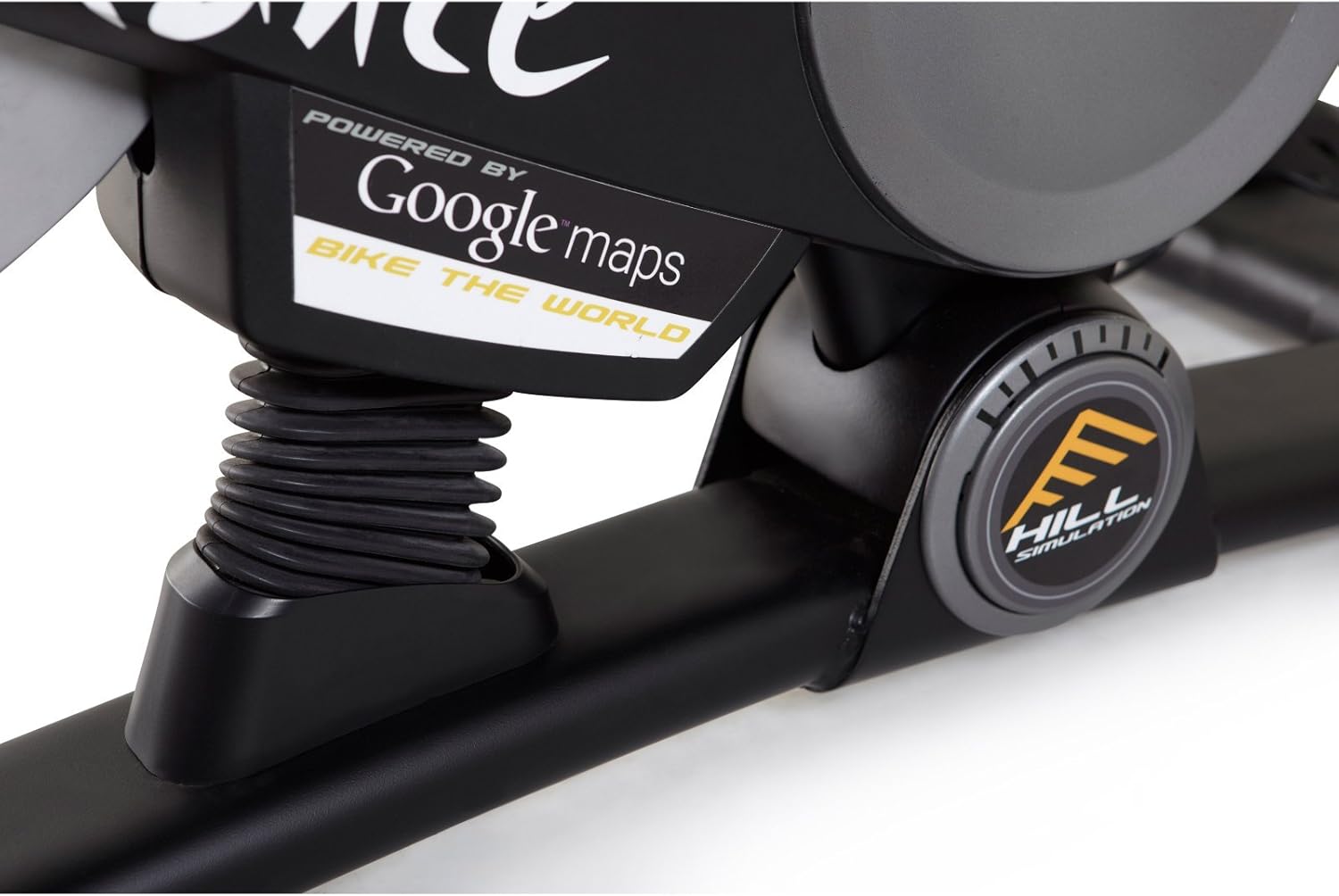
სურათი 3.3: Branding indicating "Powered by Google Maps" on the exercise bike's frame. This highlights the bike's integration with iFit for virtual routes.
4. მოვლა
რეგულარული მოვლა უზრუნველყოფს თქვენი სავარჯიშო ველოსიპედის ხანგრძლივობას და ოპტიმალურ მუშაობას.
- დასუფთავება: ყოველი გამოყენების შემდეგ ველოსიპედი რეკლამით გაწმინდეთamp ქსოვილი ოფლისა და მტვრის მოსაშორებლად. მოერიდეთ აბრაზიულ საწმენდ საშუალებებს.
- ინსპექტირება: Periodically check all bolts and nuts for tightness. Tighten any loose fasteners.
- შეზეთვა: No lubrication is required for the magnetic resistance system.
- შენახვა: Store the bike in a dry, cool environment away from direct sunlight and moisture.
5. Დიაგნოსტიკა
| პრობლემა | შესაძლო მიზეზი | გამოსავალი |
|---|---|---|
| Console not powering on | ბატარეები გაფუჭებულია ან არასწორად არის დამონტაჟებული. | შეცვალეთ ბატარეები ან დარწმუნდით, რომ სწორი პოლარობაა. |
| არასტაბილურია გამოყენების დროს | Stabilizer feet not adjusted or loose bolts. | სტაბილიზატორებზე გასწორების ფეხები დაარეგულირეთ. ყველა ასაწყობი ჭანჭიკი გამკაცრეთ. |
| წინააღმდეგობა არ იცვლება | Console connection issue or internal fault. | Check console cables. If problem persists, contact customer support. |
| Pedals making noise | Loose pedals or crank arms. | Ensure pedals are tightly screwed into crank arms. |
6. სპეციფიკაციები
| ფუნქცია | დეტალი |
|---|---|
| მოდელის ნომერი | PFEX01215 |
| ზომები (L x W x H) | 136.4 სმ x 62.7 სმ x 135.1 სმ (53.7 x 24.7 x 53.2 ინჩში) |
| აწყობილი პროდუქტის წონა | 54.4 კგ (120 ფუნტი) |
| მომხმარებლის მაქსიმალური წონა | 113.4 კგ (250 ფუნტი) |
| წინააღმდეგობის მექანიზმი | Magnetic (SMR™ Silent Magnetic Resistance) |
| ჩვენების ტიპი | LCD |
| დენის წყარო | იკვებება ბატარეით |
| განსაკუთრებული თვისებები | Adjustable Seat, iFit Compatible, Google Maps Integration |
7. ინფორმაცია გარანტიის შესახებ
ProForm products are manufactured with high-quality materials and craftsmanship. For specific warranty details regarding your ProForm Le Tour De France Upright Exercise Bike, please refer to the warranty card included with your purchase or visit the official ProForm webსაიტი. შეინახეთ შეძენის დამადასტურებელი საბუთი გარანტიის მოთხოვნისთვის.
8. მომხმარებელთა მხარდაჭერა
If you have questions, require assistance with assembly, or need to troubleshoot an issue not covered in this manual, please contact ProForm customer support.
- ონლაინ დახმარება: ეწვიეთ ოფიციალურ პირს ProForm-ის მხარდაჭერა Webსაიტი.
- ტელეფონის მხარდაჭერა: Refer to your product registration card or the ProForm webსაიტი რეგიონალური საკონტაქტო ნომრებისთვის.
Ask a question about this manual
Ask about setup, troubleshooting, compatibility, parts, safety, or missing instructions. Manuals+ will review the question and use this page’s manual context to help answer it.