
შესავალი
This manual provides instructions for the proper setup, operation, and maintenance of your Targus W600 Wireless Optical Mouse. Please read this manual thoroughly before using the device to ensure optimal performance and longevity.
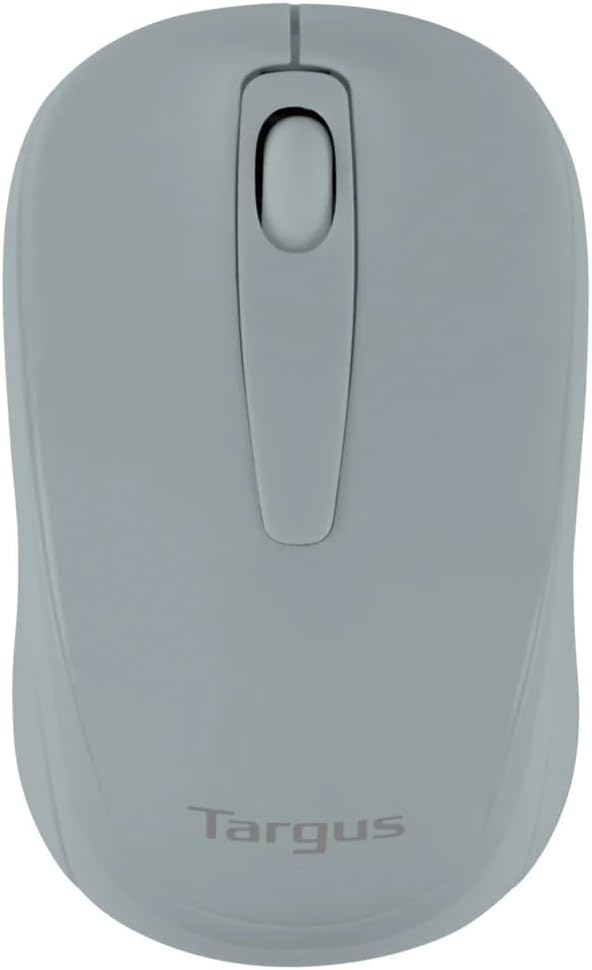
Figure 1: Targus W600 Wireless Optical Mouse (Quarry Gray)
პაკეტის შიგთავსი
დარწმუნდით, რომ ყველა ნივთი შეფუთვაშია:
- Targus W600 Wireless Optical Mouse
- USB მიმღები
- მომხმარებლის სახელმძღვანელო (ეს დოკუმენტი)
Note: 1 AA battery is required and sold separately.
პროდუქტის მახასიათებლები
- 2.4 GHz Wireless Technology for reliable connection
- 1600 DPI Optical Sensor for precise tracking
- ერგონომიული დიზაინი კომფორტული გამოყენებისთვის
- თავსებადია Windows და Mac ოპერაციულ სისტემებთან
- Integrated USB receiver storage compartment
დაყენება
1. ბატარეის დაყენება
- Turn the mouse over to locate the battery compartment cover.
- Gently slide the cover off.
- ჩადეთ ერთი (1) AA ტიპის ელემენტი, დარწმუნდით, რომ სწორი პოლარობა (+/-) გაქვთ.
- შეცვალეთ ბატარეის განყოფილების საფარი.
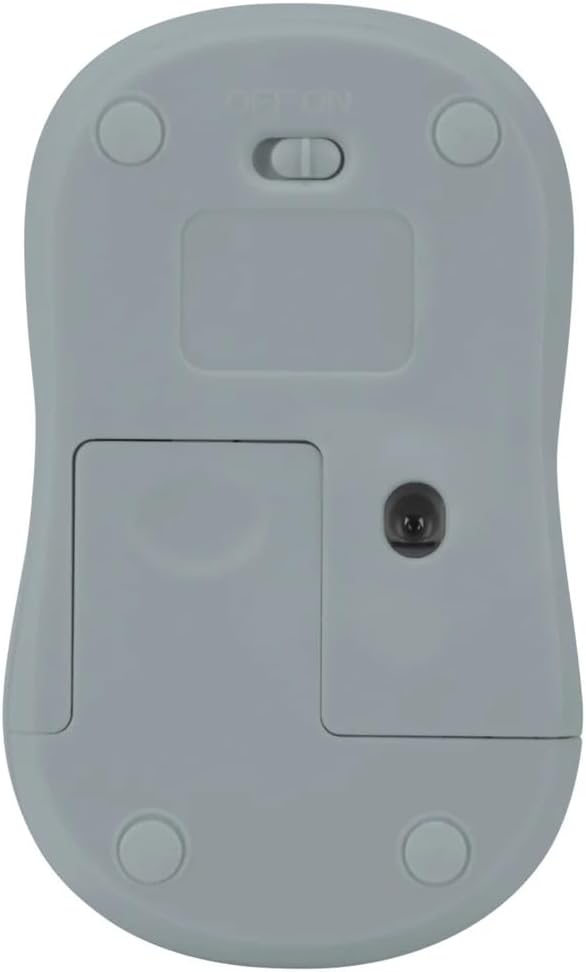
სურათი 2: ქვედა view of the mouse with battery compartment and power switch.
2. USB მიმღების შეერთება
- Locate the USB receiver, typically stored inside the mouse's battery compartment or a dedicated slot.
- შეაერთეთ USB მიმღები თქვენს კომპიუტერში არსებულ USB პორტში.
- თქვენმა კომპიუტერმა ავტომატურად უნდა აღმოაჩინოს და დააინსტალიროს საჭირო დრაივერები. ამას შეიძლება რამდენიმე წუთი დასჭირდეს.
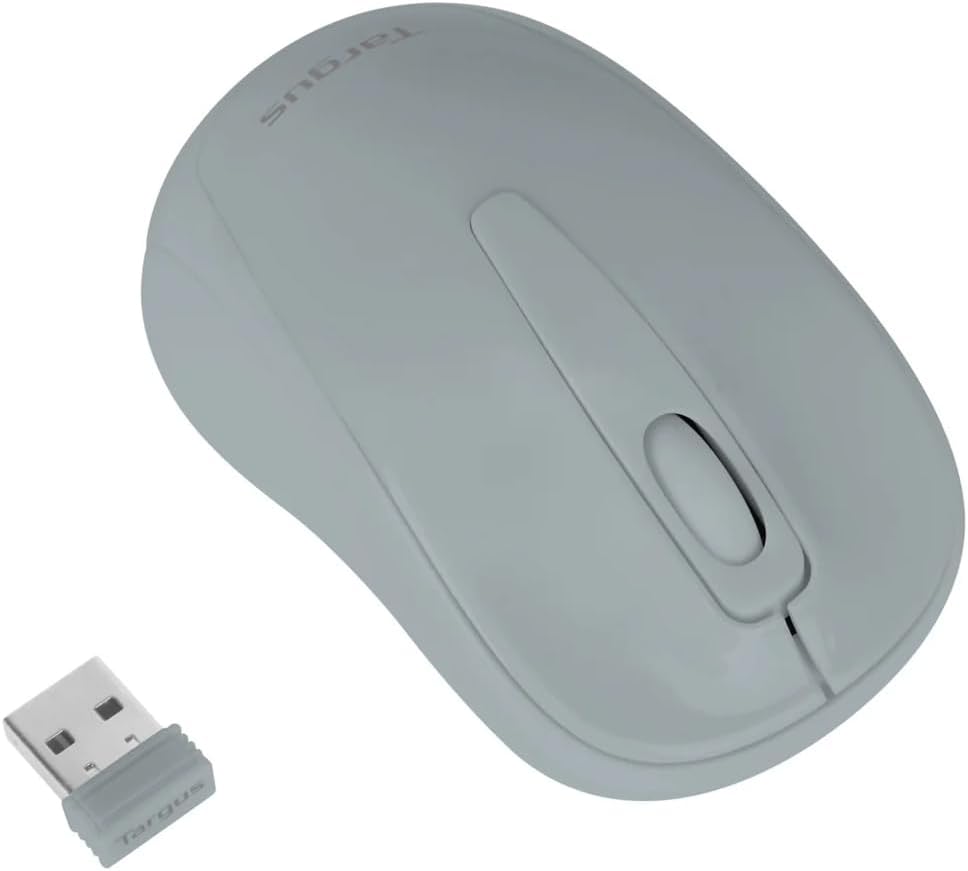
Figure 3: Targus W600 mouse and its USB receiver.

Figure 4: USB receiver plugged into a laptop, with the mouse nearby.
3. მაუსის ჩართვა
On the bottom of the mouse, slide the ON/OFF switch to the "ON" position. The mouse is now ready for use.
მაუსის მართვა
The Targus W600 Wireless Optical Mouse functions like a standard 3-button mouse. It features a left button, a right button, and a scroll wheel that also acts as a middle button.
- მარცხენა დაწკაპუნება: ძირითადი მოქმედება, შერჩევა, გახსნის ელემენტები.
- დააწკაპუნეთ მარჯვენა ღილაკით: ხსნის კონტექსტურ მენიუებს.
- გადახვევის ბორბალი: დოკუმენტების გრაგნილები და web pages vertically. Pressing the scroll wheel acts as a middle click, often used for opening links in new tabs or specific application functions.
The 1600 DPI optical sensor provides smooth and accurate cursor control on most surfaces. For best performance, use on a mouse pad or a non-reflective, uniform surface.
მოვლა
დასუფთავება
მაუსის გასაწმენდად, ფრთხილად გაწმინდეთ ზედაპირი რბილი ქსოვილით.amp cloth. Avoid using harsh chemicals or abrasive cleaners, as these can damage the finish or internal components. Ensure no liquid enters the mouse.
ბატარეის გამოცვლა
When the mouse performance degrades or stops responding, it may be time to replace the battery. Follow the steps outlined in the "Installing the Battery" section to replace the AA battery. Dispose of used batteries responsibly according to local regulations.
პრობლემების მოგვარება
| პრობლემა | გამოსავალი |
|---|---|
| მაუსი არ პასუხობს |
|
| კურსორის არასწორი მოძრაობა |
|
| მოკლე უკაბელო დიაპაზონი |
|
სპეციფიკაციები
| მოდელის ნომერი | AMW60006AP-55 |
| დაკავშირება | 2.4 GHz უსადენო (USB მიმღები) |
| სენსორის ტექნოლოგია | ოპტიკური |
| DPI | 1600 DPI |
| ღილაკების რაოდენობა | 3 (მარცხენა, მარჯვენა, გადახვევის ბორბალი/შუა დაწკაპუნება) |
| დენის წყარო | 1 x AA ბატარეა (არ შედის) |
| თავსებადი ოპერაციული სისტემები | Windows, Mac |
შენიშვნა: სპეციფიკაციები შეიძლება შეიცვალოს გაფრთხილების გარეშე.
გარანტია და მხარდაჭერა
For warranty information and technical support, please refer to the official Targus webსაიტზე ან დაუკავშირდით მათ მომხმარებელთა მომსახურების სამსახურს. შეინახეთ თქვენი შესყიდვის ქვითარი, როგორც შეძენის დამადასტურებელი საბუთი გარანტიის მოთხოვნის შემთხვევაში.
Targus Official Webსაიტი: www.targus.com


