
1. შესავალი
Thank you for choosing the MOVESPEED 70000mAh Power Bank. This high-capacity portable charger is designed to provide reliable power for your electronic devices on the go. With its robust battery, multiple output ports, and fast-charging capabilities, it is an ideal companion for travel, outdoor activities, and daily use.
This manual provides essential information on how to safely and effectively use, maintain, and troubleshoot your power bank. Please read it thoroughly before first use and keep it for future reference.

Image: The MOVESPEED 70000mAh Power Bank, showcasing its compact design and the included USB charging cable.
2. პროდუქტი დასრულდაview & კომპონენტები
The MOVESPEED 70000mAh Power Bank features a durable design with multiple input and output ports to accommodate various devices. It includes an LED display for real-time battery status.
ძირითადი მახასიათებლები:
- 70000 mAh მაღალი ტევადობის: უზრუნველყოფს გახანგრძლივებულ სიმძლავრეს მრავალჯერადი დატენვისთვის.
- 22.5W Two-Way Super Fast Charging: Supports PD3.0 & QC3.0 protocols for rapid charging and recharging.
- 4 Outputs & 2 Inputs: Includes two 5V/2.1A USB ports, one Type-C port, and one USB 22.5W fast charge output. Inputs are Micro USB and Type-C.
- Car-Grade Batteries: Utilizes high-quality polymer energy batteries for enhanced safety and longevity.
- LED ციფრული ჩვენება: Shows remaining power percentage.
კომპონენტის იდენტიფიკაცია:

Image: Detailed diagram illustrating the location and function of the Micro USB input, Type-C input/output, and multiple USB-A output ports (A1/A2, A3) on the power bank.
- მიკრო USB შეყვანა: პაუერ ბანკის დასატენად (18 ვატამდე).
- Type-C პორტი: Functions as both an input (up to 18W) and an output (PD 20W).
- USB-A1 / USB-A2 Outputs: Standard 5V/2.1A outputs for general device charging.
- USB-A3 გამომავალი: 22.5W fast charge output.
- LED ეკრანი: Digital screen showing battery percentage.
- დენის ღილაკი: Activates the LED display and initiates charging.
3. დაყენება და საწყისი გამოყენება
Power Bank-ის დატენვა:
Before first use, it is recommended to fully charge your MOVESPEED Power Bank. This ensures optimal performance and battery calibration.
- Connect a compatible USB charging cable (Micro USB or Type-C) to one of the power bank's input ports.
- Connect the other end of the cable to a USB wall charger (not included) or a computer's USB port. For fastest charging, use a PD or QC compatible wall charger.
- LED დისპლეი აჩვენებს დატენვის პროგრესს, რაც მიუთითებს ბატარეის დატენვის პროცენტულ მაჩვენებელზე.tagზრდაasing.
- როგორც კი ეკრანზე გამოჩნდება „100%“, დამტენი სრულად დატენილია და გამოსაყენებლად მზადაა.
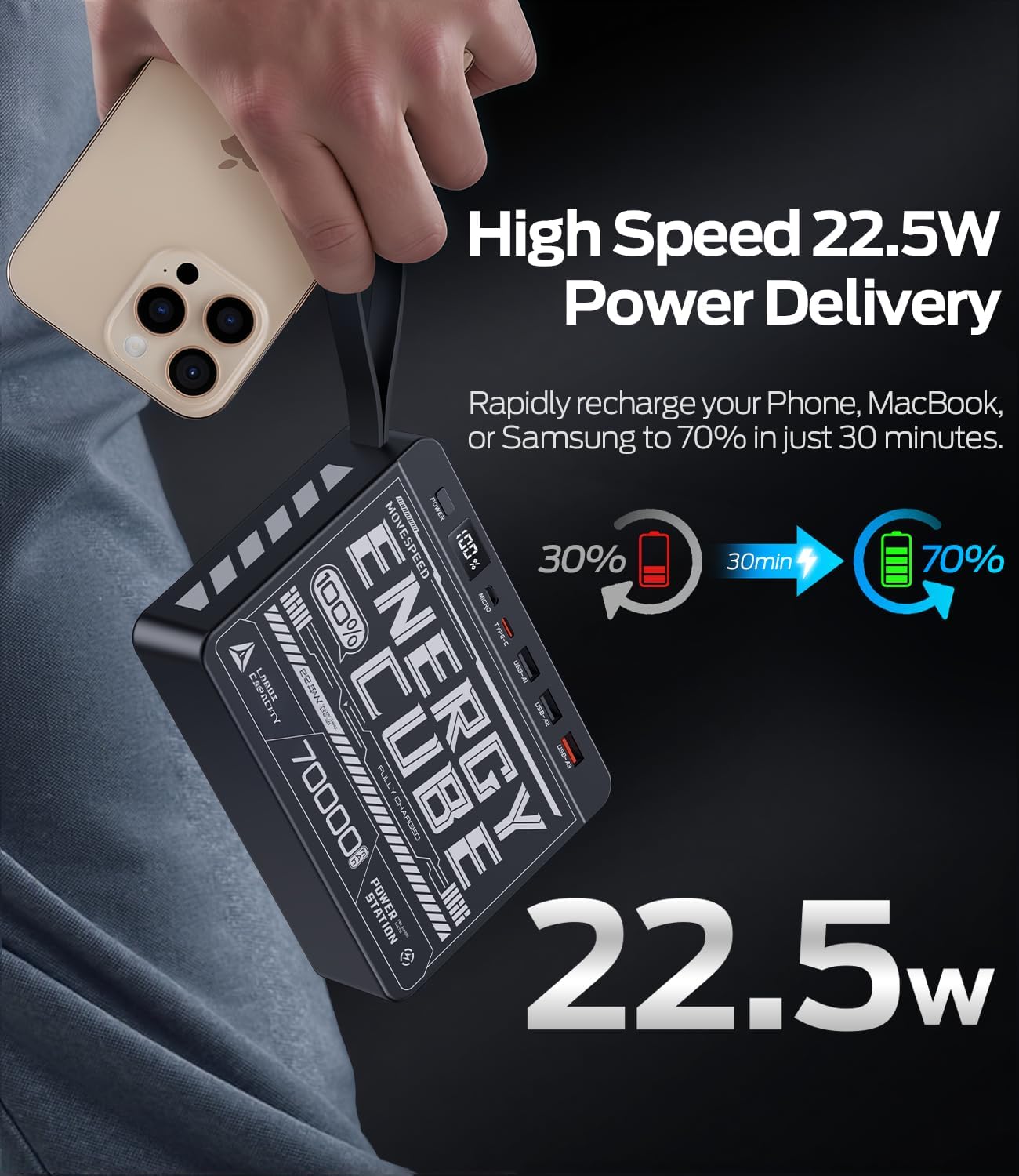
Image: The power bank's LED display clearly showing "100%", indicating a full charge.
4. საოპერაციო ინსტრუქციები
გარე მოწყობილობების დამუხტვა:
The power bank can charge up to four devices simultaneously.
- Identify the correct charging cable for your device (e.g., USB-A to Lightning, USB-C to USB-C).
- დამტენი კაბელის ერთი ბოლო შეაერთეთ თქვენს მოწყობილობასთან.
- Connect the other end of the cable to an available output port on the power bank (USB-A1, USB-A2, USB-A3, or Type-C).
- Press the power button on the power bank to initiate charging. The LED display will illuminate, showing the remaining battery percentage.
- თქვენი მოწყობილობის დატენვა უნდა დაიწყოს.
For fast charging compatible devices, use the USB-A3 (22.5W) or Type-C (PD 20W) output ports with a compatible cable.
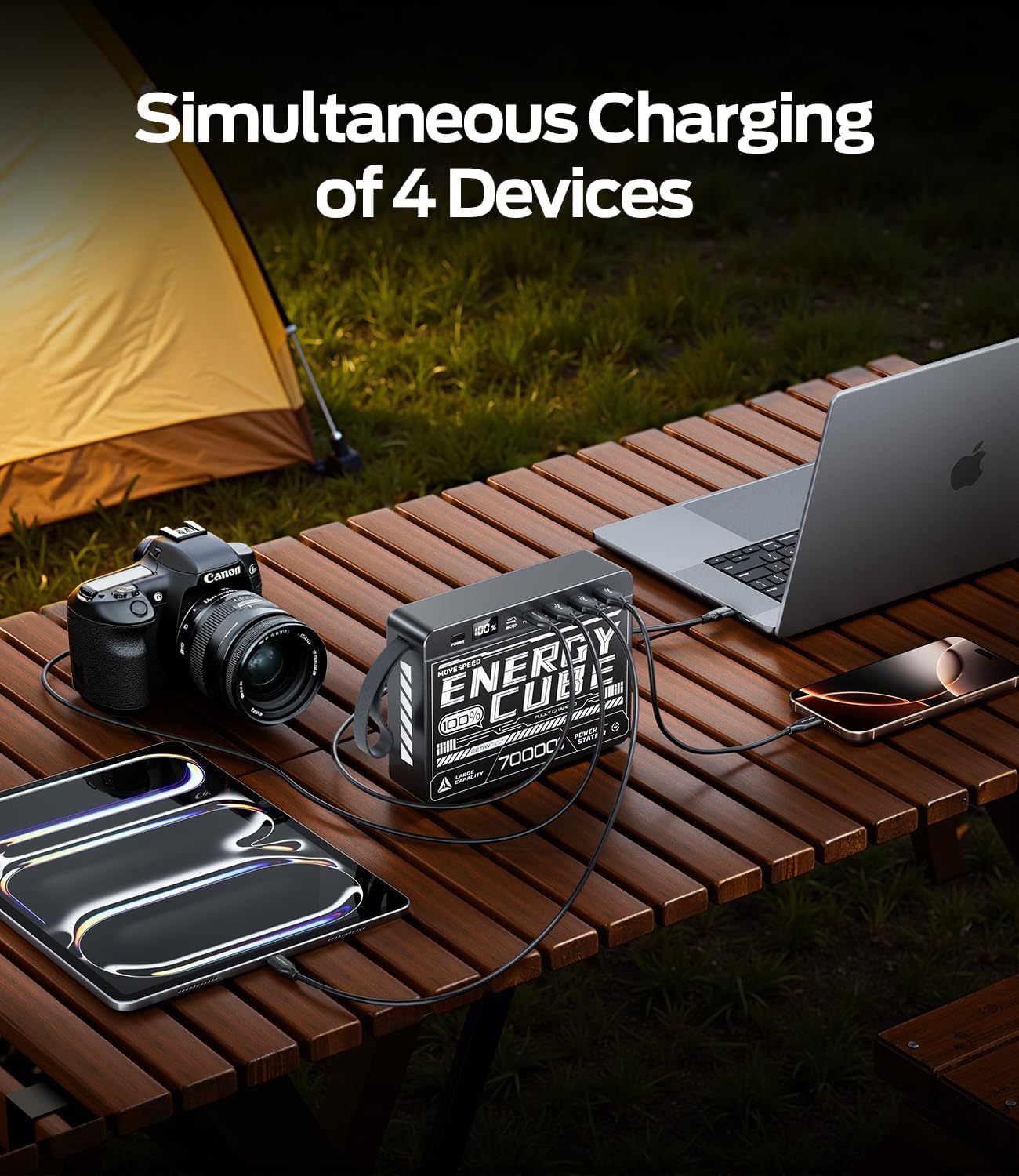
Image: The power bank connected to and charging multiple devices, including a laptop, smartphone, and tablet, demonstrating its simultaneous charging capability.
ბატარეის დონის შემოწმება:
Briefly press the power button to activate the LED display. The screen will show the current battery percentagპაუერ ბანკის ე.
5. უსაფრთხოების ინფორმაცია
თქვენი პაუერბანკის უსაფრთხო მუშაობისა და მისი სიცოცხლის ხანგრძლივობის გაზრდის მიზნით, გთხოვთ, დაიცვათ შემდეგი უსაფრთხოების ზომები:
- არ დაუშვათ პაუერბანკის ექსტრემალურ ტემპერატურაზე (60°C/140°F-ზე მეტი ან 0°C/32°F-ზე ნაკლები), მზის პირდაპირ სხივებზე ან მაღალ ტენიანობაზე.
- მოერიდეთ მოწყობილობის დავარდნას, დარტყმას ან დაშლას.
- Keep away from water, fire, and corrosive materials.
- არ გამოიყენოთ, თუ პაუერბანკი დაზიანებულია, შეშუპებულია ან გაჟონავს.
- გამოიყენეთ მხოლოდ სერტიფიცირებული დამტენი კაბელები და ადაპტერები.
- შეინახეთ ბავშვებისთვის მიუწვდომელ ადგილას.
- გადააგდეთ დამტენი ადგილობრივი რეგულაციების შესაბამისად პასუხისმგებლობით. არ გადააგდოთ საყოფაცხოვრებო ნარჩენებთან ერთად.
6. მოვლა და მოვლა
Proper care will help maintain the performance and longevity of your power bank:
- დასუფთავება: Wipe the surface with a soft, dry cloth. Do not use harsh chemicals or abrasive cleaners.
- შენახვა: როდესაც არ იყენებთ, შეინახეთ პაუერბანკი გრილ, მშრალ ადგილას. ხანგრძლივი შენახვისთვის რეკომენდებულია ბატარეის დაახლოებით 50-70%-იანი დამუხტვის პირობებში შენახვა.
- ბატარეის ჯანმრთელობა: To maximize battery lifespan, avoid fully discharging the power bank frequently. Recharge it before it completely runs out of power.
7. Დიაგნოსტიკა
| პრობლემა | შესაძლო მიზეზი | გამოსავალი |
|---|---|---|
| Power Bank არ იტენება | კაბელის ან ადაპტერის პრობლემა; სრულად დატენილი დამტენი; გაუმართავი პორტი. | Try a different charging cable and wall adapter. Ensure the power bank is not already at 100%. Try a different input port (Micro USB or Type-C). |
| მოწყობილობა არ იტენება Power Bank-იდან | Power bank low on charge; cable issue; device not compatible; power button not pressed. | Recharge the power bank. Try a different charging cable. Ensure your device is compatible. Press the power button to activate output. |
| ნელი დატენვა | Using a standard port instead of fast charge; cable not supporting fast charge; device not supporting fast charge. | Ensure you are using the USB-A3 (22.5W) or Type-C (PD 20W) output. Use a cable rated for fast charging. Verify your device supports fast charging protocols (PD/QC). |
| LED დისპლეი არ მუშაობს | პაუერბანკი მთლიანად დაცლილია; შიდა გაუმართაობა. | Try charging the power bank for a few hours. If the issue persists, contact customer support. |
8. სპეციფიკაციები
| ფუნქცია | დეტალი |
|---|---|
| მოდელის ნომერი | 70000mah-us |
| ბატარეის ტევადობა | 70000 mAh / 259 Wh |
| მიკრო USB შეყვანა | მაქსიმუმი |
| Type-C შეყვანა | მაქსიმუმი |
| Type-C გამომავალი | PD 20W მაქს |
| USB-A1 / USB-A2 Output | 5V/2.1A |
| USB-A3 გამომავალი | მაქსიმუმი |
| პროდუქტის ზომები | 15.37 x 11.4 x 3.96 სმ |
| ნივთის წონა | 1.4 კგ |
| განსაკუთრებული თვისებები | Fast Charging, LED Display |
9. გარანტია და მხარდაჭერა
MOVE SPEED products are manufactured to high quality standards. For information regarding warranty coverage, please refer to the terms and conditions provided at the time of purchase or contact your retailer.
If you encounter any issues or have questions about your MOVESPEED 70000mAh Power Bank that are not addressed in this manual, please contact MOVE SPEED customer support through the retailer's platform or the official brand webსაიტი დახმარებისთვის.

Image: The product packaging and included items, typically the power bank and a charging cable.