
1. შესავალი
The JZAQ A13 Bluetooth Helmet Speakers and Intercom System provides wireless communication and audio playback for motorcycle riders, skiers, cyclists, and other sports enthusiasts. This system features Bluetooth 5.3 connectivity, two-way intercom functionality, noise cancellation, and a waterproof design for reliable performance in various conditions.

Image 1.1: JZAQ A13 Bluetooth Helmet Headset overview.
2. პაკეტის შიგთავსი
ინსტალაციამდე, გთხოვთ, დარწმუნდეთ, რომ თქვენს პაკეტში ქვემოთ ჩამოთვლილი ყველა ნივთია:
- JZAQ A13 Headphone Host
- Hard Earbuds
- Soft Earbuds
- კლიპის ბაზა
- Paste Base
- Horn Velcro
- TYPE-C დამტენი კაბელი
- Hard and Soft Velcro Pads
- მომხმარებლის სახელმძღვანელო

Image 2.1: All components included in the JZAQ A13 package.
3. პროდუქტი დასრულდაview
Familiarize yourself with the main unit and its controls:
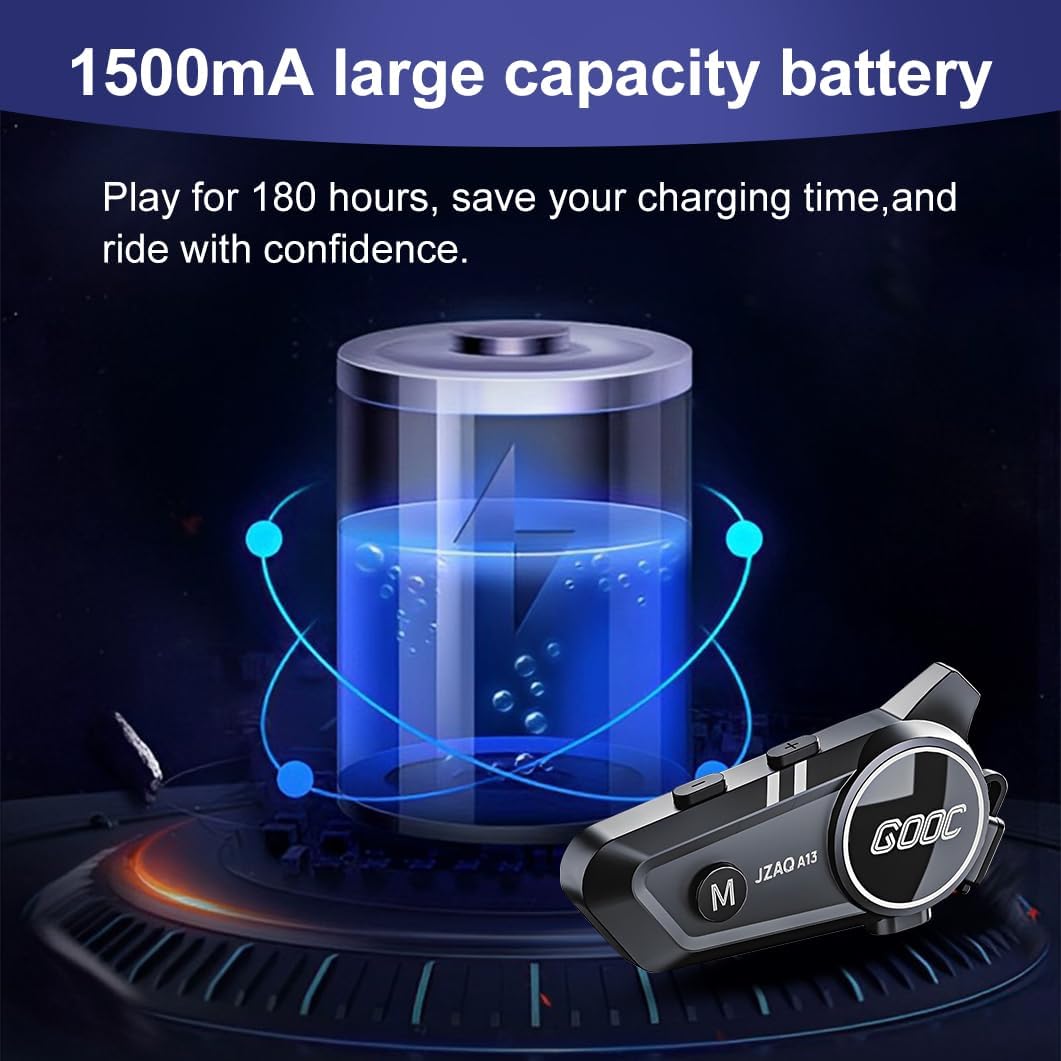
Image 3.1: Diagram illustrating the button functions and ports on the JZAQ A13 unit.
- Power On/Off/Pause/Play/Connect Button: Controls power, music playback, and Bluetooth connection.
- Volume Up/Next Song Button: ზრდის ხმას და გადადის შემდეგ ტრეკზე.
- Volume Down/Previous Song/Voice Assistant Button: Decreases volume, goes to the previous track, and activates the voice assistant.
- დატენვის პორტი: USB Type-C პორტი მოწყობილობის დასატენად.
- ყურსასმენი ჯეკი: Connects the speakers and microphone.
4. დაყენება და ინსტალაცია
4.1 მოწყობილობის დატენვა
Before first use, fully charge the JZAQ A13 unit. Connect the provided TYPE-C charging cable to the charging port on the unit and a USB power source. A full charge typically takes approximately 2 hours. The device features a 1500mAh battery, providing up to 180 hours of continuous play time.

Image 4.1: Illustration of the 1500mAh large capacity battery.
4.2 ჩაფხუტის დაყენება
The JZAQ A13 is designed to be compatible with various helmet types. The speakers are ultra-thin (10mm) to ensure comfort and avoid ear pressure.

სურათი 4.2: ყოფილიamples of various helmet types compatible with the JZAQ A13.
Follow these steps to install the system in your helmet:
- სპიკერის განთავსება: Identify suitable locations within your helmet for the speakers, typically in the ear recesses. Use the provided Velcro pads to secure the speakers.
- მიკროფონის შესაერთებელი: Choose between the hard or soft earbuds (microphones) based on your helmet type and preference. Attach the microphone using Velcro in a position that allows clear voice pickup without obstructing your vision or comfort.
- Main Unit Mounting: Use either the clip base or the paste base to attach the main JZAQ A13 unit to the side of your helmet. Ensure it is securely fastened and easily accessible for operation.
- საკაბელო მენეჯმენტი: Route all cables neatly within the helmet padding to prevent discomfort or interference.

Image 4.3: Step-by-step visual guide for installing the JZAQ A13 system into a helmet.
5. საოპერაციო ინსტრუქციები
5.1 ჩართვა/გამორთვა
- ჩართვა: დააჭირეთ და გააჩერეთ ჩართვის ღილაკი დაახლოებით 3 წამის განმავლობაში, სანამ ინდიკატორის შუქი არ აინთება.
- Გამორთვა: დააჭირეთ და გააჩერეთ ჩართვის ღილაკი დაახლოებით 3 წამის განმავლობაში, სანამ ინდიკატორის შუქი არ გაქრება.
5.2 Bluetooth დაწყვილება
The JZAQ A13 uses Bluetooth 5.3 for stable wireless connectivity.
- დარწმუნდით, რომ მოწყობილობა გამორთულია.
- დააჭირეთ და გააჩერეთ ჩართვის ღილაკი დაახლოებით 5-7 წამის განმავლობაში, სანამ ინდიკატორის შუქი მონაცვლეობით არ აციმციმდება წითლად და ლურჯად, რაც მიუთითებს დაწყვილების რეჟიმზე.
- On your mobile phone or Bluetooth-enabled device, search for "JZAQ A13" in the Bluetooth settings.
- Select "JZAQ A13" to connect. Once paired, the indicator light will flash blue slowly.
5.3 მუსიკის დაკვრა
After successful Bluetooth pairing, you can play music from your connected device. The system features Hi-Fi stereo sound and DSP noise reduction technology for clear audio.

Image 5.1: The JZAQ A13 provides clear music playback with noise reduction.
- დაკვრა/პაუზა: დააჭირეთ დენის ღილაკს ერთხელ.
- მოცულობა: დააჭირეთ ხმის გაზრდის (+) ღილაკს.
- Ხმის დაწევა: დააჭირეთ ხმის დაწევის ღილაკს (-).
- შემდეგი სიმღერა: დააჭირეთ და გეჭიროთ ხმის აწევის (+) ღილაკი.
- წინა სიმღერა: დააჭირეთ და გეჭიროთ ხმის დაწევის (-) ღილაკი.
5.4 ორმხრივი ინტერკომი
The JZAQ A13 supports two-way intercom communication between two riders within a range of up to 200 meters. The universal pairing function allows connection with other compatible intercom systems.

Image 5.2: Illustration of two-way intercom communication between riders.
- ინტერკომის ჩართვა: Consult the specific instructions for initiating intercom with another JZAQ A13 unit or a universally paired device.
- ბოლო ინტერკომი: Press the Power button once during an active intercom call.
5.5 სატელეფონო ზარები
The system supports hands-free calling with automatic answering and DSP noise reduction for clear voice communication.
- უპასუხე ზარს: The system will automatically answer incoming calls after a few rings.
- ზარის დასრულება: დააჭირეთ დენის ღილაკს ერთხელ.
- ზარის უარყოფა: ხანგრძლივად დააჭირეთ ჩართვის ღილაკს 2 წამის განმავლობაში.
5.6 ხმის ასისტენტი
Activate your smartphone's voice assistant (e.g., Siri) directly from the JZAQ A13.
- ხმოვანი ასისტენტის გააქტიურება: Press the Volume Down (-) button twice quickly.
6. მოვლა
6.1 ჰიდროიზოლაცია
The JZAQ A13 features IPX67 deep waterproof technology with Nano coating, making it suitable for use in rainy or snowy conditions and capable of operating in temperatures as low as -20°F.
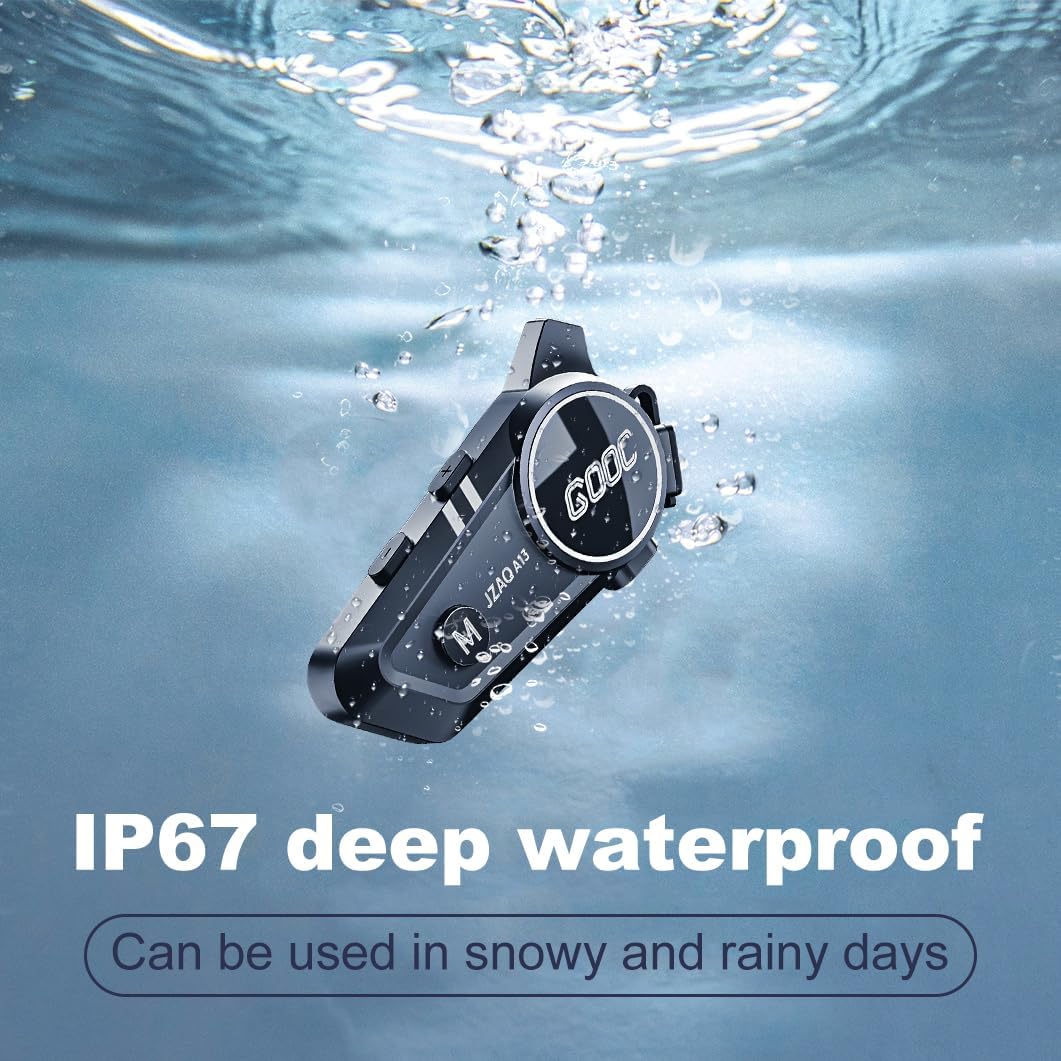
Image 6.1: The JZAQ A13 demonstrating its IP67 deep waterproof capability.
6.2 დასუფთავება და შენახვა
- გაწმინდეთ ერთეული რბილით, დamp ქსოვილი. მოერიდეთ უხეში ქიმიკატების ან აბრაზიული საწმენდების გამოყენებას.
- წყლისგან დაცვის შესანარჩუნებლად დარწმუნდით, რომ დამტენის პორტის საფარი საიმედოდ არის დახურული.
- შეინახეთ მოწყობილობა გრილ, მშრალ ადგილას, როდესაც არ იყენებთ.
7. Დიაგნოსტიკა
If you encounter issues with your JZAQ A13, refer to the following common problems and solutions:
| პრობლემა | შესაძლო მიზეზი | გამოსავალი |
|---|---|---|
| მოწყობილობა არ ჩაირთვება | დაბალი ბატარეა; მოწყობილობა გაყინულია; | Charge the device fully; Perform a hard reset (if applicable, refer to manufacturer for specific steps). |
| ტელეფონთან დაწყვილება შეუძლებელია | Not in pairing mode; Bluetooth off on phone; Device already paired | Ensure device is in pairing mode (flashing red/blue); Turn on phone's Bluetooth; Forget previous connections on phone and re-pair. |
| დინამიკებიდან ხმა არ ისმის | Volume too low; Speakers disconnected; Faulty connection | Increase volume on device and phone; Check speaker connections; Try re-plugging speakers into the main unit. |
| ინტერკომი არ უკავშირდება | Out of range; Incorrect pairing procedure | Ensure riders are within 200m range; Repeat intercom pairing steps for both units. |
| Poor voice quality during calls/intercom | Microphone position; Excessive wind noise | Adjust microphone closer to mouth; Ensure microphone is shielded from direct wind. |
8. სპეციფიკაციები
Key technical specifications for the JZAQ A13 Bluetooth Helmet Speakers & Intercom System:
| ფუნქცია | სპეციფიკაცია |
|---|---|
| მოდელის სახელი | A13 |
| ბრენდი | JZAQ |
| დაკავშირების ტექნოლოგია | უსადენო (Bluetooth) |
| Bluetooth ვერსია | 5.3 |
| ბატარეის ტევადობა | 1500 mAh |
| Battery Life (Play Time) | 180 საათამდე |
| დატენვის დრო | 2 საათი |
| ინტერკომის დიაპაზონი | Up to 200 meters (two-way) |
| წყლის წინააღმდეგობის დონე | IPX67 (წყალგამძლე) |
| ხმაურის კონტროლი | Sound Isolation, DSP Noise Reduction |
| განსაკუთრებული თვისებები | Built-In Voice Assistant, Fast Charging, Includes microphone, Lightweight |
| ნივთის წონა | 7.4 უნცია (0.21 კილოგრამი) |
| ოპერაციული ტემპერატურა | -20°F to (unspecified upper limit) |
9. გარანტია და მხარდაჭერა
The JZAQ A13 Bluetooth Helmet Speakers & Intercom System comes with a 2 წლიანი გარანტია. For any product-related inquiries, technical assistance, or warranty claims, please contact JZAQ customer service through the Amazon Buyer Center. Our customer service team is available to assist you.