
1. შესავალი და მეტიview
The Sofirn SC13 is a powerful and compact mini flashlight designed for versatile use in various environments. It features a high Color Rendering Index (CRI) LED, providing natural and comfortable light, making it ideal for detailed observation. Its robust construction and convenient recharging make it a reliable tool for everyday carry, outdoor activities, and emergency situations.
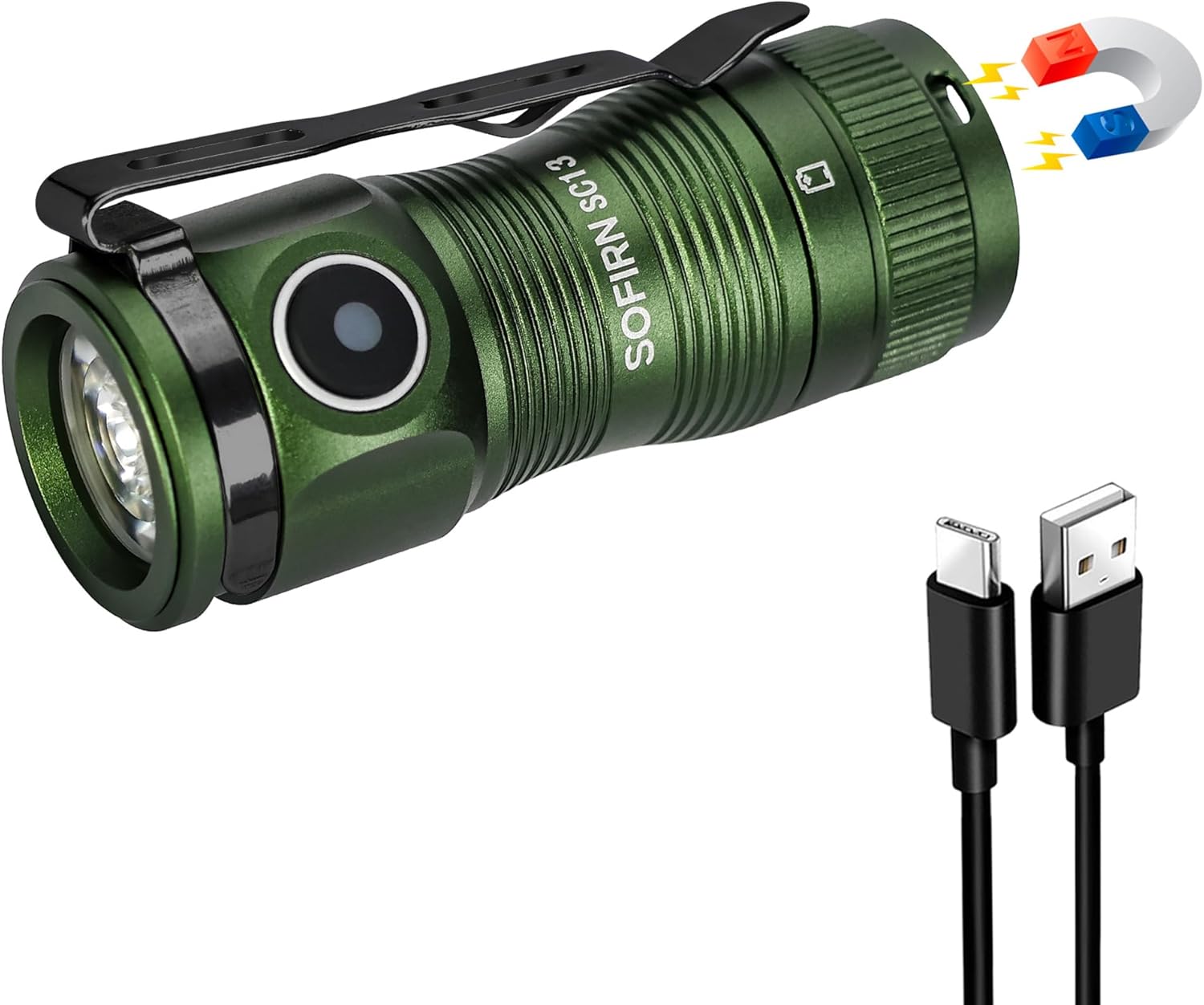
Figure 1: Sofirn SC13 HCRI LED Flashlight with included accessories.
2. პროდუქტის მახასიათებლები
- High CRI Mini Flashlight: Features a LED with a high CRI of 90 (Neutral White 5000K), delivering soft, comfortable light that reveals true colors, making object observation easier and clearer.
- Ultra-Bright and Compact: Packs 1100 lumens and a 150-meter beam into a 2.54-inch, 1.41-ounce design. Its lightweight build makes it perfect for pocket carry.
- USB Type-C დატენვადი: Keeps you powered up anywhere with easy USB Type-C recharging.
- დაბლოკვის ფუნქცია: Prevents accidental activation, saving power during transport or storage.
- გამძლე გამძლეობა: Made from AL6061-T6 aluminum alloy, it withstands 1-meter impacts and is IPX8 water-resistant.

Figure 2: High CRI (Color Rendering Index) provides more accurate and vibrant color representation compared to lower CRI lights.

Figure 3: The compact dimensions and versatile clip allow for easy everyday carry.

Figure 4: The magnetic tail cap allows for convenient hands-free use by attaching to metal surfaces.
3. დაყენება
Before first use, it is essential to remove the battery isolator tab. Unscrew the tail cap, remove the orange tab located between the battery and the spring, and then reassemble the flashlight. This ensures proper electrical contact and allows the flashlight to function.

Video 1: Unboxing and initial setup of the Sofirn SC13 flashlight. This video demonstrates how to open the flashlight, remove the battery isolator tab, and reassemble it for first use.
The package includes the flashlight, a USB-C charging cable, a lanyard, and spare O-rings for maintenance.
4. საოპერაციო ინსტრუქციები
The Sofirn SC13 features a side e-switch for all operations. The indicator light on the switch displays the power status for 5 seconds after turning on:
- მწვანე მუდმივი ჩართულია: ბატარეა 70% -100%
- Red Constant On: ბატარეა 30% -70%
- წითელი ციმციმები: 0-30% ბატარეა
ზოგადი ოპერაცია:
- ჩართვა/გამორთვა: Single click the switch.
- Mode Cycling (Low, Medium, High): When the flashlight is ON, long press the switch to cycle through Low, Medium, and High modes. Release the switch to select the desired mode.
- მთვარის რეჟიმი: When the flashlight is OFF, long press the switch to directly activate Moonlight mode.
- ტურბო რეჟიმი: Double click the switch from any state (ON or OFF) to activate Turbo mode.
- Strobe რეჟიმი: From Turbo mode, double click the switch again to activate Strobe mode. Single click to exit Strobe.
- ჩაკეტვა/განბლოკვა: From OFF, triple click the switch to lock or unlock the flashlight. The flashlight will flash twice to confirm it is locked. In lockout mode, any operations will cause nothing to happen but the light flashes twice to remind you. If you long press in lockout mode, it will activate momentary moonlight.
5. Lighting Modes and Performance (ANSI/NEMA FL1 Chart)
The following table details the output, beam distance, runtime, and peak intensity for each lighting mode. Performance parameters are based on tests using one 1100mAh 18350 battery. Results may vary with different batteries or under different environmental conditions.
| რეჟიმები | მთვარის შუქი | დაბალი | საშუალო | მაღალი | ტურბო | სტრობი |
|---|---|---|---|---|---|---|
| გამომავალი | 1 ლმ | 10 ლმ | 140 ლმ | 420 ლმ | 1100-420ლმ | 1100 ლმ |
| სხივის მანძილი | 4M | 14 მ | 55 მ | 95 მ | 150 მ | - |
| გაშვების დრო | 90 სთ | 18 სთ | 3H 40MIN | 1H 30MIN | 1H 5MIN | - |
| პიკი ინტენსივობა | 5 CD | 47 CD | 760 CD | 2275 CD | 5675 CD | - |
Note: Turbo mode output steps down from 1100lm to 420lm after approximately 2 minutes to prevent overheating and maintain battery life.

Figure 5: The flashlight provides a powerful beam suitable for illuminating distant objects.
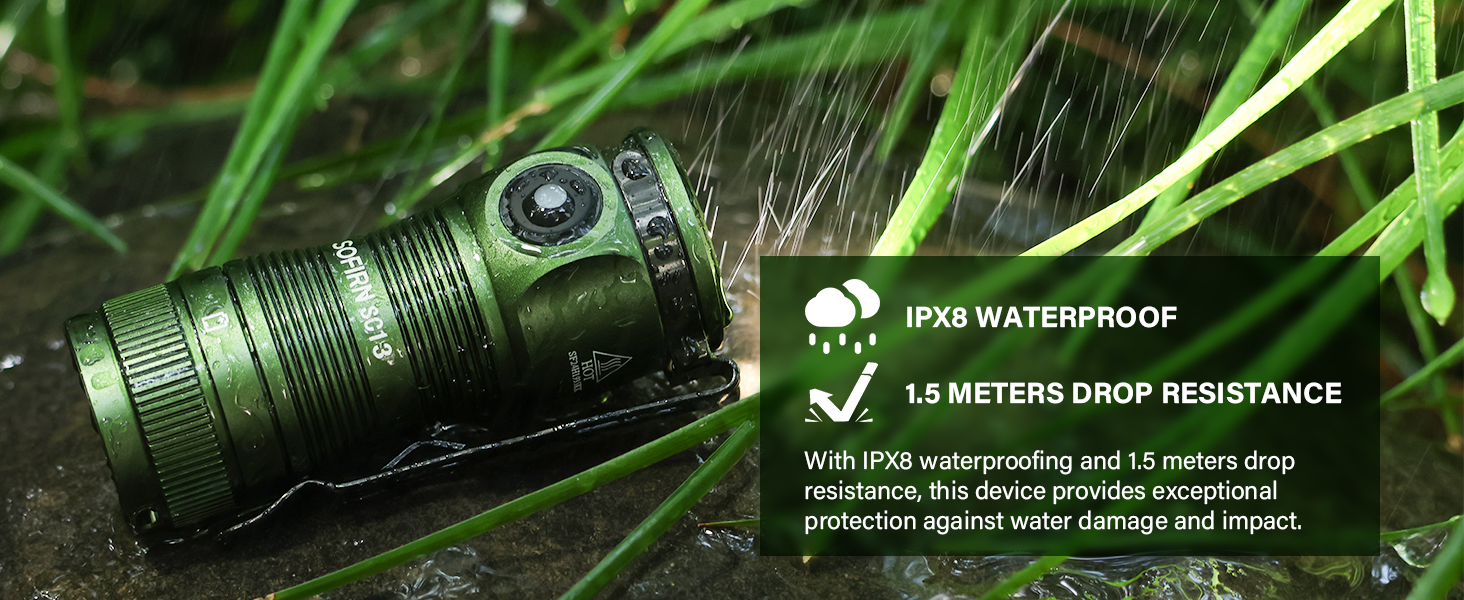
Figure 6: Various lighting modes offer flexibility for different illumination needs, from subtle moonlight to intense turbo and strobe.
6. დამუხტვა
The Sofirn SC13 is equipped with a USB Type-C charging port for convenient recharging. To charge the flashlight, open the rubber cover on the side to reveal the USB-C port. Connect the included USB-C cable to the flashlight and a compatible USB power source.
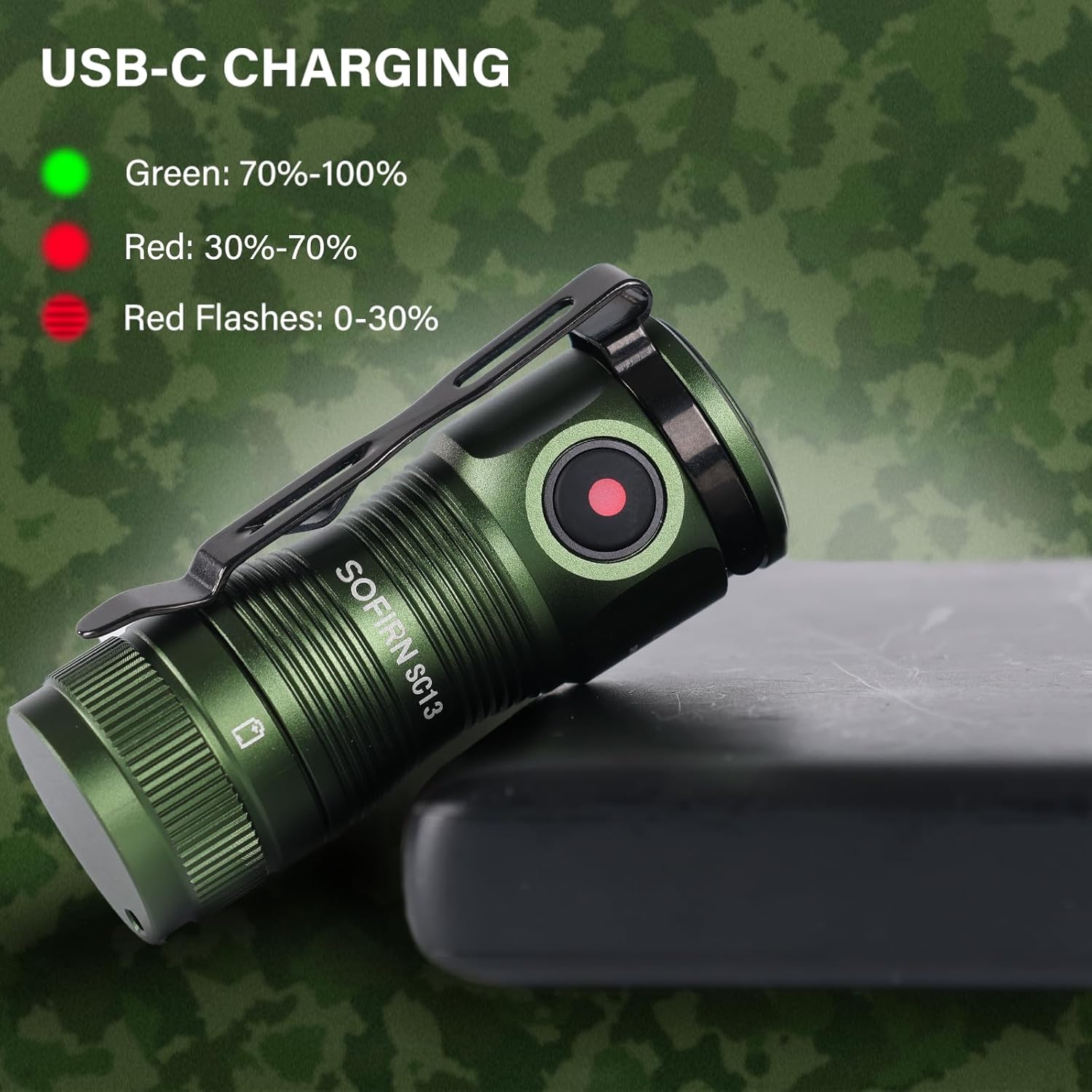
Figure 7: The charging indicator light provides clear feedback on the battery status during charging.
The indicator light on the switch will glow red while charging and turn green when fully charged.
7. მოვლა
To ensure optimal performance and longevity of your Sofirn SC13 flashlight, follow these maintenance guidelines:
- დასუფთავება: გაწმინდეთ ფანარი სუფთა, რბილი ქსოვილით. მოერიდეთ უხეში ქიმიკატების ან აბრაზიული მასალების გამოყენებას.
- შეზეთვა: Periodically lubricate the O-rings and threads with silicone grease to maintain water resistance and smooth operation. Spare O-rings are included in the package.
- ბატარეის მოვლა: Store the flashlight with a partially charged battery if not in use for extended periods. Avoid fully discharging the battery frequently.
- წყლის წინააღმდეგობა: Ensure the USB-C port cover is securely closed to maintain IPX8 water resistance.
8. Დიაგნოსტიკა
If you encounter issues with your Sofirn SC13 flashlight, consider the following common troubleshooting steps:
- ფანარი არ ირთვება:
- Check if the battery isolator tab has been removed.
- Ensure the battery is properly inserted with correct polarity.
- შეამოწმეთ, რომ ბატარეა დამუხტულია.
- Check if the flashlight is in lockout mode (triple click to unlock).
- წყვეტილი ოპერაცია:
- Clean the battery contacts and threads.
- დარწმუნდით, რომ კუდის თავსახური მჭიდროდ არის დამაგრებული.
- Overheating in Turbo Mode: This is normal behavior. The flashlight is designed to step down output to prevent damage from excessive heat. Allow it to cool down before re-activating Turbo mode.
9. სპეციფიკაციები
- Emitter: High-powered LED (519A)
- ბატარეის ვარიანტი: 1 x 18350 battery (included)
- სამუშაო ტომიtage: 2.7V-4.2V
- მუშაობის რეჟიმი: გვერდითი ელექტრონული გადამრთველი
- დამუხტვა: USB Type-C
- მასალა: AL6061-T6 ალუმინის შენადნობი
- წყლის წინააღმდეგობა: IPX8 waterproof (not for diving)
- ზომა: 28.5mm (head diameter) x 64.6mm (length)
- წონა: 40 გ (ბატარეის გარეშე)
- განსაკუთრებული მახასიათებლები: Magnetic tail cap, Reverse polarity protection
10. გარანტია და მხარდაჭერა
For any product inquiries, warranty claims, or support needs, please contact Sofirn customer service directly. Ensure you have your purchase details readily available.
- Sofirn Limited:
- ტელ: +86-755-23440047
- ელფოსტა: us@sofirnlight.com
- Web: www.sofirn.cn