
შესავალი
Welcome to the user manual for your new DIALN X65 Unlocked Smartphone. This guide provides essential information to help you set up, operate, maintain, and troubleshoot your device. Please read this manual carefully to ensure optimal performance and longevity of your smartphone.
The DIALN X65 features a 6.5-inch display, runs on Android 13, and offers 32GB of internal storage, expandable via microSD. It is equipped with a 13MP camera and a 4500mAh battery.
რა არის ყუთში
Upon unboxing your DIALN X65, verify that all items are present:
- სმარტფონი DIALN X65
- დამტენი კაბელი
- მომხმარებლის სახელმძღვანელო (ეს დოკუმენტი)
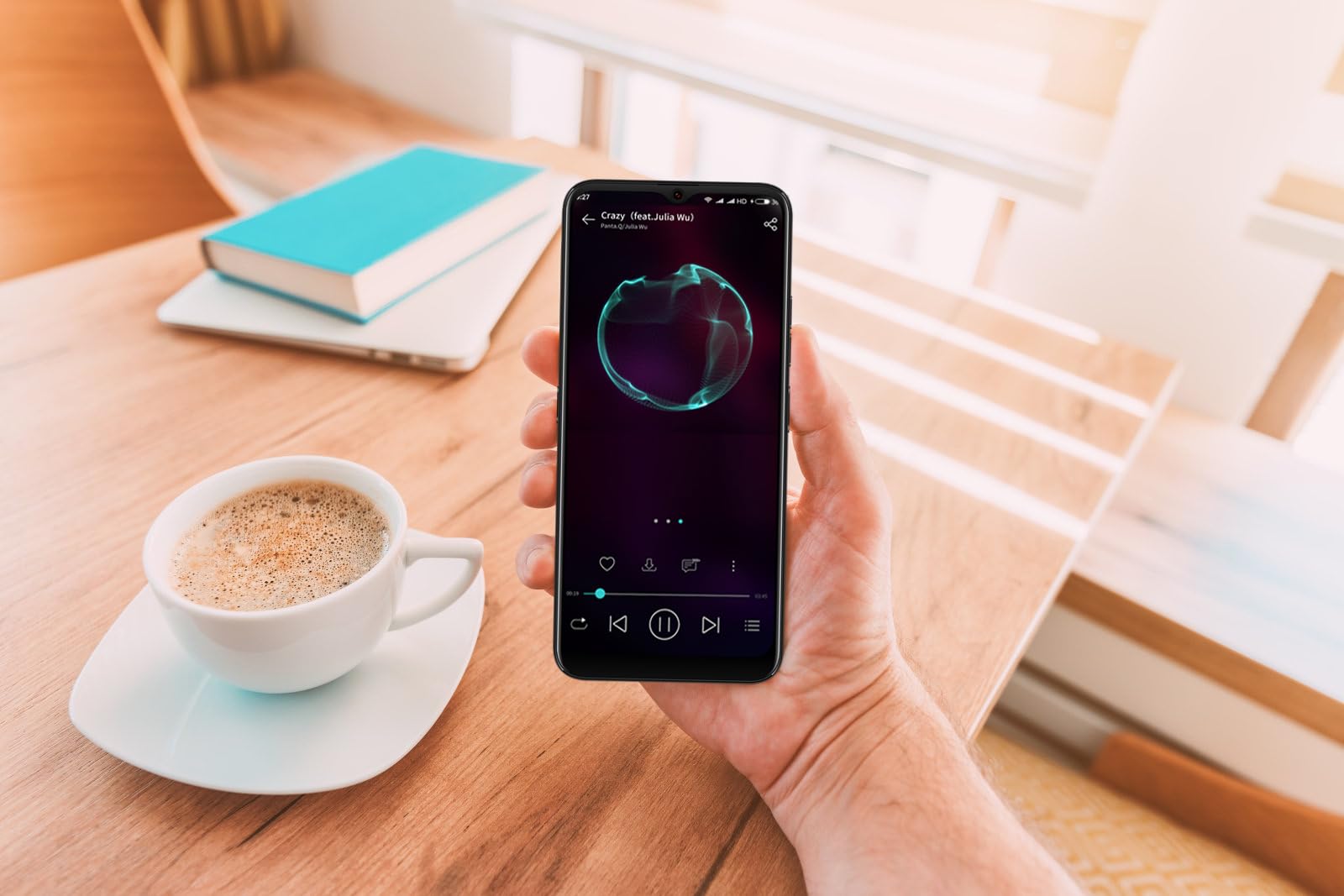
Image: The DIALN X65 smartphone displayed with its charging cable and user manual, as typically found in the product packaging.
დაყენება
1. Insert SIM Card and MicroSD Card (Optional)
- იპოვეთ SIM ბარათის უჯრა თქვენი ტელეფონის გვერდზე.
- Insert the SIM ejector tool (not included, a paperclip can be used) into the small hole on the tray to open it.
- მოათავსეთ თქვენი Nano-SIM ბარათი(ები) და/ან microSD ბარათი უჯრაში ოქროსფერი კონტაქტებით ქვემოთ, დარწმუნდით, რომ ისინი სწორად არის განლაგებული.
- ფრთხილად ჩასვით უჯრა ტელეფონში, სანამ არ დააწკაპუნებს.
2. საწყისი დატენვა
Before first use, it is recommended to fully charge your DIALN X65. Connect the charging cable to the phone's charging port and plug the other end into a power adapter (not included) or a USB port. The battery indicator on the screen will show charging progress. A full charge typically takes approximately 2 hours.
3. ჩართვა/გამორთვა
- ჩართვა: Press and hold the Power button (located on the right side) until the DIALN logo appears on the screen.
- გამორთვა: დააჭირეთ და გეჭიროთ ჩართვის ღილაკი, სანამ ჩართვის პარამეტრების მენიუ არ გამოჩნდება. შეეხეთ „გამორთვას“ და დაადასტურეთ.
- გადატვირთვა: Press and hold the Power button until the power options menu appears. Tap 'Restart' and confirm.
4. საწყისი დაყენების ოსტატი
The first time you power on your phone, you will be guided through an initial setup process. Follow the on-screen prompts to:
- აირჩიეთ თქვენი ენა.
- დაუკავშირდით Wi-Fi ქსელს.
- შედით თქვენი Google ანგარიშით ან შექმენით ახალი.
- დააყენეთ ეკრანის დაბლოკვა (PIN კოდი, ნიმუში, პაროლი ან სახით განბლოკვა).
- Review და დაეთანხმეთ წესებსა და პირობებს.
Operating Your DIALN X65
1. ძირითადი ნავიგაცია
- შეხება: აპლიკაციის გასახსნელად ან ელემენტის ასარჩევად შეეხეთ ხატულას.
- დარტყმა: ეკრანებს შორის გადასახვევად ან ნავიგაციისთვის გადაიტანეთ თითი ეკრანზე.
- Ჩქმეტა: ფოტოების გასადიდებლად ან დასაპატარავებლად გამოიყენეთ ორი თითი და web გვერდები.
- საწყისი ეკრანი: The central hub for your apps and widgets. Swipe left or right to access additional home screens.
- შეტყობინებების პანელი: შეტყობინებებსა და სწრაფ პარამეტრებზე წვდომისთვის გადაფურცლეთ ეკრანის ზედა ნაწილიდან ქვემოთ.
2. ზარები და კონტაქტები
- ზარის განხორციელება: გახსენით აპლიკაცია „ტელეფონი“, შეიყვანეთ ნომერი და შეეხეთ ზარის ხატულას.
- ზარის პასუხი: Swipe up on the green phone icon when a call comes in.
- კონტაქტების მართვა: Open the 'Contacts' app to add, edit, or delete contacts.
3. შეტყობინებები
Open the 'Messages' app to send and receive SMS/MMS messages. Tap the '+' icon to compose a new message, enter the recipient's number or select from contacts, and type your message.
4. ინტერნეტი და დაკავშირებადობა
- Wi-Fi: Go to Settings > Network & internet > Wi-Fi. Turn Wi-Fi on and select your desired network.
- Bluetooth: Go to Settings > Connected devices > Connection preferences > Bluetooth. Turn Bluetooth on to pair with other devices.
- მობილური მონაცემები: Go to Settings > Network & internet > Mobile network. Ensure mobile data is enabled for internet access via your SIM card.
5. კამერა
Open the 'Camera' app to capture photos and videos. Tap the shutter button to take a photo. Swipe left or right to switch between photo, video, and other modes. Use the front camera for selfies.
6. სახის განბლოკვა
To set up Face Unlock, go to Settings > Security & privacy > Device unlock > Face unlock. Follow the on-screen instructions to register your face. Once set up, you can unlock your phone by looking at the front camera.
7. შენახვის მენეჯმენტი
Your DIALN X65 comes with 32GB of internal storage. You can expand this up to 256GB using a microSD card. To check storage usage, go to Settings > Storage. Regularly clear unnecessary files და აპლიკაციები ოპტიმალური მუშაობის შესანარჩუნებლად.
მოვლა
1. თქვენი მოწყობილობის გაწმენდა
Use a soft, lint-free cloth to clean the screen and body of your phone. Avoid using harsh chemicals or abrasive materials, as these can damage the display and finish. Do not expose the phone to excessive moisture.
2. პროგრამული უზრუნველყოფის განახლებები
Regularly check for and install software updates to ensure your phone has the latest features, security patches, and performance improvements. Go to Settings > System > System update to check for available updates.
3. ბატარეის მოვლა
- მოერიდეთ ექსტრემალურ ტემპერატურას, რადგან მათ შეუძლიათ ბატარეის ხანგრძლივობა შეამცირონ.
- ხშირად ნუ დაუშვებთ ბატარეის სრულად დაცლას.
- Use the provided charging cable or a compatible, certified charger.
- გადატვირთვის თავიდან ასაცილებლად, აკუმულატორის სრულად დატენვის შემდეგ გამორთეთ დამტენი.
4. შენახვის ოპტიმიზაცია
To keep your phone running smoothly, regularly review and delete unused apps, old photos, videos, and downloaded files. Consider moving large media files microSD ბარათზე ან ღრუბლოვან საცავზე.
პრობლემების მოგვარება
საერთო პრობლემები და გადაწყვეტილებები:
- ტელეფონი არ ირთვება: დარწმუნდით, რომ აკუმულატორი დატენილია. შეაერთეთ დამტენთან მინიმუმ 15 წუთის განმავლობაში, შემდეგ სცადეთ ხელახლა ჩართვა.
- Poor Signal/No Network: Check if your SIM card is properly inserted. Ensure mobile data is enabled in settings. Try restarting the phone. If issues persist, contact your network provider.
- აპლიკაციების გათიშვა/გაყინვა: დახურეთ და ხელახლა გახსენით აპლიკაცია. გაასუფთავეთ აპლიკაციის ქეში (პარამეტრები > აპლიკაციები > [აპლიკაციის სახელი] > მეხსიერება და ქეში > ქეშის გასუფთავება). თუ პრობლემა გაგრძელდა, წაშალეთ და ხელახლა დააინსტალირეთ აპლიკაცია.
- ბატარეის სწრაფად დაცლა: Reduce screen brightness, disable unused features like Bluetooth or GPS, close background apps, and check for apps consuming excessive power in battery settings.
- სენსორული ეკრანი არ რეაგირებს: Restart the phone. If the issue persists, a factory reset might be necessary (see below).
Factory Reset (Data Erase)
ქარხნული პარამეტრების აღდგენა წაშლის ყველა მონაცემს თქვენი ტელეფონიდან და აღადგენს მას საწყის ქარხნულ პარამეტრებზე. გაგრძელებამდე შექმენით ყველა მნიშვნელოვანი მონაცემის სარეზერვო ასლი.
- გადადით პარამეტრებში > სისტემაში > პარამეტრების გადატვირთვაზე.
- შეეხეთ „ყველა მონაცემის წაშლა (ქარხნული პარამეტრების გადატვირთვა)“.
- დაადასტურეთ თქვენი გადაწყვეტილება და საჭიროების შემთხვევაში შეიყვანეთ თქვენი PIN კოდი/ნიმუში/პაროლი.
- ტელეფონი გადაიტვირთება და დაიწყება გადატვირთვის პროცესი.
სპეციფიკაციები
| ფუნქცია | სპეციფიკაცია |
|---|---|
| მოდელის სახელი | X65 |
| ოპერაციული სისტემა | Android 13.0 |
| ჩვენების ზომა | 6.5 ინჩი |
| რეზოლუცია | 1280 x 720 |
| პროცესორი | Quad Core 2.26GHz (MediaTek) |
| ოპერატიული მეხსიერება | 3 GB |
| შიდა საცავი | 32 GB (Expandable up to 256GB via microSD) |
| მთავარი კამერა | 13 დეპუტატი |
| ბატარეის ტევადობა | 4500 mAh |
| დაკავშირება | 4G LTE, Wi-Fi, Bluetooth |
| განსაკუთრებული თვისებები | Expandable Storage, Face Unlock, Built-in GPS |
| ზომები | 6.5 x 3 x 6.5 ინჩი |
| წონა | 6.5 უნცია |
გარანტია და მხარდაჭერა
Your DIALN X65 Smartphone is covered by a limited manufacturer's warranty. Please refer to the warranty card included with your product for specific terms and conditions, including warranty period and coverage details. For technical support, service, or further inquiries, please visit the official DIALN website or contact customer service through the contact information provided on the product packaging or official webსაიტი.