
შესავალი
This manual provides essential information for the safe and efficient use of your Samsung 32-inch 4K M8 Vision AI Smart Monitor (Model: LS32FM801UWXXL). Please read these instructions thoroughly before operating the device and retain them for future reference.
რა არის ყუთში
დარწმუნდით, რომ შეფუთვაში ყველა კომპონენტია:
- 1 Unit Monitor
- 1 Unit Power Cable
- 1 Unit HDMI Cable
- 1 Unit USB Type-C Cable
- 1 დისტანციური კონტროლერი
- 1 Unit Camera (SlimFit Camera)
- 1 Unit Pogo Gender
- მომხმარებლის სახელმძღვანელო (ეს დოკუმენტი)
დაყენება
1. Physical Assembly and Placement
Carefully unpack all components. Attach the stand to the monitor following the instructions provided in the quick setup guide. Place the monitor on a stable, flat surface or mount it using a compatible VESA mount (sold separately).
The monitor features an ergonomic stand allowing for pivot, tilt, and height adjustments (HAS) for optimal viewკომფორტი
2. დამაკავშირებელი კაბელები
Connect the power cable to the monitor and a power outlet. Use the provided HDMI or USB Type-C cable to connect your computer or other devices to the monitor. The monitor also features USB-A downstream ports for peripherals.
უკანა view of the monitor displaying available ports: USB Type-C Upstream, HDMI In, USB Type-A Downstream, and Power input.
3. SlimFit Camera Installation
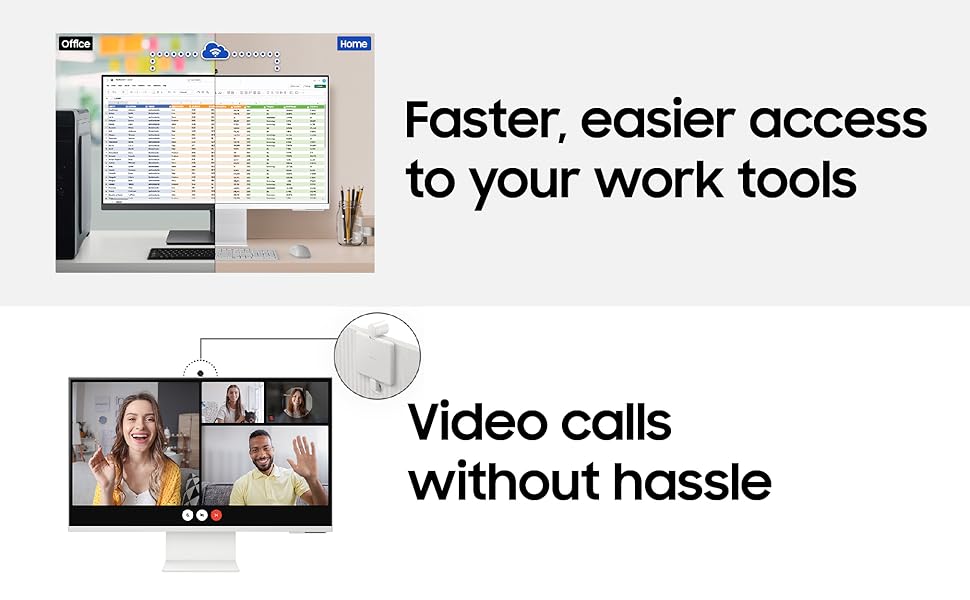
Attach the SlimFit Camera to the designated magnetic port at the top center of the monitor. Ensure it is securely connected.
The SlimFit Camera securely attaches to the top of the monitor for video calls.
4. პირველადი ჩართვა
Press the power button on the monitor or use the remote control to turn on the device. Follow the on-screen prompts for initial setup, including network connection and account login for Smart TV features.
ოპერაციული ინსტრუქციები
1. Smart TV Experience with AI
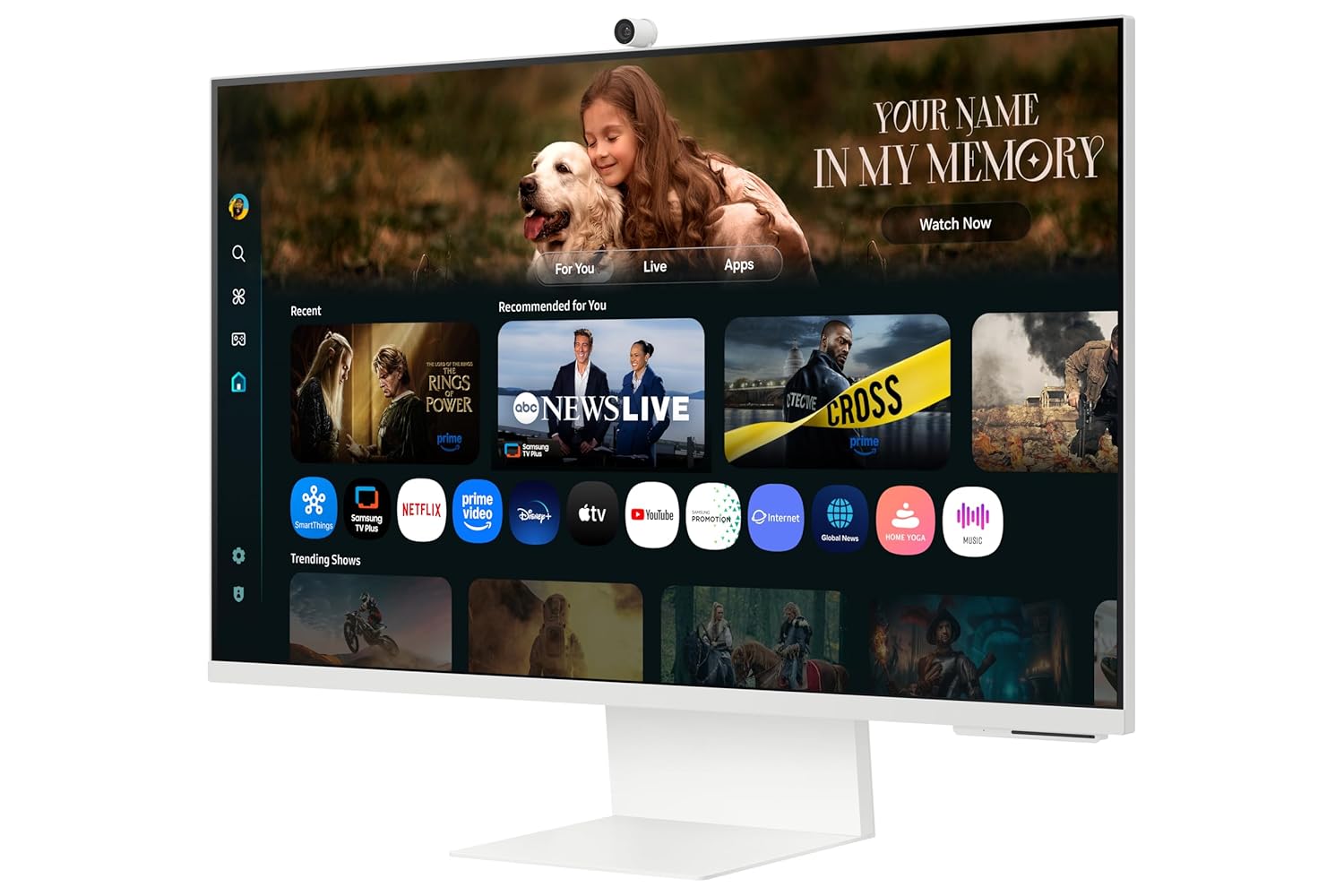
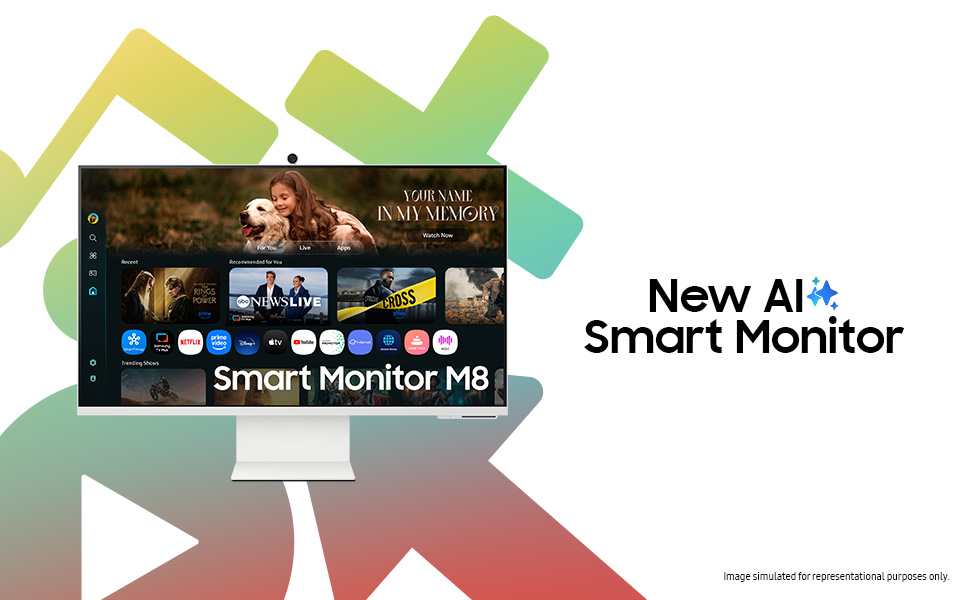
Your monitor integrates a full Smart TV experience, allowing direct access to streaming apps and services without needing a separate PC. The AI features enhance content viewინგ.
Access Smart TV apps directly and use AirPlay for seamless content sharing from Apple devices.
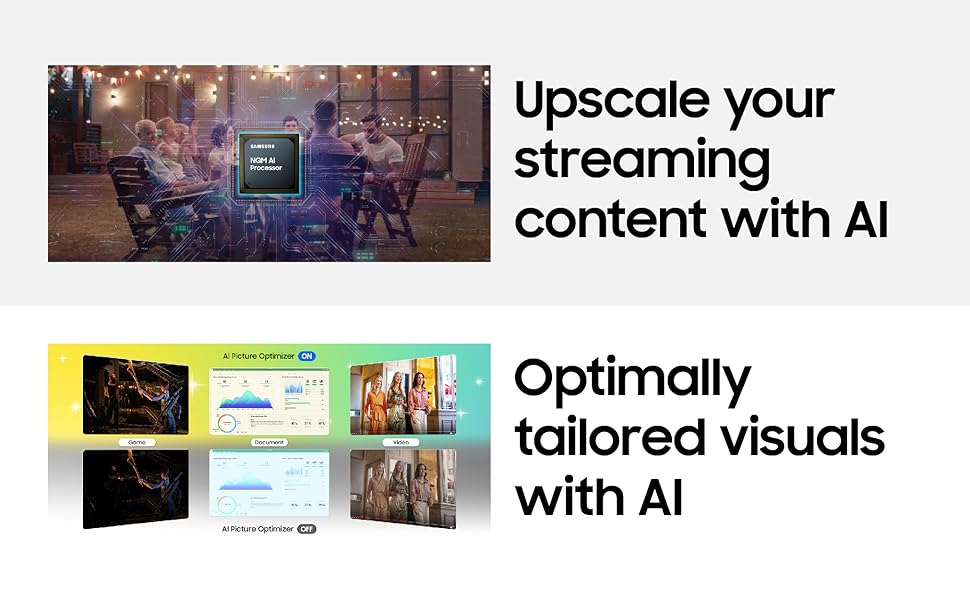
- 4K ხელოვნური ინტელექტის გაფართოება: Content is enhanced to near 4K resolution using the NQM AI Processor.
- ხელოვნური ინტელექტის სურათის ოპტიმიზატორი: Optimizes picture settings based on content type and ambient lighting.
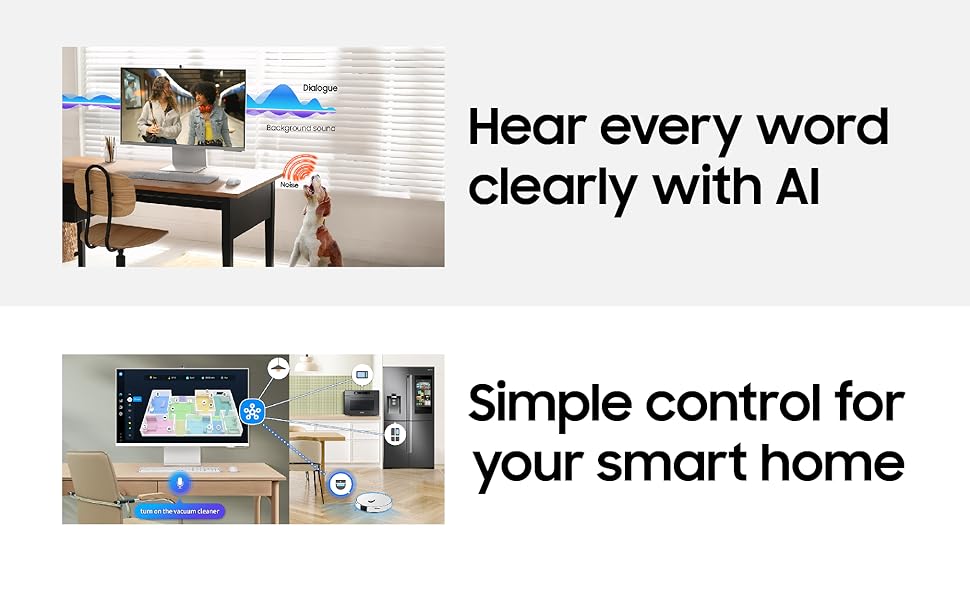
- აქტიური ხმა Ampლიფიერი პრო: Enhances dialogue clarity by analyzing ambient noise.
- SmartThings: Control compatible smart home devices directly from your monitor.
- AirPlay: Wirelessly stream content from Apple devices.
- ჩაშენებული Alexa: გამოიყენეთ ხმოვანი ბრძანებები სხვადასხვა ფუნქციებისთვის.
2. დაკავშირება
The monitor offers versatile connectivity options:
- უკაბელო ეკრანი: Connect wirelessly to compatible devices.
- Wi-Fi 5 & Bluetooth 5.2: For network access and connecting wireless peripherals.
- პორტები: 1 HDMI 2.1, 1 USB-C (90W charging), 2 USB-A 2.0.
3. SlimFit Camera Usage
The included 12MP SlimFit Camera with microphone is ideal for video conferencing. It can be easily attached or detached as needed.
4. Gaming Bar
Access the Gaming Bar for quick adjustments to game settings, aspect ratio, and other gaming-specific features.
5. Multi Control & Multi View
Utilize Multi Control to seamlessly switch between devices and Multi View to display content from multiple sources simultaneously on the screen.
მოვლა
1. მონიტორის გაწმენდა
ეკრანის გასაწმენდად, ფრთხილად გაწმინდეთ რბილი, უბუშტო ქსოვილით. ჯიუტი ლაქების შემთხვევაში, ოდნავ გაწმინდეთ.ampen the cloth with water or a screen-safe cleaning solution. Avoid harsh chemicals or abrasive materials. For the monitor body, use a dry, soft cloth.
2. პროგრამული უზრუნველყოფის განახლებები
Ensure your monitor's software is kept up-to-date to benefit from the latest features, performance improvements, and security enhancements. The monitor supports OS upgrades for an extended period.
The monitor is designed to receive OS upgrades for up to 7 years, ensuring long-term functionality and access to new features.
პრობლემების მოგვარება
თუ თქვენს მონიტორთან დაკავშირებით პრობლემები შეგექმნათ, იხილეთ შემდეგი გავრცელებული გადაწყვეტილებები:
- ძალა არ არის: შეამოწმეთ, რომ კვების კაბელი საიმედოდ არის შეერთებული როგორც მონიტორთან, ასევე დენის წყაროსთან. დარწმუნდით, რომ დენის წყარო ფუნქციონირებს.
- არანაირი სიგნალი: Verify that the HDMI or USB Type-C cable is correctly connected to both the monitor and the source device. Ensure the correct input source is selected on the monitor.
- Picture Issues (Flickering, Distorted): Check cable connections. Try a different cable or input port. Adjust display settings on your source device.
- ხმის პრობლემები: Ensure monitor volume is not muted or too low. Check audio output settings on your source device.
- Smart TV აპლიკაციები არ მუშაობს: Check your internet connection. Try restarting the monitor. Ensure apps are updated.
- კამერა არ არის აღმოჩენილი: Ensure the SlimFit Camera is properly attached. Restart the monitor.
For more complex issues, consult the online support resources or contact Samsung customer service.
სპეციფიკაციები
| ფუნქცია | დეტალი |
|---|---|
| ბრენდი | სამსუნგი |
| მოდელის ნომერი | LS32FM801UWXXL |
| ეკრანის ზომა | 32 ინჩი (80 სმ) |
| რეზოლუცია | 4K UHD (3840 x 2160) |
| ასპექტის თანაფარდობა | 16:9 |
| განახლების სიხშირე | 60 ჰც |
| რეაგირების დრო | 4 მილიწამი |
| კონტრასტის თანაფარდობა | 3000:1 |
| სიკაშკაშე | 400 Candela (Peak) |
| Viewing კუთხე | 178° (H)/178° (V) |
| დაკავშირება | 1 HDMI 2.1, 1 USB-C (90W PD), 2 USB-A 2.0, Wi-Fi 5, Bluetooth 5.2 |
| ჩამონტაჟებული კამერა | 12MP with Mic (SlimFit Camera) |
| სპიკერები | 10 W built-in speaker |
| ენერგიის მოხმარება | 140 ვატი |
| ზომები (D x W x H) | 20D x 71.3W x 61.6H სანტიმეტრი |
| წონა | 4 კგ |
| განსაკუთრებული თვისებები | Smart TV Experience with AI, 4K AI Upscaling, AI Picture Optimizer, Knox Security, SmartThings, AirPlay, Gaming Bar, Adaptive Picture, Eye Saver Mode, Flicker Free |
საგარანტიო ინფორმაცია
This Samsung Smart Monitor (Model: LS32FM801UWXXL) comes with a 3 წლიანი მწარმოებლის გარანტია from the date of purchase. This warranty covers manufacturing defects and ensures repair or replacement as per Samsung's warranty terms and conditions. Please retain your purchase receipt as proof of purchase.
For detailed warranty terms, please refer to the official Samsung webსაიტი ან დაუკავშირდით მომხმარებელთა მხარდაჭერას.
მხარდაჭერა
ტექნიკური დახმარების, მომსახურების მოთხოვნის ან პროდუქტის შესახებ შეკითხვებისთვის, გთხოვთ, დაუკავშირდეთ Samsung-ის მომხმარებელთა მხარდაჭერის სამსახურს:
- Samsung India Electronics Pvt. Ltd.
- რეგისტრირებული ოფისი: 6th Floor, DLF Centre, Sansad Marg, New Delhi-110001, India
- საკონტაქტო ნომრები: 180040 7267864, 1800 5 7267864
- ონლაინ დახმარება: ეწვიეთ Samsung-ის ოფიციალურ მხარდაჭერის საიტს website for FAQs, downloads, and service center locations.
When contacting support, please have your monitor's model number (LS32FM801UWXXL) and serial number ready.