შესავალი
Welcome to the instruction manual for your Sony XBR55X850D 55-Inch 4K Ultra HD Smart TV. This television combines 4K Ultra HD picture clarity with the contrast, color, and detail of High Dynamic Range (HDR) for a truly remarkable viewგამოცდილება. ეს სახელმძღვანელო გთავაზობთ აუცილებელ ინფორმაციას თქვენი ახალი ტელევიზორის დაყენების, ექსპლუატაციის, მოვლა-პატრონობისა და პრობლემების მოგვარების შესახებ.
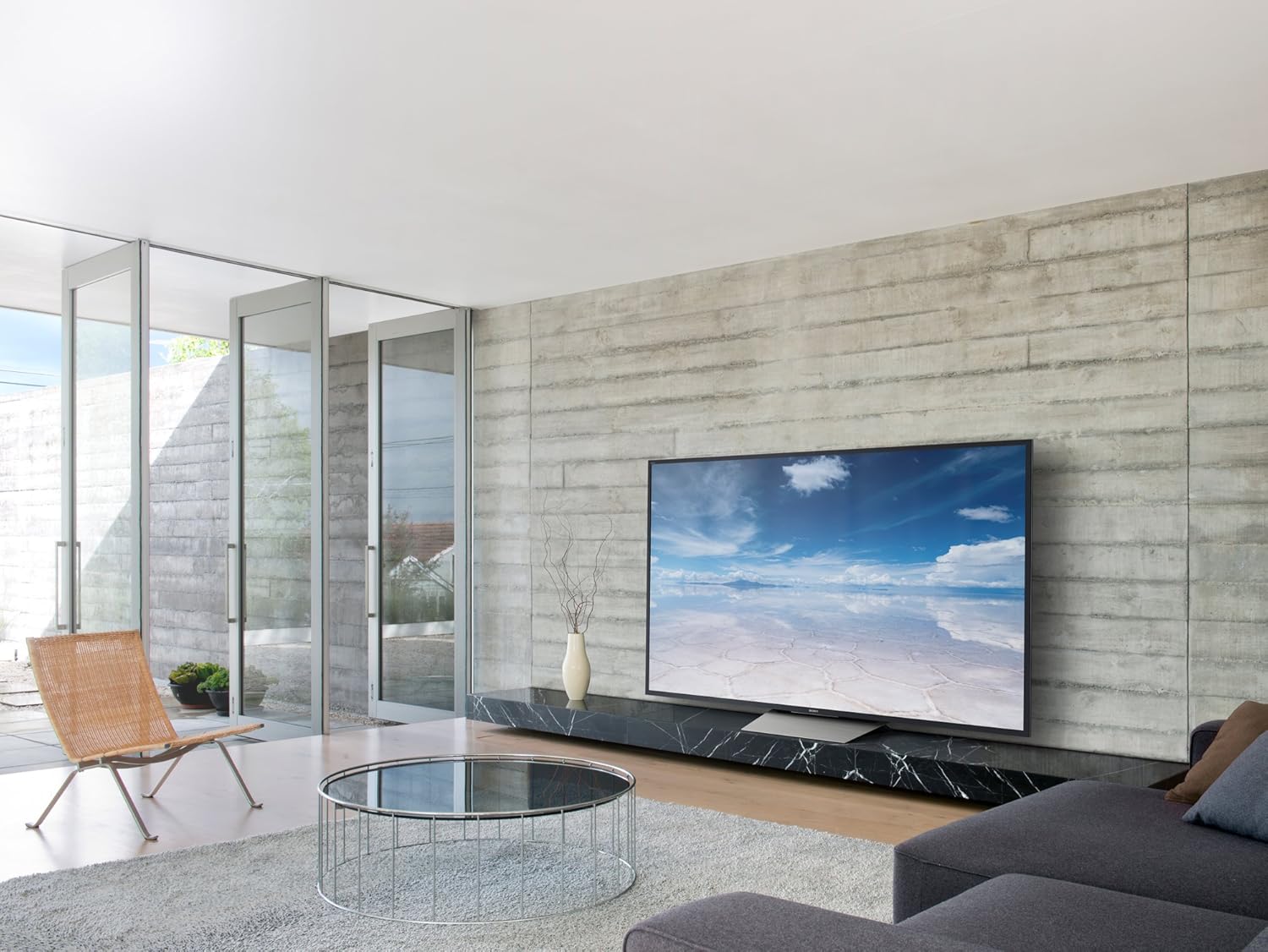
სურათი 1: წინა view of the Sony XBR55X850D 55-Inch 4K Ultra HD Smart TV.
რა არის ყუთში
გთხოვთ, დარწმუნდეთ, რომ თქვენს პაკეტში შედის ყველა შემდეგი ნივთი:
- Sony XBR55X850D 55-Inch 4K Ultra HD Smart TV
- Table Top Stand (assembly required)
- ხმის დისტანციური მართვა (RMF-TX200U)
- Batteries (R03)
- AC Power Cord (Pigtail, US with polarity)
- IR Blaster (IRB-BR1)
- დაყენების სახელმძღვანელო
- საგარანტიო ინფორმაცია
დაყენება
დავდგეთ ასამბლეა
The included table top stand requires assembly. Follow the instructions in the Setup Guide for proper attachment. No screws are needed for the stand, as it is designed for easy slot-in installation. Alternatively, the TV is compatible with standard VESA wall mounts (sold separately).
მოწყობილობების დაკავშირება
Your TV features multiple input options:
- HDMI: 4 HDMI inputs (HDCP 2.2/HDMI 2.0a) are available for connecting external devices such as Blu-ray players, gaming consoles, and cable boxes. One HDMI port supports Audio Return Channel (ARC) for simplified audio connections to sound systems.
- USB: 3 USB ports allow connection of USB storage devices for media playback or other accessories.
- Ethernet/Wi-Fi: Connect to your home network via an Ethernet cable or wirelessly using the built-in Wi-Fi for Smart TV features and internet access.
- ოპტიკური აუდიო გამომავალი: For connecting to external audio systems that do not support ARC.
საწყისი დაყენება
Upon first power-on, the TV will guide you through the initial setup process, including network connection, Google Assistant setup, and software updates. Ensure a stable internet connection for a smooth setup.
ვიდეო 1: დასრულდაview of the Sony XBR55X850D, including physical features and connectivity options.
თქვენი ტელევიზორის მართვა
სმარტ ტელევიზორის ფუნქციონირება
This Sony TV is equipped with Smart TV functionality, powered by Android TV. This allows you to access a wide range of apps, streaming services, and online content directly from your television. The Google Assistant is integrated, enabling voice commands for navigation, content search, and smart home control.
დისტანციური მართვა
The included Voice Remote Control (RMF-TX200U) provides intuitive control over your TV. Use the dedicated buttons for common functions and the voice command feature for hands-free operation. The remote is designed for ease of use with Smart TV features.

სურათი 2: წინა view of the television with the screen off, highlighting its sleek design.
ძირითადი მახასიათებლები
- 4K Ultra HD with HDR: Experience stunning picture clarity with four times the resolution of Full HD, enhanced by High Dynamic Range for superior contrast, color, and detail.
- LED Backlight (Edge-Lit): Provides bright and uniform illumination across the screen.
- 120Hz Native Refresh Rate (Motionflow XR 960 Effective): Ensures smooth motion handling for fast-paced action scenes and sports.
- ჭკვიანი ფუნქციონირება: Integrated Android TV platform with Google Assistant for seamless access to apps, streaming, and voice control.
- დაკავშირების მრავალი ვარიანტი: 4 HDMI inputs (HDCP 2.2/HDMI 2.0a), 3 USB ports, and Wi-Fi connectivity.
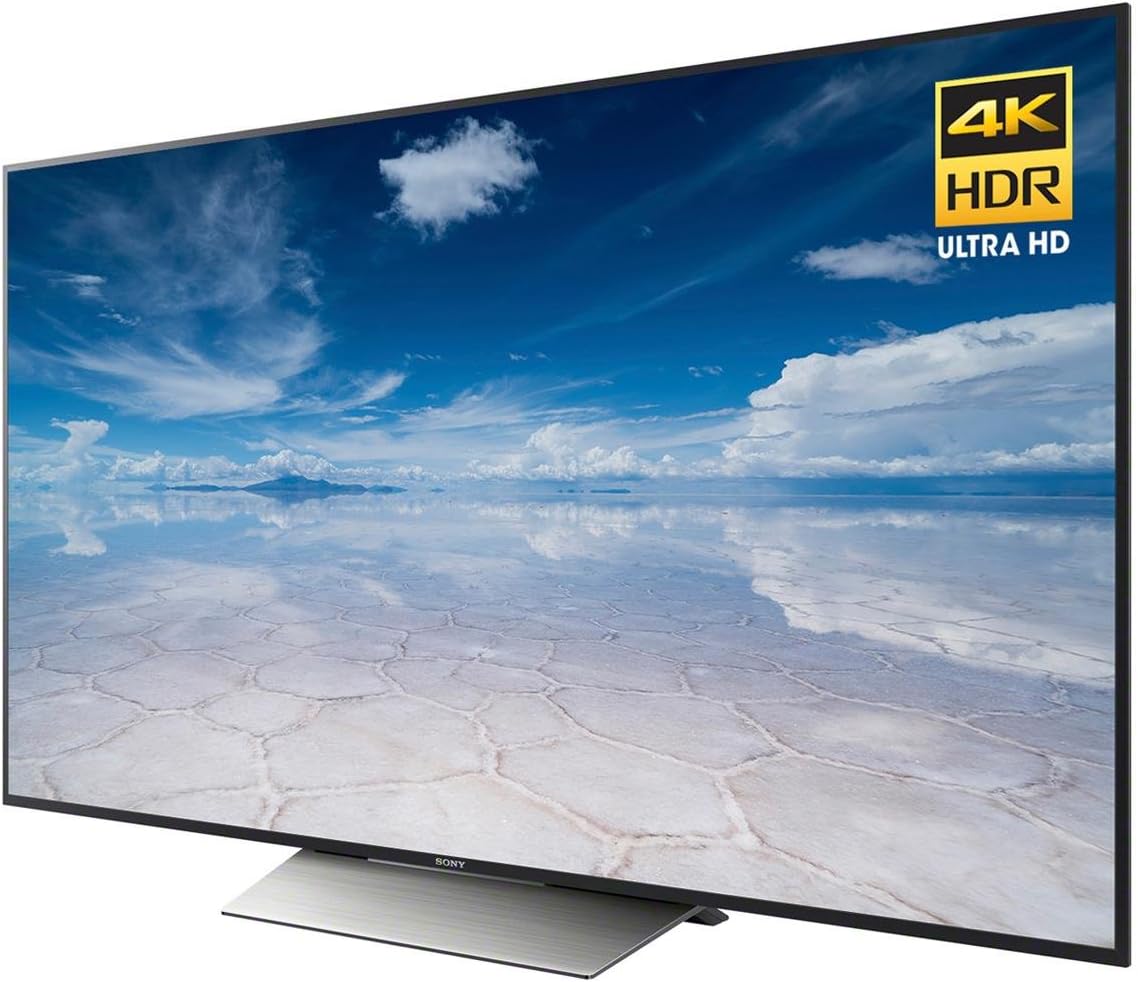
სურათი 3: დახრილი view of the TV highlighting the 4K HDR Ultra HD capabilities.
სპეციფიკაციები
| ფუნქცია | სპეციფიკაცია |
|---|---|
| ბრენდი | სონი |
| მოდელის ნომერი | XBR55X850D |
| ეკრანის ზომა | 55 ინჩი |
| ჩვენების ტექნოლოგია | LED (Edge-Lit) |
| რეზოლუცია | 4K Ultra HD |
| განახლების სიხშირე | 120Hz (Native); Motionflow XR 960 (Effective) |
| ჭკვიანი ფუნქციონირება | Yes (Android TV with Google Assistant) |
| HDMI შეყვანა | 4 (HDCP 2.2/HDMI 2.0a, 1 with ARC) |
| USB პორტები | 3 |
| დაკავშირების ტექნოლოგია | Wi-Fi, Ethernet |
| ზომები (სტენდით) | 48.5" სიგანე x 30.4" სიმაღლე x 10.4" სიღრმე |
| ნივთის წონა | 58 ფუნტი |
| ენერგიის მოხმარება | 20 ვატი |

Figure 4: Key dimensions of the Sony XBR55X850D TV.
მოვლა
To ensure the longevity and optimal performance of your Sony TV, follow these maintenance guidelines:
- ეკრანის გაწმენდა: ფრთხილად გაწმინდეთ ეკრანი რბილი, მშრალი მიკროფიბრის ქსოვილით. ჯიუტი ლაქების შემთხვევაში, მსუბუქად გაწმინდეთ.ampგაწმინდეთ ქსოვილი წყლით ან ეკრანისთვის განკუთვნილი საწმენდი ხსნარით (მოერიდეთ უხეში ქიმიკატების გამოყენებას).
- ჩარჩოს გაწმენდა: ტელევიზორის ჩარჩოსა და სადგამის გასაწმენდად გამოიყენეთ რბილი, მშრალი ქსოვილი.
- ვენტილაცია: გადახურების თავიდან ასაცილებლად, დარწმუნდით, რომ ტელევიზორის ვენტილაციის ღიობები არ არის დაბლოკილი.
- დენის კაბელი: რეგულარულად შეამოწმეთ კვების კაბელი ნებისმიერი დაზიანებისთვის.
პრობლემების მოგვარება
თუ თქვენს ტელევიზორთან დაკავშირებით პრობლემები შეგექმნათ, იხილეთ შემდეგი გავრცელებული გადაწყვეტილებები:
- სურათის/ხმის გარეშე: Check all cable connections (HDMI, power, audio). Ensure the correct input source is selected. Try restarting the TV by unplugging it from the power outlet for a few minutes, then plugging it back in.
- დისტანციური მართვა არ მუშაობს: შეცვალეთ ელემენტები. დარწმუნდით, რომ დისტანციურ პულტსა და ტელევიზორის ინფრაწითელ სენსორს შორის არანაირი დაბრკოლება არ არის.
- ქსელთან დაკავშირების პრობლემები: Verify your Wi-Fi password or Ethernet cable connection. Restart your router and modem.
- Smart TV Apps Not Responding: Try restarting the app or the TV. Ensure the TV's software is up to date.
გარანტია და მხარდაჭერა
Your Sony XBR55X850D TV comes with a limited warranty. Please refer to the included warranty documentation for details on coverage, terms, and conditions. For technical support, service, or additional information, please visit the official Sony support webსაიტზე ან დაუკავშირდით Sony-ის მომხმარებელთა მომსახურების სამსახურს.
ვიდეო 2: პროდუქტი დასრულდაview of a Sony 4K Ultra HD Smart TV from the same model series.


