შესავალი
The VTech Kidizoom Duo Camera 5.0 is a durable and feature-rich digital camera designed specifically for children aged 3 and up. It allows young users to capture photos and videos, apply fun effects, and even record their voices. With its dual-lens design, it makes taking selfies and group photos effortless. This manual provides detailed instructions for setting up, operating, maintaining, and troubleshooting your Kidizoom Duo Camera.
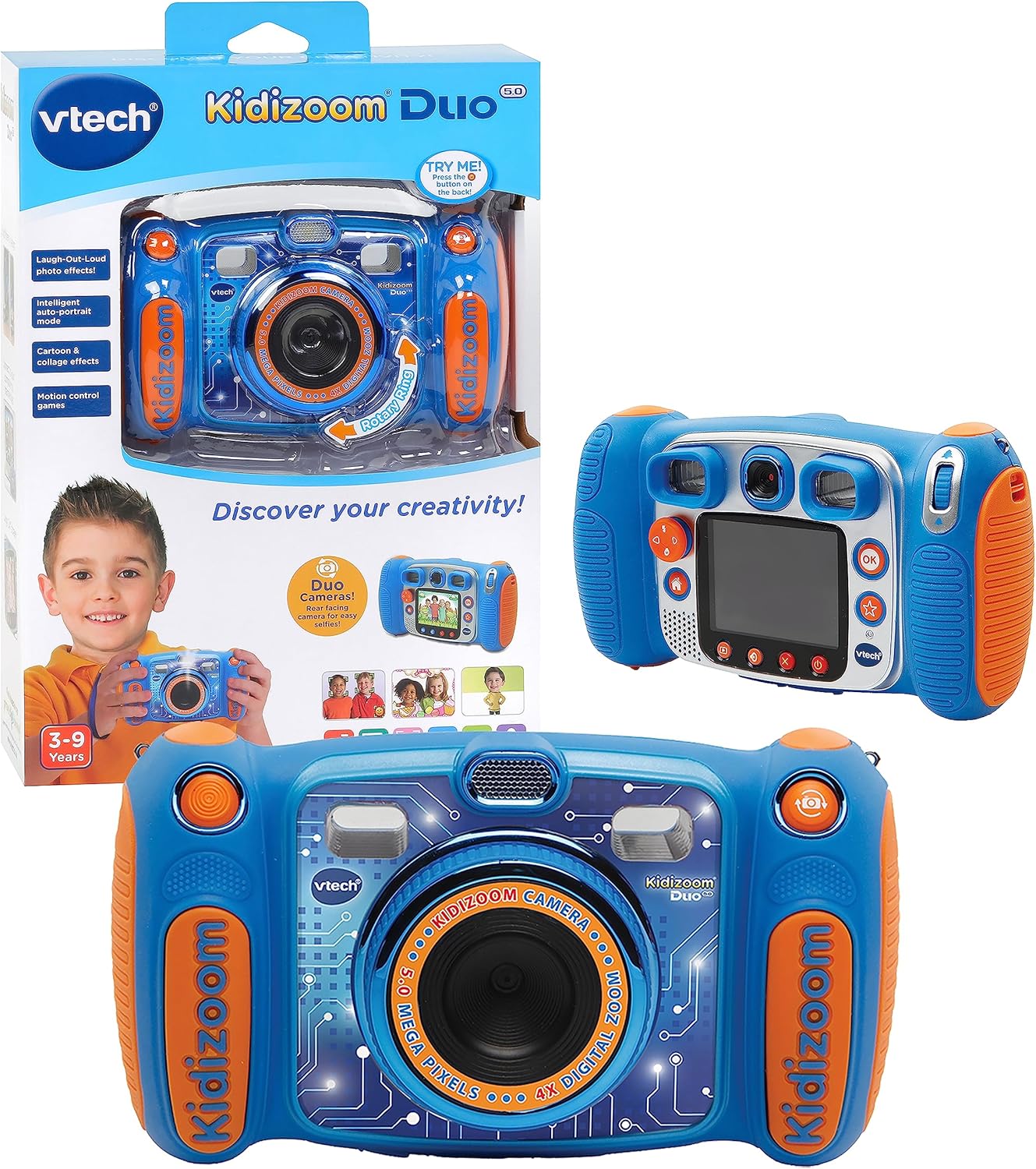
Image: The VTech Kidizoom Duo Camera 5.0, shown both in its retail packaging and as the standalone blue and orange camera unit, highlighting its design and presentation.
ძირითადი მახასიათებლები:
- ორმაგი ლინზები: Easily switch between front and rear lenses for photos and videos.
- 5-Megapixel Camera: Capture high-quality photos and videos.
- კრეატიული ეფექტები: Add fun effects, stamps, and frames to photos and videos.
- ხმის ჩამწერი: Record voices and apply funny effects.
- გამძლე დიზაინი: Built to withstand drops and rough handling.
- 2.4-Inch Color LCD Screen: Large screen for easy viewინგი და ნავიგაცია.
- Learning Games: Includes fun, educational games.
- 4X ციფრული ზუმი: Zoom in on subjects for closer shots.
დაყენება
1. ყუთის გახსნა და შიგთავსი
Carefully remove all contents from the packaging. Ensure all components are present. The package should contain the VTech Kidizoom Duo Camera 5.0 and 4 AA batteries (included).
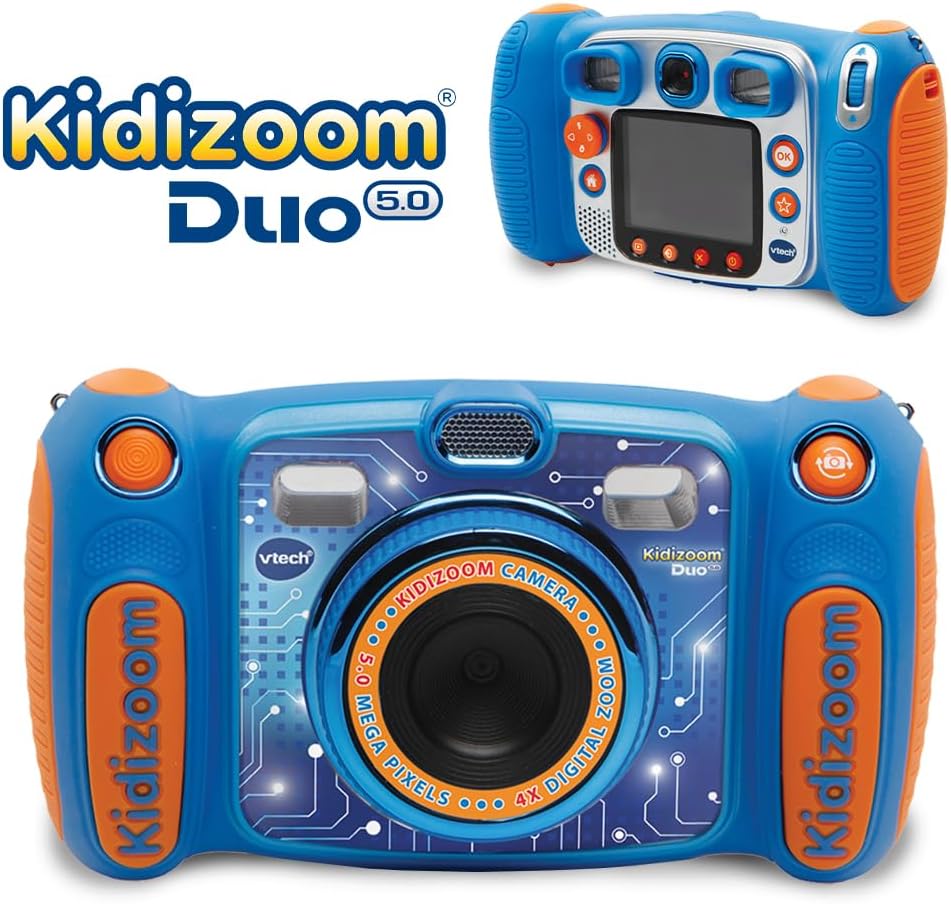
Image: The VTech Kidizoom Duo Camera 5.0 displayed within its retail packaging, ready for unboxing.
2. ბატარეის მონტაჟი
- იპოვნეთ ბატარეის განყოფილება კამერაზე.
- პატარა ფილიპსის თავიანი ხრახნის გამოყენებით, მოხსენით ხრახნი ბატარეის განყოფილების სახურავზე.
- ამოიღეთ საფარი.
- ჩადეთ 4 ახალი AA ელემენტი, დარწმუნდით, რომ სწორი პოლარობაა (+/-), როგორც ეს მითითებულია განყოფილებაში.
- შეცვალეთ საფარი და გამკაცრდეს ხრახნი.
შენიშვნა: For optimal performance and to save on replacement costs, rechargeable AA batteries are recommended.
3. მეხსიერების ბარათის ჩასმა (არასავალდებულო)
The Kidizoom Duo Camera has internal memory, but for extended storage of photos and videos, a microSD card (not included) can be inserted. Locate the microSD card slot, typically near the battery compartment, and gently insert the card until it clicks into place.
კამერის მართვა
1. ჩართვა/გამორთვა
Press and hold the Power button (usually marked with a circle and a line) to turn the camera on or off. The 2.4-inch color LCD screen will illuminate.

სურათი: დეტალური უკანა ხედი view of the VTech Kidizoom Duo Camera 5.0, highlighting its LCD screen and the various control buttons for navigation and operation.
2. მენიუებში ნავიგაცია
Use the directional pad (D-pad) and the OK button to navigate through the camera's menus and select options displayed on the LCD screen.
3. ფოტოების გადაღება
- ლინზების შეცვლა: The Kidizoom Duo features two lenses. Use the dedicated lens switch button (often a rotating ring or a button near the lens) to toggle between the front-facing lens and the rear-facing lens. This is ideal for selfies or taking photos of others.
- კადრის კადრირება: გადახედე viewfinder or use the LCD screen to compose your picture.
- Capturing the Photo: Press the Shutter button (usually a large, prominent button) to take a picture.

სურათი: ახლო ხედი view of the VTech Kidizoom Duo Camera 5.0, illustrating the large 2.4-inch color LCD screen, the 5-megapixel lens with 4X digital zoom, and the mechanism for switching between the two lenses.
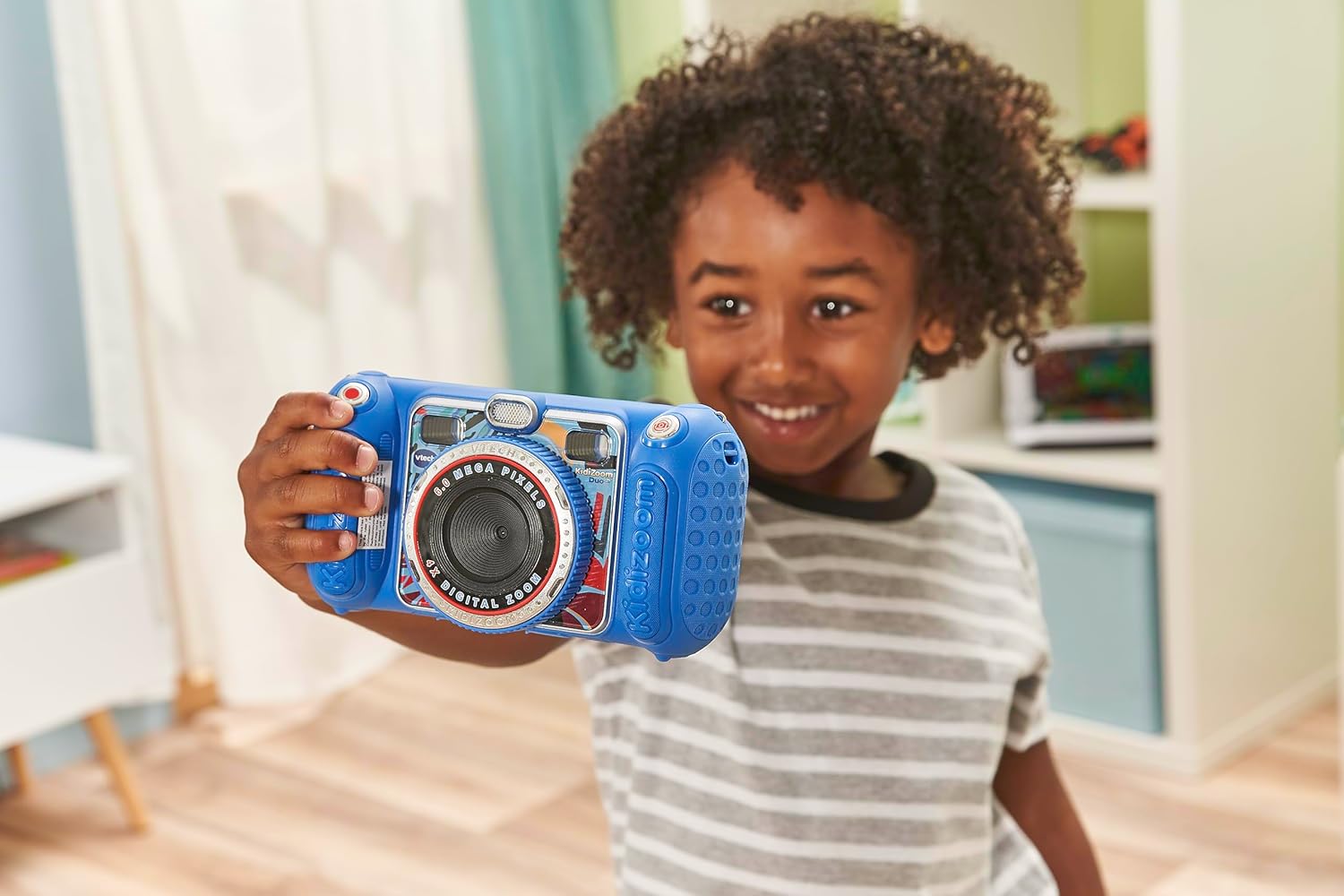
Image: A child holding the VTech Kidizoom Duo Camera 5.0, demonstrating its use for taking a selfie with the front-facing lens.
4. ვიდეოების ჩაწერა
Select the video recording mode from the main menu. Press the Record button to start and stop recording. The camera will capture both video and audio.
5. Applying Effects and Editing
The camera offers various built-in effects, stamps, and frames to personalize your photos and videos. Access these features through the editing menu. You can also use the auto-portrait feature for automatic photo capture.

სურათი: კოლაჟის შოუasing various fun effects, stamps, and frames that can be added to photos using the VTech Kidizoom Duo Camera 5.0, demonstrating creative possibilities.
6. ხმის ჩაწერა
Navigate to the voice recorder function to record your voice. You can then apply funny effects to the recorded audio.
7. თამაშების თამაში
The Kidizoom Duo Camera includes several pre-loaded learning games. Select the Games icon from the main menu to access and play them.
მოვლა
1. კამერის გაწმენდა
- კამერის კორპუსის გასაწმენდად გამოიყენეთ რბილი, მშრალი ქსოვილი.
- For the screen and lenses, use a microfiber cloth specifically designed for electronics. Do not use abrasive cleaners or solvents.
- მოერიდეთ ტენიანობის მოხვედრას ნებისმიერ ღიობში.
2. ბატარეის მოვლა
- თუ კამერას დიდი ხნის განმავლობაში არ გამოიყენებთ, ამოიღეთ ელემენტები გაჟონვის თავიდან ასაცილებლად.
- ყოველთვის გამოიყენეთ ახალი, მაღალი ხარისხის ბატარეები.
- თუ იყენებთ დატენვად ბატარეებს, გამოყენებამდე დარწმუნდით, რომ ისინი სრულად დატენილია.
3. შენახვა
Store the camera in a cool, dry place away from direct sunlight and extreme temperatures. Consider using a protective case to prevent scratches and damage.
პრობლემების მოგვარება
| პრობლემა | შესაძლო მიზეზი | გამოსავალი |
|---|---|---|
| კამერა არ ირთვება. | ელემენტები დაბალია ან არასწორად არის დამონტაჟებული. | Replace with fresh batteries or ensure correct polarity. |
| Pictures/Videos are blurry. | Lens is dirty; insufficient lighting; subject too close/far. | Clean the lens; ensure adequate lighting; adjust distance to subject. |
| Cannot save more photos/videos. | Internal memory is full; no microSD card inserted or card is full. | ძველის წაშლა files; insert a microSD card; transfer files კომპიუტერზე. |
| კამერა იყინება ან აღარ რეაგირებს. | პროგრამული უზრუნველყოფის გაუმართაობა. | ამოიღეთ და ხელახლა ჩადეთ ბატარეები მყარი გადატვირთვის შესასრულებლად. |
სპეციფიკაციები
| ფუნქცია | დეტალი |
|---|---|
| პროდუქტის ზომები | 1.57 x 4.49 x 3.35 ინჩი |
| ნივთის წონა | 7.1 უნცია |
| საქონლის მოდელის ნომერი | 80-507103 წწ |
| მწარმოებლის მიერ რეკომენდებული ასაკი | 3 წლის და ზემოთ |
| ბატარეები | საჭიროა 4 AA ბატარეა (მოყვება) |
| გამოშვების თარიღი | 31 წლის 2019 ოქტომბერი |
| მწარმოებელი | Vtech Electronics |
| ფოტო სენსორის ტექნოლოგია | MOS |
| მხარდაჭერილი File ფორმატი | JPEG, RAW |
| გამოსახულების სტაბილიზაცია | ციფრული |
| ოპტიკური ზუმი | 4X |
გარანტია და მხარდაჭერა
VTech products are manufactured to high standards and are designed to provide a fun and enriching experience. For information regarding warranty coverage, please refer to the warranty card included with your product or visit the official VTech webსაიტი.
For technical support, frequently asked questions, or to purchase accessories, please visit the VTech support section on their official website or contact their customer service department. Keep your model number (80-507103) handy when contacting support.
ონლაინ რესურსები:
- VTech-ის ოფიციალური პირი Webსაიტი: www.vtechkids.com
- Product Support Page: (Check VTech website for specific product support page)


