შესავალი
This manual provides detailed instructions for the installation, operation, and maintenance of your Supersonic SC-5000VD Smart WiFi Doorbell Camera. This device offers HD video recording, a smart motion security system, and two-way audio communication to enhance your home security.
The doorbell camera features 1080P high-definition video, infrared night vision, and remote monitoring capabilities, allowing you to see and communicate with visitors from anywhere using your smartphone or tablet. It is designed for wireless connectivity and includes a built-in SD card for local storage of recordings.
პაკეტის შიგთავსი
გთხოვთ, დარწმუნდეთ, რომ შეფუთვაში ყველა ნივთია:
- Supersonic SC-5000VD Smart WiFi Doorbell Camera
- დამტენი კაბელი
- Installation Kit (screws, anchors, mounting bracket)
- მომხმარებლის სახელმძღვანელო (ეს დოკუმენტი)
დაყენება და ინსტალაცია
The Supersonic SC-5000VD Smart WiFi Doorbell Camera is designed for easy, wire-free installation. Follow these steps to set up your device:
- მოწყობილობის დამუხტვა: Before installation, fully charge the doorbell camera using the provided charging cable. The built-in lithium-ion rechargeable battery ensures efficient and long-lasting operation.
- ჩამოტვირთეთ აპლიკაცია: ძიება the official Supersonic doorbell app on your smartphone's app store (iOS or Android) and install it.
- Pair with WiFi: Open the app and follow the on-screen instructions to connect your doorbell camera to your home's 2.4GHz Wi-Fi network (802.11 b/g/n). Ensure a stable connection for optimal performance.
- აირჩიეთ სამონტაჟო ადგილი: Choose an outdoor location near your door that provides a clear view of your entrance. The doorbell is rated IP65 for outdoor usage.
- კარის ზარის დამონტაჟება: Use the included installation kit (screws and anchors) to securely mount the doorbell camera to the wall. Ensure it is positioned at an appropriate height for clear video capture.
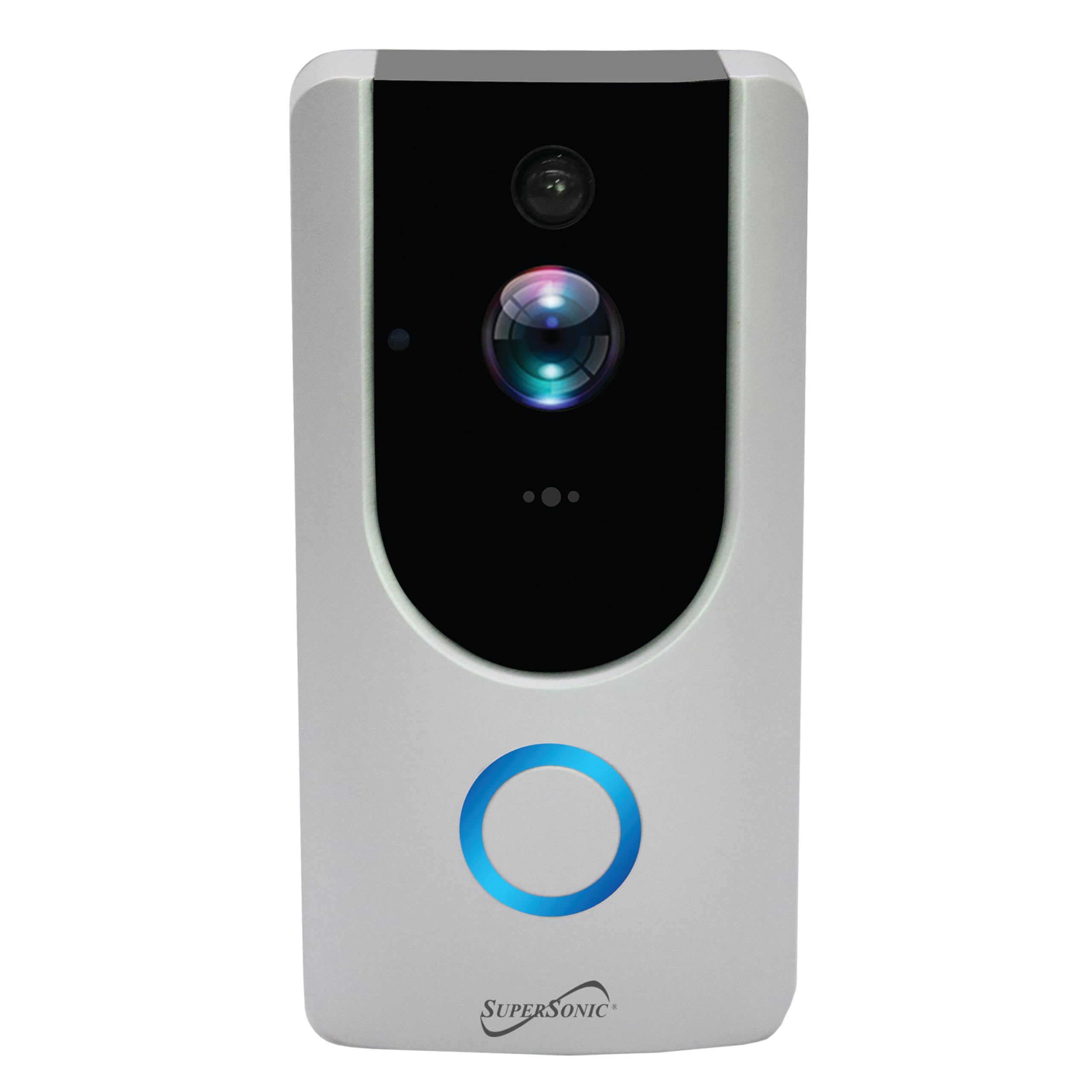
Image: Supersonic SC-5000VD Smart WiFi Doorbell Camera mounted next to a door.
ოპერაციული ინსტრუქციები
ძირითადი მახასიათებლები
- HD ვიდეოს ჩაწერა: იღებს მკაფიო, მაღალი გარჩევადობის საკვებსtage with 1080P resolution and a 2.0 MP camera. Internet connection is required for full functionality.
- Smart Motion Security System: The PIR sensor accurately detects motion within a 166° video angle, triggering alerts and recordings.
- Two-Way Voice Intercom: Allows for real-time communication with visitors through the doorbell and your connected device.
- ღამის ინფრაწითელი ხედვა: Provides clear visibility in low-light conditions, ensuring monitoring around the clock.
- დისტანციური მონიტორინგი და კონტროლი: Access live video, receive alerts, and trigger actions remotely via the mobile application.
- ჩაშენებული SD ბარათი: Stores recordings locally, ensuring you have access to captured events.
კარის ზარის გამოყენება
- Visitor Notification: When a visitor presses the doorbell button, you will receive a notification on your paired smartphone or tablet.
- ორმხრივი კომუნიკაცია: შეეხეთ შეტყობინებას view live video and engage in a voice call with the visitor.
- მოძრაობის გამოვლენის გაფრთხილებები: The doorbell will automatically detect motion and send alerts to your device. Recordings of these events will be saved to the built-in SD card.
- დისტანციური Live View: Open the app at any time to view a live feed from your doorbell camera, even if no one has pressed the button or triggered motion.
- ჩანაწერის დაკვრა: Access recorded video clips through the app to review წარსული მოვლენები.
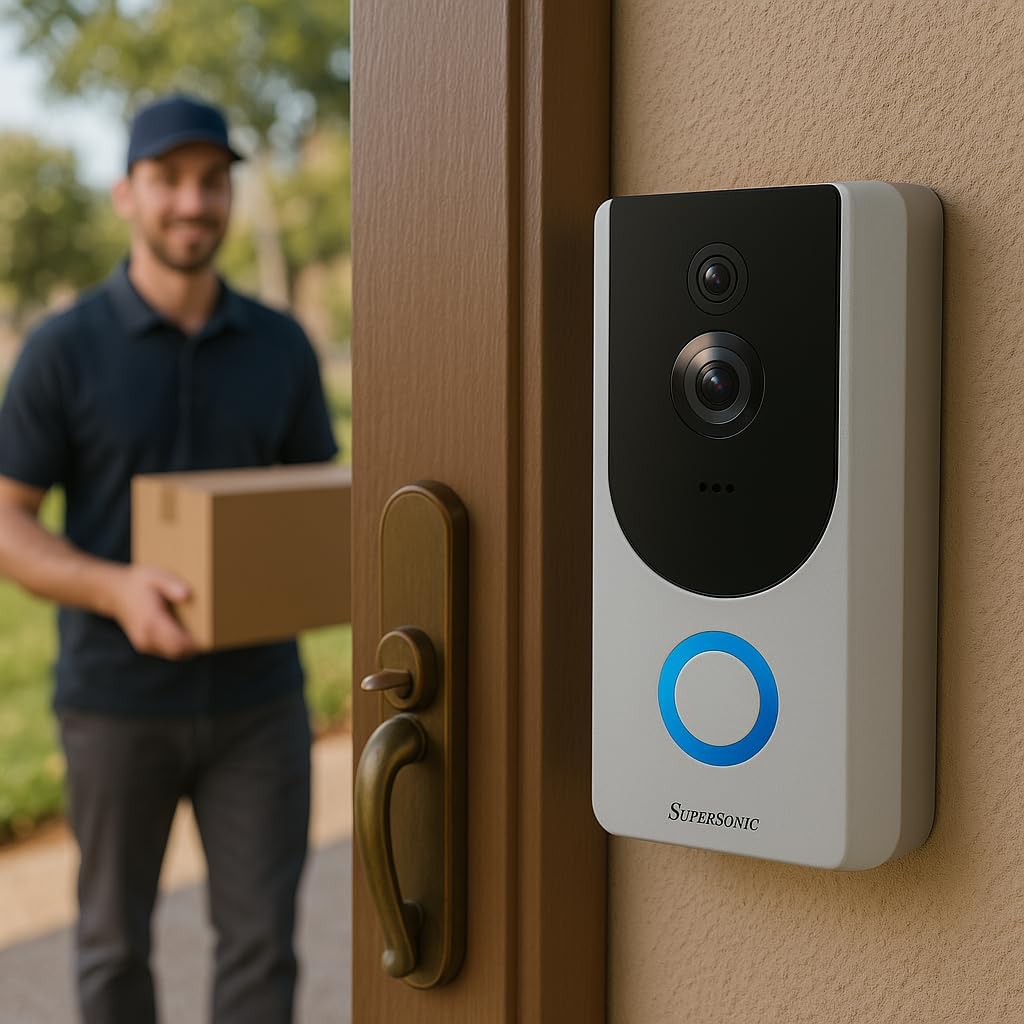
Image: Supersonic SC-5000VD Smart WiFi Doorbell Camera detecting a person at the door.

Image: Smartphone displaying a live video call from the Supersonic SC-5000VD Smart WiFi Doorbell Camera, showing a person at the door.
მოვლა
To ensure optimal performance and longevity of your doorbell camera, follow these maintenance guidelines:
- ბატარეის დატენვა: Recharge the doorbell's built-in battery as needed. The app will typically notify you when the battery level is low. Charging can be done via micro USB (5V) or AC/DC (110-220V) input.
- ლინზების წმენდა: Periodically clean the camera lens with a soft, dry cloth to remove dust or smudges that may affect video quality. Avoid abrasive cleaners.
- Firmware განახლებები: Check the mobile app regularly for any available firmware updates. Keeping your device's firmware up-to-date ensures you have the latest features and security enhancements.
- გარემოს დაცვა: While the doorbell is IP65 rated for outdoor use, extreme weather conditions may affect performance. Ensure it is securely mounted and protected from direct, prolonged exposure to heavy rain or snow if possible.
პრობლემების მოგვარება
- Problem: Doorbell frequently triggers motion alerts with no one present.
- გამოსავალი: Adjust the motion detection sensitivity settings within the mobile application. You may need to reduce the sensitivity or define specific motion zones to minimize false alerts caused by passing vehicles, pets, or environmental factors.
- Problem: Unable to connect the doorbell to Wi-Fi or frequent disconnections.
- გამოსავალი: Ensure your Wi-Fi router is within range and broadcasting a 2.4GHz network. The doorbell does not support 5GHz Wi-Fi. Check your Wi-Fi password for accuracy. If issues persist, try restarting your router and the doorbell camera.
- Problem: Poor video quality or blurry images.
- გამოსავალი: Clean the camera lens with a soft cloth. Ensure there is adequate Wi-Fi signal strength at the doorbell's location. If the issue occurs at night, verify that the infrared night vision is active and unobstructed.
- Problem: No audio or poor audio quality during two-way communication.
- გამოსავალი: Check the microphone and speaker settings in the mobile app. Ensure your phone's volume is up. Verify that there are no obstructions covering the doorbell's microphone or speaker. A strong Wi-Fi connection is crucial for clear audio.
სპეციფიკაციები

სურათი: წინა მხარე view of the Supersonic SC-5000VD Smart WiFi Doorbell Camera.
| მოდელის ნომერი | SC-5000VD |
| შიდა/გარე გამოყენება | გარე |
| დენის წყარო | Battery Powered (Built-in Lithium-ion rechargeable) |
| დაკავშირების ტექნოლოგია | Wi-Fi (802.11 b/g/n, 2.4GHz) |
| ვიდეო გადაღების გარჩევადობა | 1080p |
| ვიდეო კუთხე | 166° |
| სპეციალური ფუნქცია | Motion Detection, Infrared Night Vision, Two-Way Intercom |
| დაბალი განათების ტექნოლოგია | ღამის ფერი |
| გაფრთხილების ტიპი | მოძრაობა მხოლოდ |
| დაცვის საერთაშორისო რეიტინგი | IP65 |
| ჭკვიანი სახლის თავსებადობა | Smart Home Compatible |
| ელემენტის ზომები (L x W x H) | 3 x 3 x 0.5 ინჩი |
| ნივთის წონა | 0.01 უნცია |
| მოყვება კომპონენტები | Charging Cable, Installation Kit, Manual |
უსაფრთხოების ინფორმაცია
გაფრთხილება: This product contains chemicals known to the State of California to cause cancer and birth defects or other reproductive harm. Please handle with care and refer to local regulations for disposal.
ამ პროდუქტის გამოყენებისას ყოველთვის დაიცავით უსაფრთხოების ძირითადი ზომები, რათა შეამციროთ ხანძრის, ელექტროშოკის და პირთა დაზიანების რისკი.
- არ დაუშვათ მოწყობილობა ექსტრემალურ ტემპერატურაზე ან ტენიანობაზე.
- ნუ ეცდებით მოწყობილობის დაშლას ან შეცვლას.
- გამოიყენეთ მხოლოდ მოწოდებული დამტენი კაბელი და რეკომენდებული კვების წყაროები.


