შესავალი
This manual provides essential information for the proper use and maintenance of your Amazon Basics LCD 8-Digit Desktop Calculator. Please read this manual thoroughly before using the product to ensure optimal performance and longevity.
The Amazon Basics LCD 8-Digit Desktop Calculator is designed for portability and ease of use, featuring an 8-digit LCD display for clear output and user-friendly buttons. It supports basic arithmetic operations, percentages, and square roots, making it suitable for various daily calculation needs.
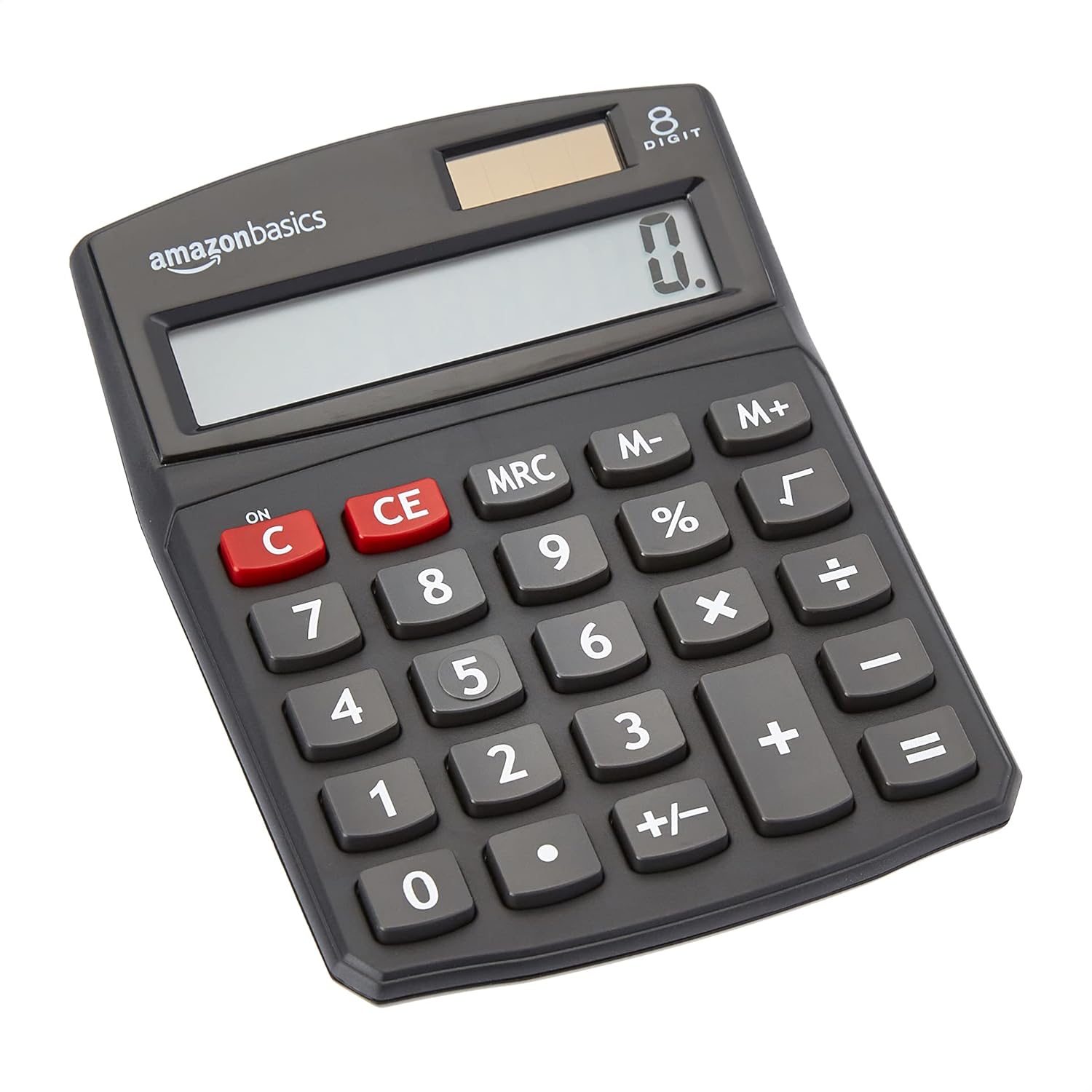
წინა view of the Amazon Basics 8-Digit Desktop Calculator, showcasinმისი კომპაქტური დიზაინი და მკაფიო ეკრანი.
დაყენება
Your Amazon Basics calculator is ready for use right out of the box. It operates on both solar power and a backup battery, ensuring continuous functionality in various lighting conditions.
დენის წყარო:
- მზის ენერგია: The calculator primarily uses solar energy. Ensure the solar panel, located above the display, is exposed to sufficient light for operation.
- ბატარეის სარეზერვო საშუალება: An internal battery provides power when light is insufficient or for extended use. No user intervention is required for battery installation or replacement under normal conditions.
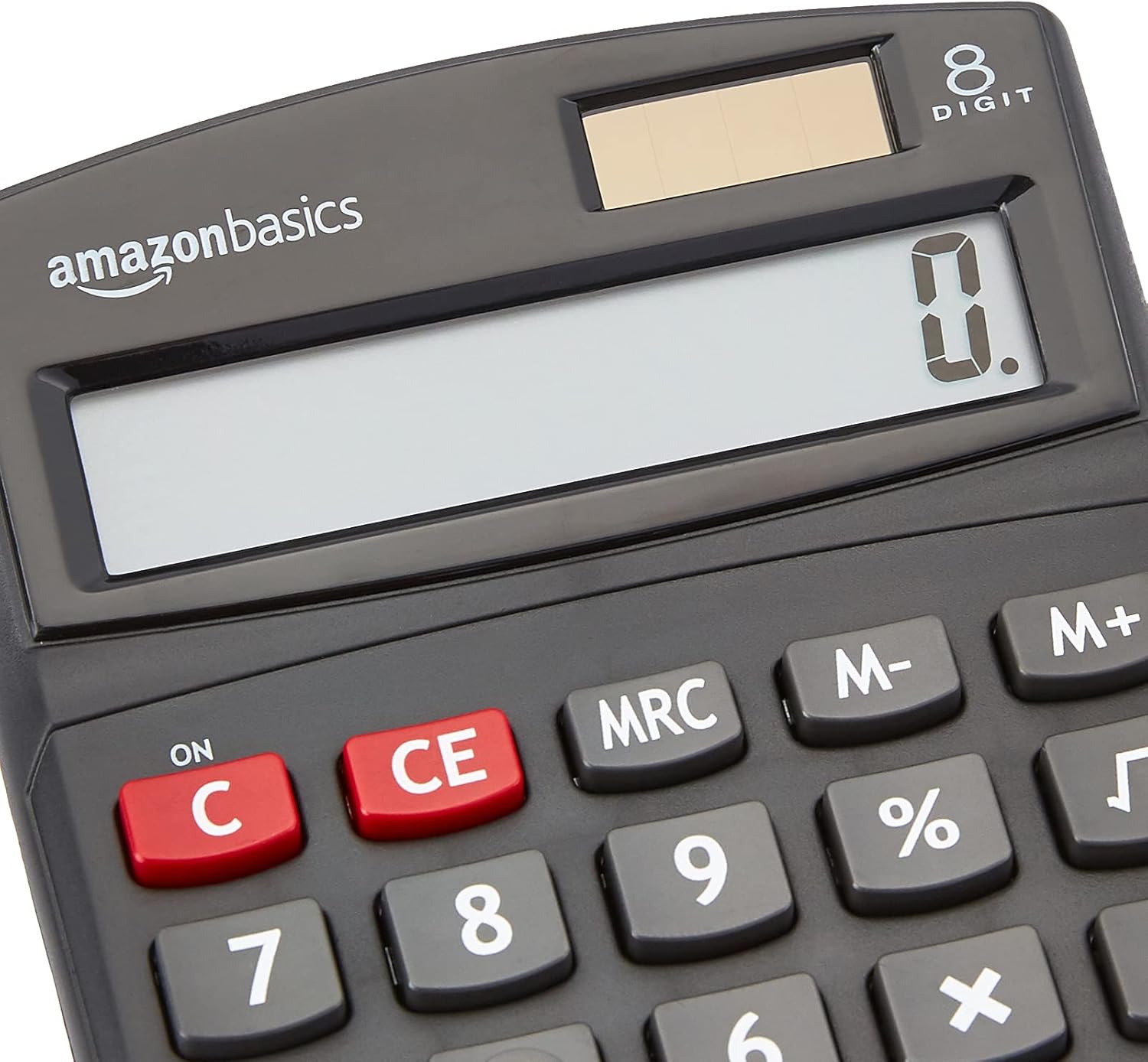
ახლოდან view of the calculator's LCD display and the integrated solar panel, highlighting the dual power source.
ოპერაციული ინსტრუქციები
The calculator features a standard layout for intuitive operation. Familiarize yourself with the key functions:

დეტალურად view of the calculator's keypad, showing the layout of numerical and function buttons.
ძირითადი ოპერაციები:
- ON/C (Clear): Press to turn on the calculator or clear the current entry.
- CE (შესვლის გასუფთავება): Clears the last entered number without affecting previous calculations.
- ნომრის გასაღებები (0-9): გამოიყენება რიცხვითი მნიშვნელობების შესაყვანად.
- Decimal Point (.): Used for decimal numbers.
- არითმეტიკული ოპერატორები (+, -, ×, ÷): შეასრულეთ შეკრება, გამოკლება, გამრავლება და გაყოფა.
- Equals (=): Displays the result of the calculation.
გაფართოებული ფუნქციები:
- % (პროცენტtagე): ითვლის პროცენტსtagეს ყოფილიample, to find 10% of 200, enter 200 × 10 %.
- √ (კვადრატული ფესვი): ითვლის ნაჩვენები რიცხვის კვადრატულ ფესვს.
- M+, M-, MRC (Memory Functions):
- M+: Adds the displayed number to memory.
- M-: Subtracts the displayed number from memory.
- MRC: Recalls the memory content. Pressing twice clears the memory.
- +/- (ნიშნის შეცვლა): ცვლის ნაჩვენები რიცხვის ნიშანს (დადებითიდან უარყოფითზე ან უარყოფითიდან დადებითზე).

The 8-digit LCD display showing a full numerical entry, demonstrating its capacity.
მოვლა
To ensure the longevity and proper functioning of your calculator, follow these simple maintenance guidelines:
- დასუფთავება: Wipe the calculator with a soft, dry cloth. Do not use liquid cleaners, abrasive pads, or chemical solvents, as these may damage the surface or internal components.
- შენახვა: შეინახეთ კალკულატორი გრილ, მშრალ ადგილას, მოარიდეთ მზის პირდაპირ სხივებს და ექსტრემალურ ტემპერატურას.
- ზემოქმედების თავიდან აცილება: Protect the calculator from drops and impacts, which can damage the display or internal circuitry.
- მზის პანელების მოვლა: Keep the solar panel clean and unobstructed to ensure efficient power generation.
პრობლემების მოგვარება
თუ თქვენს კალკულატორთან დაკავშირებით პრობლემები შეგექმნათ, იხილეთ შემდეგი გავრცელებული პრობლემები და მათი გადაჭრის გზები:
| პრობლემა | შესაძლო მიზეზი | გამოსავალი |
|---|---|---|
| ეკრანი ცარიელია ან ბუნდოვანია. | Insufficient light for solar panel, or low battery. | Move the calculator to a brighter area. If the problem persists, the internal battery may be depleted. |
| გასაღებები არ რეაგირებს. | გასაღებების ქვეშ მტვერი ან ნარჩენები, ან შიდა გაუმართაობა. | Gently clean around the keys. Press the ON/C button to reset. If unresponsive, contact support. |
| არასწორი გაანგარიშების შედეგები. | Incorrect input sequence, or display overflow. | Press ON/C to clear and re-enter the calculation carefully. Ensure numbers do not exceed 8 digits. |
სპეციფიკაციები
- პროდუქტის ზომები: 5 x 3.72 x 0.1 ინჩი
- ნივთის წონა: 2.72 უნცია
- მოდელის ნომერი: KC-760-8
- ბრენდი: ამაზონის საფუძვლები
- ფერი: შავი
- კალკულატორის ტიპი: სტანდარტული ფუნქცია
- დენის წყარო: მზის და ბატარეა
- ჩვენება: 8 ციფრიანი LCD

Visual representation of the calculator's dimensions.
გარანტია და მხარდაჭერა
For detailed warranty information and customer support, please refer to the official documents provided with your product or visit the Amazon Basics support page.