1. პროდუქტი დასრულდაview
The Cable Matters 8K DisplayPort 1.4 to HDMI 2.1 Adapter is designed to connect a DisplayPort-enabled source device to an HDMI 2.1 compatible display. This adapter supports high resolutions and refresh rates, making it suitable for demanding visual applications such as gaming and professional multimedia editing.

Image 1: The Cable Matters 8K DisplayPort 1.4 to HDMI 2.1 Adapter, showcasinმისი კომპაქტური დიზაინი და ნაქსოვი კაბელი.
2. დაყენების ინსტრუქციები
Follow these steps to correctly set up your Cable Matters DisplayPort to HDMI adapter:
- პორტების იდენტიფიცირება: Locate the DisplayPort output on your source device (e.g., computer, laptop, graphics card) and an available HDMI input on your display (e.g., TV, monitor, projector).
- Connect DisplayPort: Plug the DisplayPort (male) end of the adapter into the DisplayPort output on your source device. Ensure it clicks securely into place.
- შეაერთეთ HDMI კაბელი: Connect a Certified HDMI 2.1 cable (sold separately) to the HDMI (female) port of the adapter.
- დაკავშირება ეკრანთან: Plug the other end of the HDMI 2.1 cable into an HDMI input on your display.
- ჩართვა: Power on both your source device and your display. Select the correct HDMI input on your display.
მნიშვნელოვანი შენიშვნა:
- ეს ადაპტერი არის ერთ მიმართულებითი and only works from a DisplayPort source to an HDMI display. It will not convert HDMI to DisplayPort.
- Not compatible with PS5 or Xbox consoles.
- A Certified HDMI 2.1 cable is required to achieve optimal performance and supported resolutions.

Image 2: Diagram illustrating the uni-directional connection from DisplayPort sources (Desktop, Mini PC) to HDMI targets (Monitor, TV, Projector), explicitly noting PS5 and Xbox are not supported.
Video 1: An official Cable Matters video demonstrating the connection of a DisplayPort to HDMI adapter to a computer and display.
3. საოპერაციო ინსტრუქციები
The adapter supports advanced video and audio features:
- მაღალი გარჩევადობის მხარდაჭერა: Enjoy video resolutions up to 8K@60Hz, 4K@120Hz, and 4K@240Hz.
- Immersive HDR: Supports High Dynamic Range (HDR) for vibrant visuals and enhanced contrast.
- აუდიო გამოცდილება: Supports surround sound for a complete audio-visual experience.
- თამაშებისთვის ოპტიმიზირებულია: Ideal for connecting high-end graphics cards (e.g., NVIDIA RTX 4090/4080/4070, AMD RX 7900/6900) to 8K or 4K Smart TVs and 120Hz/240Hz gaming monitors.
შეზღუდვები:
- Variable Refresh Rate (VRR), G-Sync, or FreeSync technologies are არ არის მხარდაჭერილი by this adapter.

Image 3: A skier on a snowy mountain, illustrating a smooth 8K video experience with the adapter.
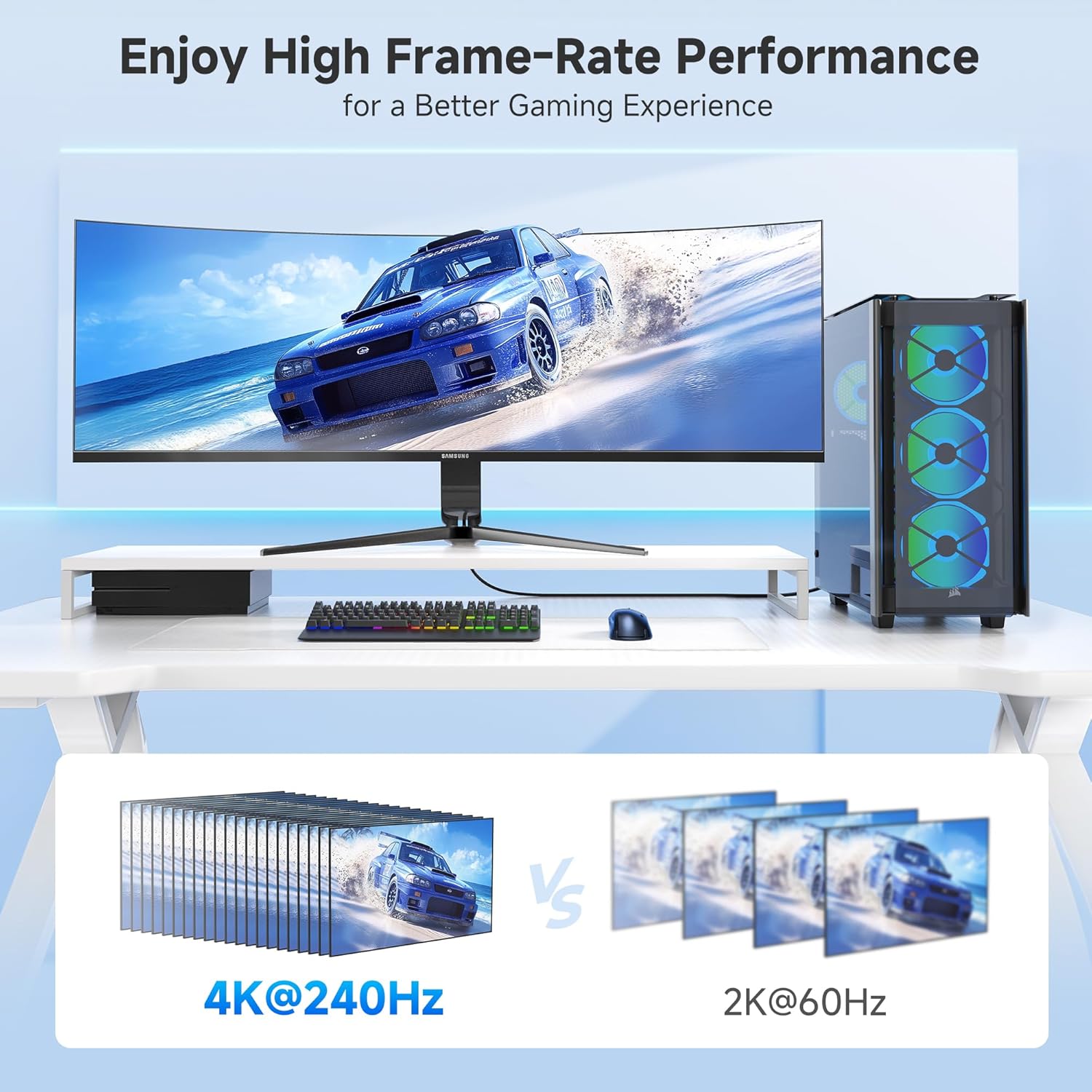
Image 4: A gaming setup featuring a monitor displaying a racing game, highlighting high frame-rate performance at 4K@240Hz compared to 2K@60Hz.
4. მოვლა
To ensure the longevity and optimal performance of your adapter, consider the following maintenance tips:
- სიფრთხილით მოპყრობა: Avoid excessive bending or pulling on the cable, especially near the connectors. The braided cable jacket and molded strain relief are designed for durability, but proper handling extends product life.
- შეინარჩუნეთ კონექტორების სისუფთავე: Periodically inspect the DisplayPort and HDMI connectors for dust or debris. Use a soft, dry cloth or compressed air to clean them if necessary.
- შენახვა: When not in use, store the adapter in a cool, dry place away from direct sunlight and extreme temperatures. Use the included Velcro straps for tidy storage.
- LED ინდიკატორი: The integrated LED indicator confirms an active connection. If the LED is not lit, check all connections and ensure both source and display devices are powered on.

სურათი 5: ახლო ხედი view of the adapter highlighting the Power LED and the premium nylon braided cable for enhanced durability.
5. Დიაგნოსტიკა
თუ ადაპტერთან დაკავშირებით პრობლემები შეგექმნათ, სცადეთ შემდეგი ნაბიჯები:
- ეკრანი/სიგნალი არ არის:
- დარწმუნდით, რომ ყველა კავშირი უსაფრთხოა.
- Verify that your source device's DisplayPort output, HDMI display, and HDMI cable all support the desired resolution and refresh rate.
- Confirm the display is set to the correct HDMI input.
- Check the adapter's LED indicator for an active connection.
- ციმციმი ან წყვეტილი სიგნალი:
- Ensure you are using a high-quality, Certified HDMI 2.1 cable.
- Reduce the resolution or refresh rate in your source device's display settings to see if stability improves.
- განაახლეთ თქვენი გრაფიკული ბარათის დრაივერები უახლეს ვერსიამდე.
- აუდიოს გარეშე:
- შეამოწმეთ თქვენი კომპიუტერის ხმის პარამეტრები, რათა დარწმუნდეთ, რომ HDMI გამომავალი არჩეულია ნაგულისხმევ აუდიო მოწყობილობად.
- Verify that your display's audio is not muted or set to a very low volume.
- Resolution/Refresh Rate Not as Expected:
- Confirm that your source device's DisplayPort version (1.4 required for 8K/4K high refresh rates), graphics card, HDMI cable, and display all support the desired specifications.
- Some 8K TVs or monitors may require manual enabling of 4K@120Hz or 8K support in their settings.
6. სპეციფიკაციები
| ფუნქცია | დეტალი |
|---|---|
| პროდუქტის ზომები | 4.17 x 2.76 x 0.59 ინჩი |
| ნივთის წონა | 2.11 უნცია |
| მოდელის ნომერი | 102101-BLK |
| კონექტორის ტიპი | DisplayPort მამრობითი-HDMI მდედრობითი |
| ფერი | შავი |
| მაქსიმალური რეზოლუცია | 8K@60Hz, 4K@240Hz |
| HDR მხარდაჭერა | დიახ |
| VRR/G-Sync/FreeSync | არ არის მხარდაჭერილი |
| ერთმიმართულოვანი | Yes (DP Source to HDMI Display) |
| საკაბელო ქურთუკი | წნული |
| LED ინდიკატორი | დიახ |
7. გარანტია და მხარდაჭერა
For warranty information and technical support, please refer to the official Cable Matters webსაიტზე ან პირდაპირ დაუკავშირდით მათ მომხმარებელთა მომსახურების სამსახურს. შეინახეთ თქვენი შესყიდვის ქვითარი გარანტიის მოთხოვნებისთვის.
დამატებითი დახმარებისთვის შეგიძლიათ ეწვიოთ Cable Matters Store on Amazon.


