1. შესავალი
This manual provides essential information for the setup, operation, and maintenance of your Anderic OEM ONN Roku TV Remote Control. Designed as a direct replacement, this remote offers seamless control for compatible ONN Roku TV models without requiring complex programming.

სურათი 1.1: წინა და გვერდითი მხარეები view of the Anderic OEM ONN Roku TV Remote Control, highlighting its ergonomic design and button layout.
The Anderic RCAFIR remote is engineered to provide convenient access to all essential functions of your ONN Roku TV, including dedicated buttons for popular streaming services like Netflix, Disney, Hulu, and Vudu.

Image 1.2: The Anderic remote control pointing towards an ONN Roku TV, illustrating its capability to control the TV with a single device.
2. დაყენება
2.1 ბატარეის დაყენება
The remote control requires two (2) AAA batteries for operation. Batteries are not included.
- იპოვეთ ბატარეის განყოფილების საფარი დისტანციური მართვის უკანა მხარეს.
- გასახსნელად გადაწიეთ სახურავი ქვემოთ ან დააჭირეთ საკეტს (ასეთის არსებობის შემთხვევაში) და ასწიეთ.
- ჩადეთ ორი AAA ელემენტი, დარწმუნდით, რომ დადებითი (+) და უარყოფითი (-) ტერმინალები სწორად ემთხვევა განყოფილების შიგნით მონიშნულ ნიშნულებს.
- დააბრუნეთ ბატარეის განყოფილების საფარი მისი თავის ადგილზე გადასრიალებით, სანამ არ დააწკაპუნებს.

Image 2.1: Diagram illustrating the remote control's dimensions and the required AAA batteries for operation.
2.2 Initial Use (No Programming Required)
This Anderic remote control is pre-programmed for ONN Roku TVs. No manual programming or setup is required. Once batteries are installed, the remote is ready for immediate use with compatible ONN Roku TV models.

Image 2.2: A couple comfortably using the remote control, emphasizing the 'No Programming Needed' feature for immediate enjoyment.
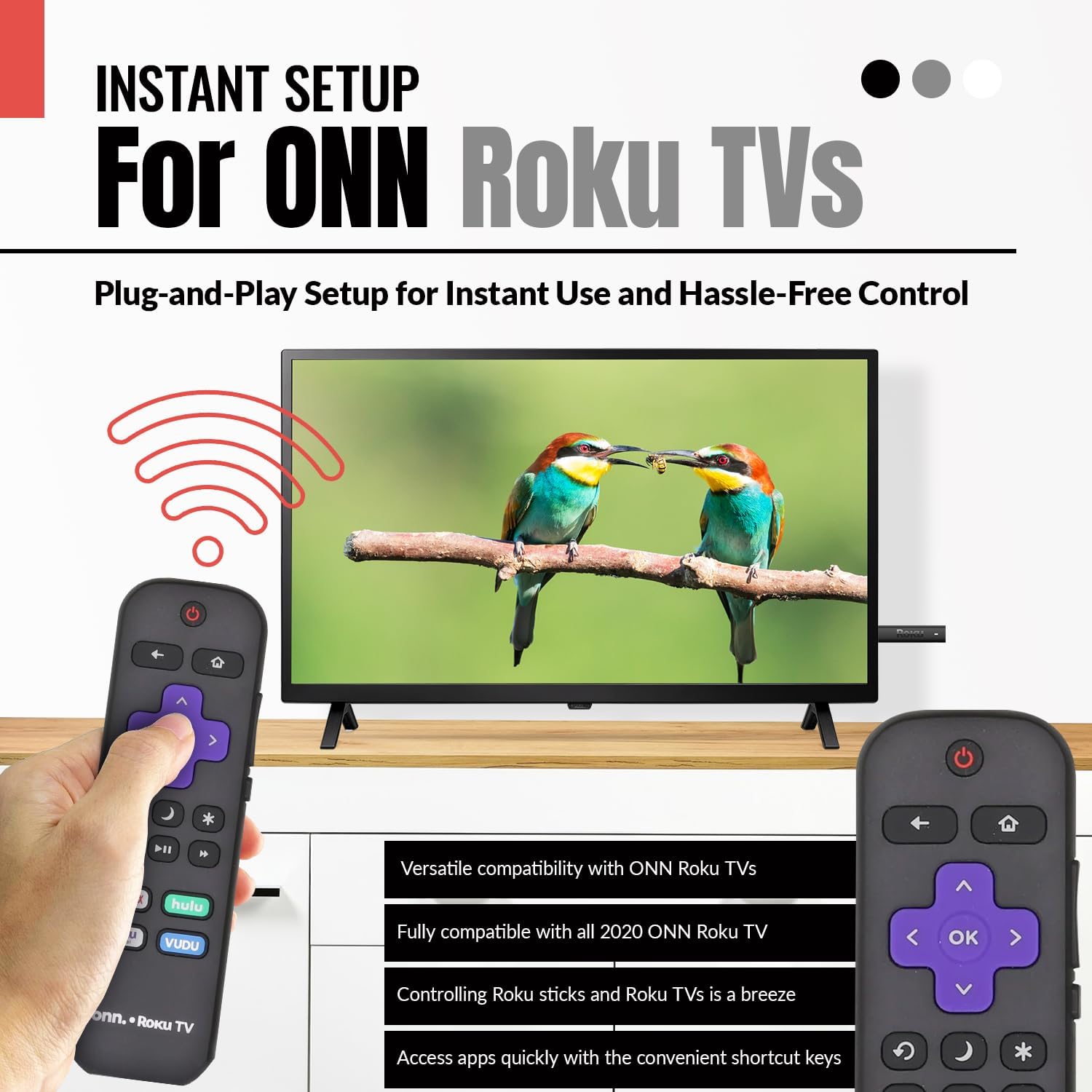
Image 2.3: A hand holding the remote control with a TV displaying content, illustrating the instant plug-and-play setup for ONN Roku TVs.
3. საოპერაციო ინსტრუქციები
3.1 ღილაკების განლაგება და ფუნქციები
The Anderic ONN Roku TV remote control features a user-friendly layout with dedicated buttons for various functions. Ensure a clear line of sight between the remote and your TV's infrared sensor for optimal performance.

სურათი 3.1: ახლო ხედი view of the remote control, emphasizing dedicated TV power, volume buttons, and pre-programmed streaming shortcut buttons for accessibility.
- Ჩამრთველი ღილაკი (წითელი წრე ხაზით): რთავს ან გამორთავს ტელევიზორს.
- Უკანა ღილაკი (მარცხენა ისარი): უბრუნდება წინა ეკრანს ან მენიუს.
- Სახლის ღილაკი (სახლის ხატულა): გადადის Roku-ს მთავარ ეკრანზე.
- Directional Pad (Purple Arrows): Used to navigate through menus and content.
- OK Button (Purple 'OK'): ირჩევს ნივთს ან ადასტურებს მოქმედებას.
- ხმის აწევა / შემცირების ღილაკები: არეგულირებს ტელევიზორის ხმის სიმძლავრეს.
- მუნჯი ღილაკი: ტელევიზორის აუდიოს დადუმება ან მოხსნა.
- მყისიერი გამეორების ღილაკი (Curved Arrow): Jumps back a few seconds during video playback.
- Sleep Button (მთვარის ხატულა): აყენებს ძილის ტაიმერს ტელევიზორისთვის.
- Star Button (ვარსკვლავი): წვდომა აქვს გარკვეულ აპლიკაციებში არსებულ ოფციებზე ან პარამეტრებზე.
- დაკვრის/პაუზის ღილაკი (Triangle/Two Bars): Plays or pauses media content.
- სწრაფი წინ / უკან გადახვევის ღილაკები: Skips forward or backward in media content.
- Streaming Service Shortcut Buttons (Netflix, Hulu, Vudu, Roku Channel): Provides direct access to these streaming applications.

Image 3.2: A user operating the remote control, highlighting its comprehensive functionality beyond just streaming.
4. თავსებადობა
The Anderic RCAFIR remote control is designed for broad compatibility with ONN Roku TV models. It functions as a direct replacement for several original ONN Roku remotes.
4.1 Compatible ONN Roku TV Models
This remote is fully compatible with all 2020 ONN Roku TV models and is supplied with the following specific ONN Roku TV models:
- 100005397
- 100012584
- 100012585
- 100012586
- 100012587
- 100012589
- 100012590
- 100018971
- 100021258
- 100021261
- 100024699
4.2 Replacement for Original Remotes
The RCAFIR remote serves as a direct replacement for the original ONN RCALIR Roku remote with Netflix, Disney, Hulu, and Vudu buttons, as well as other compatible models including:
- 276168
- 3226000855
- 3226000887

Image 4.1: A graphic illustrating the replacement compatibility for the ONN Roku TV RCALIR remote, highlighting preset compatibility and easy setup.

Image 4.2: A woman holding the remote control, signifying its role as a reliable replacement for entertainment mastery.
5. Დიაგნოსტიკა
5.1 დისტანციური მართვის პულტი არ პასუხობს
- შეამოწმეთ ბატარეები: Ensure batteries are inserted correctly with the correct polarity (+/-). Replace old or depleted batteries with fresh AAA batteries.
- მხედველობის ხაზი: Verify there are no obstructions between the remote control and the TV's infrared sensor. The remote operates using infrared technology, requiring a direct line of sight.
- ტელევიზორის სიმძლავრე: Confirm that your ONN Roku TV is powered on and not in standby mode.
- დისტანციური გადატვირთვა: Remove the batteries from the remote, press each button a few times to discharge any residual power, then reinsert the batteries.
5.2 Specific Button Issues
- If a specific button is not working, gently clean around the button with a soft, dry cloth to remove any dust or debris that might be interfering with its function.
- Ensure the remote is pointed directly at the TV's IR sensor when pressing the button.
6. პროდუქტის სპეციფიკაციები
| ფუნქცია | დეტალი |
|---|---|
| მოდელის ნომერი | ONN-RCAFIR |
| პროდუქტის ზომები | 5.75 x 1.75 x 1 ინჩი |
| ნივთის წონა | 1.76 უნცია |
| საჭიროა ბატარეები | 2 AAA ბატარეა (არ შედის) |
| დაკავშირების ტექნოლოგია | ინფრაწითელი (IR) |
| თავსებადი მოწყობილობები | Television (ONN Roku TV models) |
| სპეციალური ფუნქცია | Ergonomic design, Pre-programmed |
7. მნიშვნელოვანი ინფორმაცია
7.1 სამართლებრივი უარი პასუხისმგებლობაზე
Anderic is a registered trademark of Dan's Electronics Etc., Inc. All Rights Reserved. We are not affiliated with Roku. Roku is a registered trademark of Roku Inc.
7.2 ინფორმაცია მწარმოებლის შესახებ
Anderic, a brand of Dan's Electronics Etc., Inc., has been manufacturing replacement remote controls since 1999. The company is based in NC, USA, and focuses on providing high-quality replacement remote controls and accessories to extend the life of your equipment.


