შესავალი
Thank you for choosing the Baseus 2 in 1 Bluetooth 5.0 FM Transmitter Car Charger. This device combines a car charger with an FM transmitter, allowing you to stream audio wirelessly from your mobile device to your car's FM radio and charge your devices simultaneously. Please read this manual carefully before use to ensure proper operation and to maximize the product's lifespan.
პროდუქტი დასრულდაview

Image: The Baseus 2 in 1 Bluetooth 5.0 FM Transmitter Car Charger, showing its compact design with dual USB ports and a digital display.
The Baseus Car Wireless MP3 Charger (Model CCNLZ-C0G) features Bluetooth 5.0 for stable audio transmission, dual USB ports for quick charging, and an FM transmitter function. It is designed for ease of use with a single-key operation and includes an intelligent digital display for voltagე მონიტორინგი.
ძირითადი მახასიათებლები:
- Bluetooth 5.0 for stable and fast audio transmission.
- Dual USB ports for charging, supporting 18W Quick Charge 3.0, AFC, and FCP.
- FM frequency transmission for audio playback through car radio.
- Single-key operation for volume, track, frequency adjustment, and call management.
- Lossless audio decoding for high-quality sound.
- Intelligent digital display for real-time voltagე მონიტორინგი.
- Music playback from a USB flash drive.
- Automatic reconnection and power-off memory playback.
დაყენების ინსტრუქციები
- ჩადეთ მანქანის სოკეტში: Insert the Baseus FM Transmitter into your car's cigarette lighter socket. The device will power on automatically, and the digital display will show the current car battery voltagრამდენიმე წამის განმავლობაში, შემდეგ გადართეთ FM სიხშირეზე.

Image: The Baseus device securely plugged into a car's 12V power outlet.
- FM სიხშირის დაყენება:
- მანქანის FM რადიო ცარიელ სიხშირეზე დააყენეთ (ისეთზე, სადაც ძლიერი მაუწყებლობის სიგნალი არ არის).
- On the Baseus device, press and hold the multi-function knob until the frequency display starts flashing.
- Rotate the knob left or right to adjust the FM frequency of the transmitter to match your car's radio frequency.
- Once matched, wait a few seconds for the display to stop flashing, or press the knob briefly to confirm.

Image: Close-up of the digital display on the Baseus device, showing the current FM frequency.
- დაწყვილება Bluetooth- ით:
- ჩართეთ Bluetooth თქვენს მობილურ მოწყობილობაზე.
- ძიება available Bluetooth devices and select "Baseus" (or similar name) from the list.
- Once paired, a voice prompt will confirm the connection.
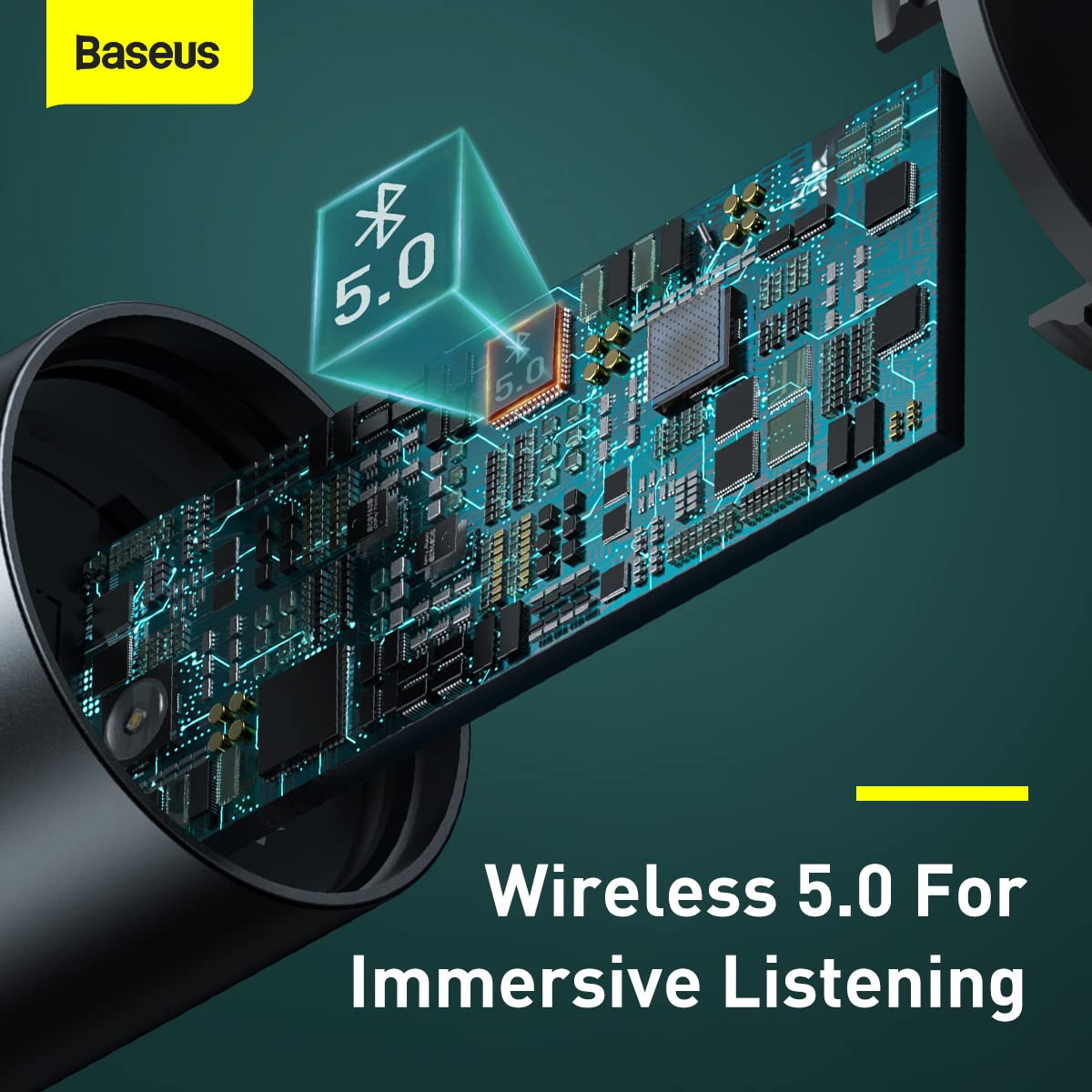
სურათი: შიდა view highlighting the Bluetooth 5.0 chip, representing the wireless connection capability.
ოპერაციული ინსტრუქციები
მუსიკის დაკვრა:
- Bluetooth აუდიო: Once paired, play music on your mobile device. The audio will be transmitted to your car's FM radio.
- USB ფლეშ დრაივის დაკვრა: Insert a USB flash drive containing MP3/WAV/FLAC/APE/WMA audio files into the designated USB port (marked with a music note icon). The device will automatically detect and play music from the drive.

Image: A USB flash drive plugged into the Baseus device, illustrating its music playback capability.
ზარის მართვა:
- ზარის პასუხი/დასრულება: Briefly press the multi-function knob to answer an incoming call or end an ongoing call.
- ზარის უარყოფა: Press and hold the multi-function knob to reject an incoming call.
- ხელახლა აკრეფა: ბოლო ნომრის ხელახლა აკრეფისთვის ორჯერ დააჭირეთ მრავალფუნქციურ ღილაკს.
კონტროლი:
- ხმის რეგულირება: Rotate the multi-function knob left or right to adjust the volume.
- ტრეკის გადართვა: During music playback, briefly press the multi-function knob and then rotate it left (previous track) or right (next track).
- სიხშირის რეგულირება: As described in the Setup section, press and hold the knob until the frequency flashes, then rotate to adjust.

Image: A finger interacting with the multi-function knob, demonstrating its single-key operation.
დატენვის მოწყობილობები:
- Connect your device's charging cable to either of the two USB ports on the transmitter.
- The device supports 18W Quick Charge 3.0, AFC, and FCP for fast charging compatible devices.

Image: The Baseus device showing its two USB ports, ready for charging mobile devices.
მოვლა
- დასუფთავება: მოწყობილობის გასაწმენდად გამოიყენეთ რბილი, მშრალი ქსოვილი. არ გამოიყენოთ თხევადი საწმენდი საშუალებები ან აეროზოლები.
- შენახვა: ხანგრძლივი პერიოდის განმავლობაში არ გამოყენების შემთხვევაში, შეინახეთ მოწყობილობა გრილ, მშრალ ადგილას, მოარიდეთ მზის პირდაპირ სხივებს და ექსტრემალურ ტემპერატურას.
- დამუშავება: მოერიდეთ მოწყობილობის ჩამოგდებას ან ძლიერ ზემოქმედებას.
- Გამორთვა: Always ensure the device is properly seated in the car socket to maintain a stable connection.
პრობლემების მოგვარება
| პრობლემა | შესაძლო მიზეზი | გამოსავალი |
|---|---|---|
| დენი არ არის/მოწყობილობა არ ირთვება. | Loose connection in car socket; car socket not providing power. | Ensure the device is firmly inserted into the car's cigarette lighter socket. Check if the car's socket is functional (e.g., by testing with another device). |
| Poor FM signal/Static noise. | FM frequency interference; car radio not tuned correctly. | Find a clearer, unused FM frequency on your car radio and match the transmitter's frequency to it. Avoid frequencies used by strong local radio stations. |
| Bluetooth არ უკავშირდება. | Bluetooth not enabled on phone; device not in pairing mode; incorrect device selected. | Ensure Bluetooth is enabled on your phone. Restart both the phone and the FM transmitter. Forget the device in your phone's Bluetooth settings and re-pair. |
| ნელი დატენვა ან დატენვის არარსებობა. | კაბელის პრობლემა; მოწყობილობა არ არის თავსებადი სწრაფ დატენვასთან; რამდენიმე მოწყობილობა ძალიან ბევრ ენერგიას მოიხმარს. | Try a different USB cable. Ensure your device supports the fast charging protocols (QC3.0, AFC, FCP). If charging multiple devices, total output may be limited. |
სპეციფიკაციები
| ფუნქცია | დეტალი |
|---|---|
| ბრენდი | ბასეუსი |
| მოდელის ნომერი | CCNLZ-C0G |
| პროდუქტის ზომები | 8 x 6 x 1.5 სმ |
| ნივთის წონა | 100 გ |
| აპარატურა ინტერფეისი | Bluetooth 5, USB |
| თავსებადი მოწყობილობები | MP3 ფლეიერი, სმარტფონები, პლანშეტები |
| განსაკუთრებული თვისებები | 18W quick charge, FM frequency transmission, Intelligent digital display, Support playback from flash disk |
| აუდიო გამოყვანის რეჟიმი | FM transmission, A2DP |
| ვატtage | 18 ვატი |
| უკაბელო ტიპი | Bluetooth |
| სულ USB პორტები | 2 |
| კონექტორის ტიპი | Bluetooth |
| თავსებადი მედიის ტიპი | Bluetooth 5.0, FM, USB Flash Drive |
| მასალა | მეტალი |
საგარანტიო ინფორმაცია
This Baseus product comes with a 1 წლიანი გარანტია from the date of purchase. The warranty covers manufacturing defects and malfunctions under normal use. It does not cover damage caused by misuse, accidents, unauthorized modifications, or normal wear and tear. Please retain your proof of purchase for warranty claims.
მომხმარებელთა მხარდაჭერა
For further assistance, technical support, or warranty claims, please contact Baseus customer service through their official website or the retailer where you purchased the product. Please have your model number (CCNLZ-C0G) and proof of purchase ready when contacting support.
You can find more information and support resources on the official Baseus webსაიტი: www.baseus.com


