PowerDrive PWD400 400 Watt Power Inverter Instruction Manual
მოდელი: PWD400
პროდუქტი დასრულდაview
The PowerDrive PWD400 is a 400-watt power inverter designed to convert 12V DC power from your vehicle's battery into 110V AC power. This allows you to operate various AC devices and charge USB-powered electronics while on the go. It features two 3-prong AC outlets and dual USB ports (Standard 2.4A and USB-C 3.0A) for versatile power solutions.
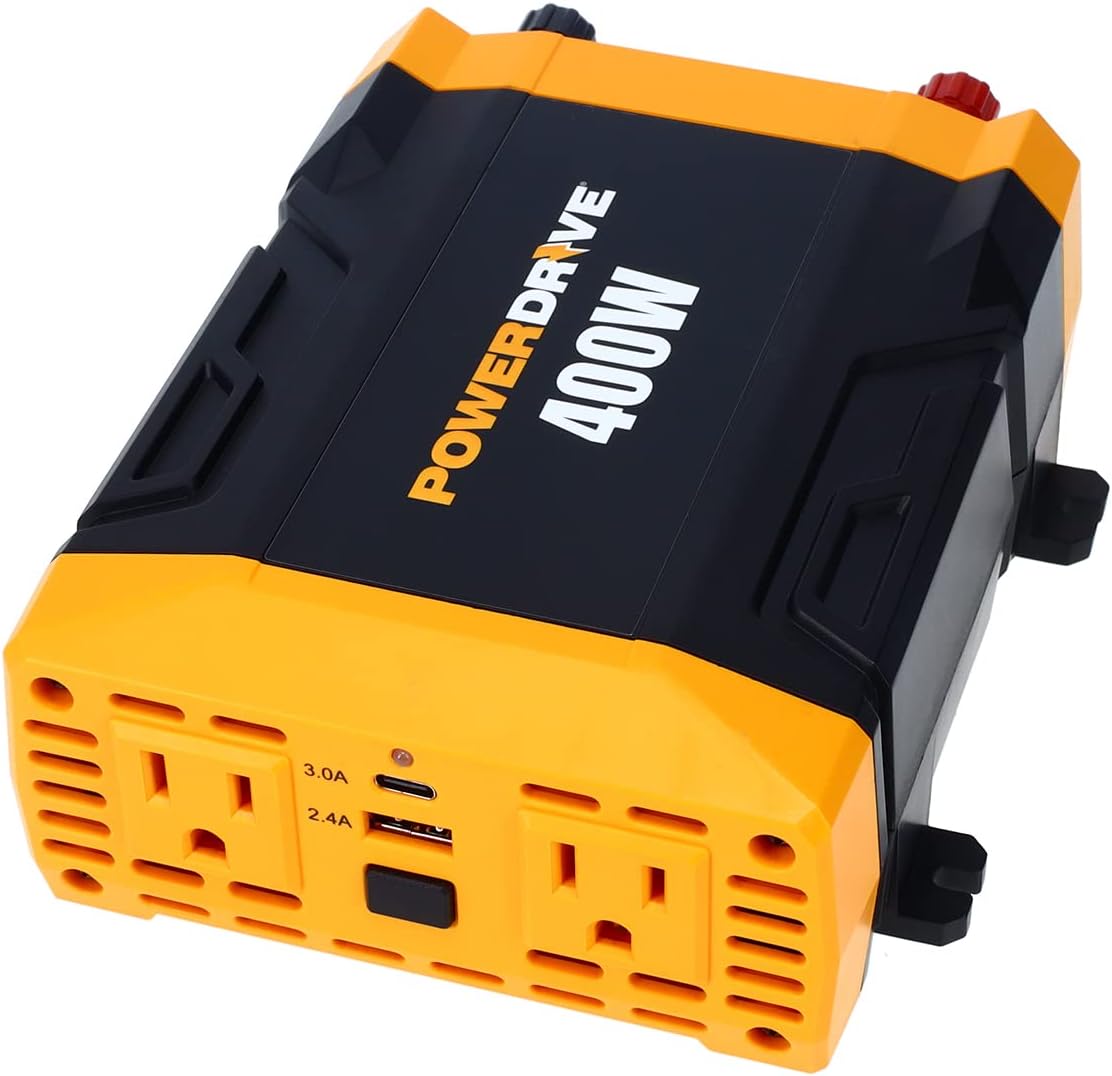
სურათი: ზემოდან ქვემოთ view of the PowerDrive PWD400 Power Inverter, highlighting its two AC outlets and dual USB ports.
რა არის ყუთში
- PowerDrive PWD400 Power Inverter
- 12-volt plug (cigarette lighter adapter)
- 36-inch battery clamp კაბელები
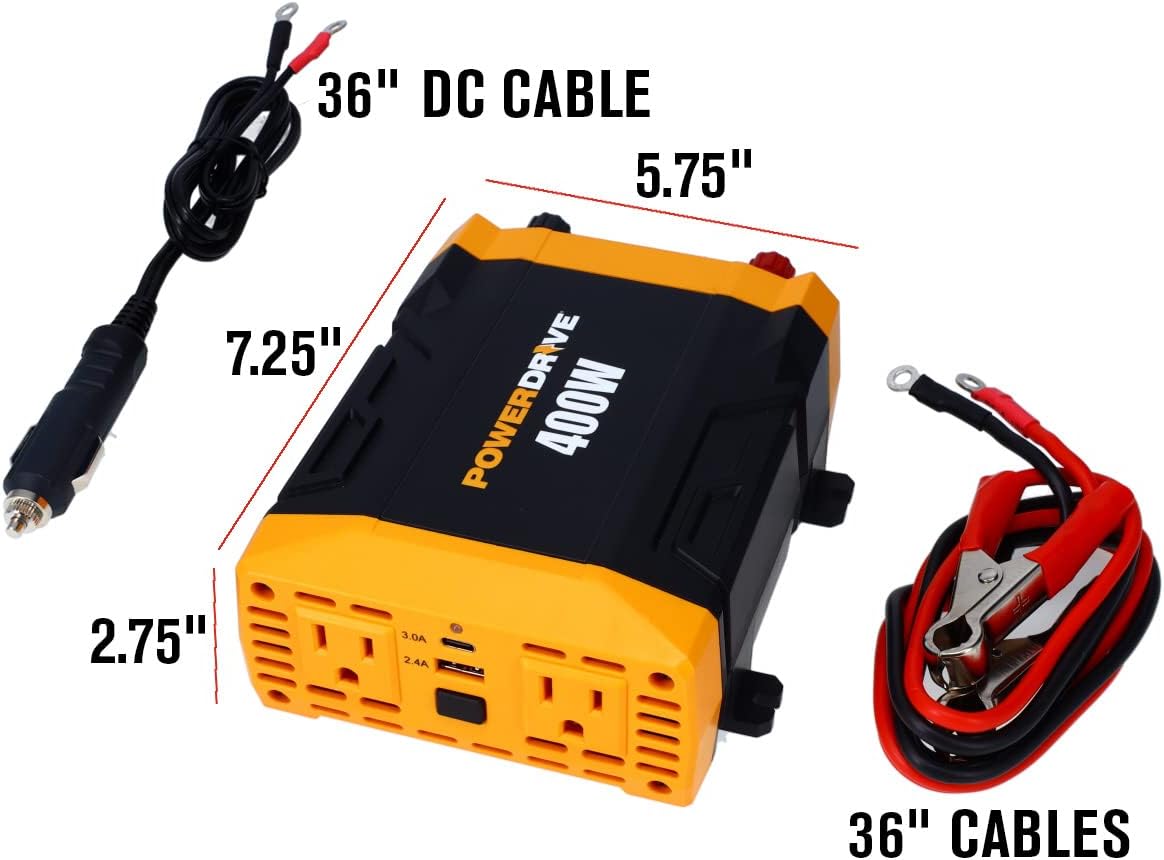
Image: The PowerDrive PWD400 inverter shown with its included 36-inch DC cable (cigarette lighter plug) and 36-inch battery clamp კაბელები.
დაყენება
დაკავშირება 12 ვ დენის წყაროსთან:
- Using the 12-volt plug (cigarette lighter adapter): Insert the 12-volt plug into your vehicle's cigarette lighter socket. Ensure a secure connection. This method is suitable for lower power applications.
- Using the 36-inch battery clamp კაბელები: For higher power applications or direct battery connection, attach the red clamp to the positive (+) terminal of your 12V battery and the black clamp to the negative (-) terminal. Connect the other end of the cables to the corresponding terminals on the inverter. Ensure all connections are tight and secure.
მნიშვნელოვანია: Always ensure your vehicle's engine is running when using the inverter for extended periods or with high-wattage devices to prevent draining the vehicle's battery.

Image: The PowerDrive PWD400 inverter connected to a 12V power source using the cigarette lighter plug.

Image: The PowerDrive PWD400 inverter connected to a battery using the included battery clamp კაბელები.
ოპერაციული ინსტრუქციები
- ჩართვა: After connecting the inverter to a 12V power source, press the power button on the inverter. The power indicator light should illuminate, indicating it is ready for use.
- კონდიციონერის მოწყობილობების შეერთება: Plug your AC devices (up to 400 watts continuous power) into the two 3-prong AC outlets. Ensure the total wattage of all connected devices does not exceed 400 watts.
- USB მოწყობილობების დატენვა: Connect your USB-powered devices to the 2.4A USB port or the 3.0A USB-C port. These ports are ideal for charging smartphones, tablets, and other compatible electronics.
- გამორთვა: When finished, disconnect all devices from the inverter, then press the power button to turn off the inverter. Finally, disconnect the inverter from the 12V power source.
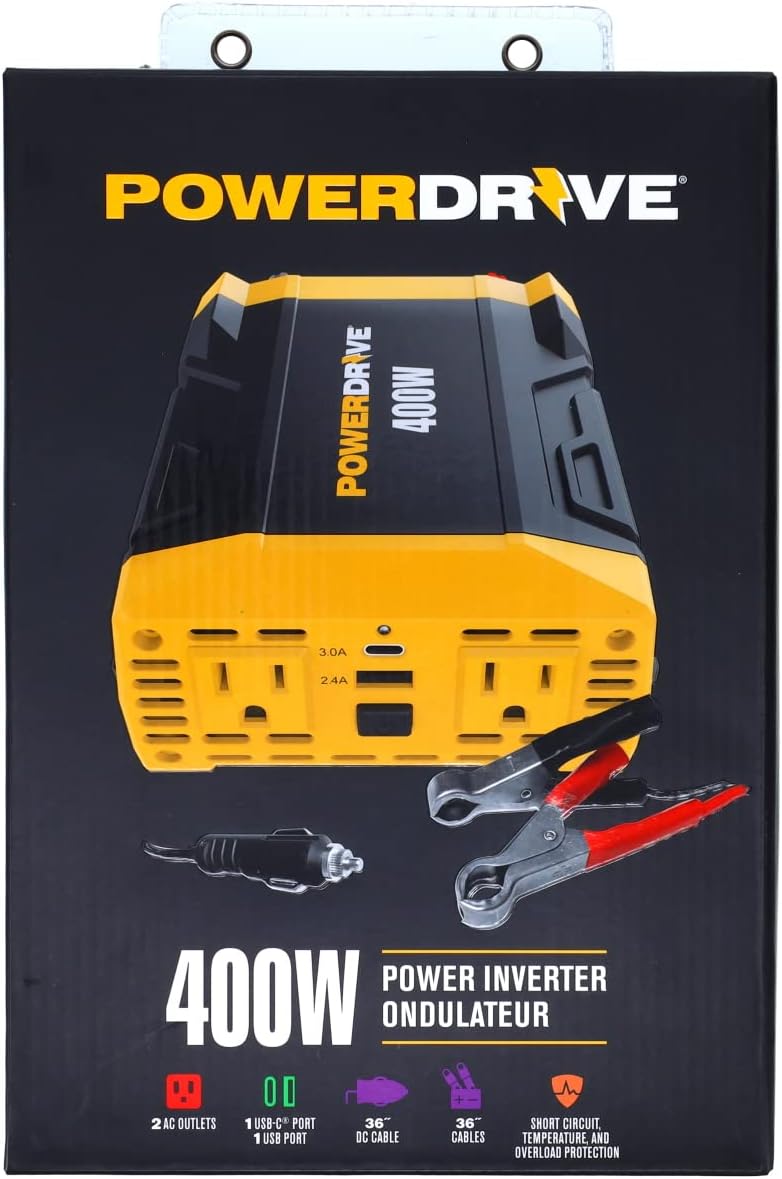
სურათი: დეტალური view of the PowerDrive PWD400's dual 3-prong AC outlets and the 2.4A USB and 3.0A USB-C ports.
მოვლა
- დასუფთავება: ინვერტორი სუფთად, მტვრისა და ნარჩენებისგან თავისუფალი შეინახეთ. გასაწმენდად გამოიყენეთ მშრალი, რბილი ქსოვილი. არ გამოიყენოთ თხევადი საწმენდი საშუალებები.
- დაუკრავების გამოცვლა: The PWD400 features removable ATC fuses for easy replacement. If the inverter stops functioning due to an overload or short circuit, check and replace the fuses as needed. Refer to the specifications for the correct fuse type and rating.
- შენახვა: ინვერტორი შეინახეთ გრილ, მშრალ ადგილას, მზის პირდაპირი სხივებისა და ტენიანობისგან მოშორებით, როდესაც არ იყენებთ.
პრობლემების მოგვარება
The PowerDrive PWD400 is equipped with built-in protection features to ensure safe operation. If you encounter issues, consider the following:
- გამომავალი სიმძლავრე არ არის:
- Ensure the inverter is securely connected to the 12V power source.
- Check if the vehicle's 12V socket or battery terminals are clean and free of corrosion.
- Verify that the power button on the inverter is pressed and the indicator light is on.
- Check the removable ATC fuses. Replace if blown.
- გადატვირთვისაგან დაცვა:
- If the inverter shuts down, it may be due to an overload. Disconnect the devices, reduce the total wattage, and restart the inverter. The inverter protects against exceeding its 400-watt continuous power rating.
- ტემპერატურული დაცვა:
- If the inverter becomes too hot, it will shut down to prevent damage. Allow it to cool down in a well-ventilated area before restarting. Ensure proper ventilation around the inverter during operation.
- მოკლე ჩართვის დაცვა:
- The inverter is designed to protect against short circuits. If a short circuit occurs, the unit will shut down. Resolve the short circuit issue and restart the inverter.
სპეციფიკაციები
| ფუნქცია | სპეციფიკაცია |
|---|---|
| მოდელის სახელი | PWD400 |
| უწყვეტი სიმძლავრე | 400 ვატი |
| შეყვანის მოცულობაtage | 12V DC |
| გამოყვანის ტომიtage | 110V AC |
| AC განყოფილებები | Two 3-prong outlets |
| USB პორტები | One Standard 2.4A USB, One 3.0A USB-C |
| მოყვება კაბელები | 12-volt plug, 36-inch battery clamp კაბელები |
| დაცვის მახასიათებლები | Short circuit, temperature, and overload protection |
| ნივთის წონა | 2.05 ფუნტი |
| პროდუქტის ზომები | 12 x 8 x 3 ინჩი |
გარანტია და მხარდაჭერა
This PowerDrive PWD400 Power Inverter comes with a 1-year limited warranty. For technical support, troubleshooting assistance, or warranty claims, please refer to the contact information provided with your product packaging or visit the official PowerDrive webსაიტი.
დამატებითი ინფორმაციისა და რესურსებისთვის შეგიძლიათ ეწვიოთ PowerDrive Store on Amazon.


