შესავალი
This manual provides essential information for setting up, operating, maintaining, and troubleshooting your iFFALCON 43-inch 4K Ultra HD Smart LED Google TV, model iFF43U62. Please read this manual thoroughly before using your television to ensure proper functionality and safety.
რა არის ყუთში
გახსნისას, დარწმუნდით, რომ ყველა შემდეგი ნივთი შედის კომპლექტში:
- 1 x iFFALCON 43-inch LED TV
- 1 x მაგიდის ზედა სადგამი
- 1 x მომხმარებლის სახელმძღვანელო
- 1 x საგარანტიო ბარათი
- 1 x დისტანციური მართვა
- 2 x AAA ბატარეები
დაყენება
1. სადგამზე მონტაჟი ან კედელზე დამონტაჟება
Carefully place the TV face down on a soft, flat surface to prevent screen damage. Attach the provided table-top stand using the screws, ensuring it is securely fastened. If wall mounting, follow the instructions provided with your wall mount kit (sold separately) and ensure proper ventilation around the TV.

Image: TV dimensions for stand installation or wall mounting.
2. მოწყობილობების დამაკავშირებელი
Connect your external devices such as set-top boxes, Blu-ray players, or gaming consoles to the HDMI ports. Use the USB port for external storage devices. For wired internet, connect an Ethernet cable to the LAN port. The TV also supports in-built Wi-Fi (2.4GHz/5GHz) for wireless connectivity.

სურათი: გვერდი view showing various connectivity ports.
3. ჩართვა და საწყისი დაყენება
Plug the power cord into an electrical outlet. Press the power button on the TV or remote control. Follow the on-screen instructions to complete the initial setup, including language selection, network connection, and Google account sign-in.
თქვენი ტელევიზორის მართვა
1. Google TV Interface and Smart Features
Your iFFALCON TV runs on Google TV, offering a personalized experience with content recommendations. Access pre-installed apps like Netflix, Prime Video, Disney+Hotstar, and YouTube. Use Google Assistant for voice control to search for content, control smart home devices, and more.

Image: Google TV interface with streaming apps.
2. ეკრანის მახასიათებლები
Experience stunning visuals with 4K Ultra HD resolution (3840 x 2160) and a 60Hz refresh rate. The TV features an A+ Grade Panel, AI Picture Engine 2.0, HDR 10 support, 4K Upscaling, Dynamic Color Enhancement, and Micro Dimming Technology for enhanced contrast and vibrant colors. The Edgeless Design provides an immersive viewგამოცდილება.
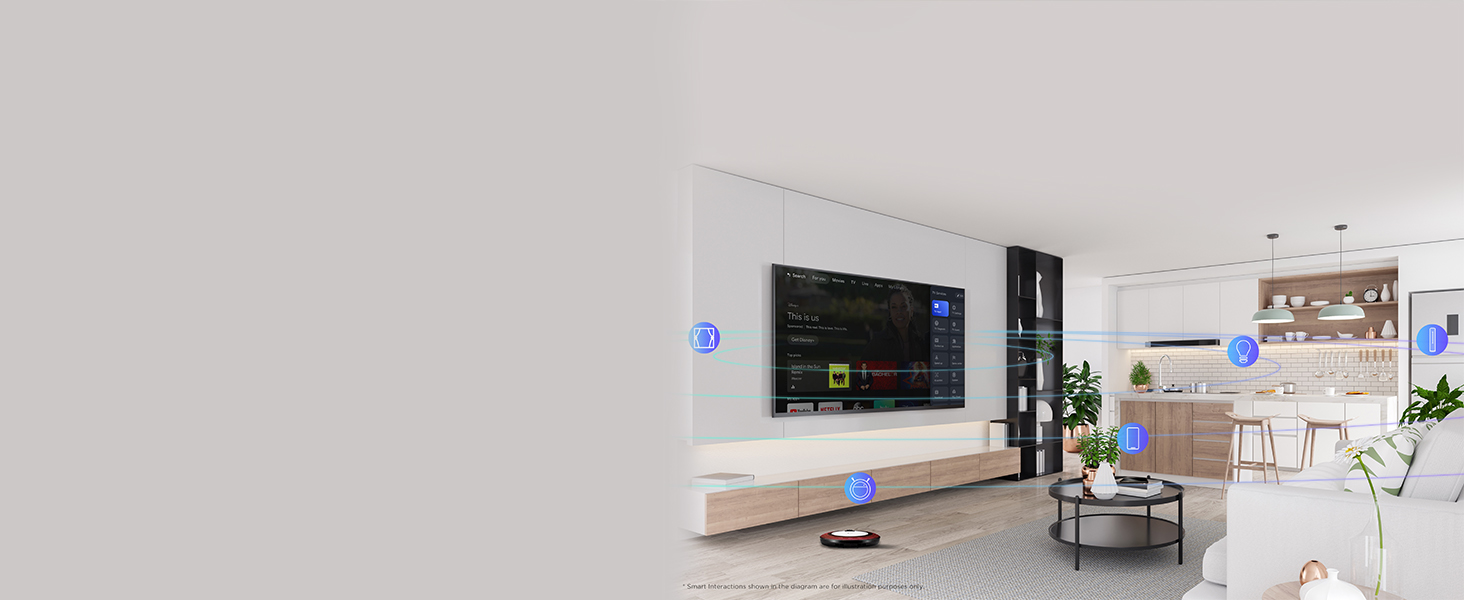
Image: 4K Ultra HD resolution detail.
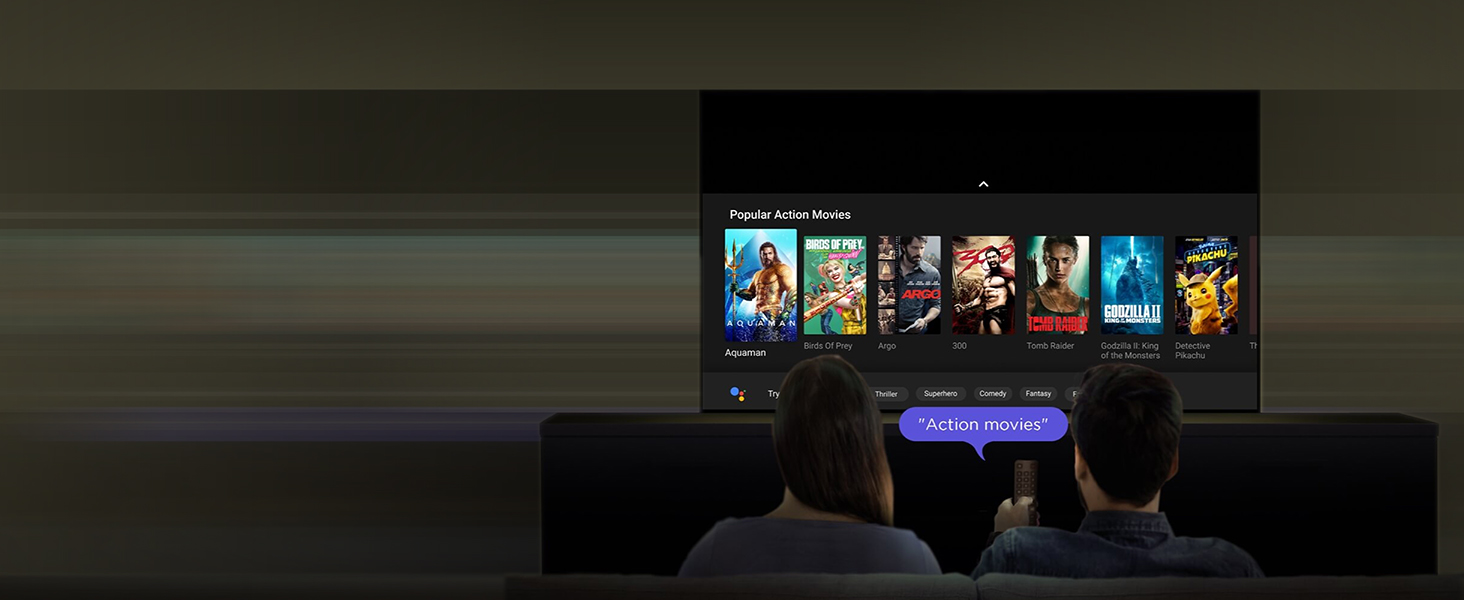
Image: HDR 10 contrast and color enhancement.
Image: Dynamic Color Enhancement.
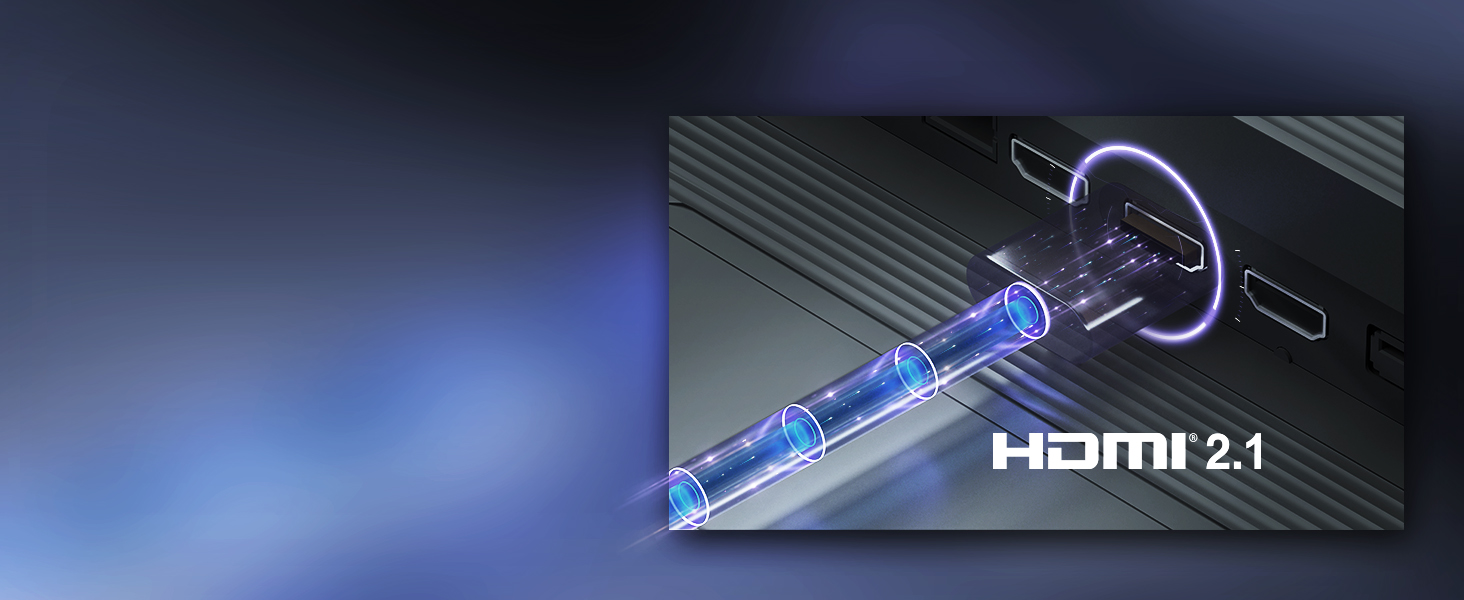
Image: Micro Dimming technology for enhanced contrast.
3. აუდიო ფუნქციები
The TV delivers powerful audio with 24 Watts output and Dolby Audio technology, providing rich, clear, and immersive sound for all your entertainment.
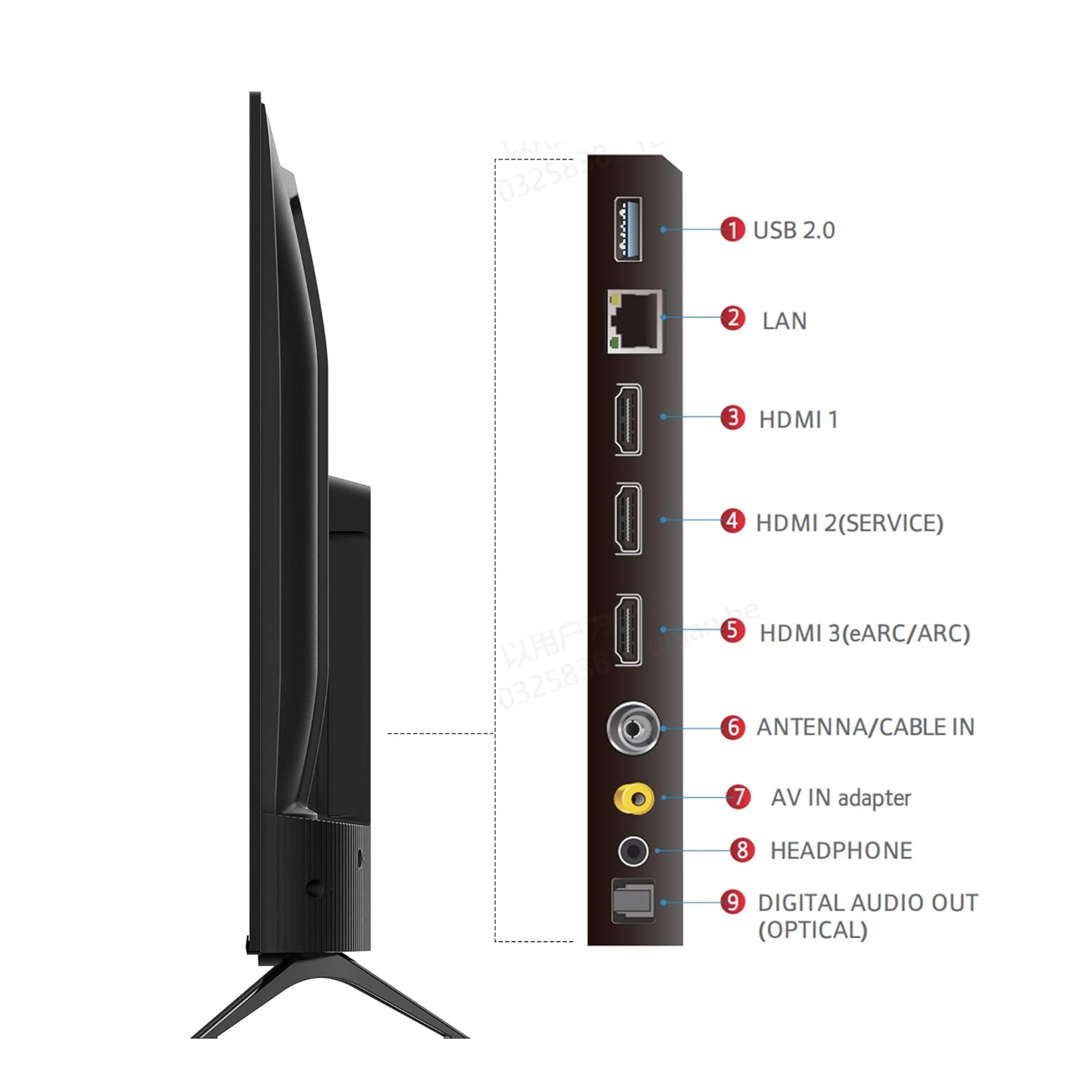
Image: Dolby Audio for immersive sound.
4. პროდუქტის ოფიციალური ვიდეო
ვიდეო: პროდუქტის ოფიციალური ვიდეო ჩვენებაasing the iFFALCON U62 Series 4K HDR TV features, including Dolby Audio, 4K Ultra HD resolution, Micro Dimming, Dynamic Color Enhancement, Google TV, and HDMI 2.1 connectivity.
მოვლა
1. ტელევიზორის გაწმენდა
ეკრანის გასაწმენდად, ფრთხილად გაწმინდეთ რბილი, უბუშტო ქსოვილით. ჯიუტი ლაქების შემთხვევაში, ოდნავ გაწმინდეთ.ampen the cloth with water or a screen cleaner specifically designed for TVs. Avoid using harsh chemicals, abrasive materials, or direct spraying of liquids onto the screen. For the TV body, use a soft, dry cloth.
2. ზოგადი მოვლა
Keep the TV away from direct sunlight, heat sources, and excessive dust. Ensure adequate ventilation around the TV to prevent overheating. Unplug the TV during lightning storms or when it will be unused for extended periods.
პრობლემების მოგვარება
თუ თქვენს ტელევიზორთან დაკავშირებით პრობლემები შეგექმნათ, იხილეთ შემდეგი გავრცელებული პრობლემები და მათი გადაჭრის გზები:
- ძალა არ არის: Ensure the power cord is securely plugged into both the TV and the electrical outlet. Check if the outlet is working by plugging in another device. Try pressing the power button on the TV itself, not just the remote.
- სურათი/ხმა არ არის: Verify that the correct input source is selected (e.g., HDMI 1, HDMI 2). Check all cable connections between the TV and external devices. If using a set-top box, ensure it is powered on.
- ცუდი სურათის ხარისხი: Adjust picture settings (brightness, contrast, color) in the TV menu. Ensure the input source is providing a high-quality signal. For 4K content, ensure your source device and cables support 4K.
- Არ არის ინტერნეტ კავშირი: For Wi-Fi, check your router and ensure the TV is within range. Re-enter the Wi-Fi password. For wired connection, ensure the Ethernet cable is properly connected and your router is working.
- დისტანციური მართვა არ მუშაობს: შეცვალეთ დისტანციური მართვის პულტის AAA ტიპის ელემენტები. დარწმუნდით, რომ დისტანციურ მართვის პულტსა და ტელევიზორის ინფრაწითელ სენსორს შორის არანაირი დაბრკოლება არ არის.
თუ პრობლემა ამ ნაბიჯების მოსინჯვის შემდეგაც არ მოგვარდება, გთხოვთ, დაუკავშირდეთ მომხმარებელთა მხარდაჭერის სამსახურს.
სპეციფიკაციები
| ფუნქცია | სპეციფიკაცია |
|---|---|
| ბრენდი | iFFALCON |
| მოდელი | iFF43U62 |
| ეკრანის ზომა | 43 ინჩი (108 სმ) |
| რეზოლუცია | 4K Ultra HD (3840 x 2160) |
| განახლების სიხშირე | 60 ჰერცი |
| ოპერაციული სისტემა | Google TV |
| ოპერატიული მეხსიერება | 2 GB |
| ROM | 16 GB |
| პროცესორი | 64-ბიტიანი ოთხბირთვიანი პროცესორი |
| დაკავშირება | 3 HDMI Ports, 1 USB Port, Headphone Output, Wi-Fi (2.4Ghz/5GHz), Ethernet, Bluetooth |
| ხმის გამომავალი | 24 ვატი |
| აუდიო ტექნოლოგია | Dolby Audio |
| ჩვენების მახასიათებლები | A+ Grade Panel, 178 Degree Wide Viewing Angle, AI Picture Engine 2.0, HDR 10, 4K Upscaling, Dynamic Color Enhancement, Micro Dimming Technology, Edgeless Design |
| პროდუქტის ზომები (სადგამით) | 95.7 x 18.5 x 61 სმ |
| ნივთის წონა | 6.3 კგ |
გარანტია და მხარდაჭერა
საგარანტიო ინფორმაცია
Your iFFALCON iFF43U62 TV comes with a 1 წლიანი გარანტია მწარმოებლის მიერ მოწოდებული შეძენის დღიდან. გთხოვთ, შეინახოთ თქვენი შესყიდვის ქვითარი და საგარანტიო ბარათი გარანტიასთან დაკავშირებული ნებისმიერი პრეტენზიისთვის.
მომხმარებელთა მხარდაჭერა
For technical assistance, service requests, or any inquiries regarding your iFFALCON TV, please refer to the contact information provided on your warranty card or visit the official iFFALCON support website. Ensure you have your TV's model number (iFF43U62) and serial number ready when contacting support.