შესავალი
This manual provides detailed instructions for the setup, operation, and maintenance of your VTech CS2000 DECT Cordless Home Phone. Please read this manual thoroughly before using your new phone to ensure proper functionality and to take full advantagე მისი თვისებები.
The VTech CS2000 is designed for home use, offering reliable long-range communication, essential call management features, and user-friendly design.

Figure 1: VTech CS2000 DECT Cordless Home Phone, showing the handset docked in its base unit.
დაყენება
პაკეტის შიგთავსი
დარწმუნდით, რომ ყველა ნივთი თქვენს პაკეტშია:
- VTech CS2000 ტელეფონი
- VTech CS2000 Base Unit
- კვების ადაპტერი ბაზის ერთეულისთვის
- სატელეფონო ხაზის კაბელი
- Rechargeable NiMH Battery (1 included)
ბატარეის დაყენება და დატენვა
The VTech CS2000 uses a rechargeable NiMH battery. Proper installation and initial charging are crucial for optimal performance.
- იპოვნეთ ბატარეის განყოფილება ტელეფონის უკანა მხარეს.
- Insert the supplied NiMH battery, ensuring the polarity matches the diagram inside the compartment.
- უსაფრთხოდ დახურეთ ბატარეის განყოფილების საფარი.
- Place the handset on the base unit. The charging indicator on the handset should illuminate.
- Allow the handset to charge for at least 16 hours before initial use, even if the display indicates a full charge sooner. This ensures maximum battery capacity.
ბაზის ერთეულის დაკავშირება
- ტელეფონის ხაზის კაბელის ერთი ბოლო შეაერთეთ TEL LINE ბუდესთან, რომელიც ბაზის უკანა მხარესაა.
- ტელეფონის ხაზის კაბელის მეორე ბოლო შეაერთეთ ტელეფონის კედლის ბუდეში.
- კვების ადაპტერის პატარა ბოლო შეაერთეთ POWER ბუდესთან, რომელიც ბაზის უკანა მხარესაა.
- კვების ადაპტერის დიდი ბოლო სტანდარტულ ელექტროგადამცემში შეაერთეთ.
- დარწმუნდით, რომ ყველა კავშირი უსაფრთხოა.
თქვენი ტელეფონის მუშაობა
ზარების განხორციელება და მიღება
ზარის განხორციელება:
- დააჭირეთ საუბარი button (green receiver icon) or lift the handset from the base.
- აკრიფეთ სასურველი ტელეფონის ნომერი.
- დააჭირეთ დასასრული button (red receiver icon) or place the handset back on the base to end the call.
ზარის მიღება:
როდესაც ტელეფონი რეკავს, დააჭირეთ ღილაკს საუბარი button or lift the handset from the base to answer.
ხელების გარეშე დინამიკი
The VTech CS2000 features a hands-free speakerphone function, allowing you to talk without holding the handset.
- ზარის დროს დააჭირეთ ღილაკს დინამიკი button (speaker icon).
- To switch back to the handset, press the საუბარი ისევ ღილაკი.
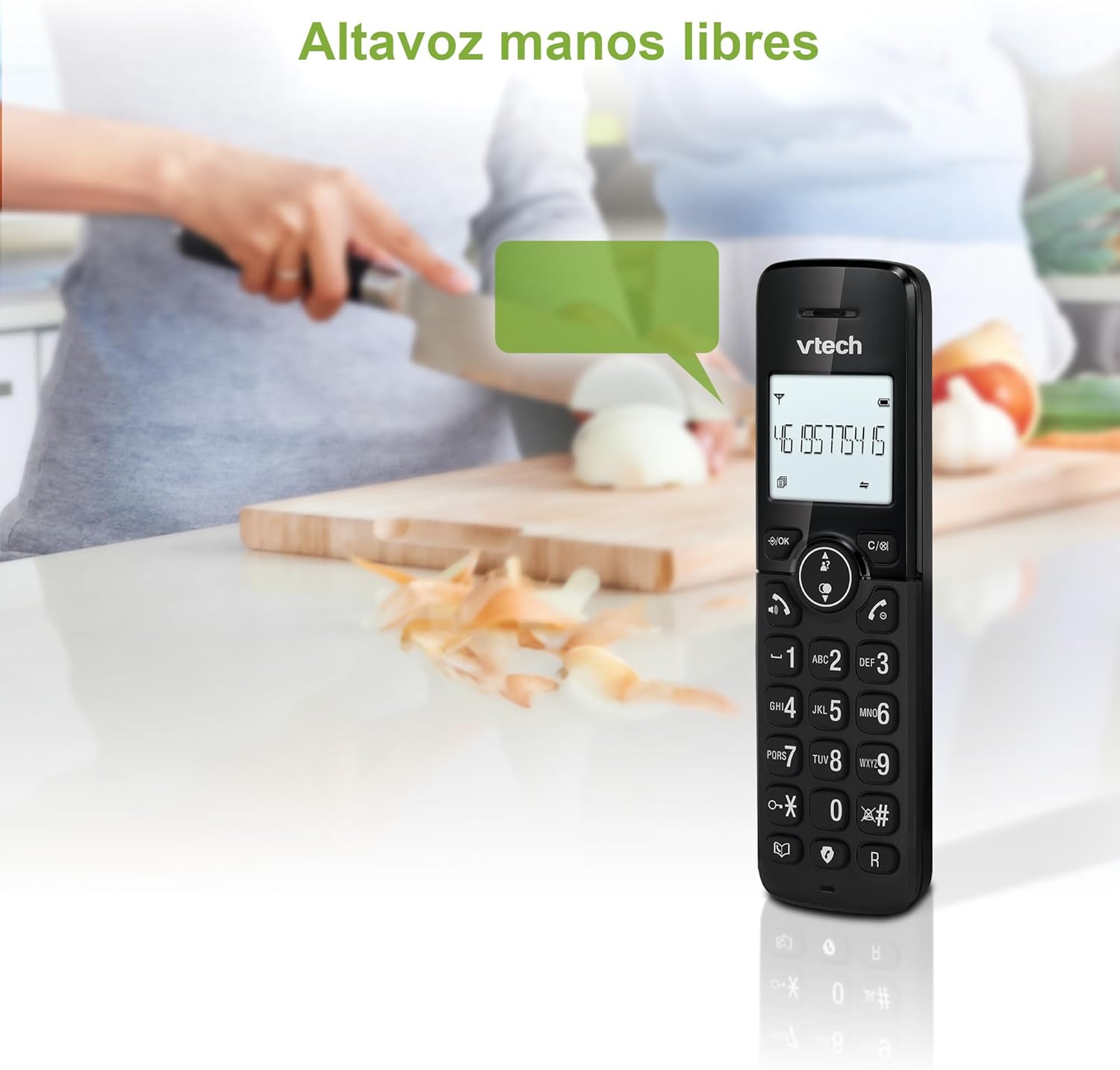
Figure 2: Using the hands-free speakerphone function.
ზარის დაბლოკვა
The call blocking feature allows you to prevent unwanted calls. You can block up to 30 numbers.
- ზარის დროს ნომრის დაბლოკვისთვის დააჭირეთ ღილაკს დარეკეთ ბლოკზე ღილაკი.
- To add a number to the block list manually, navigate to the Call Block menu in the phone settings.
- Follow the on-screen prompts to add or remove numbers from the block list.
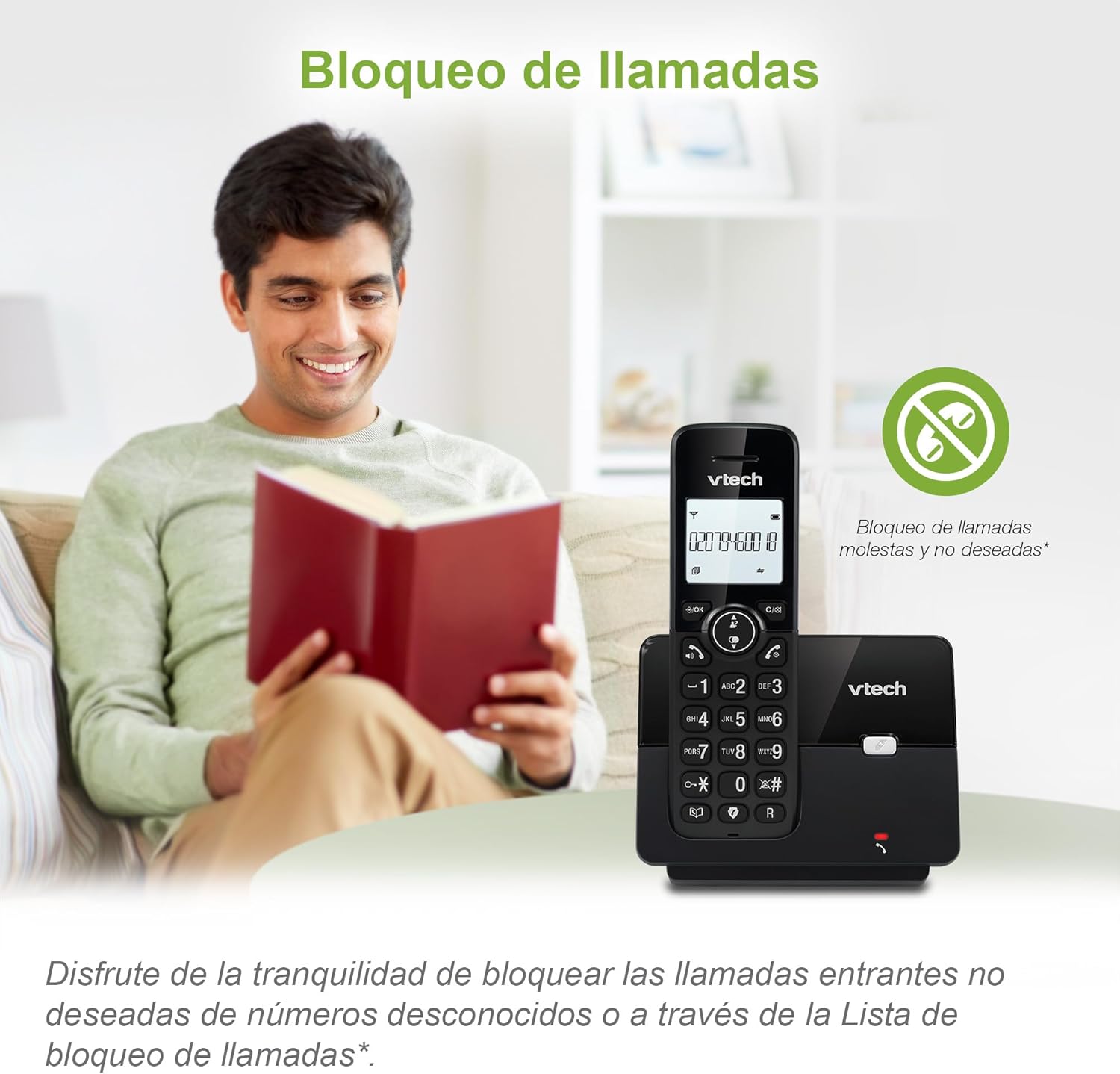
Figure 3: The call blocking feature helps manage unwanted calls.
ტელეფონის წიგნი (დირექტორია)
Store up to 30 names and numbers in the phonebook for quick dialing.
- დააჭირეთ მენიუ / კარგი ღილაკი.
- Navigate to the "Phonebook" or "Directory" option.
- Select "Add New Entry" and follow the prompts to enter the name and number.
- To dial from the phonebook, press the დირექტორია button and scroll to the desired entry, then press საუბარი.

Figure 4: Managing contacts in the phonebook.
Caller ID და Call Waiting
The phone stores up to 20 caller ID records with name and number (service subscription may be required).
When a new call comes in while you are on another call, the call waiting feature alerts you (service subscription may be required).
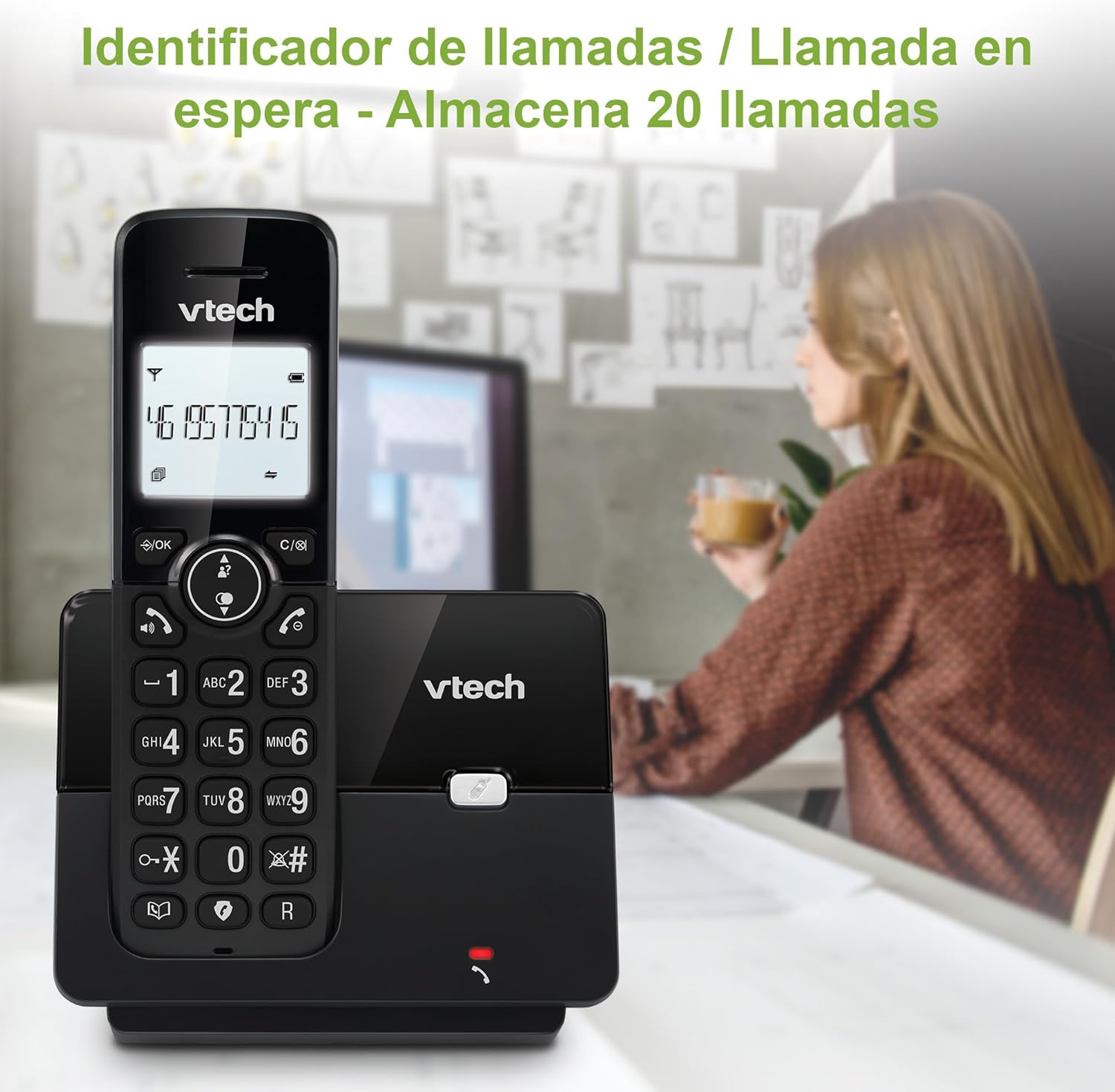
Figure 5: Caller ID display on the handset.
ხელახალი აკრეფის სია
The phone stores the last 10 dialed numbers for quick redialing.
- დააჭირეთ განკურნება ღილაკი.
- Scroll through the list using the navigation keys.
- დააჭირეთ საუბარი to redial the selected number.

Figure 6: Accessing the redial list.
ეკო რეჟიმი
The ECO mode automatically adjusts the radio frequency power based on the distance between the handset and the base unit, helping to conserve energy.
Adjusting Ring Volume and Melody
You can customize the ring volume and melody of your handset.
- დააჭირეთ მენიუ / კარგი ღილაკი.
- Navigate to "Settings" or "Ring Settings".
- Select "Ring Volume" or "Ring Melody" and choose your preference.
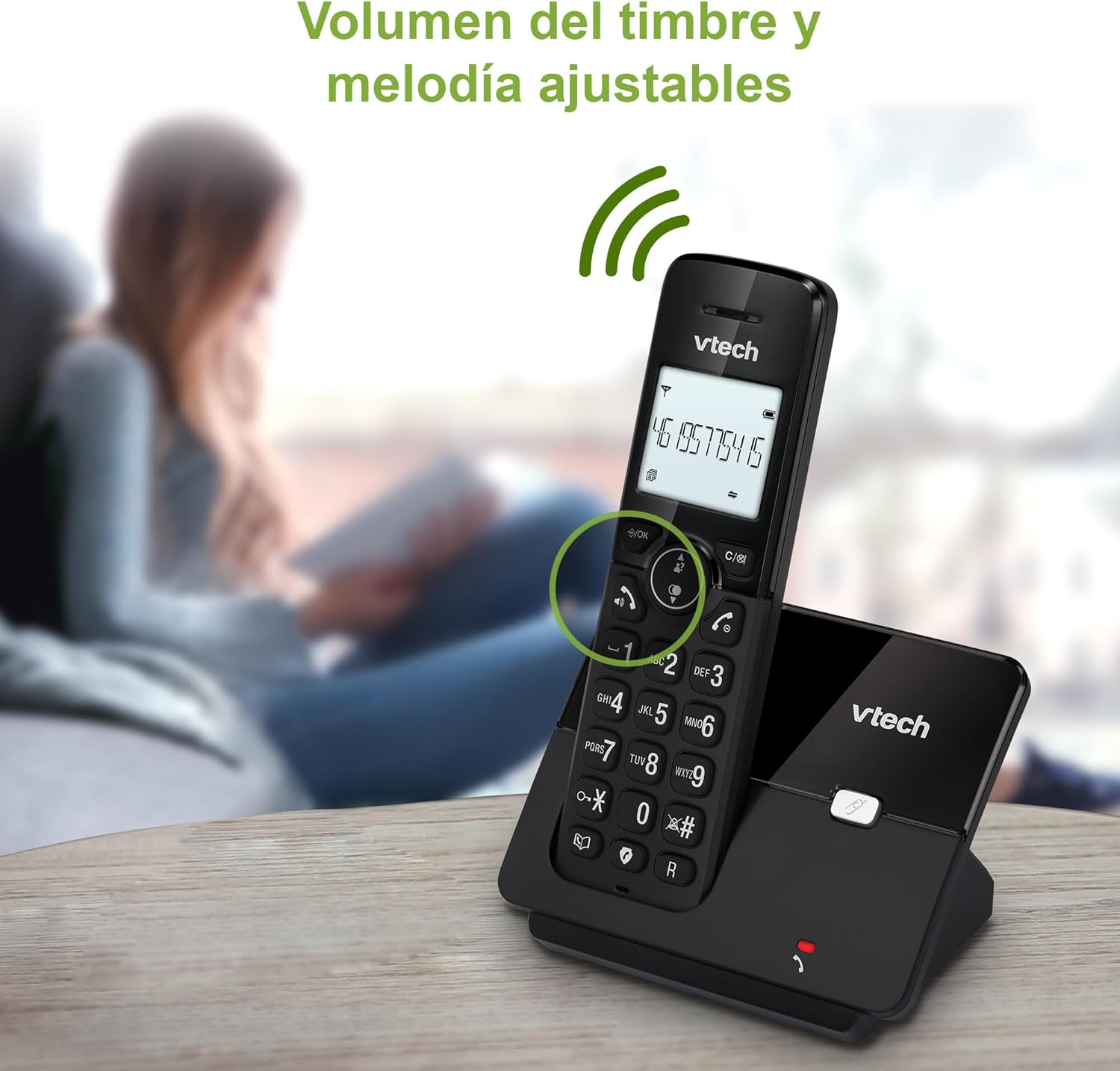
Figure 7: Adjusting ring volume and melody.
Alarm and Silence Function
The phone includes an alarm function and a silence mode for convenience.
- To set an alarm, navigate to the "Alarm" option in the menu and follow the prompts.
- To activate silence mode, typically press and hold the დადუმება button or access the "Silence" option in the settings.

Figure 8: Alarm and silence functions.
შუქნიშანი ჩვენება
The 1.8-inch backlit display provides clear visibility, especially in low-light conditions.

Figure 9: The 1.8-inch backlit display for clear viewინგ.
Long Range Capability
The VTech CS2000 utilizes DECT technology to provide a stable operating range of up to 300 meters outdoors, ensuring clear communication throughout your home and property.

Figure 10: The phone offers reliable long-range coverage.
მოვლა
დასუფთავება
გაწმინდეთ ტელეფონი და ბაზა რბილი ქსოვილით.amp cloth. Do not use cleaning sprays or abrasive cleaners, as they can damage the finish or electrical components.
ბატარეის მოვლა
- Only use the supplied rechargeable NiMH battery or an approved replacement.
- If the phone will not be used for an extended period, remove the battery to prevent leakage.
- ელემენტები პასუხისმგებლობით გადააგდეთ ადგილობრივი რეგულაციების შესაბამისად.
პრობლემების მოგვარება
If you experience issues with your VTech CS2000 phone, try the following solutions:
| პრობლემა | გამოსავალი |
|---|---|
| აკრიფეთ ტონი. | Ensure the telephone line cord is securely connected to both the base unit and the wall jack. Check if the power adapter is properly connected and plugged into a working outlet. |
| ყურსასმენი არ იტენება. | Ensure the handset is correctly placed on the base unit. Clean the charging contacts on both the handset and base unit with a dry cloth. Verify the power adapter is connected. |
| ცუდი ხმის ხარისხი ან სტატიკური ხმაური. | Move closer to the base unit. Ensure there are no large metal objects or other electronic devices interfering with the signal. Check for loose telephone line connections. |
| ზარების განხორციელება ან მიღება შეუძლებელია. | Check if the phone line is active. Ensure the handset is registered to the base unit (refer to the full manual for registration steps if needed). Temporarily unplug the base unit's power adapter, wait a few seconds, then plug it back in. |
| აბონენტის ID არ ჩანს. | დარწმუნდით, რომ გამოწერილი გაქვთ თქვენი ტელეფონის სერვისის პროვაიდერის მიერ მოწოდებული აბონენტის ID სერვისი. |
სპეციფიკაციები
| ბრენდი | VTech |
| მოდელის ნომერი | CS2000 |
| ფერი | შავი |
| ტელეფონის ტიპი | უსადენო DECT ტელეფონი |
| ეკრანის ზომა | 1.8 ინჩი |
| ბატარეის შემადგენლობა | NiMH |
| ბატარეების რაოდენობა | 1 (Product Specific - Included) |
| მასალა | პლასტიკური |
| დენის წყარო | იკვებება ბატარეით |
| აკრიფეს ტიპი | ერთჯერადი კლავიატურა |
| პასუხების სისტემის ტიპი | უკაბელო |
| ნივთის წონა | 300 გრამი |
| Multi-line Operation | ერთი ხაზის ოპერაცია |
| განსაკუთრებული თვისებები | Cordless, Call Blocking, Hands-Free Speakerphone, Backlit Display, ECO Mode, Caller ID, Phonebook, Redial |
გარანტია და მხარდაჭერა
გარანტიის შესახებ ინფორმაციისა და ტექნიკური მხარდაჭერისთვის, გთხოვთ, იხილოთ თქვენს შენაძენთან ერთად მოწოდებული დოკუმენტაცია ან ეწვიოთ VTech-ის ოფიციალურ ვებგვერდს. webსაიტი. შეინახეთ თქვენი შესყიდვის ქვითარი შეძენის დასადასტურებლად.
მწარმოებელი: VTECH TELECOMMUNICATIONS LTD
წარმოშობის ქვეყანა: ჩინეთი


