1. შესავალი
Thank you for choosing the Baseus Bowie D05 Wireless Headphones. This manual provides detailed instructions on how to set up, operate, maintain, and troubleshoot your new headphones. Please read this manual carefully before use to ensure optimal performance and longevity of your device.
2. რა არის ყუთში
ყუთის გახსნისას, დარწმუნდით, რომ ყველა შემდეგი ნივთი ხელთ გაქვთ:
- Baseus Bowie D05 უსადენო ყურსასმენები
- USB-A-დან USB-C-მდე დატენვის კაბელი
- 3.5 მმ აუდიო კაბელი
- მომხმარებლის სახელმძღვანელო
Image: The Baseus Bowie D05 headphones shown alongside their USB-C charging cable and 3.5mm audio cable, illustrating the complete package contents.
3. პროდუქტი დასრულდაview
Familiarize yourself with the various parts and controls of your Baseus Bowie D05 headphones:
- ჩართვის/მრავალფუნქციური ღილაკი: Used for powering on/off, play/pause, answering/ending calls, and activating voice assistant.
- ხმის გაზრდის ღილაკი: Increases volume, long press for next track.
- ხმის შემცირების ღილაკი: Decreases volume, long press for previous track.
- USB-C დატენვის პორტი: ყურსასმენების დასატენად.
- 3.5 მმ აუდიო ჯეკი: სადენიანი კავშირისთვის.
- LED ინდიკატორი: აჩვენებს კვების, დატენვის და დაწყვილების სტატუსს.
- მიკროფონი: ზარებისა და ხმოვანი ბრძანებებისთვის.

სურათი: დეტალური view of the left earcup of the Baseus Bowie D05 headphones, highlighting the location of the control buttons (volume up/down, multi-function) and the charging/audio ports.
4. დაყენება
4.1 ყურსასმენების დატენვა
- Connect the USB-C end of the charging cable to the headphone's charging port.
- Connect the USB-A end to a USB power adapter (5V/1A recommended) or a computer's USB port.
- The LED indicator will show red during charging and turn off or blue when fully charged.
- სრული დატენვა, როგორც წესი, დაახლოებით 1.5-2 საათს გრძელდება.
4.2 Bluetooth დაწყვილება
- დარწმუნდით, რომ ყურსასმენები სრულად დატენილია.
- Press and hold the Power/Multi-function button for 3-5 seconds until the LED indicator flashes blue and red alternately, indicating pairing mode.
- თქვენს მოწყობილობაზე (სმარტფონი, პლანშეტი, კომპიუტერი) ჩართეთ Bluetooth.
- ძიება "Baseus Bowie D05" in the list of available Bluetooth devices.
- Select "Baseus Bowie D05" to connect. Once connected, the LED indicator will flash blue slowly or turn off.
4.3 Wired Connection (Optional)
You can use the headphones with the included 3.5mm audio cable when the battery is low or for devices without Bluetooth connectivity.
- 3.5 მმ-იანი აუდიო კაბელის ერთი ბოლო შეაერთეთ ყურსასმენის 3.5 მმ-იან აუდიო ბუდეში.
- Plug the other end into the audio output jack of your device.
- Note: Controls on the headphones may not function in wired mode.
5. საოპერაციო ინსტრუქციები
5.1 ჩართვა/გამორთვა
- ჩართვა: დააჭირეთ და გააჩერეთ ჩართვის/მრავალფუნქციური ღილაკი 3 წამის განმავლობაში.
- Გამორთვა: დააჭირეთ და გააჩერეთ ჩართვის/მრავალფუნქციური ღილაკი 5 წამის განმავლობაში.
5.2 მუსიკის დაკვრა
- დაკვრა/პაუზა: მოკლედ დააჭირეთ ჩართვის/მრავალფუნქციური ღილაკი.
- მოცულობა: მოკლედ დააჭირეთ ხმის აწევის ღილაკს.
- Ხმის დაწევა: მოკლედ დააჭირეთ ხმის დაწევის ღილაკს.
- შემდეგი სიმღერა: დიდხანს დააჭირეთ ხმის აწევის ღილაკს.
- წინა ჩანაწერი: ხანგრძლივად დააჭირეთ ხმის დაწევის ღილაკს.
5.3 ზარების მართვა
- ზარის პასუხი/დასრულება: მოკლედ დააჭირეთ ჩართვის/მრავალფუნქციური ღილაკი.
- ზარის უარყოფა: Long press the Power/Multi-function button for 2 seconds.
5.4 მრავალმოწყობილობასთან დაკავშირება
The Baseus Bowie D05 headphones support simultaneous connection to two devices, allowing seamless switching between them.
- Connect the headphones to the first device via Bluetooth as described in section 4.2.
- Disconnect the headphones from the first device (do not unpair).
- Connect the headphones to the second device via Bluetooth.
- ხელახლა დააკავშირეთ ყურსასმენები პირველ მოწყობილობასთან მისი Bluetooth პარამეტრებიდან. ყურსასმენები ახლა ორივე მოწყობილობასთან უნდა იყოს დაკავშირებული.
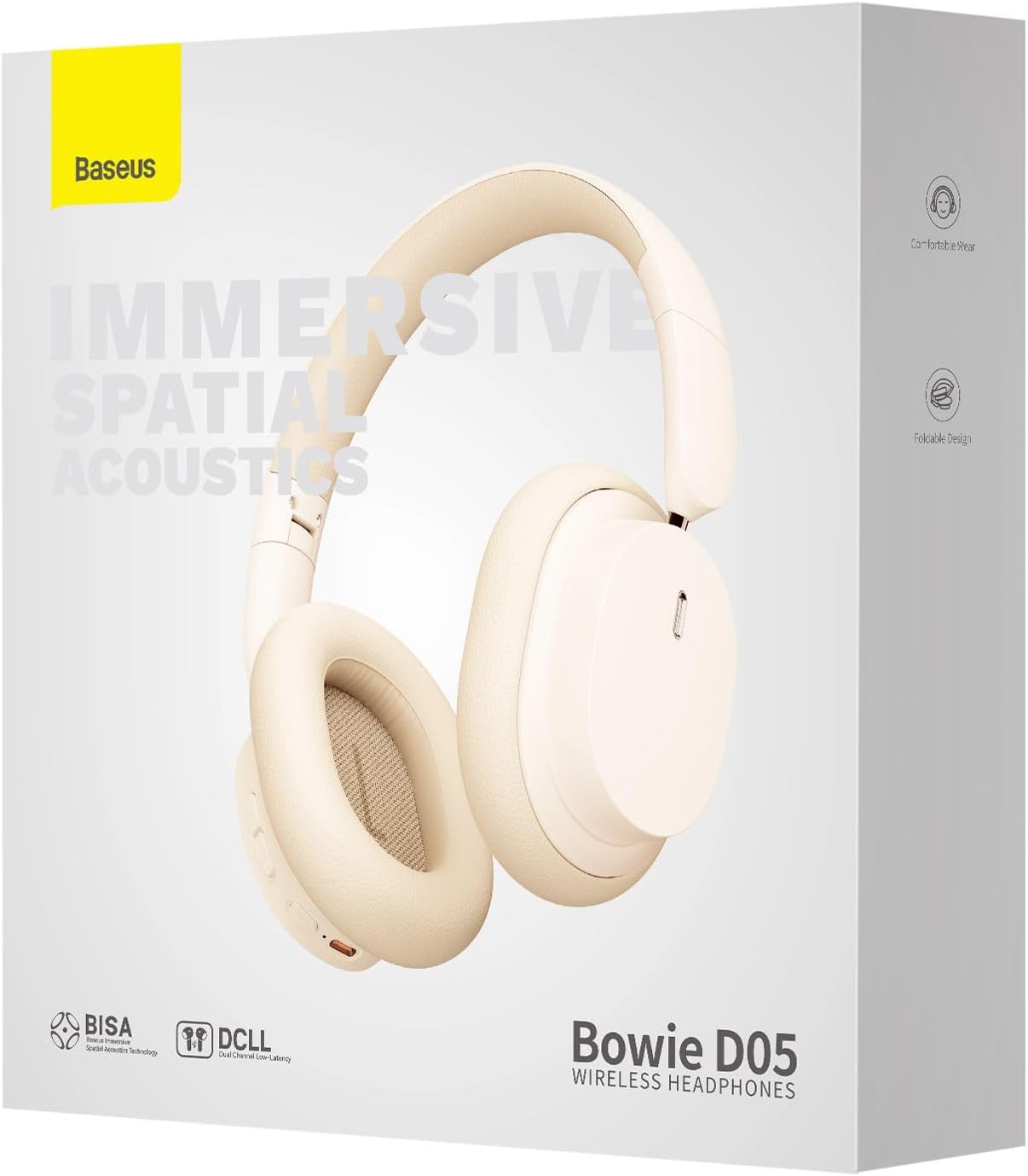
Image: The Baseus Bowie D05 headphones are depicted wirelessly connected to both a smartphone and a tablet, demonstrating their multi-device connectivity feature.
6. მოვლა
ყურსასმენების ხანგრძლივი მომსახურებისა და ოპტიმალური მუშაობის უზრუნველსაყოფად, დაიცავით შემდეგი მოვლის წესები:
- დასუფთავება: ყურსასმენების გასაწმენდად გამოიყენეთ რბილი, მშრალი, უბუტუსო ქსოვილი. არ გამოიყენოთ აბრაზიული საწმენდები, სპირტი ან ქიმიური გამხსნელები.
- შენახვა: როდესაც ყურსასმენები არ იყენებთ, შეინახეთ გრილ, მშრალ ადგილას, მოარიდეთ მზის პირდაპირ სხივებს და ექსტრემალურ ტემპერატურას.
- მოერიდეთ ტენიანობას: ყურსასმენები წყლისა და ჭარბი ტენიანობისგან მოარიდეთ.
- სიფრთხილით მოპყრობა: მოერიდეთ ყურსასმენების დავარდნას ან ძლიერ დარტყმებს.
7. Დიაგნოსტიკა
If you encounter any issues with your Baseus Bowie D05 headphones, please refer to the following common problems and solutions:
| პრობლემა | შესაძლო გამოსავალი |
|---|---|
| ყურსასმენები არ ირთვება. | დარწმუნდით, რომ ყურსასმენები სრულად დატენილია. შეაერთეთ კვების წყაროსთან და სცადეთ ხელახლა. |
| მოწყობილობასთან დაწყვილება შეუძლებელია. | Ensure headphones are in pairing mode (flashing blue/red). Turn off and on Bluetooth on your device. Clear previous Bluetooth connections on your device. Move headphones closer to the device. |
| ხმა არ ისმის ან ხმა დაბალია. | Check headphone and device volume levels. Ensure headphones are properly connected. Try playing different audio. If using wired connection, ensure cable is fully inserted. |
| ცუდი ხმის ხარისხი. | Move closer to your device to avoid interference. Avoid obstacles between headphones and device. Try disconnecting and reconnecting. |
| Headphones disconnect frequently. | Ensure headphones are fully charged. Keep within Bluetooth range (typically 10 meters). Avoid strong electromagnetic interference. |
თუ პრობლემა ამ გადაწყვეტილებების მოსინჯვის შემდეგაც არ მოგვარდება, გთხოვთ, დაუკავშირდეთ მომხმარებელთა მხარდაჭერის სამსახურს.
8. სპეციფიკაციები
Detailed technical specifications for the Baseus Bowie D05 Wireless Headphones:
- მოდელის სახელი: NGTD020202
- ბრენდი: ბასეუსი
- კავშირის ტექნოლოგია: უსადენო (Bluetooth)
- უსადენო კომუნიკაციის ტექნოლოგია: Bluetooth
- ყურის განთავსება: ყურზე
- ფორმის ფაქტორი: ყურზე
- აუდიო დრაივერის ტიპი: დინამიური დრაივერი
- დრაივერის განყოფილების ზომა: 40 მმ
- ბატარეის ხანგრძლივობა: Up to 70 hours of audio playback (at 70% volume)
- დატენვის პორტი: USB-C
- აუდიო ჯეკი: 3.5 მმ ჯეკი
- მასალა: პლასტიკური
- ნივთის წონა: დაახლოებით 209 გრამი (7.37 უნცია)
- ფერი: Creamy-White (as per product title, though spec says Black)
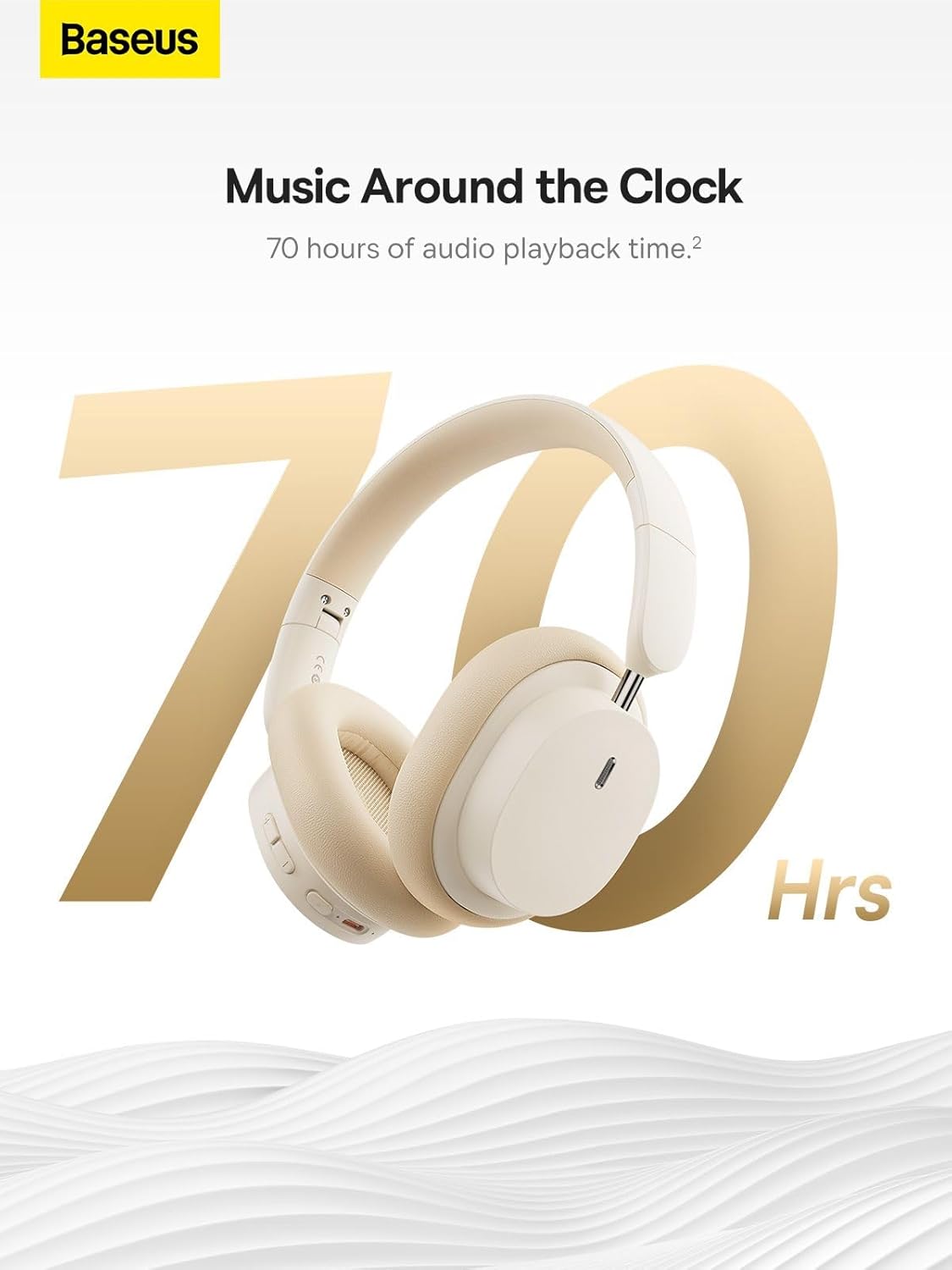
Image: The Baseus Bowie D05 headphones are featured with a prominent '70 Hrs' graphic, highlighting their extended audio playback time on a single charge.

Image: Two individuals are shown comfortably wearing the Baseus Bowie D05 headphones, emphasizing their lightweight design with the text 'Only 209g' for extended listening sessions.

Image: A visual representation of a 40mm large driver unit, illustrating its capability to deliver detailed high-end and fuller low-end audio performance.
9. გარანტია და მხარდაჭერა
9.1 ინფორმაცია გარანტიის შესახებ
Baseus products are covered by a limited warranty from the date of purchase. Please refer to the warranty card included in your product packaging or visit the official Baseus webსაიტზე დეტალური გარანტიის პირობებისთვის.
9.2 მომხმარებელთა მხარდაჭერა
For technical assistance, troubleshooting, or warranty claims, please contact Baseus customer support through the following channels:
- ოფიციალური Webსაიტი: Visit the Baseus official webსაიტი ხშირად დასმული კითხვებისთვის, დამხმარე რესურსებისა და საკონტაქტო ფორმებისთვის.
- ელ.ფოსტის მხარდაჭერა: იხილეთ თქვენი პროდუქტის შეფუთვა ან ოფიციალური webსაიტი მომხმარებელთა მხარდაჭერის ელექტრონული ფოსტის მისამართისთვის.
- ავტორიზებული საცალო ვაჭრობა: Contact the retailer from whom you purchased the product for assistance.



