1. შესავალი
The TCL S642W is a 2.1 channel soundbar system designed to significantly enhance your home audio experience. This system includes a main soundbar unit and a wireless subwoofer, delivering powerful sound with deep, resonant bass. With advanced connectivity options like Bluetooth 5.3 and HDMI ARC, and support for Dolby Audio, the S642W provides an immersive and high-quality audio environment for movies, music, and games.
2. პაკეტის შიგთავსი
გთხოვთ, შეამოწმოთ შეფუთვა შემდეგი ნივთებისთვის:
- TCL S642W Soundbar Unit
- უკაბელო საბვუფერი
- დისტანციური მართვა ბატარეებით
- საუნდბარის კვების კაბელი
- საბვუფერის კვების კაბელი
- HDMI კაბელი
- კედელზე სამონტაჟო ნაკრები
- მომხმარებლის სახელმძღვანელო (ეს დოკუმენტი)
3. დაყენება
3.1 განთავსება
Proper placement of the soundbar and subwoofer is crucial for optimal sound performance and an immersive audio experience.
- ხმის პანელი: Position the soundbar centrally below your television. Ensure there are no obstructions in front of the soundbar that could block the sound.
- უკაბელო საბვუფერი: The wireless subwoofer can be placed anywhere in the room, ideally near the soundbar, for enhanced bass. Avoid placing it in enclosed spaces that might muffle the sound.

Figure 1: Recommended placement of the soundbar and subwoofer in a living room environment.

Figure 2: Dimensions of the TCL S642W Soundbar (560mm x 62mm x 96.7mm) and Wireless Subwoofer (195mm x 320.4mm x 195mm).
3.2 კავშირები
Follow these steps to connect your soundbar system:
- დენის კავშირი: Connect the power cables to the soundbar and the wireless subwoofer, then plug them into a wall outlet. The subwoofer will automatically pair with the soundbar when both are powered on.
- HDMI ARC კავშირი (რეკომენდებულია): For the best audio quality and control, connect one end of the provided HDMI cable to the HDMI ARC port on your soundbar and the other end to the HDMI ARC/eARC port on your television. This allows your TV remote to control the soundbar's volume.
- Bluetooth კავშირი: To stream audio wirelessly from your smart device, ensure the soundbar is powered on. Press the Bluetooth button on the remote control or the soundbar unit. The Bluetooth indicator light will flash. On your smart device, search for Bluetooth devices and select 'TCL S642W' to pair.
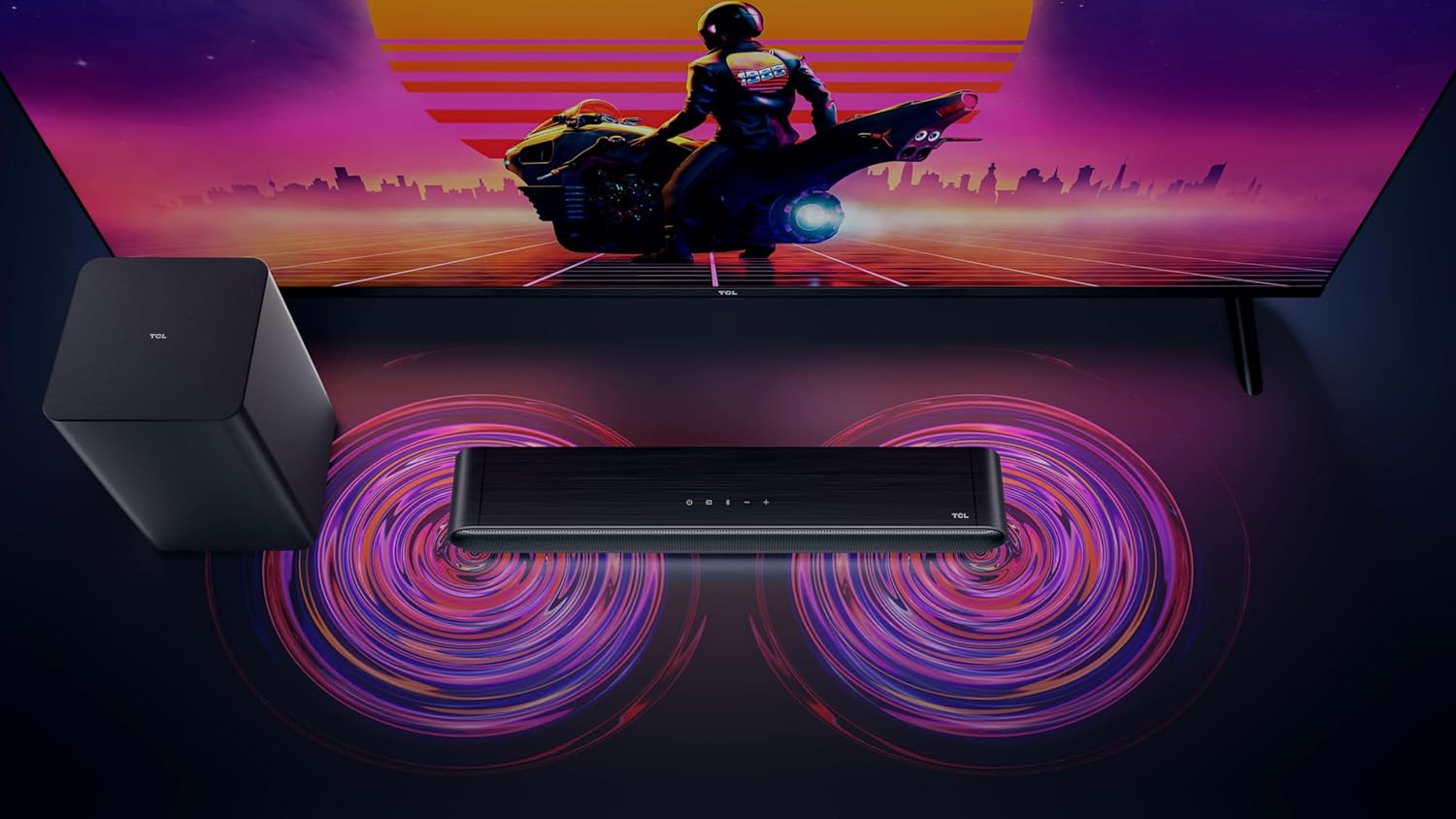
Figure 3: Connectivity options for the TCL S642W Soundbar, including Bluetooth 5.3 and HDMI.
4. საოპერაციო ინსტრუქციები
4.1 ჩართვა/გამორთვა
დააჭირეთ ძალაუფლება button on the remote control or the soundbar unit to turn the system on or off.
4.2 შეყვანის შერჩევა
დააჭირეთ წყარო or შეყვანა button on the remote control to cycle through available input sources: HDMI ARC, Bluetooth.
4.3 ხმის კონტროლი
გამოიყენეთ ხმის გაზრდა (+) და Ხმის დაწევა (-) buttons on the remote control or the soundbar unit to adjust the volume. If connected via HDMI ARC, your TV remote may also control the soundbar volume.
4.4 Bluetooth დაწყვილება
ახალი Bluetooth მოწყობილობის დასაწყვილებლად:
- Ensure the soundbar is in Bluetooth mode (press the Bluetooth button).
- On your smart device, enable Bluetooth and search for available devices.
- Select 'TCL S642W' from the list to connect. The Bluetooth indicator on the soundbar will stop flashing and remain solid once connected.
Figure 4: The included remote control for convenient operation of the soundbar.
5. მოვლა
To ensure the longevity and optimal performance of your TCL S642W Soundbar system, follow these maintenance guidelines:
- დასუფთავება: Use a soft, dry, lint-free cloth to clean the surfaces of the soundbar and subwoofer. Do not use liquid cleaners, sprays, or abrasive materials, as these can damage the finish or internal components.
- ვენტილაცია: Ensure that the soundbar and subwoofer have adequate ventilation. Do not block any ventilation openings. Avoid placing the units in enclosed cabinets without proper airflow.
- გარემო: Keep the system away from direct sunlight, heat sources, excessive dust, moisture, and strong magnetic fields.
- სიმძლავრე: Unplug the power cables from the wall outlet if the system will not be used for an extended period.
6. Დიაგნოსტიკა
If you encounter issues with your soundbar, refer to the following troubleshooting guide:
| პრობლემა | შესაძლო მიზეზი | გამოსავალი |
|---|---|---|
| ხმა არ არის ხმის ზოლიდან |
|
|
| საბვუფერი არ გამოსცემს ბასს |
|
|
| Bluetooth კავშირის პრობლემები |
|
|
7. სპეციფიკაციები
Key technical specifications for the TCL S642W Soundbar system:
- ბრენდი: TCL
- მოდელის სახელი: S642W (2.1 Channel Soundbar with Wireless Subwoofer and HDMI ARC with Bluetooth 5.3 – Wall Mountable)
- სპიკერის ტიპი: ხმის პანელი
- დინამიკის მაქსიმალური გამომავალი სიმძლავრე: 200 ვატი
- სიხშირის პასუხი: 10 კჰც
- კავშირის ტექნოლოგია: HDMI, Bluetooth 5.3
- აუდიო გამომავალი რეჟიმი: Dolby Audio, DTS Virtual X
- სამონტაჟო ტიპი: კედელზე დასამაგრებელი
- მასალა: პლასტიკური
- განსაკუთრებული მახასიათებლები: Bluetooth, USB Port, Portable
8. უსაფრთხოების ინფორმაცია
Please read and follow these safety precautions to prevent damage and ensure safe operation:
- არ დაუშვათ მოწყობილობა წვიმის, ტენიანობის, წვეთების ან შხეფების ზემოქმედების ქვეშ.
- არ დადოთ მოწყობილობაზე სითხით სავსე საგნები, როგორიცაა ვაზები.
- არ დაბლოკოთ ვენტილაციის ღიობები. დაამონტაჟეთ მწარმოებლის ინსტრუქციის შესაბამისად.
- არ დააინსტალიროთ სითბოს წყაროსთან ახლოს, როგორიცაა რადიატორები, სითბოს რეგისტრები, ღუმელები ან სხვა მოწყობილობა (მათ შორის ampგამხსნელები), რომლებიც წარმოქმნიან სითბოს.
- დაიცავით დენის კაბელი სიარულისგან ან დაჭიმვისგან, განსაკუთრებით შტეფსელებთან, მოსახერხებელ კონტეინერებთან და იმ ადგილას, სადაც ისინი გამოდიან აპარატიდან.
- გამოიყენეთ მხოლოდ მწარმოებლის მიერ მითითებული დანართები/აქსესუარები.
- გამორთეთ ეს მოწყობილობა ელვისებური ქარიშხლის დროს ან დიდი ხნის განმავლობაში გამოუყენებლობისას.
9. გარანტია და მხარდაჭერა
For detailed warranty information, terms, and conditions, please refer to the warranty card included with your product package. For technical support, product registration, or to find answers to frequently asked questions, please visit the official TCL support website or contact your local TCL customer service representative.
You can often find additional resources and contact information on the official TCL webსაიტი: www.tcl.com


