1. შესავალი
This manual provides instructions for the VTech CS2051 DECT 2 Handset Cordless Home Telephone with Answering Machine. It covers setup, operation, maintenance, and troubleshooting to ensure optimal performance of your device. Please read these instructions carefully before using your telephone.
2. პაკეტის შიგთავსი
დარწმუნდით, რომ თქვენი პაკეტი შეიცავს შემდეგ ელემენტებს:
- 1 x საბაზისო ერთეული
- 2 x უსადენო ტელეფონი
- 2 x ტელეფონის დამტენი
- 2 x AC Adaptors (for base unit and chargers)
- 2 x Battery Packs (AAA batteries required, included)
- 1 x ტელეფონის კაბელი
- 1 x სწრაფი დაწყების სახელმძღვანელო

Image: The VTech CS2051 system, showing the main base unit with one handset, and a separate charger with the second handset.
3. დაყენება
3.1 ბატარეის დაყენება
- გახსენით ბატარეის განყოფილების საფარი თითოეული ტელეფონის უკანა მხარეს.
- Insert the supplied AAA battery pack, ensuring correct polarity.
- დახურეთ ბატარეის განყოფილების საფარი.
- Place each handset on its respective charger or the base unit to charge for at least 16 hours before first use.
3.2 ბაზისური მოწყობილობის შეერთება
- Connect one end of the telephone line cord to the LINE port on the base unit.
- ტელეფონის ხაზის კაბელის მეორე ბოლო შეაერთეთ თქვენი ტელეფონის კედლის სოკეტთან.
- Connect the AC adaptor to the POWER port on the base unit.
- Plug the AC adaptor into a mains power outlet.
- For the additional charger, connect its AC adaptor to the charger and then to a mains power outlet.
3.3 ტელეფონის რეგისტრაცია
Your handsets are typically pre-registered to the base unit. If a handset displays 'Unregistered' or 'Register Handset', follow these steps:
- ბაზის მოწყობილობაზე დააჭირეთ და გააჩერეთ გვერდი button for approximately 5 seconds until the registration indicator light flashes.
- On the handset, navigate to the 'Registration' menu (refer to the Quick Start Guide for specific menu navigation).
- Select 'Register Handset' and enter the system PIN (default is usually 0000).
- წარმატებით დასრულების შემდეგ, ტელეფონზე გამოჩნდება წარწერა „რეგისტრაცია მიმდინარეობს...“ და შემდეგ „ტელეფონი რეგისტრირებულია“.
4. საოპერაციო ინსტრუქციები
4.1 ზარების განხორციელება და მიღება
- დარეკვისთვის: დააჭირეთ საუბარი ღილაკს, შემდეგ აკრიფეთ ნომერი. ალტერნატიულად, ჯერ აკრიფეთ ნომერი და შემდეგ დააჭირეთ საუბარი.
- ზარის მისაღებად: როდესაც ტელეფონი რეკავს, დააჭირეთ ღილაკს საუბარი ღილაკი.
- ზარის დასასრულებლად: დააჭირეთ დასასრული ღილაკს ან დააბრუნეთ ტელეფონი ბაზაზე/დამტენზე.
4.2 Digital Answering Machine
The base unit includes a digital answering machine to record messages when you are unavailable.
- შეტყობინებების დაკვრა: დააჭირეთ PLAY/STOP ღილაკს ბაზის მოწყობილობაზე. ეკრანზე გამოჩნდება ახალი შეტყობინებების რაოდენობა.
- შეტყობინებების წაშლა: შეტყობინების დაკვრის დროს დააჭირეთ ღილაკს წაშლა ღილაკი ბაზის მოწყობილობაზე.
- დაყენება: Access the answering machine settings via the handset menu to record your outgoing message or adjust settings.

Image: The base unit of the VTech CS2051, highlighting the digital answering system with a message count display.
4.3 შემაწუხებელი ზარების ბლოკატორი
This feature allows you to block unwanted incoming calls.
- ნომრის დაბლოკვა: During or after a call, access the call blocker menu on the handset. You can add numbers to a block list.
- უცნობი ნომრების დაბლოკვა: The system can be configured to block calls from numbers not stored in your phonebook or from withheld numbers.

Image: A VTech CS2051 handset, illustrating the call blocker feature for managing unwanted calls.
4.4 აბონენტის ID და ზარის ლოდინი
These features require subscription from your telephone service provider.
- აბონენტის ID: The handset display shows the caller's number (and name if stored in your phonebook) before you answer. The phone stores up to 20 incoming call records.
- Ზარის ლოდინი: If you are on a call and another call comes in, you will hear a tone. You can switch between calls.

Image: A close-up of the VTech CS2051 handset display showing an incoming call number, demonstrating the Caller ID feature.
4.5 დინამიკი
The speakerphone function allows for hands-free conversations.
- გასააქტიურებლად: ზარის დროს დააჭირეთ ღილაკს დინამიკი ღილაკი.
- დეაქტივაციისთვის: დააჭირეთ დინამიკი button again or lift the handset to your ear.
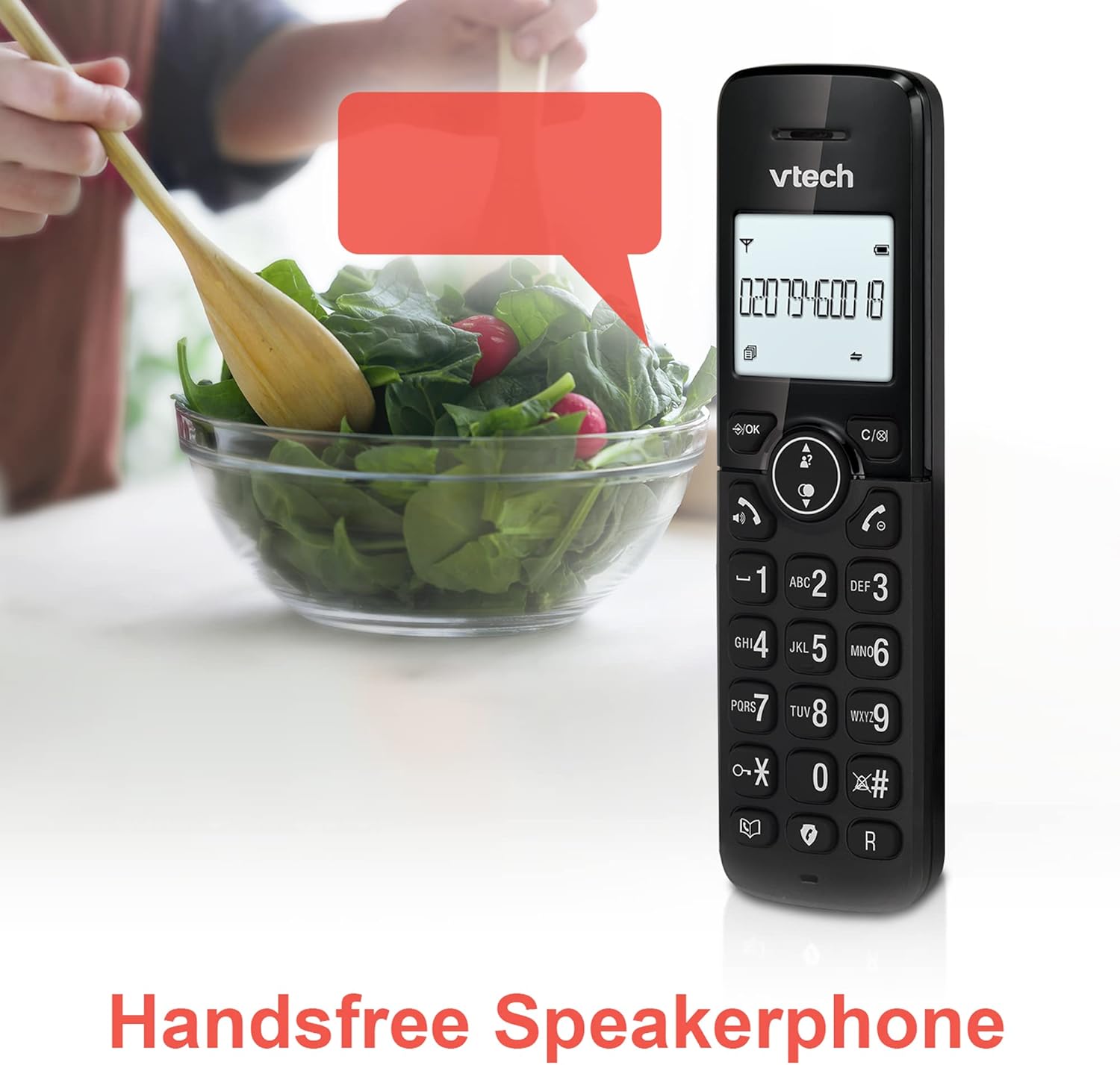
Image: A VTech CS2051 handset positioned for hands-free use, illustrating the speakerphone capability.
4.6 ინტერკომი
You can use the handsets to communicate with each other internally.
- To Initiate: დააჭირეთ INT button on one handset and select the desired handset to call.
4.7 Adjustable Ring Volume and Melody
Customize the ringtone and volume to your preference.
- Access the 'Ringtone Settings' or 'Volume Settings' menu on the handset to choose from available melodies and adjust the ring volume.

Image: A VTech CS2051 handset, highlighting the controls for adjusting ring volume and melody settings.
4.8 სიგნალიზაციისა და ხმის გათიშვის ფუნქცია
- სიგნალიზაცია: Set an alarm through the handset menu.
- დადუმება: ზარის დროს დააჭირეთ ღილაკს დადუმება button to temporarily silence your microphone. Press again to unmute.

Image: Illustrates the alarm function (represented by a clock icon) and the mute function (represented by a musical note icon) available on the VTech CS2051.
5. მოვლა
- დასუფთავება: Wipe the telephone and handsets with a soft, damp ქსოვილი. არ გამოიყენოთ აბრაზიული გამწმენდები ან გამხსნელები.
- ბატარეის მოვლა: Ensure handsets are placed on the charger when not in use to maintain battery life. Replace batteries when performance significantly degrades.
- მდებარეობა: Place the base unit in a central location, away from other electrical appliances that may cause interference.
6. Დიაგნოსტიკა
- არ არის აკრიფეთ ხმა: დარწმუნდით, რომ ტელეფონის კაბელი საიმედოდ არის შეერთებული როგორც ბაზის ბლოკთან, ასევე კედლის სოკეტთან. შეამოწმეთ, სწორად არის თუ არა შეერთებული ცვლადი დენის ადაპტერი.
- ტელეფონი არ იტენება: Verify the handset is correctly seated in the charger/base unit. Clean the charging contacts on both the handset and charger with a dry cloth.
- ცუდი ზარის ხარისხი/ჩარევა: Move the base unit away from other electronic devices (e.g., Wi-Fi routers, microwaves). Ensure the handset is within range of the base unit.
- Handset Displays 'Unregistered': მიჰყევით ტელეფონის რეგისტრაციის ნაბიჯებს 3.3 ნაწილში.
- ავტომოპასუხე არ იწერს: Check the answering machine settings via the handset menu to ensure it is enabled and has sufficient recording time.
7. სპეციფიკაციები
| ფუნქცია | სპეციფიკაცია |
|---|---|
| მოდელი | CS2051 |
| ტელეფონის ტიპი | DECT უსადენო |
| ტელეფონების რაოდენობა | 2 |
| პასუხების სისტემის ტიპი | Digital (up to 15 minutes record time) |
| აბონენტის იდენტიფიკაცია | დიახ (აუცილებელია გამოწერა) |
| Nuisance Call Blocker | დიახ |
| ჩვენება | 1.8 დიუმიანი განათებული დისპლეი |
| ბატარეები | საჭიროა 4 AAA ბატარეა (შედის) |
| მასალა | აკრილონიტრილის ბუტადიენ სტირინი (ABS) |
| დენის წყარო | იკვებება ბატარეით |
| მრავალხაზიანი ოპერაცია | დიახ |
8. გარანტია და მხარდაჭერა
This VTech CS2051 product is supplied as an Amazon Renewed item. For specific warranty details and support, please refer to the Amazon Renewed program terms and conditions or contact Amazon Renewed customer service directly. VTech provides manufacturing support for its products. For technical assistance or further information, please visit the official VTech support website or consult the full user manual if available from the manufacturer.


