შესავალი
This manual provides comprehensive instructions for the Lexibook Paw Patrol Bilingual Educational Laptop, model JC599PAi2. This device is designed to offer an engaging learning experience for children, featuring 170 activities in both English and Spanish across various subjects including languages, mathematics, logic, and music. Please read this manual carefully to ensure proper setup, operation, and maintenance of the product.
უსაფრთხოების ინფორმაცია
რეკომენდებული ასაკი: ეს პროდუქტი შესაფერისია 4 წლის და უფროსი ასაკის ბავშვებისთვის.
ბატარეის უსაფრთხოება:
- Always use 4 AA alkaline batteries.
- არ აურიოთ ძველი და ახალი ბატარეები.
- არ აურიოთ ტუტე, სტანდარტული (ნახშირბად-თუთია) ან დატენვის (ნიკელ-კადმიუმის) ბატარეები.
- Remove batteries during long periods of non-use to prevent leakage.
- გადაყარეთ გამოყენებული ბატარეები პასუხისმგებლობით.
ზოგადი უსაფრთხოება:
- შეინახეთ მოწყობილობა წყლისა და ტენისგან.
- არ გამოაშკარავოთ მზის პირდაპირი სხივების ან ექსტრემალური ტემპერატურის ზემოქმედების ქვეშ.
- Regularly inspect the device for any damage. Discontinue use if damaged.
რა არის ყუთში
პაკეტის გახსნისას, დარწმუნდით, რომ შეიცავს ყველა შემდეგ ნივთს:
- 1 x Lexibook Paw Patrol Bilingual Educational Laptop
- 1 x სადენიანი მაუსი
- 1 x ინსტრუქციის სახელმძღვანელო (ეს დოკუმენტი)
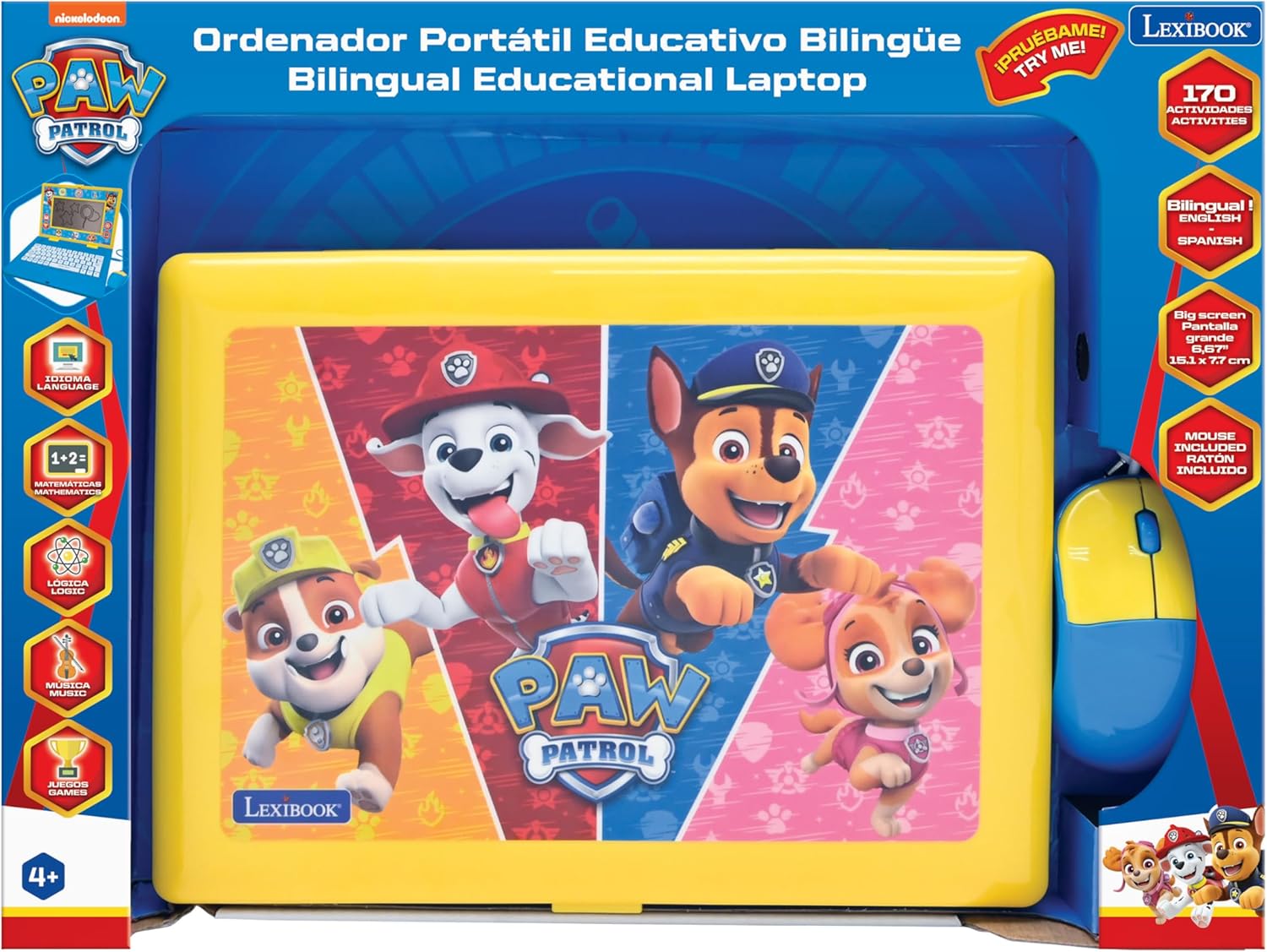
Image: The Lexibook Paw Patrol Bilingual Educational Laptop shown in its retail packaging, including the laptop and wired mouse.
დაყენება
- ყუთის გახსნა: Carefully remove the laptop and its accessories from the packaging.
- ბატარეის დაყენება:
Locate the battery compartment on the underside of the laptop. Open the compartment cover and insert 4 AA alkaline batteries (included), ensuring correct polarity (+/-). Close the cover securely.
- დააკავშირეთ მაუსი:
Plug the wired mouse connector into the designated port on the side of the laptop.

Image: The Lexibook Paw Patrol laptop with its blue and yellow wired mouse connected to the side port.
- ჩართვა:
დააჭირეთ ჩართვა/გამორთვა button located on the keyboard to turn on the laptop. The screen will illuminate, and the device will be ready for use.
ოპერაციული ინსტრუქციები
ძირითადი ოპერაცია
- ჩართვა/გამორთვა: გამოიყენეთ ჩართვა/გამორთვა ღილაკი კლავიატურაზე.
- ხმის კონტროლი: Adjust the volume using the dedicated buttons on the keyboard.
- ეკრანი: The laptop features a 6.67-inch LCD screen for displaying activities and animations.
ენის შერჩევა
The laptop supports both English and Spanish. To switch between languages:
- დააჭირეთ ენა ღილაკი კლავიატურაზე.
- Select your desired language (English or Spanish) from the on-screen options using the arrow keys and შედი button, or by clicking with the mouse.

სურათი: ახლო ხედი view of the laptop's keyboard, highlighting the language selection and other function keys.
Activities and Learning Modes
The laptop offers 170 educational activities categorized into:
- ენები: Learn letters, words, and spelling.
- Mathematics: Practice numbers, counting, addition, and subtraction.
- ლოგიკა: Develop problem-solving skills with various logic games.
- მუსიკა: Explore musical notes and melodies.
- თამაშები: Engaging games for entertainment and skill reinforcement.
Navigate through the activity categories using the arrow keys or the mouse. Select an activity by pressing შედი or clicking the mouse button.

Image: A close-up of the laptop screen showing various activity icons, including those for writing, trophies, and other learning categories.
კლავიატურის და მაუსის გამოყენებით
- კლავიატურა: The interactive keyboard allows for typing practice and input for various activities.
- მაუსი: Use the wired mouse to navigate menus, select options, and interact with on-screen elements. The mouse functions similarly to a standard computer mouse.
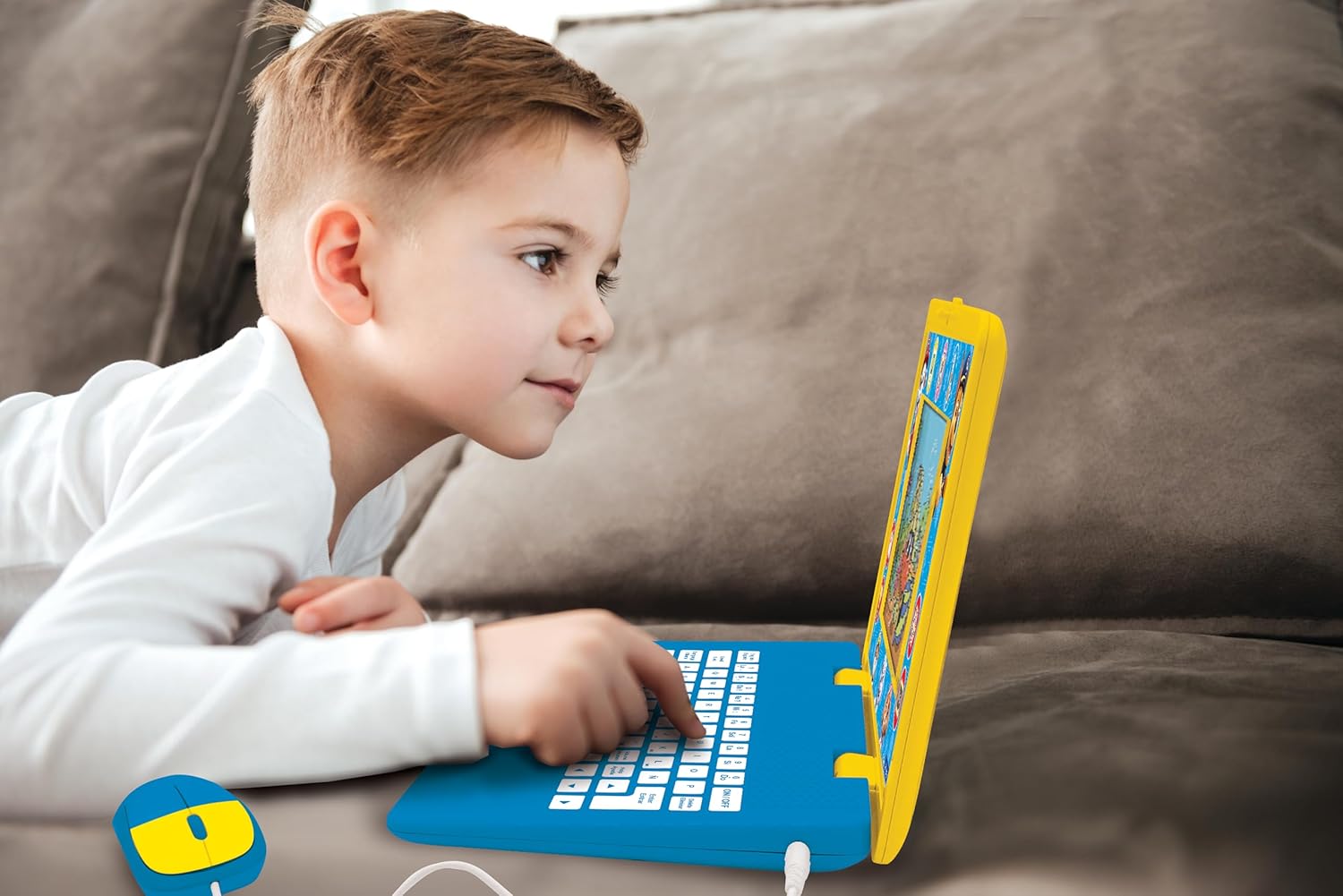
Image: A child is shown actively engaging with the Lexibook Paw Patrol laptop, pressing keys on the keyboard.
მოვლა
- დასუფთავება: Wipe the laptop and mouse with a soft, dry cloth. Do not use abrasive cleaners or solvents.
- შენახვა: შეინახეთ მოწყობილობა გრილ, მშრალ ადგილას, მოარიდეთ მზის პირდაპირ სხივებს და ექსტრემალურ ტემპერატურას.
- ბატარეის გამოცვლა: Replace batteries when the screen dims or the device functions erratically. Refer to the "Setup" section for battery installation instructions.
პრობლემების მოგვარება
| პრობლემა | შესაძლო მიზეზი | გამოსავალი |
|---|---|---|
| ლეპტოპი არ ირთვება. |
|
|
| Screen is dim or flickering. | დაბალი ბატარეის სიმძლავრე. | შეცვალეთ ახალი AA ტუტე ბატარეებით. |
| Cannot switch languages or language reverts. |
|
|
| მაუსი არ რეაგირებს. |
|
|
სპეციფიკაციები
| ფუნქცია | დეტალი |
|---|---|
| მოდელის ნომერი | JC599PAi2 |
| პროდუქტის ზომები | 13.38 x 1.81 x 0.1 ინჩი |
| ნივთის წონა | 1.41 ფუნტი |
| რეკომენდებული ასაკი | 4 წლის და ზემოთ |
| საჭიროა ბატარეები | 4 AA ბატარეა |
| ეკრანის ზომა | 6.67 დიუმიანი LCD |
| აქტივობები | 170 (English/Spanish) |
| მწარმოებელი | ლექსის წიგნი |
გარანტია და მხარდაჭერა
This product comes with a standard manufacturer's warranty. For specific warranty details, please refer to the documentation included with your purchase or visit the official Lexibook webსაიტი.
For technical support, troubleshooting assistance, or inquiries regarding replacement parts, please contact Lexibook customer service. Contact information can typically be found on the product packaging or the official Lexibook webსაიტი.
ონლაინ რესურსები: Visit the LEXiBOOK Store on Amazon


