1. შესავალი
This manual provides detailed instructions for the installation, operation, and maintenance of the STINGER Connects2 CTSCR-59D Radio Replacement Module. This module is designed to facilitate the installation of an aftermarket radio in select Dodge/RAM vehicles from 2013 to 2018, while retaining essential factory features such as Steering Wheel Controls (SWC) and other vehicle functionalities.
Please read this manual thoroughly before beginning installation to ensure proper functionality and to avoid damage to the module or vehicle.
2. დაყენება და ინსტალაცია
Professional installation is recommended. Ensure the vehicle's battery is disconnected before proceeding with any wiring or installation steps.
2.1. პაკეტის შიგთავსი
- Connects2 CTSCR-59D Interface Module
- Vehicle-Specific Wiring Harness
- Aftermarket Radio Connection Harness (if applicable)
- 3.5mm Jack to SWC Wire (for compatible radios)
2.2. წინასწარი ინსტალაციის ჩამონათვალი
- Aftermarket radio with SWC input
- Basic wiring tools (wire strippers, crimpers, electrical tape/heat shrink)
- Multimeter for testing connections
- Vehicle-specific dash kit (if required for aftermarket radio)
2.3. გაყვანილობის კავშირები
Refer to the wiring diagram provided with your aftermarket radio and the CTSCR-59D module for specific connections. General connections include:
- დენი/დამიწება: Connect the module's red (ACC), yellow (12V Constant), and black (Ground) wires to the corresponding wires from the aftermarket radio and vehicle harness.
- სპიკერის მავთულები: Connect the speaker wires from the module harness to the aftermarket radio's speaker outputs (e.g., White/White-Black for Front Left, Gray/Gray-Black for Front Right, etc.).
- საჭის მართვა (SWC): Connect the 3.5mm jack from the module to the SWC input on your aftermarket radio. If your radio uses a 'Key 1' and 'Key 2' wire, refer to the module's specific instructions for connecting the appropriate wires.
- Accessory Wires: Connect any additional wires such as Reverse, Parking Brake, or Illumination as required by your aftermarket radio and vehicle.

სურათი 1: The Connects2 CTSCR-59D module shown with its primary wiring harnesses. This image displays the main interface box, the vehicle-specific harness with multiple colored wires and connectors, and the 3.5mm jack cable for steering wheel control integration. This complete set is what you should expect to find in the product package.

სურათი 2: დეტალური view of the main wiring harness included with the CTSCR-59D module. This harness features various colored wires, labeled connectors, and a yellow RCA-style connector, indicating connections for audio, power, and potentially a reverse camera input. Labels such as 'REAR' and 'CAM' are visible, guiding specific connections.

სურათი 3: This image shows the 3.5mm jack cable, which is crucial for connecting the CTSCR-59D module to the aftermarket radio's steering wheel control input. The cable has a standard 3.5mm audio jack on one end and a small multi-pin connector on the other, designed to plug into the main module harness.
2.4. Module Placement
Once all connections are made, secure the CTSCR-59D module in a location behind the dashboard that is free from excessive heat or moisture and will not interfere with other vehicle components. Ensure all wiring is neatly routed and secured to prevent rattles or damage.
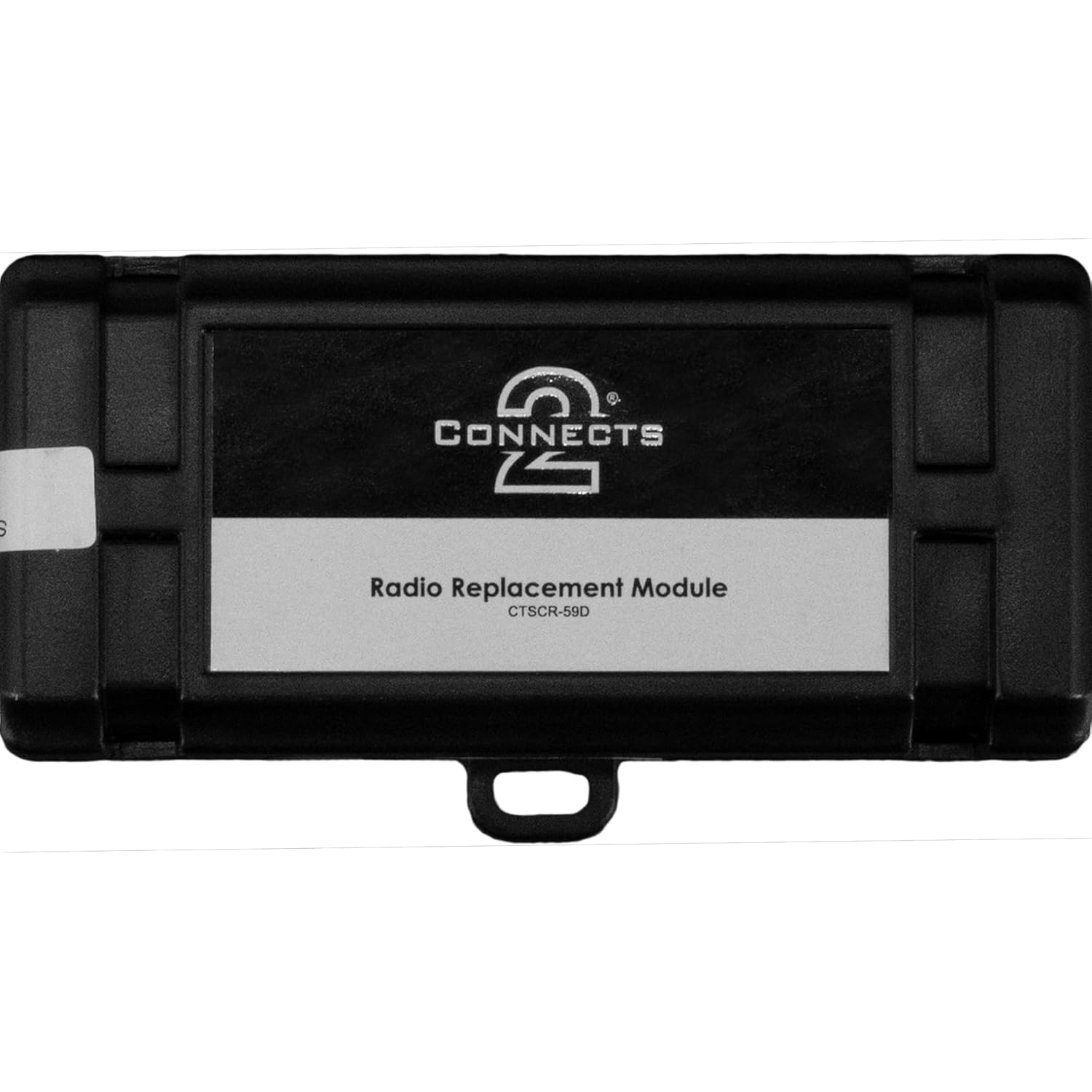
სურათი 4: ზემოდან ქვემოთ view of the Connects2 CTSCR-59D interface module. The module is a compact black box with the 'Connects2' logo and 'Radio Replacement Module CTSCR-59D' printed on a label. This view highlights the module's simple and robust casing.
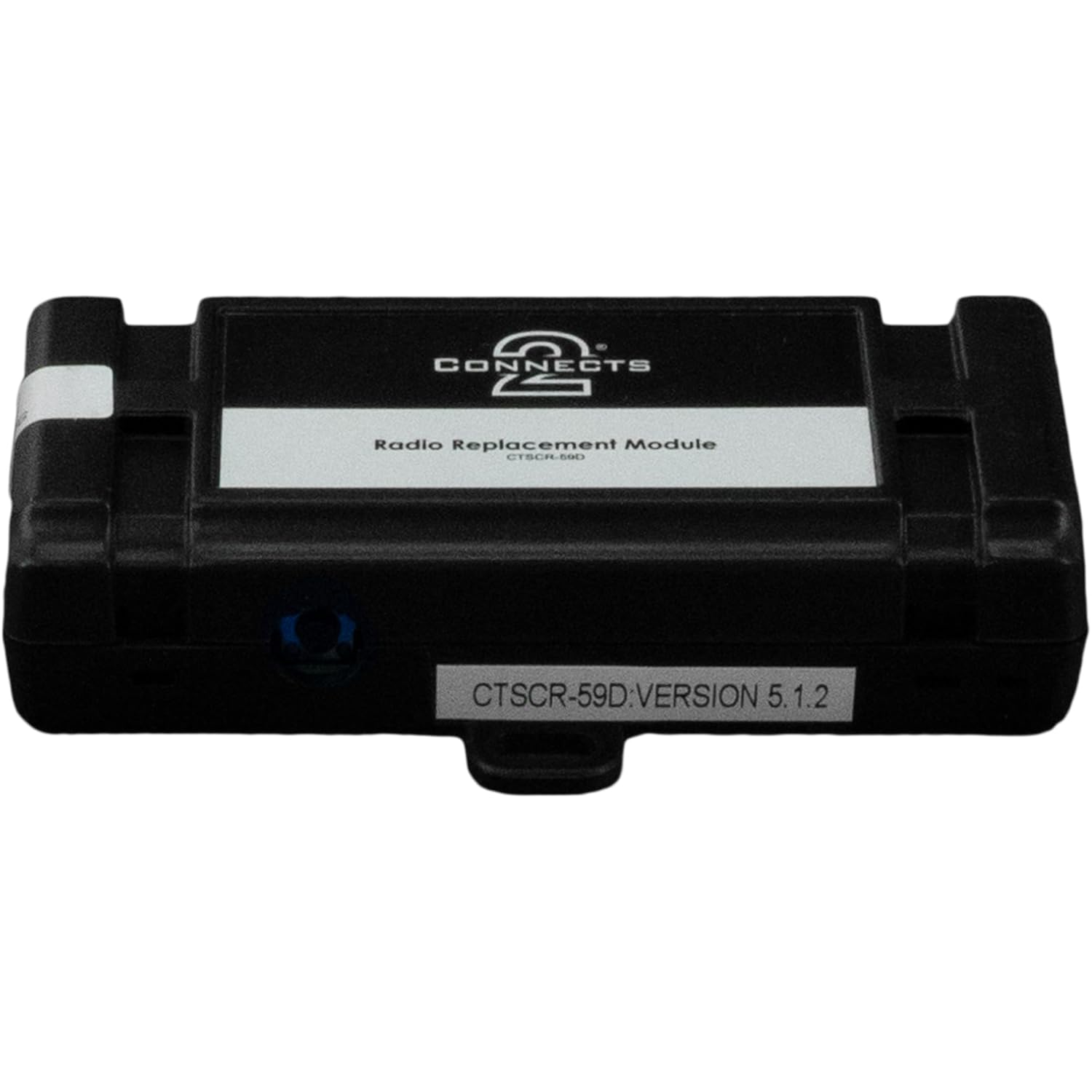
სურათი 5: მხარე view of the Connects2 CTSCR-59D module, clearly showing a sticker with 'CTSCR-59D.VERSION 5.1.2'. This sticker indicates the specific model and firmware version of the module, which can be important for troubleshooting or compatibility checks.
3. საოპერაციო ინსტრუქციები
3.1. Steering Wheel Control (SWC) Functionality
Once the module is correctly installed and the aftermarket radio is powered on, the CTSCR-59D module will automatically detect the vehicle's SWC signals and translate them for the aftermarket radio. Most aftermarket radios require an initial setup or programming step for SWC. Refer to your aftermarket radio's manual for specific instructions on how to program or learn SWC buttons.
- ხმის აწევა/დაკლება: Typically controls the audio volume of the aftermarket radio.
- ტრეკი ზევით/ქვევით: Skips tracks or changes radio presets.
- რეჟიმი/წყარო: Cycles through audio sources (e.g., FM, AM, Bluetooth, USB).
- Phone Buttons: Answer/End calls (if supported by the aftermarket radio and connected Bluetooth).
3.2. Factory Feature Retention
The CTSCR-59D module is designed to retain various factory features, which may include:
- აქსესუარის სიმძლავრე: Provides a 12V accessory output for the aftermarket radio.
- განათება: Provides an illumination output for the aftermarket radio.
- უკანა გადაცემის სიგნალი: Provides a reverse trigger for aftermarket cameras or navigation systems.
- Parking Brake Signal: Provides a parking brake signal for aftermarket radios requiring it.
- ქარხანა Amplifier Integration: If applicable, the module may integrate with the factory ampმაცოცხლებელი.
- Chime Retention: Retains factory warning chimes (e.g., seatbelt, door ajar).
The specific features retained depend on the vehicle's original configuration and the aftermarket radio's capabilities.
4. მოვლა
The Connects2 CTSCR-59D module requires minimal maintenance. Ensure all connections remain secure and free from corrosion. Avoid exposing the module to extreme temperatures or moisture. Periodically check for any loose wiring behind the dashboard, especially after significant vehicle vibrations or impacts.
5. Დიაგნოსტიკა
If you encounter issues, refer to the following troubleshooting steps:
- No Power to Aftermarket Radio:
შეამოწმეთ: Ensure the red (ACC) and yellow (12V Constant) wires are correctly connected and receiving power. Verify vehicle fuses. - საჭის მართვის საშუალებები არ მუშაობს:
შეამოწმეთ: Ensure the 3.5mm jack or SWC wires are securely connected to both the module and the aftermarket radio. Verify the SWC programming in your aftermarket radio's settings. Some radios require a specific setting for external SWC interfaces. - აუდიოს გარეშე:
შეამოწმეთ: Verify all speaker wire connections. Ensure the aftermarket radio is functioning correctly. If the vehicle has a factory amplifier, confirm the amplifier turn-on wire is connected. - Factory Chimes Not Working:
შეამოწმეთ: Ensure all vehicle-specific harness connections are secure. Some vehicles may require specific settings or programming for chime retention. - წყვეტილი ფუნქციონირება:
შეამოწმეთ: Inspect all wiring connections for looseness or poor contact. Ensure the module is securely mounted and not subject to excessive vibration.
If problems persist after following these steps, contact STINGER technical support or a qualified car audio installer.
6. სპეციფიკაციები
| ფუნქცია | დეტალი |
|---|---|
| მოდელის ნომერი | CTSCR-59D |
| თავსებადობა | Select Dodge/RAM Vehicles (2013-2018) |
| ზომები (L x W x H) | 8 x 7 x 2 ინჩი |
| ნივთის წონა | 0.17 კილოგრამი (დაახლოებით 5.93 უნცია) |
| მასალა | აკრილონიტრილი ბუტადიენ სტრეინი |
| კონექტორის ტიპი | Multi-pin (for SWC) and various audio/power connectors |
7. ინფორმაცია გარანტიის შესახებ
STINGER products are designed and manufactured to high-quality standards. For specific warranty terms and conditions, please refer to the official STINGER webსაიტზე ან დაუკავშირდით მათ მომხმარებელთა მხარდაჭერის სამსახურს. შეინახეთ შეძენის დამადასტურებელი საბუთი გარანტიის მოთხოვნებისთვის.
8. ტექნიკური მხარდაჭერა
For further assistance, technical questions, or troubleshooting beyond the scope of this manual, please contact STINGER technical support. You can typically find contact information on the official STINGER webსაიტი:


