შესავალი
This manual provides detailed instructions for the setup, operation, maintenance, and troubleshooting of your Amazon Basics Pro Series Wireless Noise Cancelling ANC Over Ear Headphones. Please read this manual thoroughly before using the product to ensure proper function and longevity.

Image: The Amazon Basics Pro Series Wireless Noise Cancelling ANC Over Ear Headphone in black, showcasinგ მისი ელეგანტური დიზაინი.
პაკეტის შიგთავსი
დარწმუნდით, რომ შეფუთვაში ყველა ნივთია:
- Amazon Basics Pro Series Wireless Noise Cancelling ANC Over Ear Headphone
- USB Type-C დამტენი კაბელი
- 3.5 მმ AUX კაბელი
- მომხმარებლის სახელმძღვანელო (ეს დოკუმენტი)
დაყენება
1. საწყისი დატენვა
Before first use, fully charge the headphones. Connect the supplied USB Type-C charging cable to the headphone's charging port and the other end to a USB power source (e.g., computer USB port or wall adapter). The LED indicator will show charging status and turn off or change color when fully charged.
A full charge provides up to 74 hours of playback at 50% volume with ANC off, or 34 hours with ANC on.
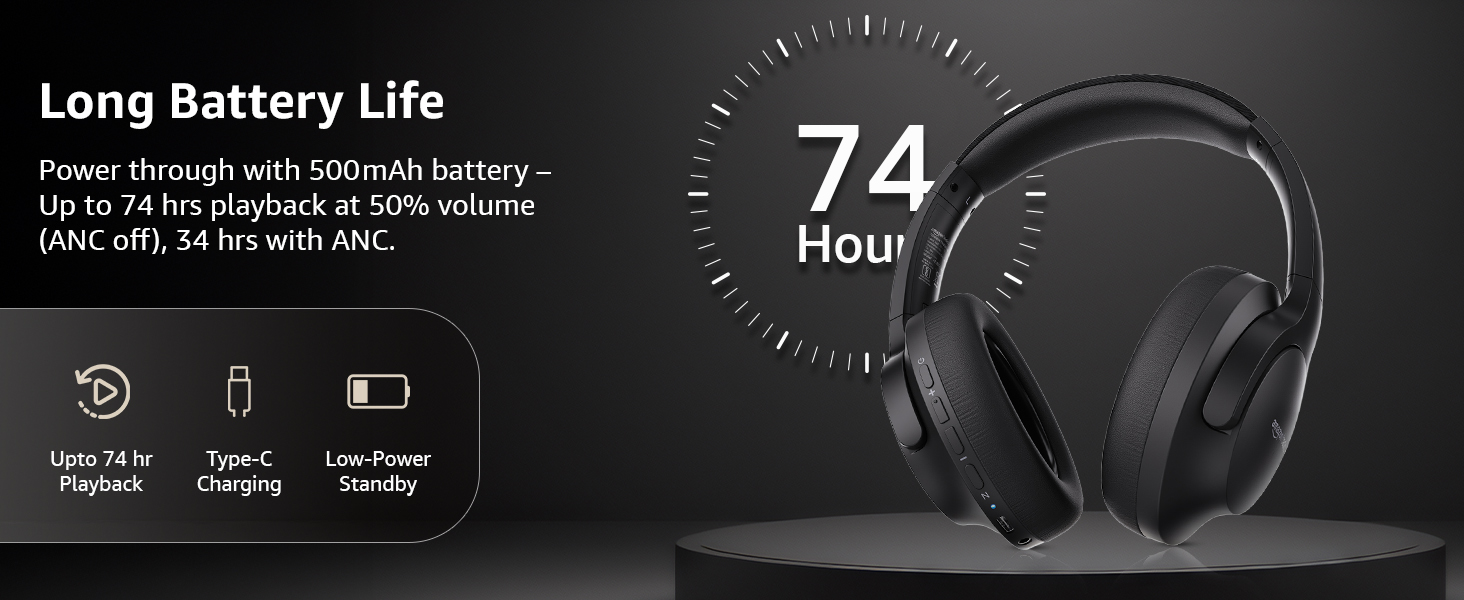
Image: An illustration highlighting the long battery life of the headphones, indicating up to 74 hours of playback.
2. Bluetooth დაწყვილება
- დარწმუნდით, რომ ყურსასმენები დატენილია და გამორთულია.
- დააჭირეთ და გეჭიროთ ჩართვის ღილაკი მანამ, სანამ LED ინდიკატორი ლურჯად და წითლად არ აციმციმდება, რაც დაწყვილების რეჟიმზე მიუთითებს.
- თქვენს მოწყობილობაზე (სმარტფონი, პლანშეტი, ლეპტოპი) ჩართეთ Bluetooth და მოძებნეთ ხელმისაწვდომი მოწყობილობები.
- Select "AB-IBT-82ANC" from the list of found devices.
- დაკავშირების შემდეგ, LED ინდიკატორი მუდმივად ცისფერი გახდება ან ნელა ციმციმებს.
The headphones support dual pairing, allowing connection to two devices simultaneously for seamless switching.

Image: The headphones shown connected to both a smartphone and a laptop, illustrating the multi-pairing capability.
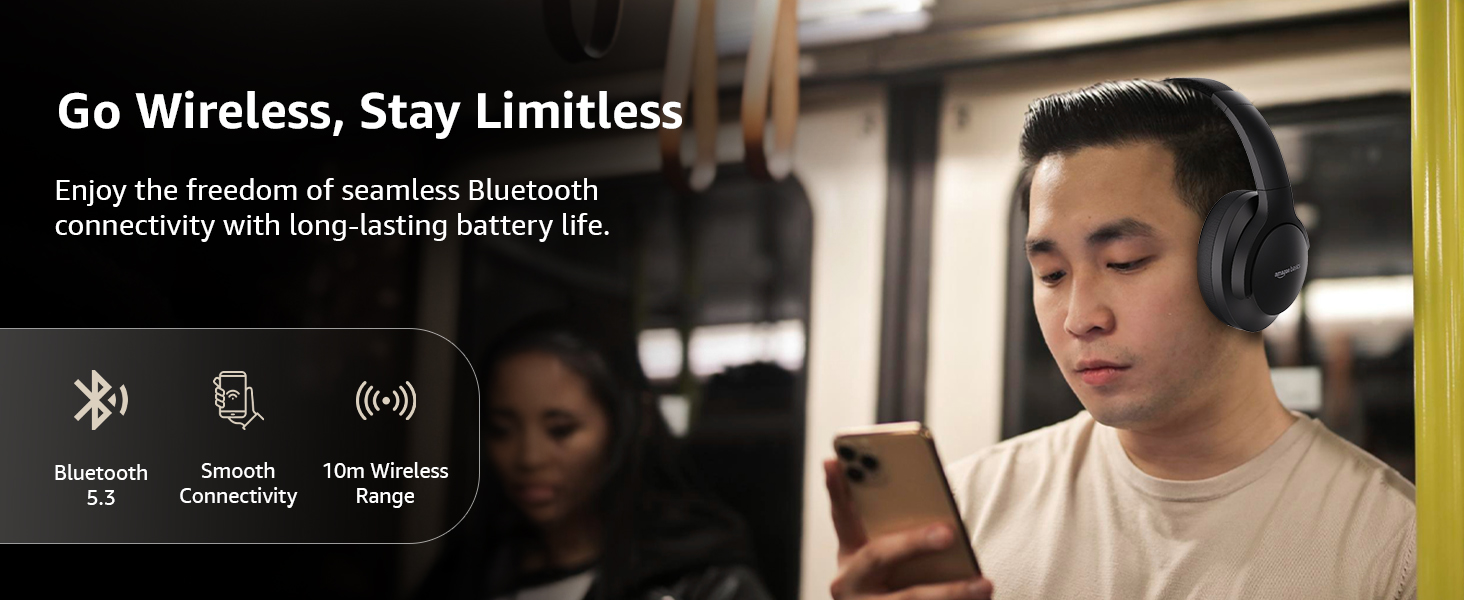
Image: A visual representation of the wireless capabilities, including Bluetooth 5.3 and a 10-meter wireless range.
3. სადენიანი კავშირი (AUX რეჟიმი)
For a wired connection, plug the 3.5mm AUX cable into the headphone's AUX port and the other end into your audio device's 3.5mm jack. This mode does not require battery power.
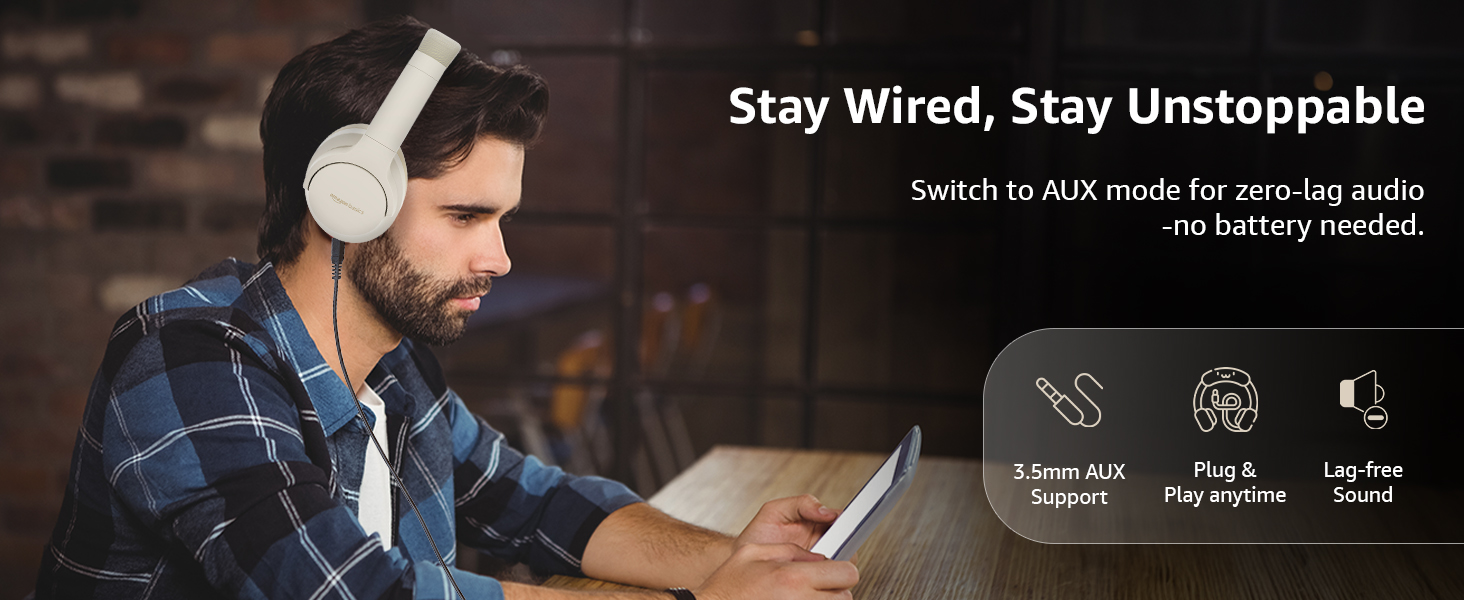
Image: A user demonstrating the wired AUX connection, emphasizing lag-free audio without needing battery power.
ოპერაციული ინსტრუქციები
1. ჩართვა/გამორთვა
- ჩართვა: ხანგრძლივად დააჭირეთ ჩართვის ღილაკს დაახლოებით 3 წამის განმავლობაში.
- Გამორთვა: ხანგრძლივად დააჭირეთ ჩართვის ღილაკს დაახლოებით 5 წამის განმავლობაში.
2. Accessible Controls
ყურსასმენებს აქვთ ინტუიციური მართვის საშუალებები, რომლებიც ყურსასმენებზეა განთავსებული:
- მოცულობის გაზრდა/შემდეგი სიმღერა: ხმის ასაწევად დააჭირეთ ხანმოკლედ, შემდეგი ტრეკის სანახავად კი - ხანგრძლივად.
- ხმის შემცირება/წინა სიმღერა: ხმის დასაწევად დააჭირეთ ღილაკს მოკლედ, წინა ტრეკის გადასატანად კი - ხანგრძლივად.
- ზარის დაკვრა/პაუზა/პასუხი: მრავალფუნქციური ღილაკის ერთჯერადი დაჭერით.
- ზარის დასრულება: Single press the multi-function button during a call.
- ზარის უარყოფა: შემომავალი ზარის დროს ხანგრძლივად დააჭირეთ მრავალფუნქციურ ღილაკს.
- ხმოვანი ასისტენტის (Siri/Google Assistant) გააქტიურება: ორჯერ დააჭირეთ მრავალფუნქციურ ღილაკს.
- ANC ჩართვა/გამორთვა: Dedicated ANC button to toggle Active Noise Cancellation.
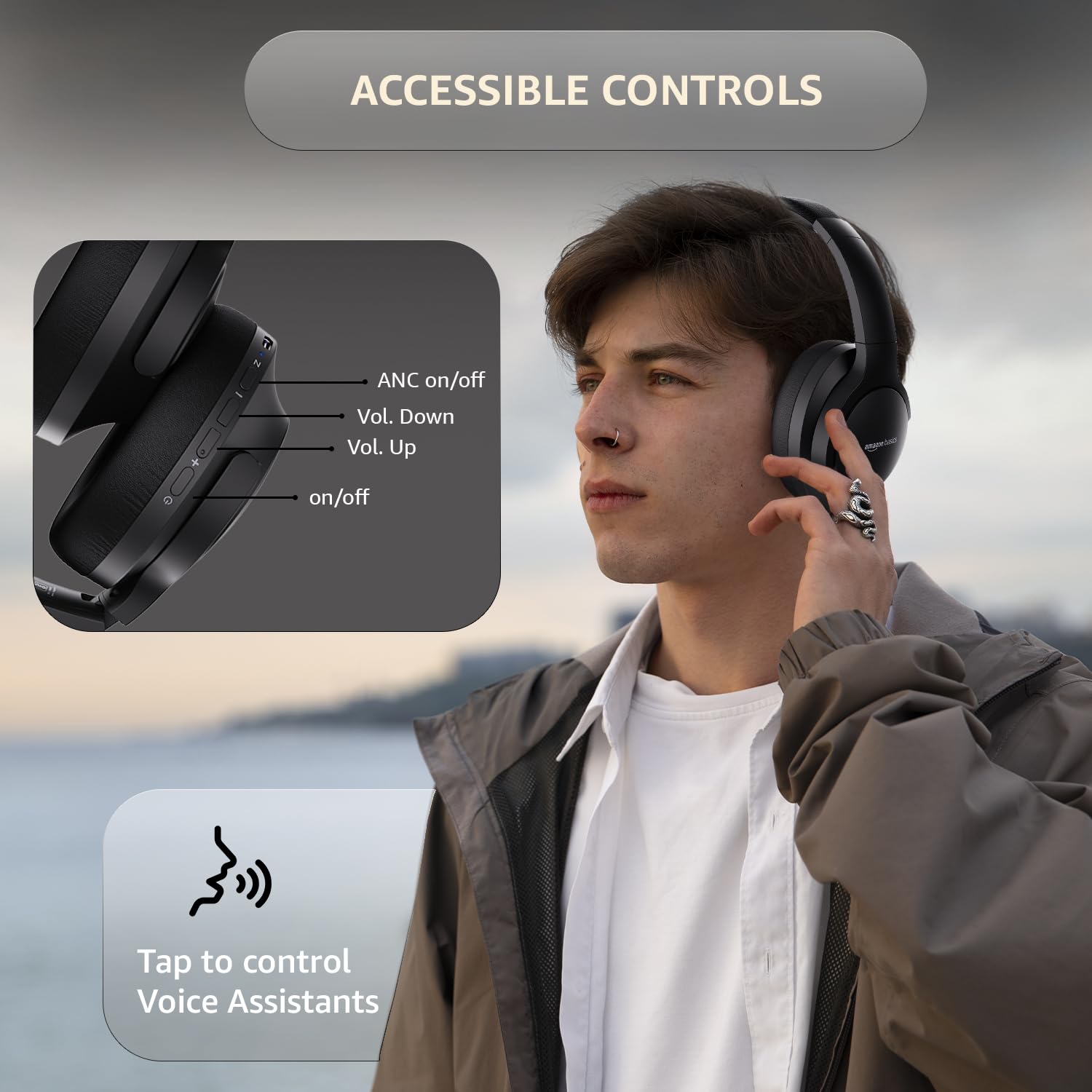
Image: A detailed diagram illustrating the location and function of the accessible controls on the headphone earcup.
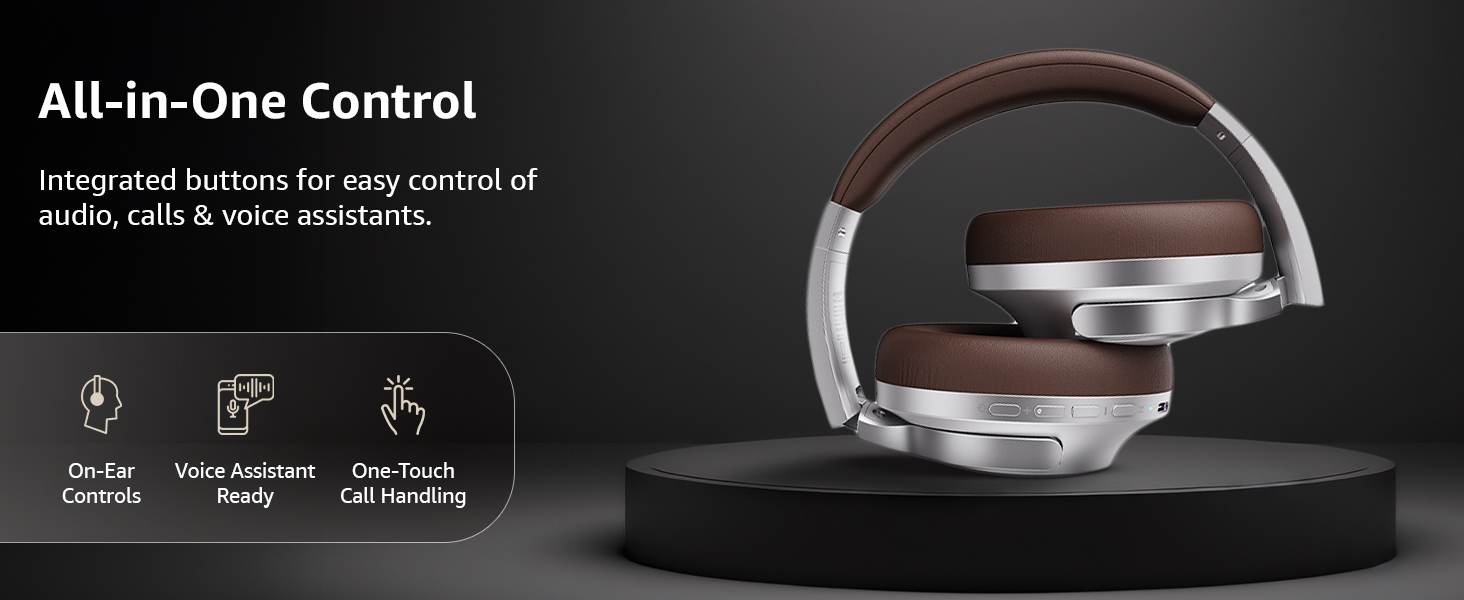
სურათი: ოვერview of the integrated controls, highlighting ease of use for audio, calls, and voice assistants.
3. აქტიური ხმაურის ჩახშობა (ANC)
The Active Noise Cancellation feature reduces ambient noise, providing a more immersive listening experience. Press the dedicated ANC button to activate or deactivate this feature. Note that ANC functionality may slightly reduce overall battery life.

Image: A person wearing the headphones in a public setting, illustrating the effectiveness of Active Noise Cancellation in reducing distractions.
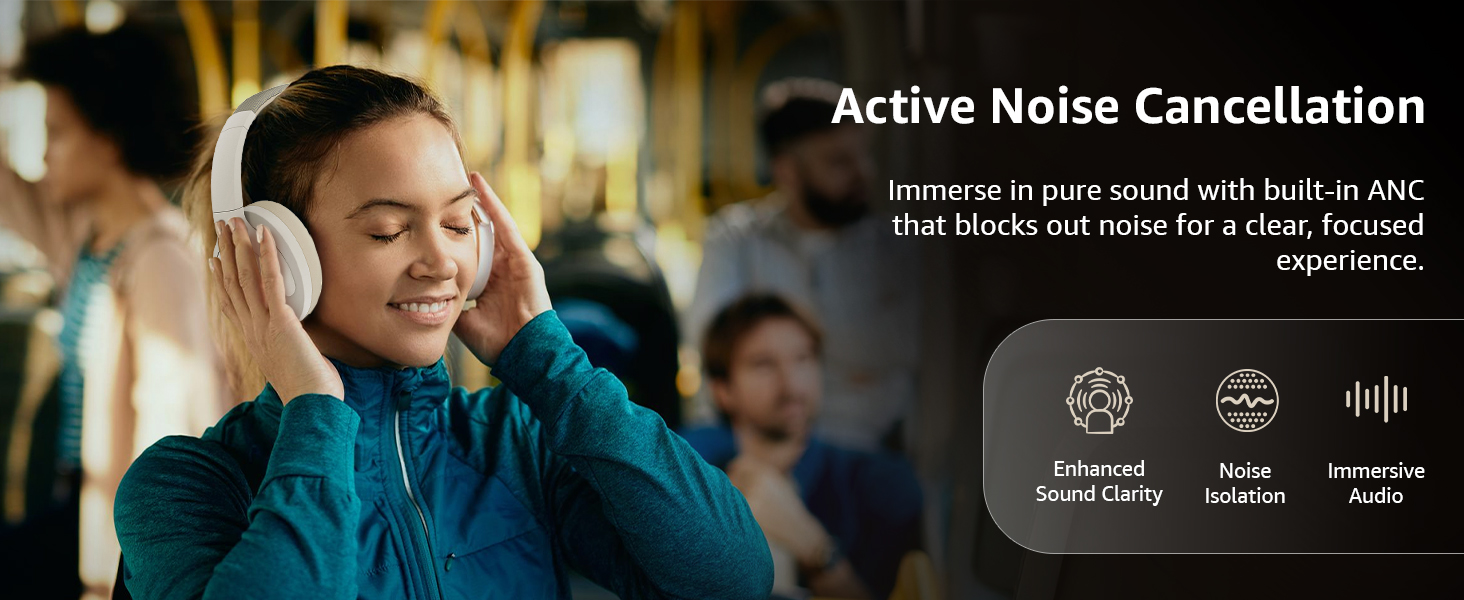
Image: A graphic emphasizing the benefits of Active Noise Cancellation, including enhanced sound clarity and immersive audio.
4. აუდიოს ხარისხი და დრაივერები
The headphones are equipped with 40mm drivers, designed to deliver rich bass, clear mids, and precise highs for a balanced audio experience.
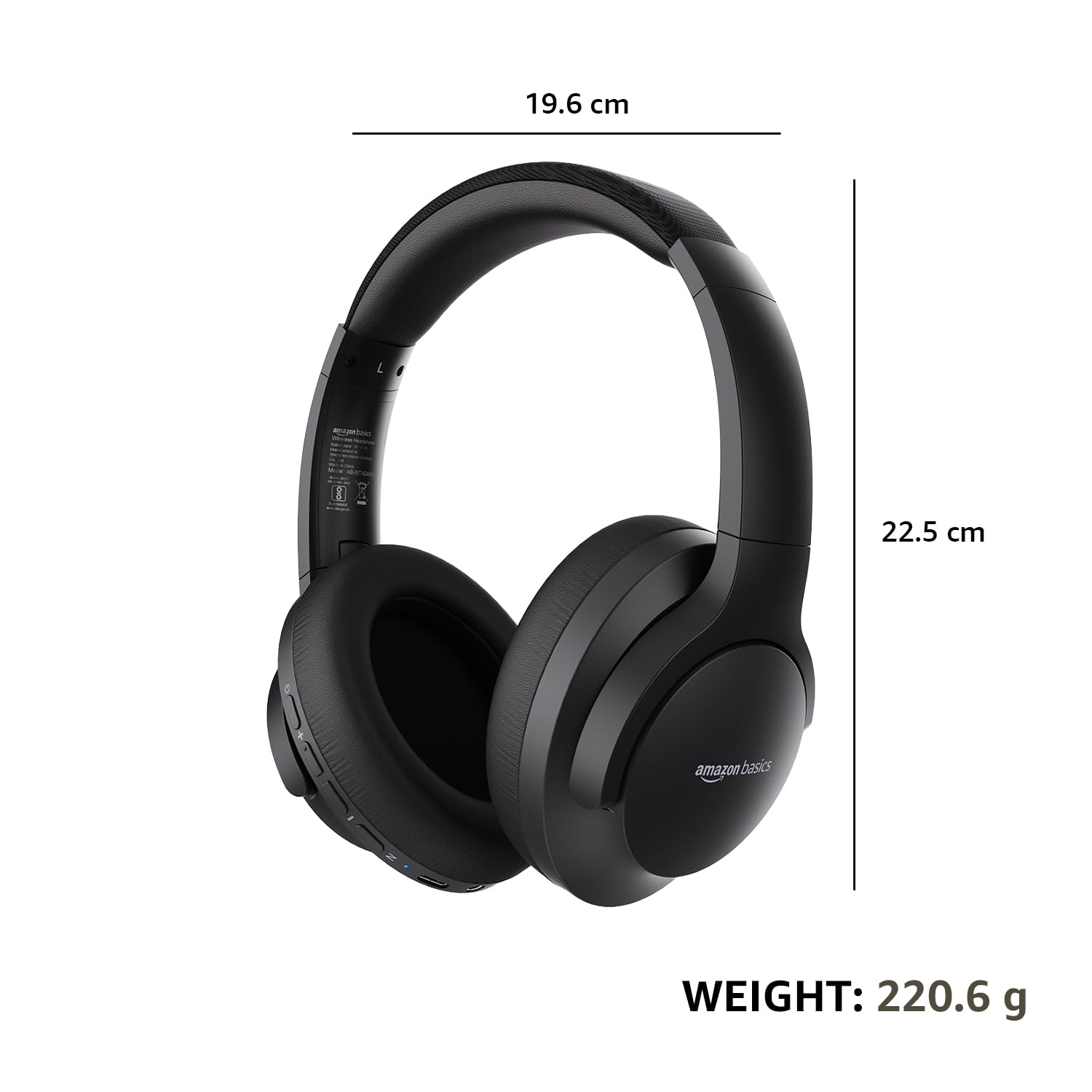
სურათი: აფეთქებული view diagram illustrating the 40mm drivers, which are responsible for the headphone's sound output.
მოვლა
1. დასუფთავება
- ყურსასმენები გაწმინდეთ რბილი, მშრალი, ბუსუსების გარეშე ქსოვილით.
- არ გამოიყენოთ აბრაზიული საწმენდები, გამხსნელები ან სპრეი-საწმენდები პირდაპირ ყურსასმენებზე.
- Clean the ear cushions gently with a damp საჭიროების შემთხვევაში, ქსოვილით და გამოყენებამდე სრულად გააშრეთ ჰაერზე.
2. შენახვა
When not in use, store the headphones in a cool, dry place, away from direct sunlight and extreme temperatures. The headphones feature a sleek and foldable design for convenient storage and portability.
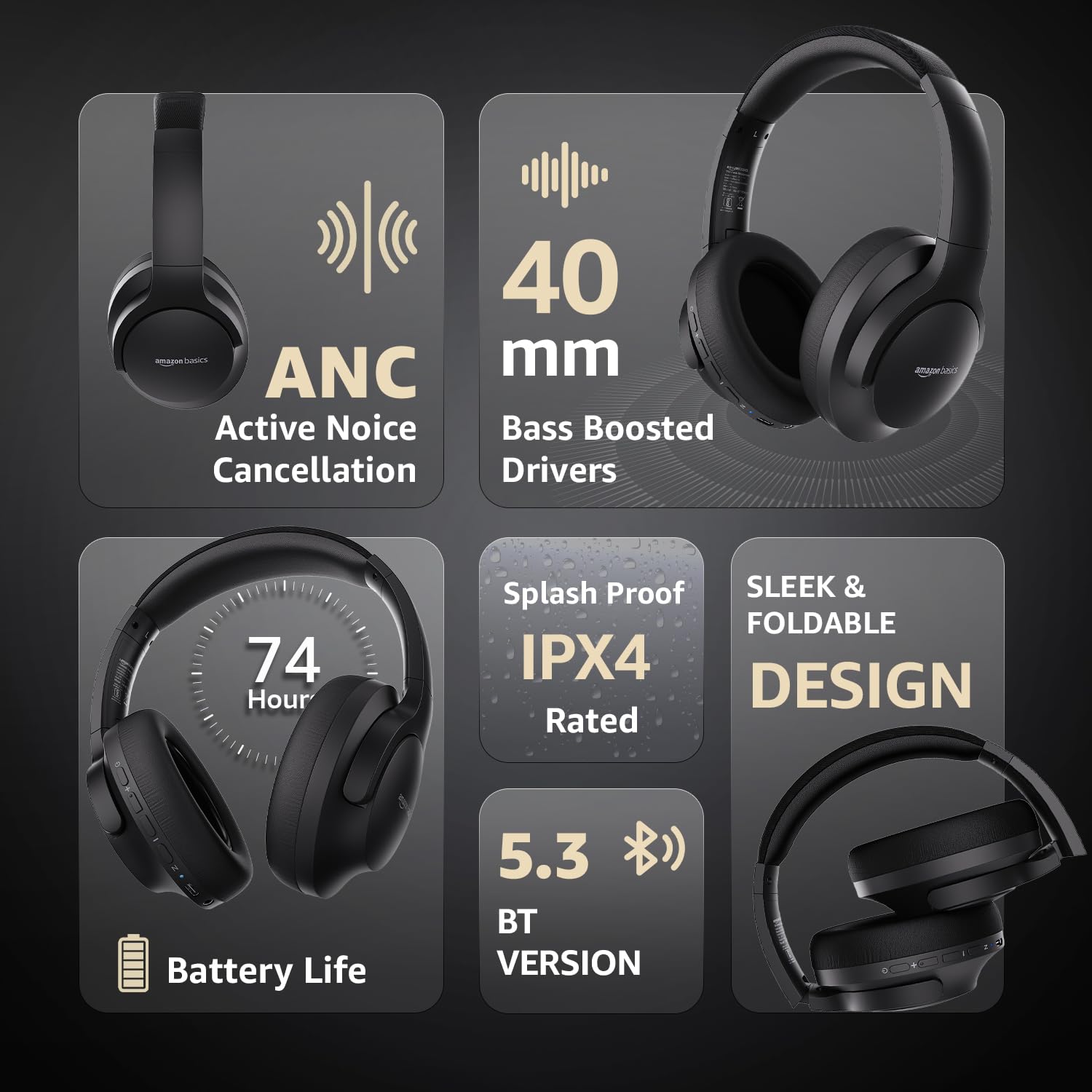
Image: An infographic highlighting key features, including the sleek and foldable design of the headphones for easy storage.
3. ბატარეის მოვლა
- მოერიდეთ ბატარეის ხშირ სრულ დაცლას.
- ყურსასმენები რეგულარულად დატენეთ, მაშინაც კი, თუ დიდი ხნის განმავლობაში არ იყენებთ, ბატარეის გამართული მუშაობის შესანარჩუნებლად.
- არ დაუშვათ ბატარეა მაღალ ტემპერატურაზე.
პრობლემების მოგვარება
| პრობლემა | შესაძლო მიზეზი | გამოსავალი |
|---|---|---|
| ყურსასმენები არ ირთვება. | დაბალი ბატარეა. | Charge the headphones fully using the supplied USB Type-C cable. |
| Bluetooth-ის საშუალებით დაწყვილება შეუძლებელია. | ყურსასმენები დაწყვილების რეჟიმში არ არის; მოწყობილობა Bluetooth გამორთულია; მოწყობილობიდან ძალიან შორს არის. | Ensure headphones are in pairing mode (flashing blue/red). Turn Bluetooth on your device. Move headphones closer to the device (within 10m). |
| ხმა არ არის. | ხმა ძალიან დაბალია; აუდიო წყარო არასწორია; ყურსასმენები არ არის მიერთებული. | Increase volume on headphones and device. Verify correct audio output on device. Re-pair Bluetooth or check AUX cable connection. |
| ANC ეფექტურად არ მუშაობს. | ANC not activated; environmental noise too high. | Press the ANC button to activate. ANC is most effective against low-frequency, constant noise. |
სპეციფიკაციები
| ფუნქცია | დეტალი |
|---|---|
| მოდელის ნომერი | AB-IBT-82ANC |
| დაკავშირების ტექნოლოგია | უსადენო (Bluetooth 5.3), სადენიანი (3.5 მმ AUX) |
| დრაივერის ზომა | 40 მმ |
| ბატარეის ტევადობა | 500 mAh ლითიუმის პოლიმერი |
| ბატარეის ხანგრძლივობა (ANC გამორთულია) | 74 საათამდე (50% მოცულობით) |
| ელემენტის მუშაობის ხანგრძლივობა (ANC ჩართულია) | Up to 34 hours (at 100% volume), 62 hours (at 50% volume) |
| დატენვის პორტი | USB Type-C |
| უსადენო დიაპაზონი | 10 მეტრამდე |
| წყლის წინააღმდეგობის რეიტინგი | IPX4 (დაფრქვევის საწინააღმდეგო) |
| Dimensions (Headphone) | 19.61 x 22.5 x 8.72 სმ |
| წონა (ყურსასმენი) | 220.6 გ |
| მასალა | Plastic, Polyurethane (PU) |
| თავსებადი მოწყობილობები | მობილური ტელეფონები, სათამაშო კონსოლები, ლეპტოპები, პლანშეტები |

Image: A visual representation of the headphone's dimensions and weight for reference.
კომფორტი და დიზაინი
The headphones are designed for extended wear with an over-ear fit, soft ear cushions, and an adjustable headband, ensuring comfort during long listening sessions.

Image: A person wearing the headphones, demonstrating the comfortable over-ear fit.
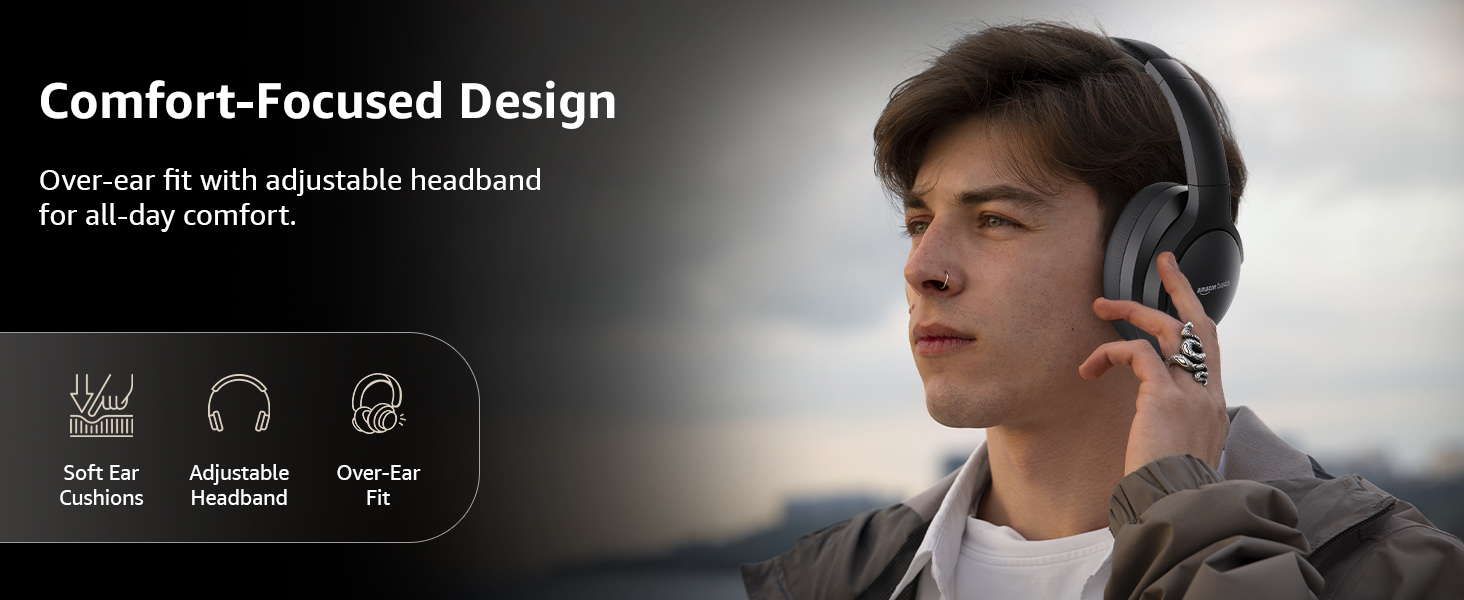
Image: A graphic detailing the comfort-focused design elements, including soft ear cushions and an adjustable headband.
გარანტია და მხარდაჭერა
Warranty information for your Amazon Basics Pro Series Wireless Noise Cancelling ANC Over Ear Headphones is typically provided with the product packaging or can be found on the Amazon Basics official website. For technical support or warranty claims, please refer to the contact information provided with your purchase or visit the Amazon Basics support page.
გარანტიასთან დაკავშირებული ნებისმიერი შეკითხვისთვის, გთხოვთ, შეინახოთ შეძენის დამადასტურებელი საბუთი.


