1. შესავალი
This manual provides essential information for setting up, operating, and maintaining your Bmax X15 Pro 15.6-inch laptop. Please read this manual thoroughly to ensure proper use and to maximize the performance and longevity of your device.

Image: The Bmax X15 Pro laptop displaying the Windows 11 Pro operating system, highlighting its Intel N95 processor, 16GB RAM, 512GB SSD, and 1920x1080 FHD display.
2. რა არის ყუთში
Upon unpacking your Bmax X15 Pro laptop, please verify that all the following items are included:
- 1 x BMAX MaxBook X15 Pro Intel N95 Notebook Computer
- 1 x 12V/3A DC დენის ადაპტერი
- 1 x Multi-Language User Manual
3. პროდუქტი დასრულდაview
3.1. ფიზიკური კომპონენტები და პორტები
Familiarize yourself with the various ports and components of your laptop for optimal connectivity and usage.

სურათი: გვერდი view of the Bmax X15 Pro laptop illustrating the placement of its various ports, including Micro SD, USB 3.0, Headset jack, HDMI, and Power input.
- მარცხენა მხარე: Micro SD slot, 2x USB 3.0 ports, 3.5mm Headset jack.
- მარჯვენა მხარე: Power input, HDMI port, 1x USB 3.0 port, Security Lock slot.
3.2. კლავიატურა და სენსორული პანელი
The laptop features a full-size keyboard with large keycaps and a large touchpad supporting multi-touch gestures for efficient navigation and input.

სურათი: ზემოდან ქვემოთ view of the Bmax X15 Pro laptop's full-size keyboard and large touchpad, highlighting its ergonomic design for comfortable use.
4. დაყენება
4.1. პირველადი ჩართვა და დატენვა
- Connect the provided DC power adapter to the laptop's power input port and a wall outlet.
- ლეპტოპის პირველად გამოყენებამდე დატენვისთვის მიეცით მინიმუმ 30 წუთი ან სანამ ბატარეის ინდიკატორი საკმარისად დატენვას არ აჩვენებს.
- ლეპტოპის ჩასართავად დააჭირეთ კლავიატურაზე განთავსებულ ჩართვის ღილაკს.
- Windows 11 Pro-ს დაყენების პროცესის დასასრულებლად მიჰყევით ეკრანზე მოცემულ ინსტრუქციებს.
5. საოპერაციო ინსტრუქციები
5.1. ენერგიის მენეჯმენტი
- ჩართვა: დააჭირეთ დენის ღილაკს.
- Ძილის რეჟიმი: დახურეთ სახურავი ან მოკლედ დააჭირეთ ჩართვის ღილაკს.
- გამორთვა: დააწკაპუნეთ დაწყების ღილაკზე, შემდეგ ჩართვის > გამორთვის ღილაკზე.
- გადატვირთვა: დააწკაპუნეთ ღილაკზე „დაწყება“, შემდეგ ჩართვის > გადატვირთვის ღილაკზე.
5.2. ეკრანის გამოყენება
The 15.6-inch FHD IPS display offers a 180° convertible design, allowing for flexible viewკუთხეების გამოყენება და თანამშრომლობითი გამოყენება.

Image: The Bmax X15 Pro laptop shown in its 180-degree lay-flat configuration, demonstrating its versatility for sharing and collaboration.
5.3. დაკავშირება
The laptop supports various wireless and wired connections:
- Wi-Fi: Dual-band Wi-Fi 5 (802.11ac/a/b/g/n) for fast internet access.
- Bluetooth: Bluetooth 5.0 უსადენო პერიფერიული მოწყობილობების დასაკავშირებლად.
- HDMI: გარე დისპლეებთან ან პროექტორებთან დაკავშირება.
- USB 3.0: Three ports for high-speed data transfer with external devices.
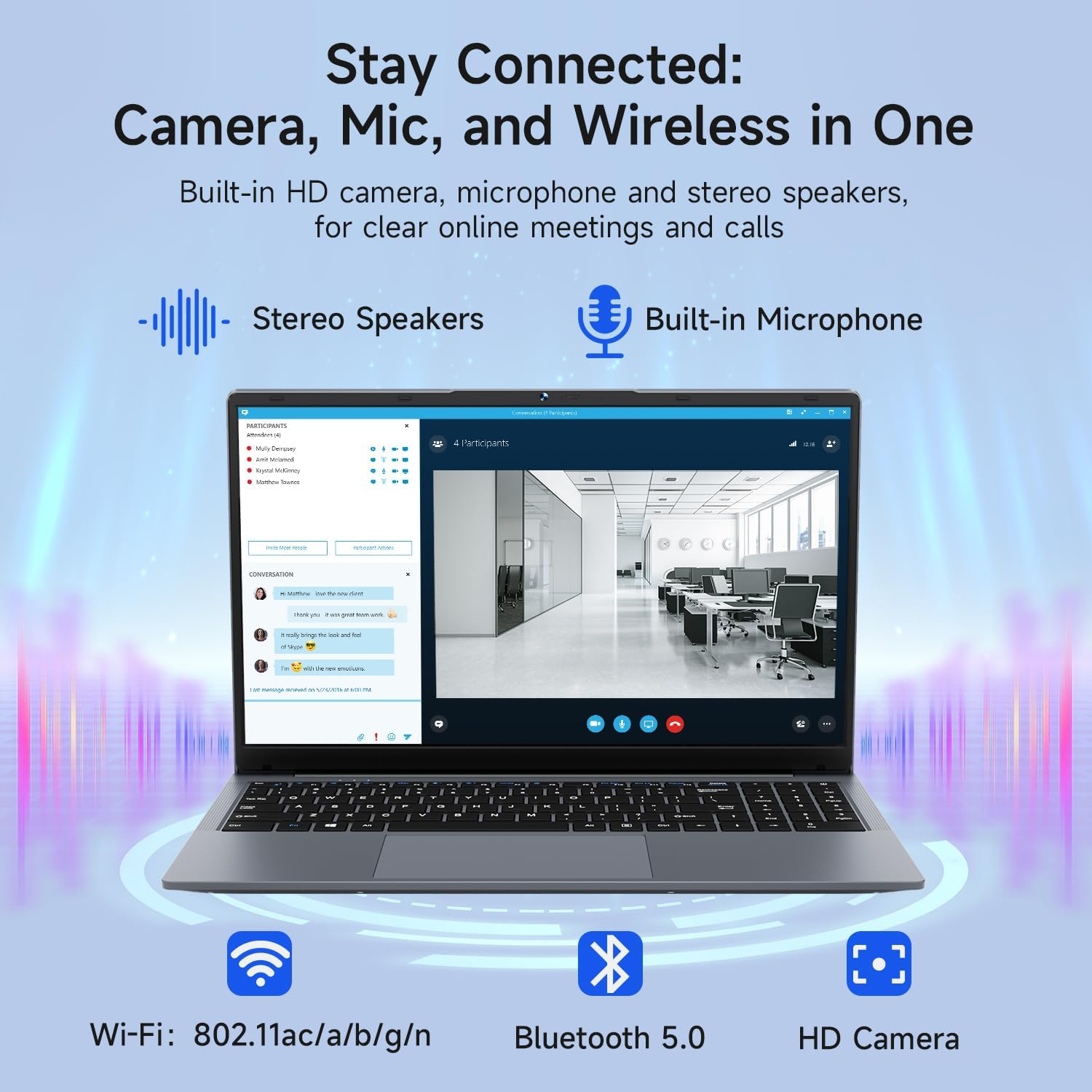
Image: The Bmax X15 Pro laptop with icons representing its integrated Wi-Fi, Bluetooth 5.0, and HD camera capabilities, emphasizing its comprehensive connectivity for communication.
6. შენახვა და მუშაობა
The Bmax X15 Pro is equipped with robust components for efficient performance and ampშენახვა.
6.1. პროცესორი
Powered by the Intel Celeron N95 Quad-Core Processor (up to 3.4GHz), featuring 4 cores and 4 threads with a 6MB cache, ensuring efficient performance for various tasks.

Image: A graphic detailing the Intel 12th Gen Processor N95, showing its 3.40GHz Turbo Frequency, 6MB Cache, 15W Power Consumption, and 4 cores/4 threads, alongside performance benchmarks.
6.2. მეხსიერება და საცავი
The laptop includes 16GB DDR4 RAM and a 512GB SSD, providing substantial storage capacity and enabling efficient multitasking. An M.2_SATA 2280 expansion slot is available for additional storage.

Image: A visual representation of the Bmax X15 Pro laptop's internal components, highlighting its 16GB memory, 512GB high-speed SSD, and an accessible M.2 2280 expansion slot for storage upgrades.
7. ეკრანის მახასიათებლები
Experience clear and vibrant visuals with the 15.6-inch FHD 1920x1080 IPS display, featuring a slim bezel design and 180° viewing კუთხეები.

Image: A graphic illustrating the Bmax X15 Pro laptop's display features, including its 15.6-inch IPS FHD screen, 1920x1080 resolution, 5.7mm ultra-narrow bezel, and 180° lay-flat design.
8. გაგრილების სისტემა
The laptop incorporates intelligent fans and dual copper heat pipes to ensure rapid heat dissipation, maintaining optimal performance and preventing overheating during extended use.

Image: An internal diagram of the Bmax X15 Pro laptop, highlighting its dual copper heat pipes and silent smart fan, illustrating the efficient and quiet cooling system.
9. ბატარეის მართვა
The laptop is powered by a 51.3Wh battery, providing up to 6-8 hours of usage on a single charge, depending on usage patterns.
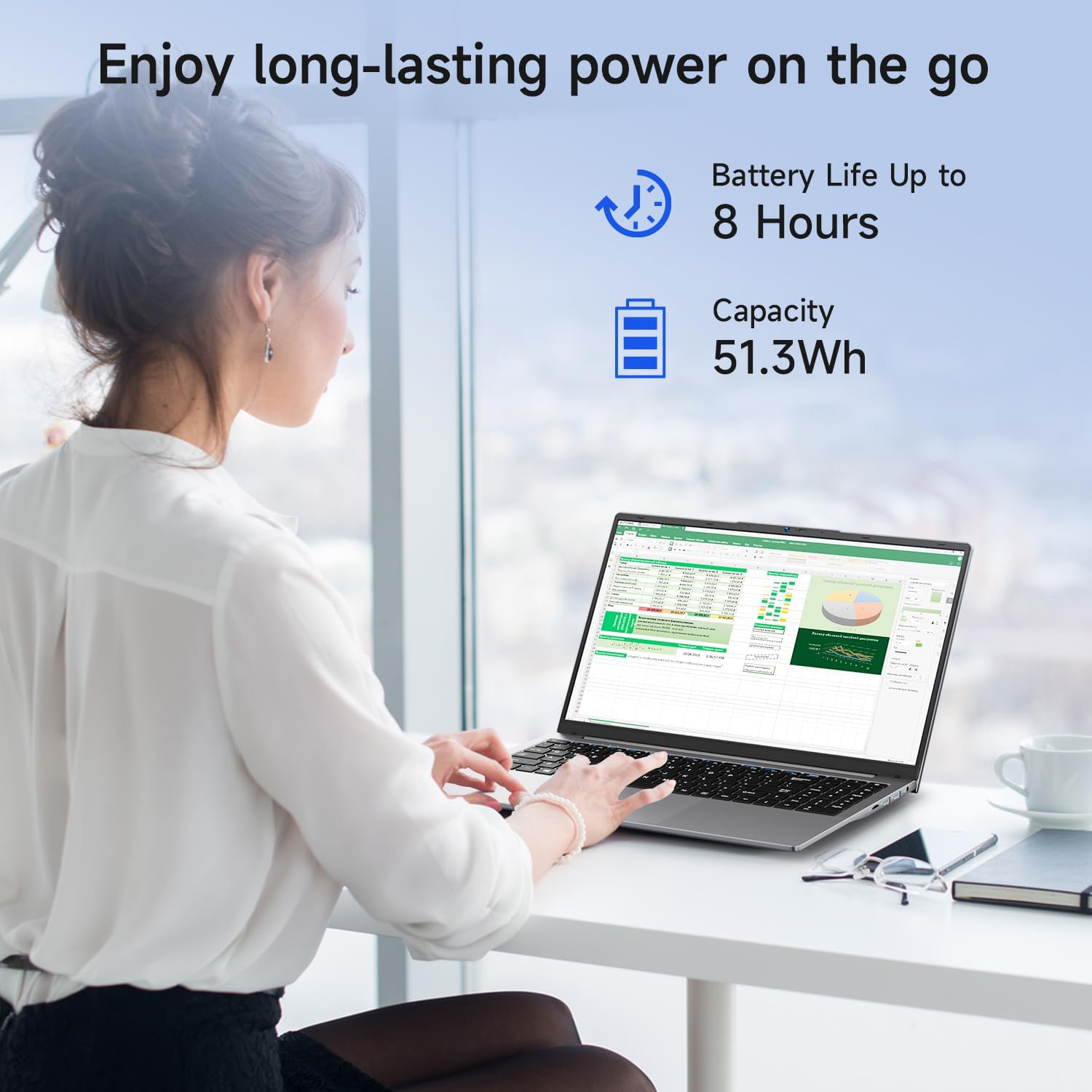
Image: A woman working on the Bmax X15 Pro laptop, with an overlay indicating a battery life of up to 8 hours and a capacity of 51.3Wh, emphasizing its long-lasting power.
10. მოვლა
სათანადო მოვლა უზრუნველყოფს თქვენი ლეპტოპის ხანგრძლივ მუშაობას და ოპტიმალურ მუშაობას.
- დასუფთავება: ეკრანისა და გარე ზედაპირის გასაწმენდად გამოიყენეთ რბილი, უბუშტო ქსოვილი. მოერიდეთ უხეში ქიმიკატების გამოყენებას.
- ვენტილაცია: Ensure the ventilation openings are clear of obstructions to prevent overheating.
- პროგრამული განახლებები: Regularly update your operating system and drivers to maintain security and performance.
- ბატარეის მოვლა: მოერიდეთ ელემენტის ხშირ სრულად დაცლას. თუ ლეპტოპი დიდი ხნის განმავლობაში არ გამოიყენება, შეინახეთ გრილ, მშრალ ადგილას.
11. Დიაგნოსტიკა
This section addresses common issues you might encounter with your Bmax X15 Pro laptop.
- ლეპტოპი არ ირთვება: დარწმუნდით, რომ კვების ადაპტერი საიმედოდ არის დაკავშირებული და აკუმულატორი საკმარისად დატენილია. სცადეთ სხვა კვების წყარო.
- ჩვენების პრობლემები: თუ ეკრანი ცარიელია, სცადეთ გარე მონიტორის მიერთება, რათა შეამოწმოთ, პრობლემა ლეპტოპის ეკრანშია თუ არა. შეცვალეთ სიკაშკაშის პარამეტრები.
- Wi-Fi კავშირის პრობლემები: დარწმუნდით, რომ Wi-Fi ჩართულია Windows-ის პარამეტრებში. გადატვირთეთ როუტერი და ლეპტოპი. შეამოწმეთ განახლებული Wi-Fi დრაივერები.
- ნელი შესრულება: Close unnecessary applications. Check for malware. Ensure sufficient free space on the SSD.
12. სპეციფიკაციები
| ფუნქცია | სპეციფიკაცია |
|---|---|
| მუდმივი ეკრანის ეკრანის ზომა | 15.6 ინჩი |
| ეკრანის გარჩევადობა | 1920 x 1080 პიქსელი |
| ეკრანის მაქსიმალური გარჩევადობა | 1920x1080 პიქსელი |
| პროცესორი | 3.4 GHz Celeron (Intel N95 Quad-Core) |
| ოპერატიული მეხსიერება | 16 GB DDR4 |
| მეხსიერების სიჩქარე | 2666 MHz |
| მყარი დისკი | 512 GB SSD (PCIE x 4 interface) |
| გრაფიკული კოპროცესორი | Intel UHD გრაფიკა |
| გრაფიკული ბარათი Ram Size | 8 GB (Integrated) |
| უკაბელო ტიპი | 2.4 GHz Radio Frequency, 5 GHz Radio Frequency, 802.11a/b/g/n/ac, Bluetooth 5.0 |
| USB 3.0 პორტების რაოდენობა | 3 |
| ბატარეის საშუალო ხანგრძლივობა (საათებში) | 4-8 Hours (51.3Wh) |
| ოპერაციული სისტემა | Windows 11 Pro |
| ნივთის წონა | 3.57 ფუნტი |
| პროდუქტის ზომები | 14.08 x 9.04 x 0.76 ინჩი |
| ფერი | კოსმოსური ნაცრისფერი |
| სპეციალური ფუნქცია | HD Audio, Lightweight, Memory Card Slot, Numeric Keypad |
13. გარანტია და მხარდაჭერა
Your Bmax X15 Pro laptop comes with a 12-month warranty from the date of purchase. This warranty covers manufacturing defects and ensures product reliability.
- საგარანტიო პერიოდი: 12 months from the purchase date.
- დაბრუნების პოლიტიკა: Worry-free 30-day return period.
- მომხმარებელთა მომსახურება: 7 days/24 hours friendly customer support.
- მოყვება აქსესუარები: 2 replaceable plugs (US, EU) are included to meet diverse connectivity needs.
For technical assistance or warranty claims, please refer to the contact information provided with your purchase documentation or visit the official Bmax support webსაიტი.


