
შესავალი
This manual provides essential information for the proper setup, operation, and maintenance of your OUKITEL BT20 Smartwatch. Please read this guide thoroughly before using the device to ensure optimal performance and longevity. The OUKITEL BT20 is a military-grade rugged smartwatch designed for durability and comprehensive health and fitness tracking.

The OUKITEL BT20 Smartwatch, built for rugged environments.
პაკეტის შიგთავსი
Upon unboxing your OUKITEL BT20 Smartwatch, please verify that all items listed below are present:
- OUKITEL BT20 Smartwatch
- დამტენი კაბელი
- მომხმარებლის სახელმძღვანელო (ეს დოკუმენტი)
Unboxing and initial setup of a similar smartwatch, demonstrating typical package contents and first steps.
პროდუქტი დასრულდაview
The OUKITEL BT20 features a robust design with a 1.96-inch AMOLED display. It includes physical buttons for power and navigation, along with sensors on the rear for health monitoring.
ფიზიკური მახასიათებლები
- ჩვენება: 1.96-inch AMOLED screen with 410x502 resolution.
- ღილაკები: Dedicated buttons for power, sport mode, and menu navigation.
- სენსორები: Optical sensors for heart rate, blood oxygen, and blood pressure monitoring.
- გამძლეობა: Military-grade construction, 5ATM waterproof rating, dustproof, and drop-resistant.

The 1.96-inch AMOLED display of the OUKITEL BT20 Smartwatch.
დაყენება
1. ჭკვიანი საათის დატენვა
Before initial use, fully charge your smartwatch. Connect the magnetic charging cable to the charging points on the back of the watch and plug the USB end into a power adapter (not included).
- დატენვის დრო: სრული დატენვისთვის დაახლოებით 2.5 საათი.
- ბატარეის ხანგრძლივობა: Up to 15 days in standby, 10 days with daily use, and 7 days with heavy use.
The OUKITEL BT20 Smartwatch displaying its battery capacity and usage estimates.
2. აპლიკაციის ინსტალაცია და დაწყვილება
To unlock the full potential of your OUKITEL BT20 Smartwatch, you need to install the companion app on your smartphone.
- ჩამოტვირთეთ აპლიკაცია: Scan the QR code displayed on the smartwatch screen or in the manual to download the 'FitCloudPro' app from your smartphone's app store (iOS/Android). You can also visit http://fitcloud.hetangsmart.com/qrcode/.
- Bluetooth-ის ჩართვა: დარწმუნდით, რომ Bluetooth ჩართულია თქვენს სმარტფონზე.
- დაწყვილება: Open the 'FitCloudPro' app, navigate to the device section, and search for 'BT20' to pair. Follow the on-screen prompts to complete the connection.

Steps for installing the companion app and pairing your smartwatch.
ოპერაციული ინსტრუქციები
ძირითადი ნავიგაცია
- გადაფურცლეთ ზემოთ/ქვემოთ: Scroll through notifications and quick settings.
- გადაფურცლეთ მარცხნივ/მარჯვნივ: Access different widgets and main functions (e.g., activity, heart rate, weather).
- დააჭირეთ დენის ღილაკს: Wake/sleep screen, return to home screen.
- Press Sport Button: Quickly access sport modes.
Bluetooth დარეკვა
The OUKITEL BT20 supports Bluetooth 5.2 for stable call functionality.
- ზარების განხორციელება: Use the dial pad on the watch or access synced contacts to make calls directly from your wrist.
- ზარების მიღება: Answer or reject incoming calls directly on the smartwatch.
- შეტყობინებები: Receive instant messages from various apps (SMS, WhatsApp, Facebook, Instagვერძი და სხვა).

Bluetooth calling feature on the OUKITEL BT20 Smartwatch.
ჯანმრთელობის მონიტორინგი
The smartwatch continuously monitors key health metrics.
- გულისცემა: 24-hour continuous heart rate tracking.
- სისხლში ჟანგბადის შემცველობა (SpO2): აკონტროლეთ თქვენი სისხლში ჟანგბადის დონე.
- არტერიული წნევა: Track your blood pressure.
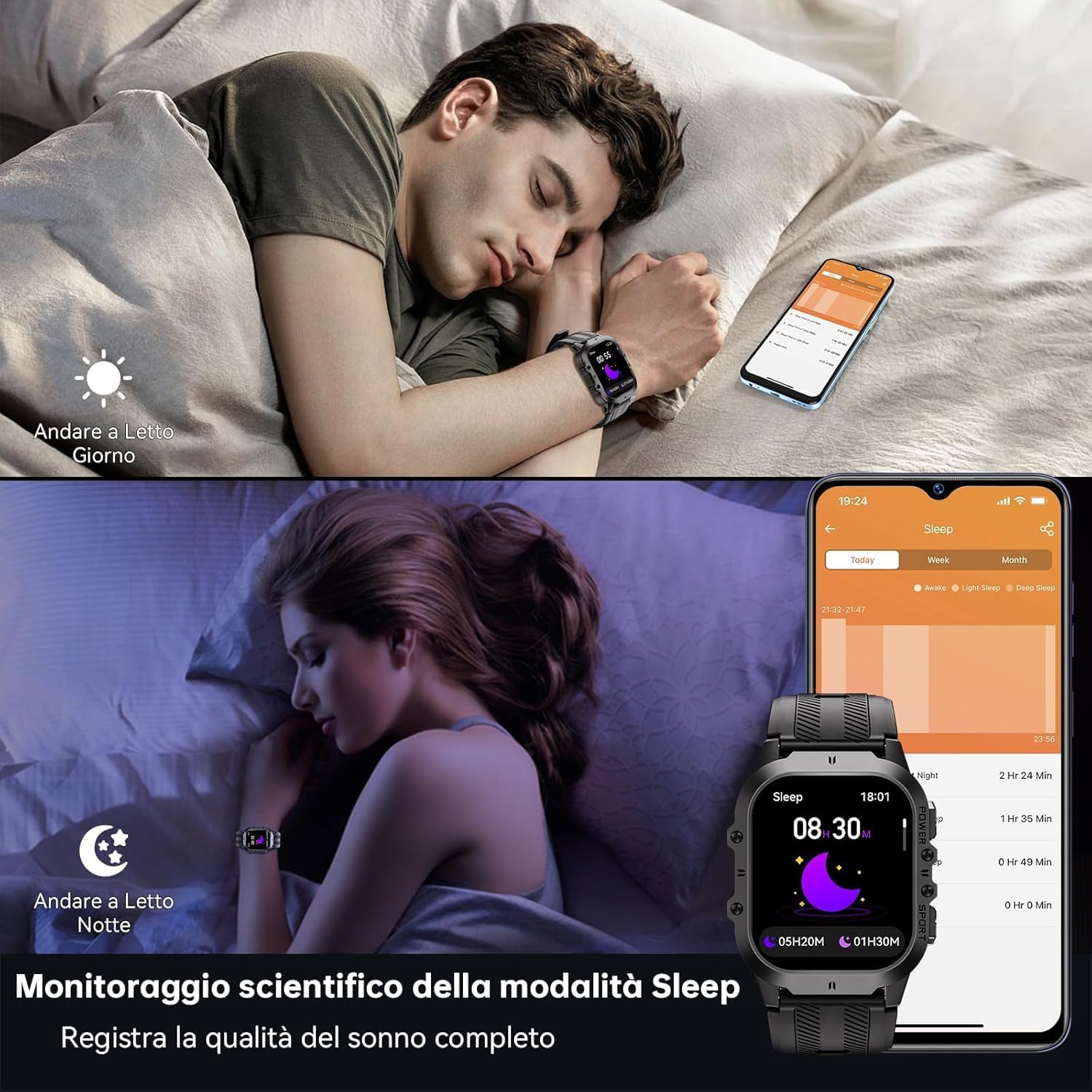
- ძილის თვალყურის დევნება: Records sleep status and quality during the night.
Health monitoring features including heart rate, blood pressure, and blood oxygen.
სპორტული რეჟიმები
With over 120 sports modes, the BT20 is suitable for a wide range of activities.
- აქტივობის თვალყურის დევნება: Automatically records daily activity data including steps, calories, and distance.
- GPS თვალის დევნება: Utilizes your mobile phone's GPS for specific movement tracks, viewშეუძლია აპლიკაციაში.
- მხარდაჭერილი რეჟიმები: Includes mountaineering, skiing, running, hiking, cycling, and more.
The OUKITEL BT20 Smartwatch tracking a cycling activity.
სხვა ფუნქციები
The smartwatch offers several convenient features:
- კამერა დისტანციური: დისტანციურად აკონტროლეთ თქვენი სმარტფონის კამერა.
- ამინდის განახლებები: მიიღეთ რეალურ დროში ამინდის ინფორმაცია.
- სიგნალიზაციის ფუნქცია: დააყენეთ სიგნალიზაცია პირდაპირ თქვენი მაჯიდან.
- ჰიდრატაციის შეხსენება: Receive reminders to drink water.
- მჯდომარე შეხსენება: Get alerts when you've been inactive for too long.
- ფანარი: მოხერხებულობისთვის ჩაშენებული ფანარი.
Demonstration of various smartwatch features including flashlight, battery life, sports modes, and Bluetooth calling.
მოვლა და მოვლა
To ensure the longevity and optimal performance of your OUKITEL BT20 Smartwatch, follow these care guidelines:
- დასუფთავება: რეგულარულად გაწმინდეთ საათი და სამაჯური რბილი, მშრალი ქსოვილით. ჯიუტი ჭუჭყის შემთხვევაში გამოიყენეთ ოდნავ მშრალიamp ქსოვილი და კარგად გააშრეთ.
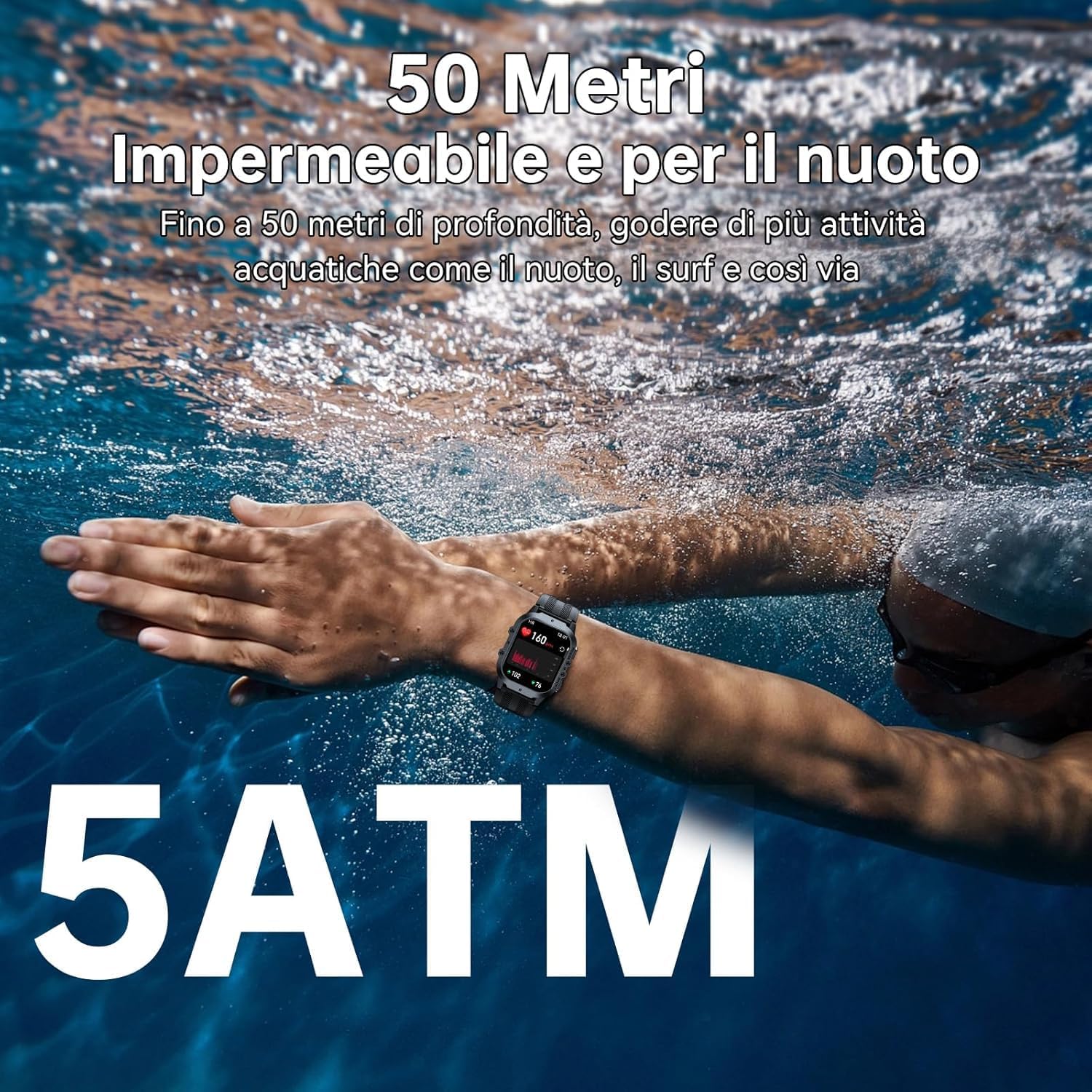
- წყლის წინააღმდეგობა: The watch is 5ATM waterproof, suitable for swimming and shallow water activities. Do not use for deep diving or hot baths.
- ტემპერატურა: Avoid exposing the watch to extreme temperatures (below -40°C or very high heat) for prolonged periods.
- გავლენა: While rugged, avoid unnecessary drops or impacts to prevent damage.
- დამუხტვა: Use only the provided charging cable. Ensure charging contacts are clean and dry before charging.

The OUKITEL BT20 Smartwatch is 5ATM waterproof, suitable for swimming.
პრობლემების მოგვარება
თუ თქვენს ჭკვიან საათთან დაკავშირებით პრობლემებს წააწყდებით, იხილეთ შემდეგი გავრცელებული გადაწყვეტილებები:
| პრობლემა | შესაძლო გამოსავალი |
|---|---|
| უყურე არ ირთვება | დარწმუნდით, რომ საათი სრულად არის დატენილი. დააჭირეთ და გააჩერეთ ჩართვის ღილაკი რამდენიმე წამის განმავლობაში. |
| ტელეფონთან დაწყვილება შეუძლებელია | Ensure Bluetooth is enabled on your phone. Restart both the watch and phone. Make sure the 'FitCloudPro' app is updated. |
| ჯანმრთელობის შესახებ არაზუსტი მონაცემები | დარწმუნდით, რომ საათი მჭიდროდ გიკეთიათ მაჯაზე. გაწმინდეთ საათის უკანა მხარეს არსებული სენსორი. გაზომვების დროს მოერიდეთ ზედმეტ მოძრაობას. |
| შეტყობინებები არ მიიღეს | Check app settings to ensure notifications are enabled for desired apps. Verify Bluetooth connection is stable. |
| ბატარეის მოკლე ხანგრძლივობა | Reduce screen brightness, disable continuous heart rate monitoring, or limit frequent notifications. |
სპეციფიკაციები
| ფუნქცია | დეტალი |
|---|---|
| მოდელი | BT20 |
| ჩვენება | 1.96 დიუმიანი AMOLED, 410 x 502 გარჩევადობით |
| ბატარეის ტევადობა | 350 mAh Lithium Metal |
| დატენვის დრო | დაახლ. 2.5 საათი |
| ბატარეის ხანგრძლივობა (ტიპიური) | 10 დღემდე |
| დაკავშირება | Bluetooth 5.2 |
| წყლის წინააღმდეგობა | 5 ბანკომატი |
| მეხსიერება | 128 მბ |
| ოპერაციული სისტემა | Android Wear 2.9 (compatible with iOS/Android) |
| წონა | 140 გ |
გარანტია და მხარდაჭერა
OUKITEL products are designed for durability and performance. For warranty information and customer support, please refer to the official OUKITEL webადგილზე ან დაუკავშირდით თქვენს გამყიდველს. შეინახეთ თქვენი შესყიდვის ქვითარი, როგორც შეძენის დამადასტურებელი საბუთი გარანტიის მოთხოვნის შემთხვევაში.
- გარანტია: Typically includes a manufacturer's warranty against defects.
- მხარდაჭერა: Online resources, FAQs, and customer service contact information are usually available on the brand's official channels.


