1. შესავალი
The NEDIS SmartLife Outdoor Pan-Tilt Spotlight Camera (WIFICO22CWT) is designed to enhance your home security with advanced features and seamless integration. This manual provides essential information for the proper installation, operation, and maintenance of your camera.
Key features include a 3MP (1296p) sensor for clear images, remote pan and tilt control, automatic tracking, color and infrared night vision, two-way audio, motion and sound detection with instant notifications, and an IP65 weatherproof rating for outdoor reliability.
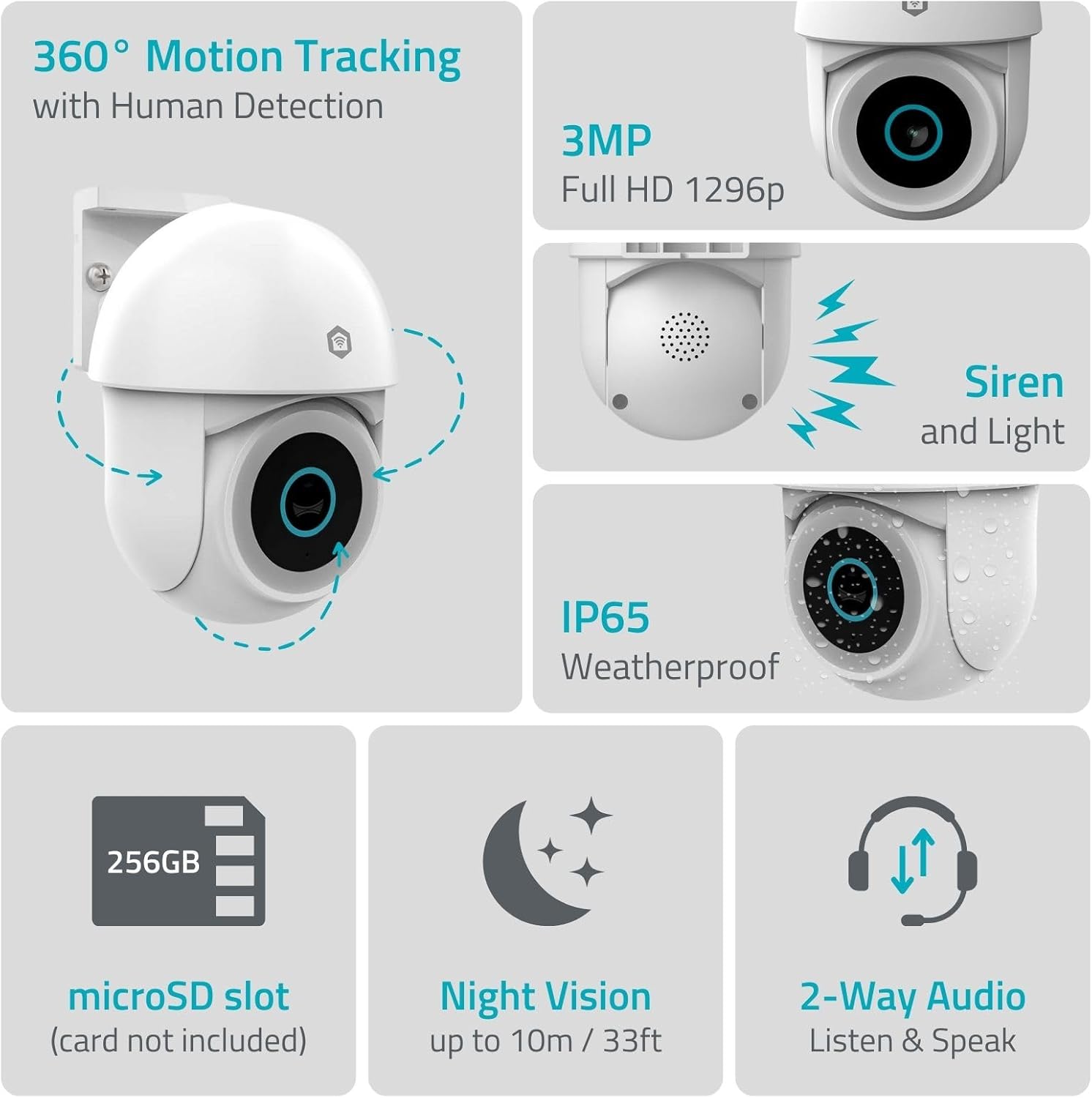
სურათი 1.1: დასრულდაview of NEDIS SmartLife Outdoor Camera features, including 360-degree motion tracking, 3MP resolution, siren and light, IP65 weatherproofing, microSD slot, night vision, and two-way audio.
2. პაკეტის შიგთავსი
გთხოვთ, შეამოწმოთ შეფუთვა შემდეგი ნივთებისთვის:
- NEDIS SmartLife Outdoor Pan-Tilt Spotlight Camera (WIFICO22CWT)
- დენის ადაპტერი (5V DC)
- სამონტაჟო სამაგრი და ხრახნები
- სწრაფი დაწყების სახელმძღვანელო (ეს სახელმძღვანელო)
3. დაყენება
3.1. აპლიკაციის ინსტალაცია
- ჩამოტვირთეთ Nedis SmartLife აპლიკაცია App Store-დან (iOS) ან Google Play Store-დან (Android).
- დარეგისტრირდით ახალ ანგარიშზე ან შედით სისტემაში, თუ უკვე გაქვთ ერთი.
3.2. ჩართვა და საწყისი კავშირი
- შეაერთეთ კამერა კვების ადაპტერთან და შეაერთეთ იგი ელექტრო განყოფილებაში.
- დაელოდეთ კამერის ინდიკატორის ნათურის აციმციმს, რაც მიუთითებს, რომ ის მზადაა დაწყვილებისთვის.
- Open the Nedis SmartLife app, tap '+' to add a new device, and follow the on-screen instructions to connect the camera to your 2.4 GHz Wi-Fi network.
3.3. MicroSD ბარათის ინსტალაცია (არასავალდებულო)
For local storage of recordings, install a microSD card (up to 256GB, not included).
- Locate the microSD card slot on the camera (refer to the camera diagram in the quick start guide).
- Carefully insert the microSD card into the slot until it clicks into place.
- Format the microSD card via the camera settings in the Nedis SmartLife app.
3.4. კამერის დამონტაჟება
The camera comes with a wall/ceiling mount. Choose a suitable location with a clear view და Wi-Fi-ს დიაპაზონში.

Image 3.1: Camera dimensions for mounting reference.
- Mark the drilling positions using the mounting bracket as a template.
- საჭიროების შემთხვევაში, გაბურღეთ ხვრელები და ჩადეთ კედლის სანთლები.
- სამონტაჟო ფრჩხილი კედელზე ან ჭერზე ხრახნებით დაამაგრეთ.
- Attach the camera to the mounting bracket and adjust its initial angle.
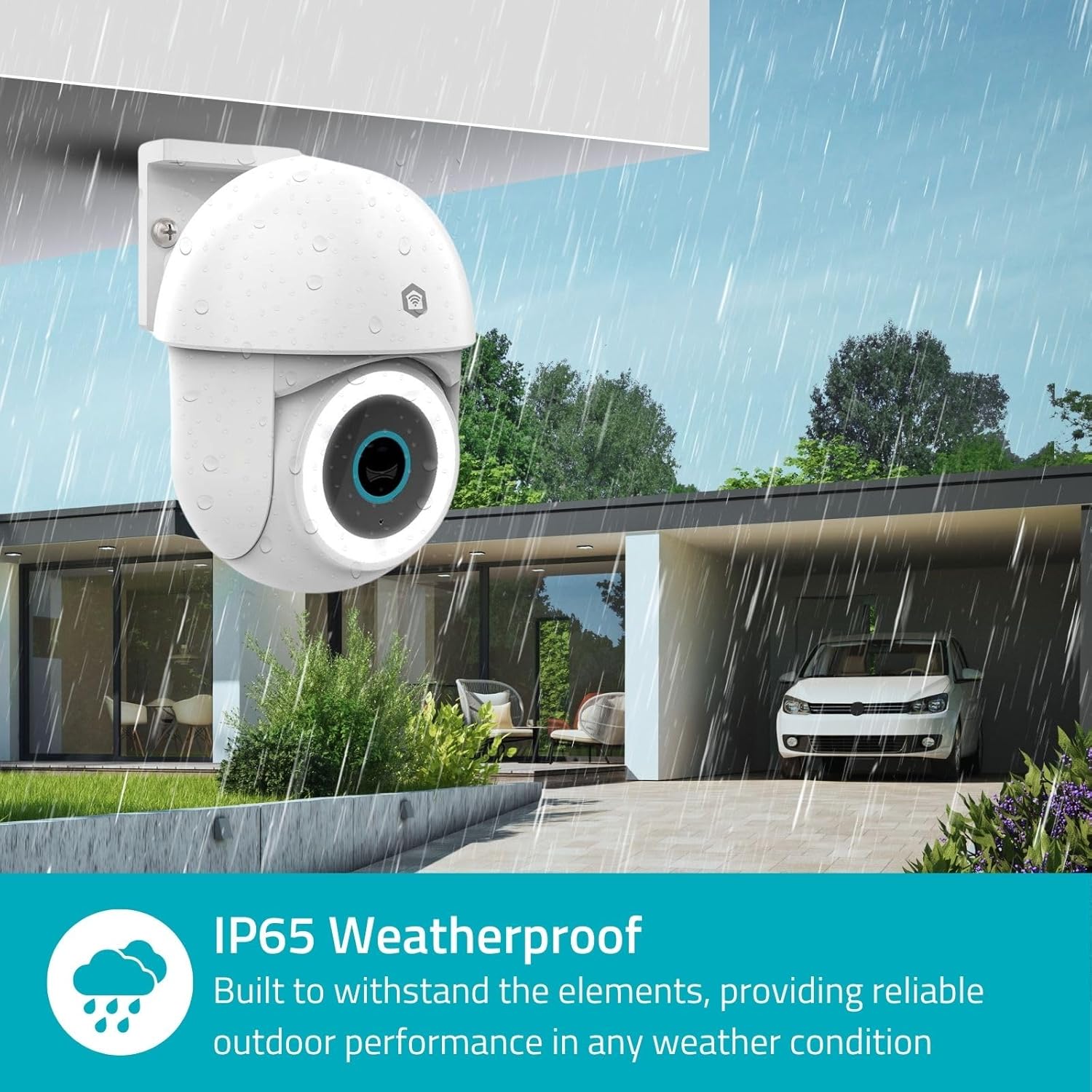
Image 3.2: The IP65 weatherproof design ensures reliable outdoor performance in various weather conditions.
4. საოპერაციო ინსტრუქციები
4.1. იცხოვრე View და პანორამირების/დახრის კონტროლი
Access the live feed from your camera through the Nedis SmartLife app. Use the on-screen controls to remotely pan (horizontal) and tilt (vertical) the camera to monitor a wide area.
4.2. Motion Detection and Tracking
The camera features advanced motion detection, including human detection, to minimize false alarms. You can customize detection zones within the app.
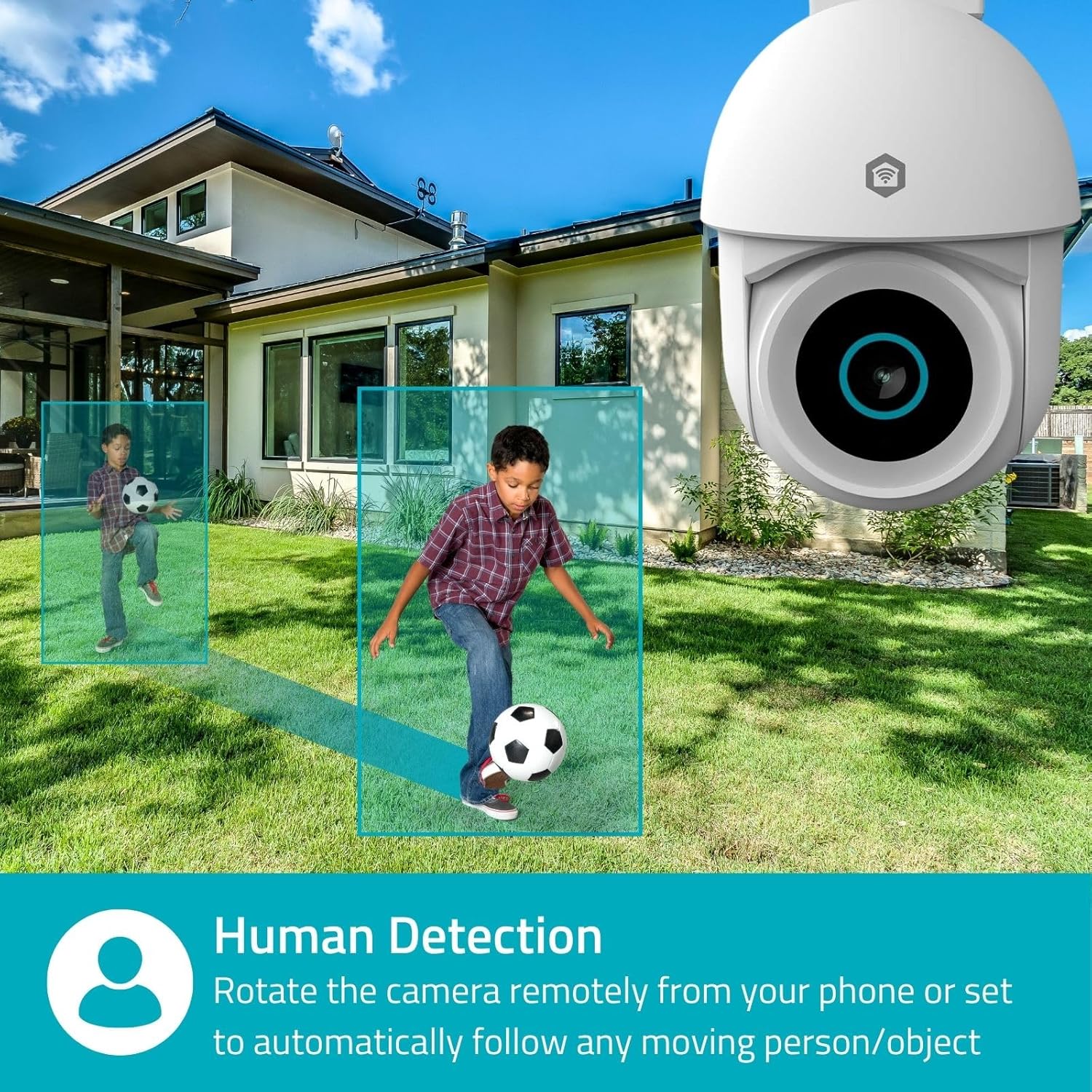
Image 4.1: Human Detection allows the camera to automatically follow moving persons or objects.
ჩართვა ავტომატური თვალის დევნება in the app settings to have the camera automatically follow detected movement.
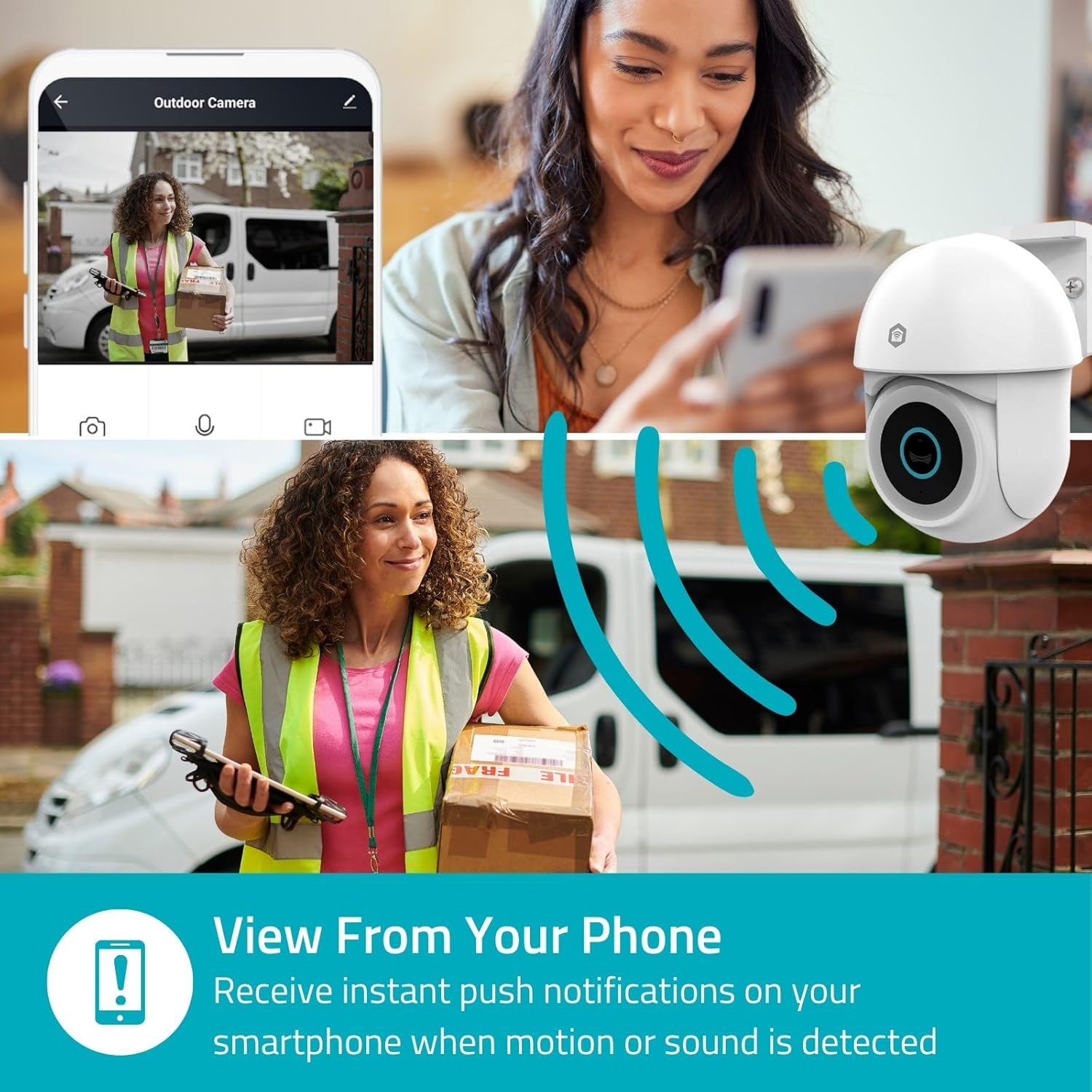
Image 4.2: Receive instant push notifications on your smartphone when motion or sound is detected.
4.3. ორმხრივი აუდიო
Utilize the built-in microphone and speaker for two-way communication. You can listen to the environment and speak through the camera via the app.
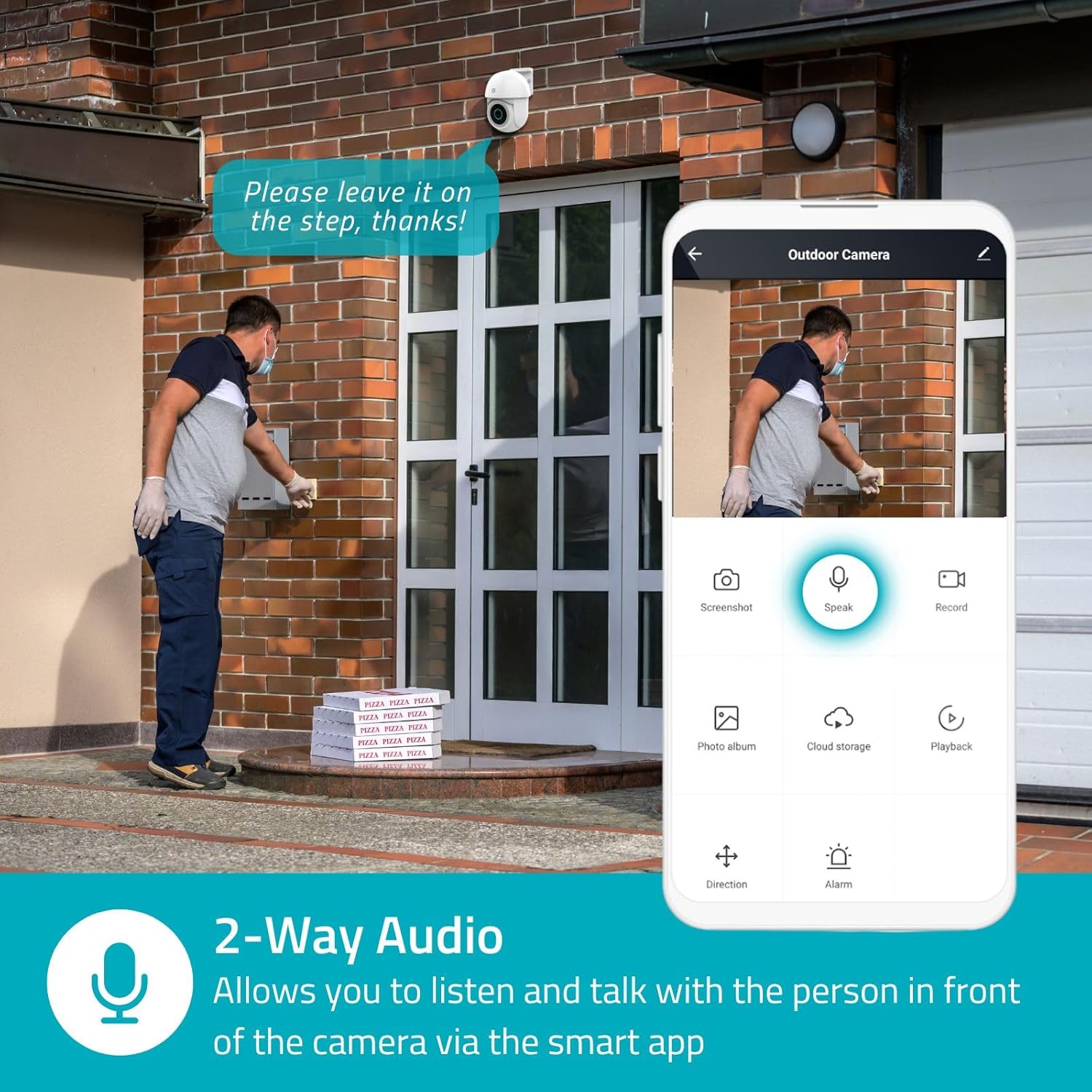
Image 4.3: Two-Way Audio allows you to listen and talk with individuals in front of the camera.
4.4. ღამის ხედვა
The camera supports two night vision modes:
- ფერადი ღამის ხედვა: Achieved using dimmable white LEDs, providing full-color images in low light.
- ღამის ინფრაწითელი ხედვა: Standard black and white night vision using infrared LEDs, effective up to 10 meters (33 feet).

Image 4.4: Comparison of Day Mode and Night Mode, illustrating the camera's 3MP resolution and 10m night vision capability.
4.5. Spotlight and Siren
When motion is detected, you can configure the camera to activate its white LEDs (spotlight) and/or a siren. This can deter intruders or provide illumination.

Image 4.5: The camera's light and siren can be activated upon motion detection to deter unwanted visitors.
4.6. ჩაწერა და დაკვრა
Recordings can be stored on a microSD card (up to 256GB) or via optional cloud storage. Access and playback recorded footage through the Nedis SmartLife app.
4.7. კონფიდენციალურობის რეჟიმი
Activate Privacy Mode in the app to temporarily disable recording and live view when you are home, ensuring your privacy.
4.8. ჭკვიანი სახლის ინტეგრაცია
The camera is compatible with Google Home and Amazon Alexa, allowing for voice control and integration into your smart home ecosystem.
5. მოვლა
- დასუფთავება: ფრთხილად გაწმინდეთ კამერის ლინზა და კორპუსი რბილი ქსოვილით.amp ქსოვილი. არ გამოიყენოთ უხეში ქიმიკატები ან აბრაზიული საწმენდები.
- Firmware განახლებები: Regularly check the Nedis SmartLife app for available firmware updates to ensure optimal performance and security.
- ელექტრომომარაგება: დარწმუნდით, რომ კვების ადაპტერი და კაბელი დაზიანებისგან თავისუფალია.
6. Დიაგნოსტიკა
6.1. კამერა არ უკავშირდება Wi-Fi-ს
- Ensure your Wi-Fi network is 2.4 GHz. The camera does not support 5 GHz Wi-Fi.
- Check that the Wi-Fi password is entered correctly.
- დაყენების დროს კამერა Wi-Fi როუტერთან უფრო ახლოს მიიტანეთ.
- გადატვირთეთ როუტერი და კამერა.
6.2. ვიდეოს დაბალი ხარისხი
- შეამოწმეთ თქვენი Wi-Fi სიგნალის სიძლიერე. სუსტმა სიგნალმა შეიძლება გავლენა მოახდინოს ვიდეოს ხარისხზე.
- დარწმუნდით, რომ კამერის ლინზა სუფთაა და არ აქვს დაბრკოლებები.
- Adjust the video resolution settings in the app if your network bandwidth is limited.
6.3. მოძრაობის ამოცნობა არ მუშაობს
- დარწმუნდით, რომ მოძრაობის ამოცნობა ჩართულია აპლიკაციის პარამეტრებში.
- Check the sensitivity settings and detection zones.
- დარწმუნდით, რომ არ არსებობს ფიზიკური დაბრკოლებები, რომლებიც კამერის მუშაობას ბლოკავს. view.
6.4. No Audio or Two-Way Audio Issues
- Check the microphone and speaker volume settings in the app.
- Ensure your smartphone's microphone is not muted when speaking through the app.
- Verify network connectivity for real-time audio transmission.
7. სპეციფიკაციები
| ფუნქცია | სპეციფიკაცია |
|---|---|
| მოდელის ნომერი | WIFICO22CWT |
| რეზოლუცია | 3 მეგაპიქსელი (1296p) |
| დაკავშირება | Wi-Fi (2.4 გჰც) |
| Pan/Tilt Function | დიახ |
| ამინდის წინააღმდეგობის რეიტინგი | IP65 |
| ღამის ხედვა | Color (white LEDs) & IR (up to 10m) |
| ორმხრივი აუდიო | დიახ |
| შენახვის პარამეტრები | MicroSD (up to 256GB, not included), Cloud Storage (optional) |
| დენის შეყვანა | 5V DC |
| ზომები (L x W x H) | 10 x 8.3 x 11 სმ |
| წონა | 292 გრამი |
| განსაკუთრებული თვისებები | Human Detection, Auto-Tracking, Spotlight, Siren, Privacy Mode, Onvif support |
| თავსებადობა | Google Home, Amazon Alexa |
8. გარანტია და მხარდაჭერა
This product comes with a standard manufacturer's warranty. For detailed warranty information, please refer to the warranty card included in your package or visit the official NEDIS webსაიტი.
For technical support, troubleshooting assistance, or further inquiries, please contact NEDIS customer service through their official webსაიტზე ან პროდუქტის შეფუთვაში მოცემულ საკონტაქტო ინფორმაციაზე.
ონლაინ რესურსები:
- ეწვიეთ ნედისი webსაიტი for product updates and support.
- Check the Nedis SmartLife app for FAQs and in-app support options.


