1. შესავალი
This manual provides essential information for setting up, operating, maintaining, and troubleshooting your vivo Y31 5G smartphone. Please read this manual carefully before using your device to ensure proper functionality and safety.
2. დაყენება
2.1. ყუთის გახსნა და შეფუთვის შიგთავსი
დარწმუნდით, რომ ყველა ნივთი თქვენი პროდუქტის შეფუთვაშია:
- vivo Y31 5G სმარტფონი
- დენის ადაპტერი
- USB კაბელი
- SIM უჯრის ეჟექტორი
- ტელეფონის ქეისი
- Screen Protector (Pre-applied)
2.2. SIM ბარათის და microSD ბარათის ინსტალაცია
- იპოვეთ SIM ბარათის უჯრა თქვენი ტელეფონის გვერდზე.
- ჩადეთ SIM ბარათის უჯრის ამომხტარი ხელსაწყო უჯრის გვერდით პატარა ხვრელში და ფრთხილად დააჭირეთ მანამ, სანამ უჯრა არ ამოვარდება.
- Place your Nano-SIM card(s) and/or microSD card into the designated slots on the tray. Ensure the gold contacts face downwards. The vivo Y31 5G supports Dual SIM functionality.
- ფრთხილად ჩადეთ უჯრა ტელეფონში, სანამ არ დააწკაპუნებს თავის ადგილზე.
2.3. პირველადი ჩართვა და დაყენება
- Press and hold the Power button (located on the right side) until the vivo logo appears.
- Follow the on-screen instructions to select your language, connect to a Wi-Fi network, set up your Google account, and configure security settings (fingerprint, face unlock, PIN/pattern).
3. თქვენი მოწყობილობის მუშაობა
3.1. ძირითადი ნავიგაცია
The vivo Y31 5G operates on Funtouch OS 15. Use touch gestures for navigation:
- შეეხეთ: აირჩიეთ ნივთი ან გახსენით აპლიკაცია.
- დარტყმა: გადაახვიეთ ეკრანებს ან სიებს შორის.
- Ჩქმეტა: ფოტოების მასშტაბირება გადიდება ან დაპატარავება და web გვერდები.
- დენის ღილაკი: ეკრანის გასაღვიძებლად/დასაძინებლად დააჭირეთ, გამოსართავად ან გადასატვირთად კი ხანგრძლივად დააჭირეთ.
- ხმის ღილაკები: დაარეგულირეთ მედიის ხმის, ზარის ხმის ან ზარის მელოდიის ხმის სიმძლავრე.
3.2. კამერის მახასიათებლები
მოწყობილობა აღჭურვილია მრავალფუნქციური კამერის სისტემით:
- უკანა კამერა: 50 MP main camera for high-resolution photos, complemented by a 0.08 MP secondary lens.
- წინა კამერა: 8 MP selfie camera for clear self-portraits.
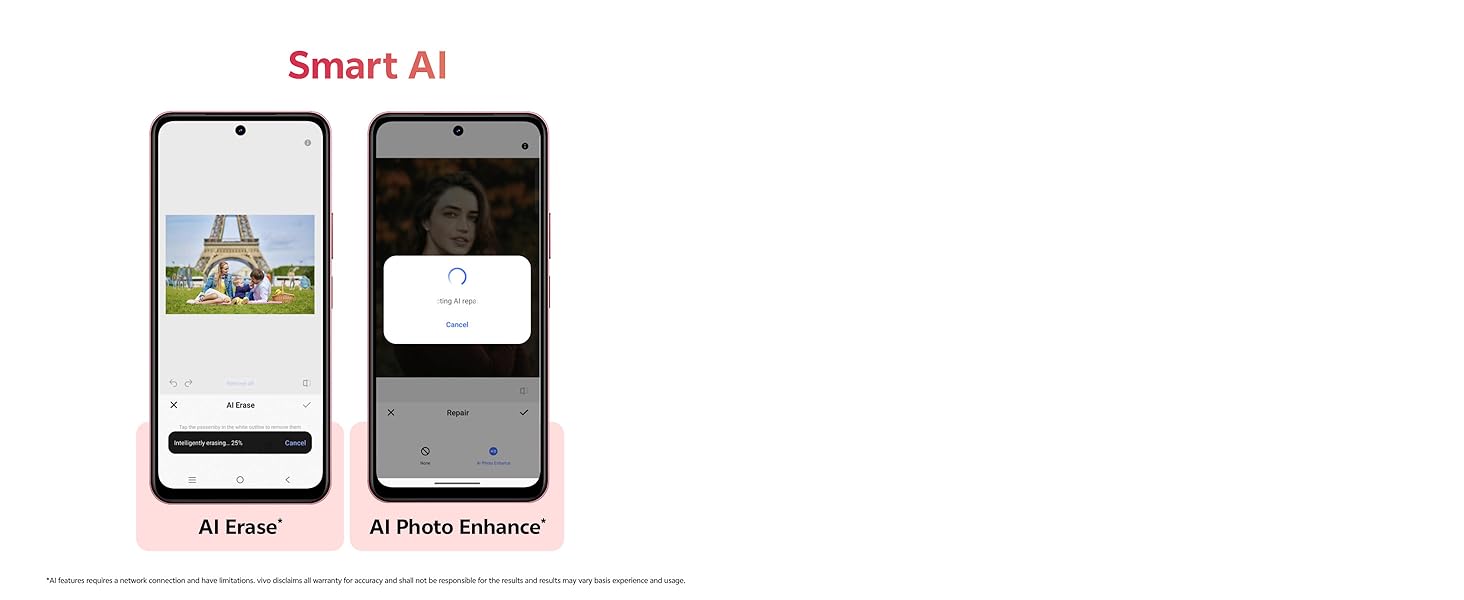
Image showing the 50MP AI Camera setup with 8MP HD Portrait Camera and 50MP HD Main Camera.
3.3. Smart AI Features
Enhance your photos with built-in AI capabilities:
- AI Erase: Intelligently remove unwanted objects or people from your photos.
- AI Photo Enhance: Automatically optimize image quality for better colors, contrast, and detail.
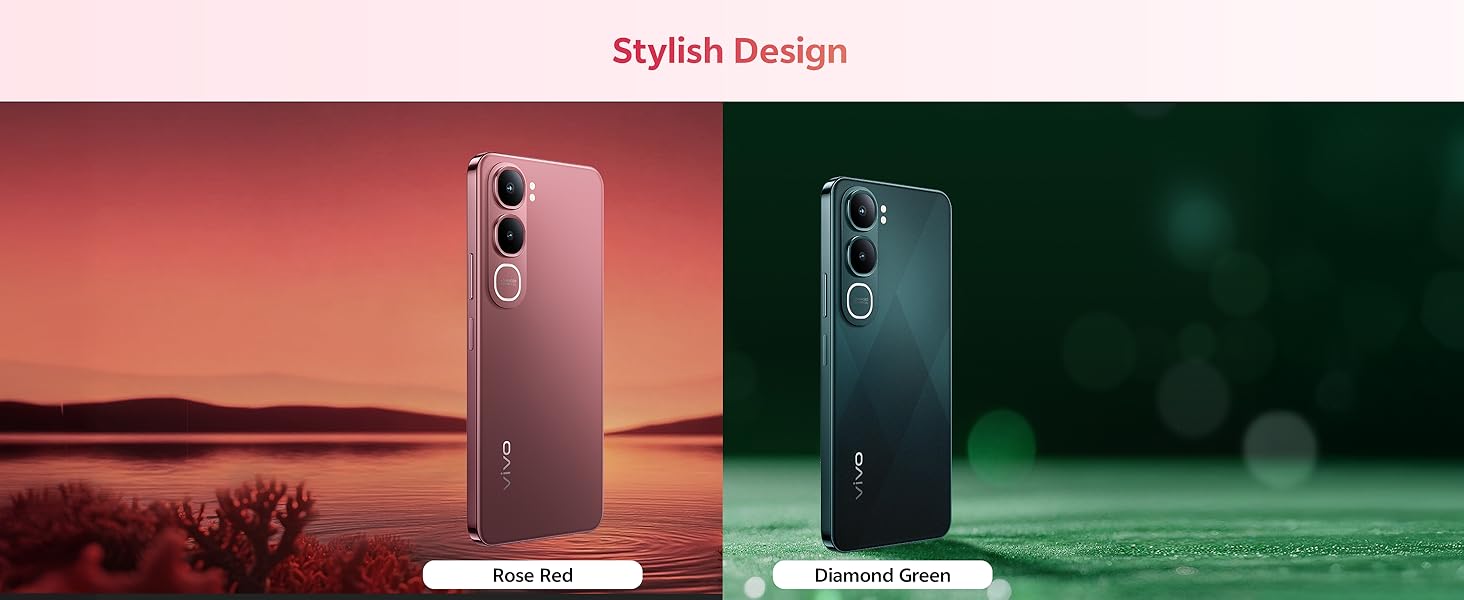
Diagram illustrating the Smart AI features, including AI Erase and AI Photo Enhance, on the vivo Y31 5G.
3.4. ბატარეა და დატენვა
The vivo Y31 5G features a large 6500 mAh battery with 44W fast charging support. Use the provided power adapter and USB cable for optimal charging performance.
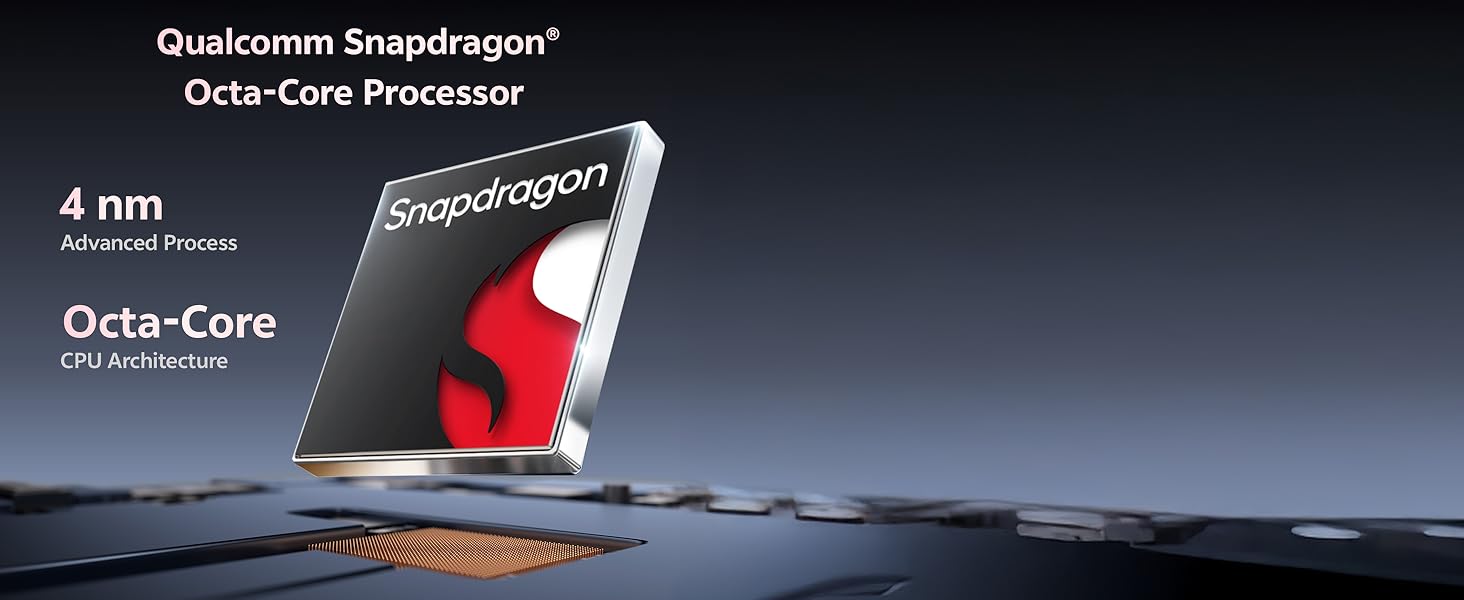
Illustration of the 6500 mAh battery and 44W FlashCharge capability of the vivo Y31 5G.
3.5. ჩვენება
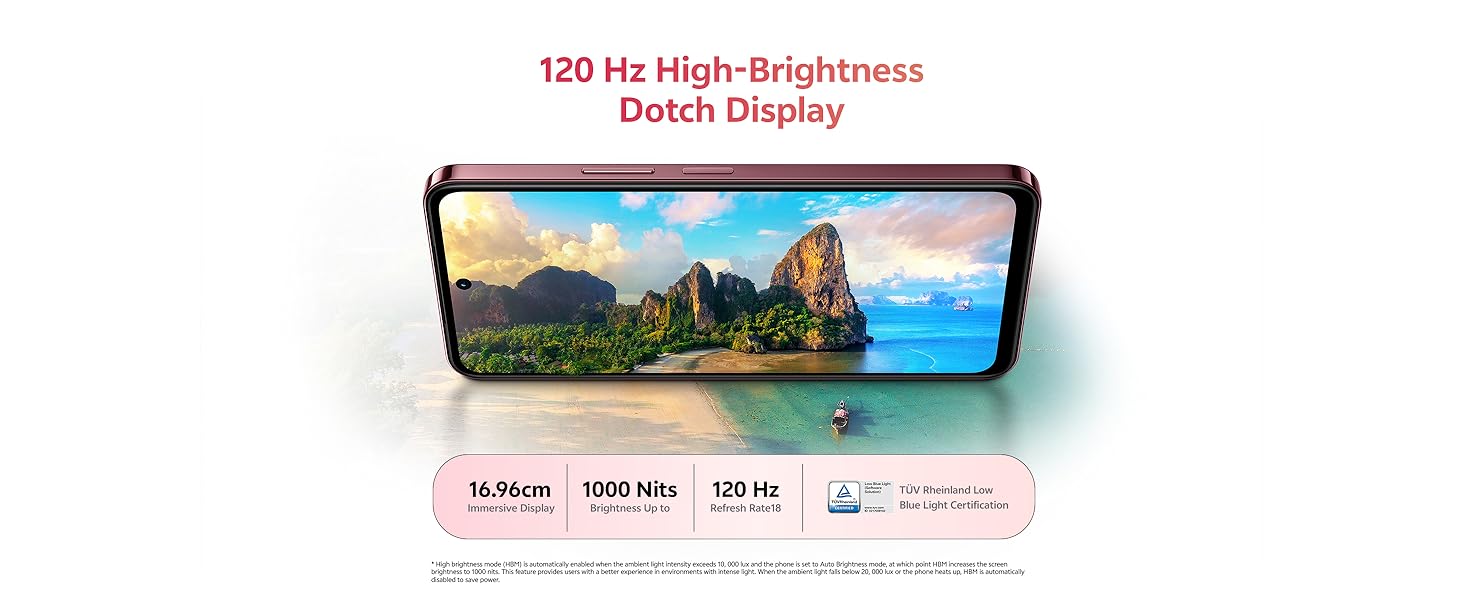
Enjoy an immersive visual experience with the 16.96 cm (6.68 inch) 120 Hz High-Brightness Dotch Display, offering up to 1000 Nits brightness and TÜV Rheinland Low Blue Light Certification for eye comfort.
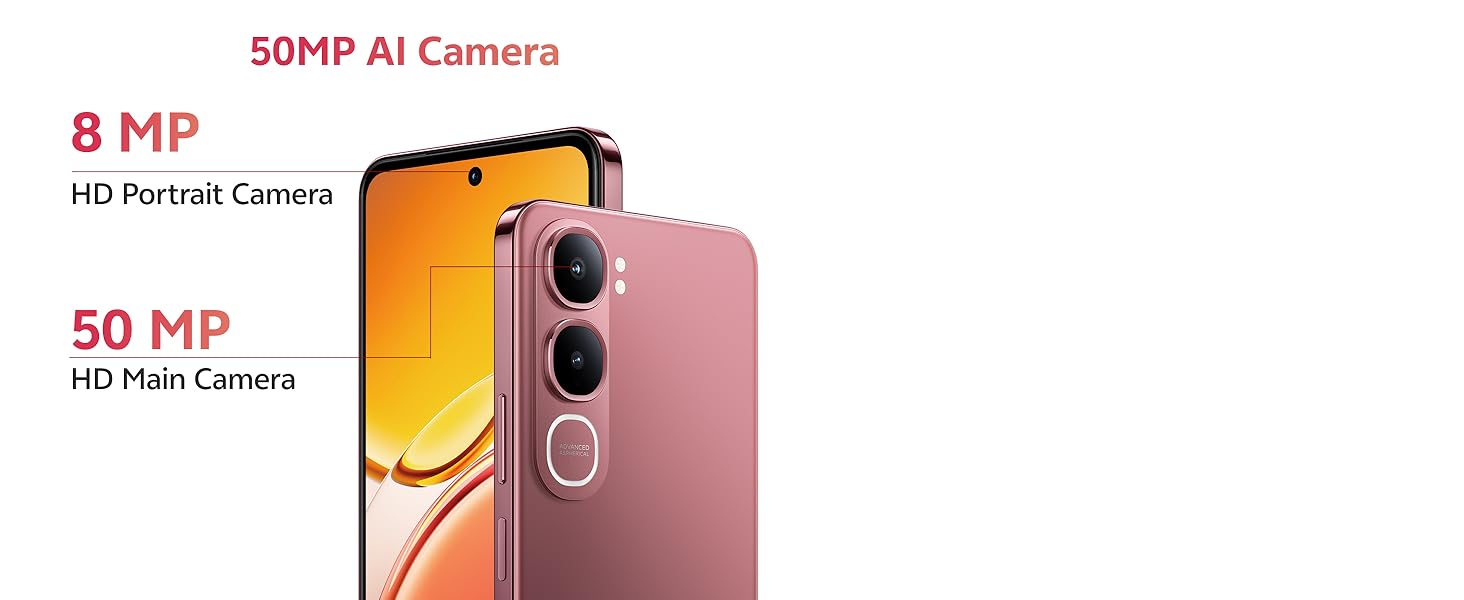
Image highlighting the 120 Hz High-Brightness Dotch Display of the vivo Y31 5G.
3.6. აუდიო
The device features Dual Speakers with 400% volume capability and Hi-Res Audio Certification for an enhanced audio experience.
Visual representation of the Dual Speaker system and Hi-Res Audio certification on the vivo Y31 5G.
3.7. დაკავშირება
The vivo Y31 5G supports Bluetooth for wireless accessory connection and GPS for navigation services.
4. მოვლა
4.1. თქვენი მოწყობილობის გაწმენდა
- ტელეფონის ეკრანისა და კორპუსის გასაწმენდად გამოიყენეთ რბილი, უბუშტო ქსოვილი.
- მოერიდეთ უხეში ქიმიკატების, აბრაზიული საწმენდი საშუალებების ან შეკუმშული ჰაერის გამოყენებას.
4.2. ბატარეის მოვლა
- მოერიდეთ ტელეფონის ექსტრემალურ ტემპერატურაზე ზემოქმედებას.
- ხშირად არ დაცალოთ ბატარეა სრულად.
- Use only original vivo chargers and cables.
4.3. პროგრამული უზრუნველყოფის განახლებები
ოპტიმალური მუშაობის, უსაფრთხოებისა და ახალ ფუნქციებზე წვდომის უზრუნველსაყოფად, რეგულარულად შეამოწმეთ და დააინსტალირეთ პროგრამული უზრუნველყოფის განახლებები. გადადით პარამეტრები > სისტემის განახლება ხელმისაწვდომი განახლებების შესამოწმებლად.
4.4. გამძლეობის მახასიათებლები
The vivo Y31 5G is designed with enhanced durability:
- IP68/69 Rating: Provides protection against dust and water ingress. The device can withstand submersion in fresh water up to 1.5 meters for up to 30 minutes. It also features Wet-Hand Touch Technology for smooth control even with wet hands, and One-Tap Water Ejection.
- SGS Gold Label Five-Star Drop Resistance Certification: Indicates enhanced resistance to accidental drops.
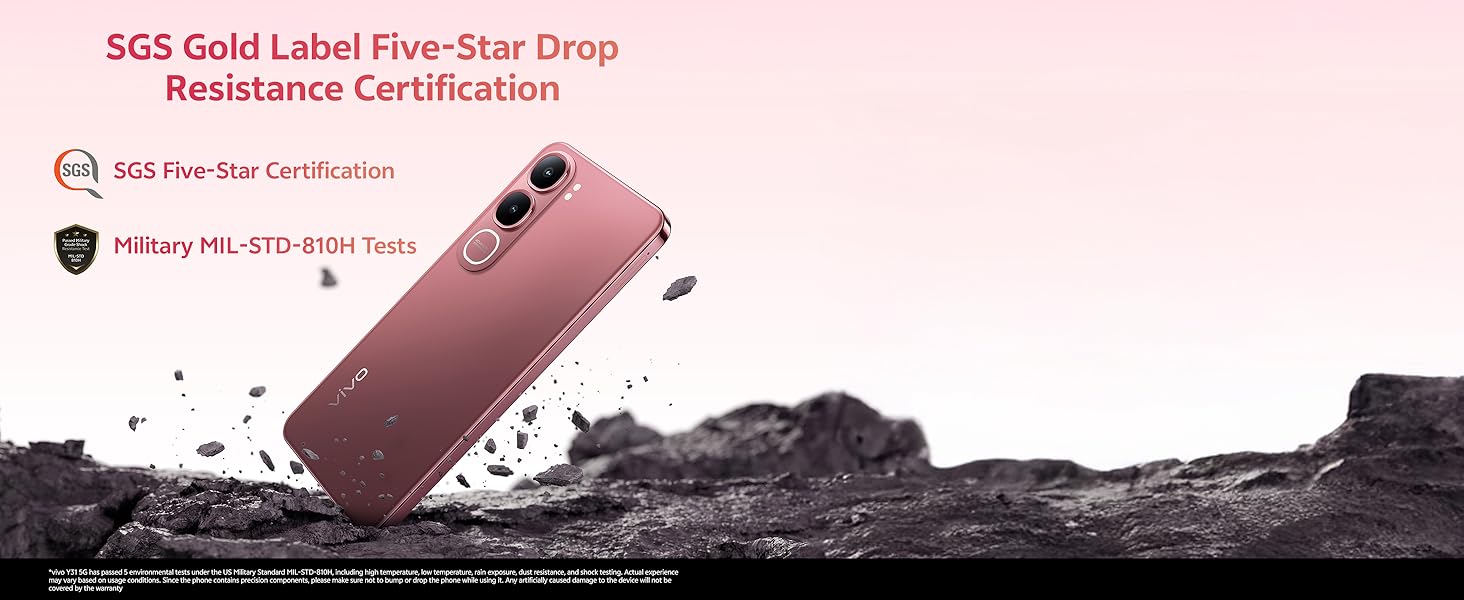
Image illustrating the IP68/69 water and dust resistance rating, Wet-Hand Touch technology, and One-Tap Water Ejection feature of the vivo Y31 5G.
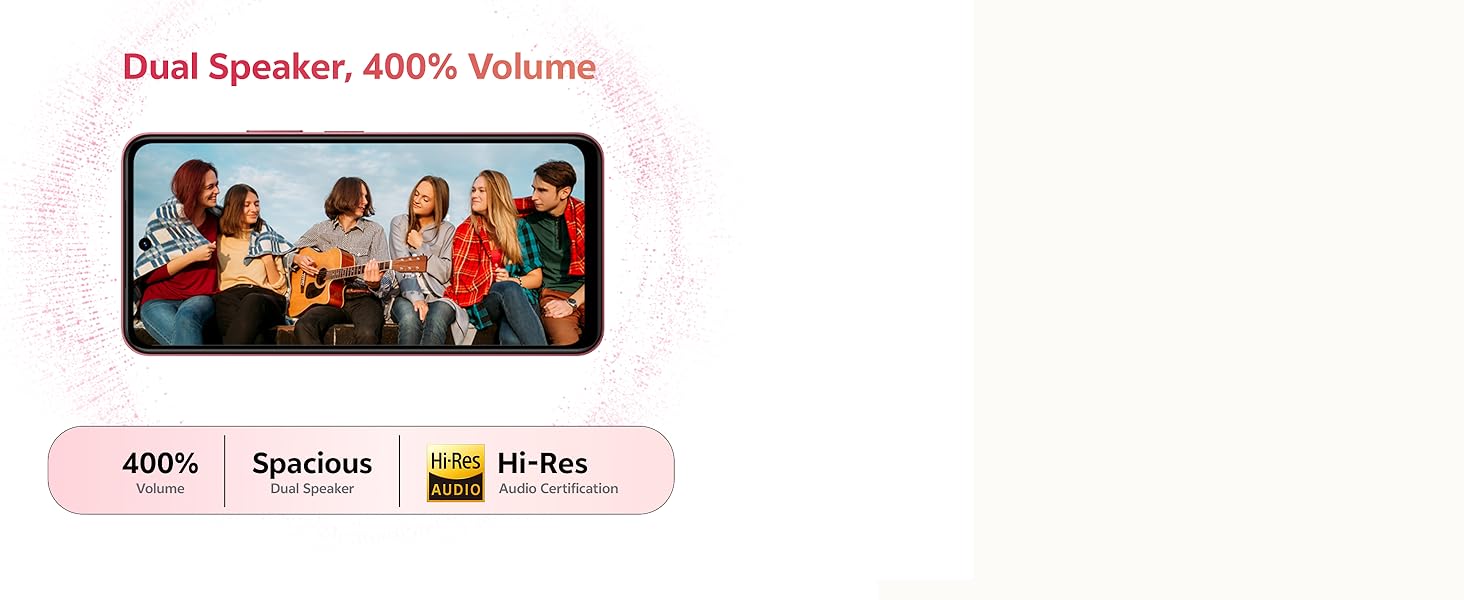
Image showing the SGS Gold Label Five-Star Drop Resistance Certification for the vivo Y31 5G.
5. Დიაგნოსტიკა
This section addresses common issues you might encounter with your vivo Y31 5G.
5.1. ტელეფონი არ ირთვება
- დარწმუნდით, რომ ბატარეა დატენილია. შეაერთეთ ტელეფონი დამტენთან მინიმუმ 15 წუთის განმავლობაში.
- გადატვირთვის იძულებით დასაწყებად დააჭირეთ და გააჩერეთ ჩართვის ღილაკი 10-15 წამის განმავლობაში.
5.2. ბატარეის დაბალი ხანგრძლივობა
- შეამცირეთ ეკრანის სიკაშკაშე.
- დახურეთ გამოუყენებელი აპები, რომლებიც მუშაობენ ფონზე.
- გამორთეთ Wi-Fi, Bluetooth ან GPS, როდესაც არ იყენებთ.
- შეამოწმეთ ბატარეის გამოყენება პარამეტრები > ბატარეა ენერგომოხმარების მქონე აპლიკაციების იდენტიფიცირებისთვის.
5.3. დაკავშირების პრობლემები (Wi-Fi/Bluetooth)
- Wi-Fi-ს ან Bluetooth-ის ჩართვა და გამორთვა.
- გადატვირთეთ თქვენი ტელეფონი.
- Wi-Fi-სთვის, დაივიწყეთ ქსელი და ხელახლა დაუკავშირდით.
5.4. აპლიკაციების გათიშვა ან გაყინვა
- Force close the app (swipe up from the bottom and swipe the app away).
- აპლიკაციის ქეშისა და მონაცემების გასუფთავება პარამეტრები > აპლიკაციები > [აპლიკაციის სახელი] > მეხსიერება.
- განაახლეთ აპლიკაცია Google Play Store-დან უახლეს ვერსიამდე.
5.5. ქარხნული გადატვირთვა
If issues persist, you may consider a factory reset. გაფრთხილება: ეს თქვენს ტელეფონზე არსებული ყველა მონაცემის წაშლას გამოიწვევს. გაგრძელებამდე შექმენით მნიშვნელოვანი მონაცემების სარეზერვო ასლი.
- გადადით პარამეტრები > სისტემა > პარამეტრების გადატვირთვა.
- აირჩიეთ ყველა მონაცემის წაშლა (ქარხნული პარამეტრების გადატვირთვა).
- დაადასტურეთ თქვენი გადაწყვეტილება და საჭიროების შემთხვევაში შეიყვანეთ თქვენი PIN კოდი/ნიმუში.
6. სპეციფიკაციები
Key technical specifications for the vivo Y31 5G smartphone:
| ფუნქცია | სპეციფიკაცია |
|---|---|
| მოდელის ნომერი | Y31 |
| ოპერაციული სისტემა | Funtouch OS 15 |
| პროცესორი | Qualcomm Snapdragon Octa-Core (2.2 GHz CPU Speed) |
| ოპერატიული მეხსიერება | 4 GB |
| შიდა საცავი | 128 GB |
| ჩვენების ზომა | 16.96 სმ (6.68 ინჩი) |
| ჩვენების გარჩევადობა | 1608 x 720 |
| უკანა კამერა | 50 მეგაპიქსელი + 0.08 მეგაპიქსელი |
| წინა კამერა | 8 დეპუტატი |
| ბატარეის ტევადობა | 6500 mAh |
| დამუხტვა | 44 W სწრაფი დატენვა |
| დაკავშირება | Bluetooth, GPS |
| განსაკუთრებული თვისებები | Basic Phone, Bluetooth Enabled, Built-In GPS, Camera, Dual SIM |
| ზომები (LxWxH) | 16.6 x 7.7 x 0.8 სმ |
| ნივთის წონა | 209 გ |
| ფერი | Diamond Green |
| წყლის/მტვრის წინააღმდეგობა | IP68/69 Rating |
| ვარდნის წინააღმდეგობა | SGS Gold Label Five-Star Certified |
7. გარანტია და მხარდაჭერა
7.1. ინფორმაცია გარანტიის შესახებ
Your vivo Y31 5G smartphone comes with a standard manufacturer's warranty. Please refer to the warranty card included in your package for specific terms, conditions, and duration. Keep your proof of purchase for warranty claims.
7.2. მომხმარებელთა მხარდაჭერა
For technical assistance, service, or further inquiries, please contact vivo customer support. You can find contact details on the official vivo webსაიტზე ან თქვენს მოწყობილობასთან ერთად მოწოდებულ დოკუმენტაციაში.
მწარმოებელი: vivo Mobile India Pvt Ltd Plot No 08, Sector 24, Yamuna Expressway Area, Gautam Buddha Nagar, Uttar Pradesh, 201310


