1. პროდუქტი დასრულდაview
The iFFALCON 65F75 is a 65-inch Class QLED 4K Smart TV designed for an immersive viewing experience. It features an ultra-slim profile, advanced display technologies, and smart functionalities powered by Google TV.
ძირითადი მახასიათებლები:
- Ultra-Slim & Seamless Wall Mount Design: A sleek, bezel-less frame that sits flush against the wall.
- ხელოვნების რეჟიმი: Transforms the TV into a digital canvas, displaying classic masterpieces, AI-generated art, or personal photos.
- 4K QLED Display with Ultra Wide Color Gamut: Delivers vibrant, true-to-life visuals with over a billion colors.
- 144Hz Refresh Rate & Game Master Mode: Ensures ultra-smooth motion for fast-paced content and responsive gaming.
- Dolby Vision IQ და Dolby Atmos: Provides an enhanced cinematic experience with adaptive picture settings and immersive surround sound.
- თვალის მოვლის ტექნოლოგია: Features low blue light and flicker-free technology for comfortable extended viewინგ.
- Google TV: Offers personalized content recommendations, smart home device control, and hands-free voice commands.
2. დაყენება
2.1 Unboxing and Parts Check
Carefully open the TV packaging and ensure all components are present and undamaged. It is recommended that two people handle the TV during unboxing and installation to prevent damage.
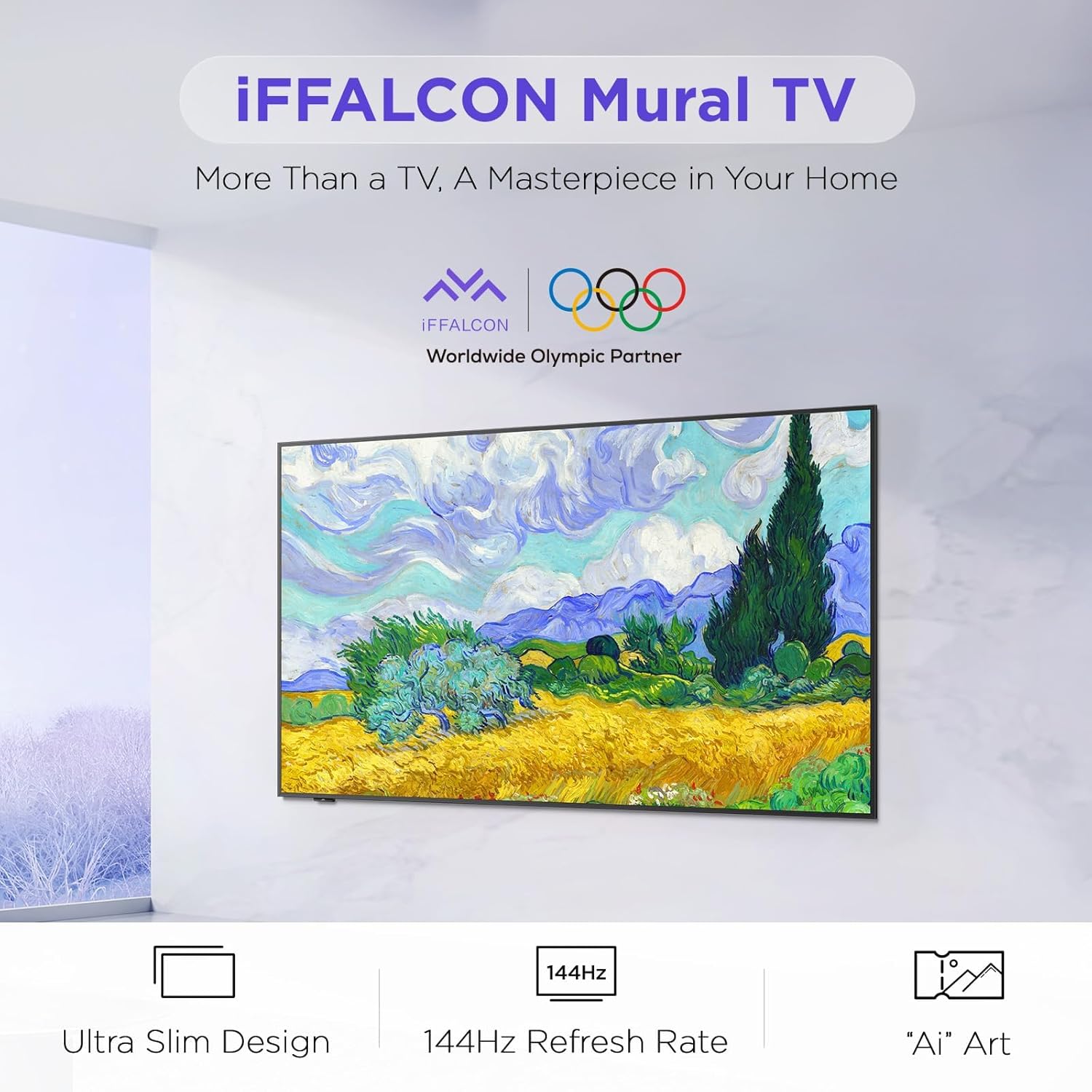
Image: The iFFALCON 65F75 TV securely packaged in its box, ready for unboxing.
რა არის ყუთში:
- iFFALCON TV
- დენის კაბელი
- 2 x AAA ბატარეები დისტანციური მართვისთვის
- 6 x საყრდენი ხრახნები
- მაგიდის სადგამები
- 2 x ხრახნიანი ხვრელების საფარი
- 2 x რეზინის დამცავი
- კედელზე სამაგრი
- სწრაფი დაწყების სახელმძღვანელო
- ტელევიზორი დისტანციური
2.2 Wall Mount or Table Stand Installation
The iFFALCON 65F75 TV offers both wall-mounting and table stand installation options. Choose the method that best suits your space and preferences. Always ensure the TV is placed on a soft, cushioned surface when installing stands or brackets to prevent screen damage.
Video: Official iFFALCON tutorial demonstrating the installation of the wall mount and table stand for the Mural TV. This video provides visual guidance for both setup options.
კედელზე სამაგრის მონტაჟი:
- Place the provided wall mount marker on your desired wall position.
- Use a level to ensure the marker is horizontal and secure it with tape.
- Drill screw holes at the marked positions (A, B, C, D) on the marker.
- Insert drywall anchors into the drilled holes. (Note: If drilling into wood studs, anchors are not needed).
- Screw the two wall plates to the wall using the provided screws and drywall anchors.
- Screw the two VESA brackets tightly onto the VESA holes on the top of the TV with the provided screws. Ensure brackets are secured via the middle holes of the TV back cover.
- Insert the power cord into the TV's rear power port.
- Drop the hanger on the wall mount bracket. Gently push the TV against the wall until the brackets are flush.
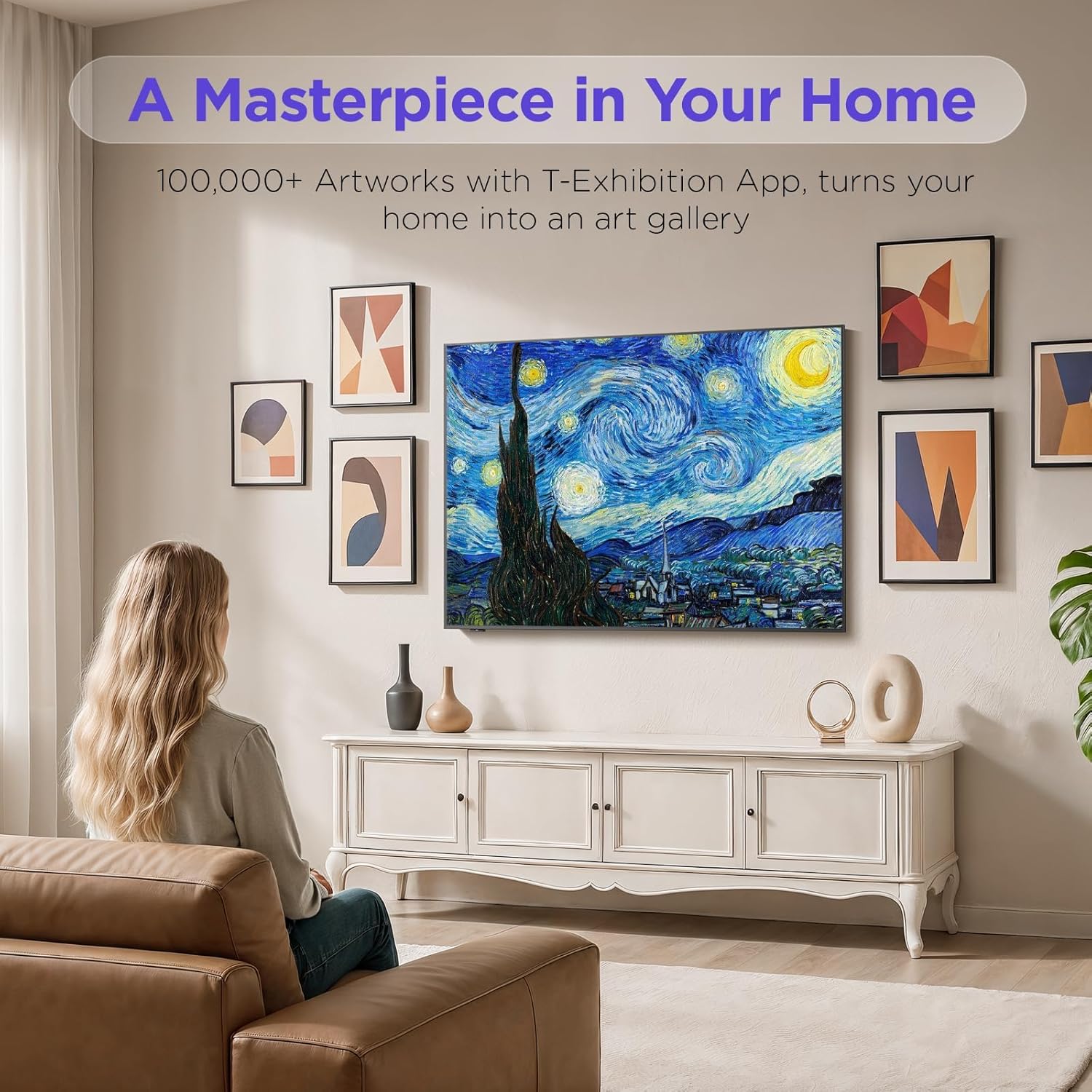
Image: The iFFALCON 65F75 TV seamlessly mounted on a wall, showcasinმისი ულტრა თხელი დიზაინი.
მაგიდის სადგამის მონტაჟი:
- ეკრანის დაზიანების თავიდან ასაცილებლად, ფრთხილად მოათავსეთ თქვენი ტელევიზორი რბილ, ბალიშის ზედაპირზე.
- Remove the magnetic decorative cover from the stand bracket.
- Place the stand bracket on the back of the TV at the screws location.
- Secure the stands to the TV with screws.
- Reinstall the magnetic cover by sliding it over the screw holes.
- Repeat the same operation for the other stand.
- Insert the power cord into the TV's rear power port.
- Once both stands are securely attached, carefully lift the TV and place it on a flat and level surface.

Image: The iFFALCON 65F75 TV displayed on its elegant table stand.
3. საოპერაციო ინსტრუქციები
3.1 ძირითადი ოპერაცია
- ჩართვა/გამორთვა: Press the power button on the remote control to turn the TV on or off.
- შეყვანის შერჩევა: Use the 'Input' button on the remote to switch between HDMI, USB, and other connected sources.
- ხმის კონტროლი: Adjust volume using the '+' and '-' buttons on the remote.
3.2 Google TV-ის ფუნქციები
Your iFFALCON TV comes with Google TV, offering a personalized and integrated entertainment experience.
- პერსონალიზებული რეკომენდაციები: Google TV learns your preferences and suggests content from across your streaming apps.
- ხმის კონტროლი: Use the Google Assistant voice remote for hands-free commands, searching for content, controlling smart home devices, and more.
- აპის წვდომა: Easily access a wide range of streaming applications and games from the Google Play Store.

Image: The Google TV home screen displaying personalized content and app icons.
3.3 ხელოვნების რეჟიმი
Transform your TV into a piece of art when not actively watching content. Art Mode allows you to display various artworks or personal photos.
Video: Official iFFALCON tutorial demonstrating how to use Art Mode and Photo Frame features on the Mural TV.
Activating Art Mode:
- Open the Apps menu on your Google TV.
- Swipe right to locate and launch the 'T-Exhibition' app.
- Navigate to 'MOMENT' and tap 'Settings' (top-right).
- Navigate to 'Wallpaper Settings'.
- Under 'Wallpaper Content', select 'Classified'.
- Check your preferred categories (e.g., Photography, TCL Art, 'AI' ART).
- To activate an immersive gallery display, tap 'Preview' under 'GALLERY'.

Image: The iFFALCON 65F75 TV showcasing a vibrant artwork in Art Mode, blending into the room decor.
3.4 Game Master Mode
For an optimized gaming experience, the TV features a 144Hz refresh rate combined with Game Master Mode.
- 144 ჰც განახლების სიხშირე: სწრაფი ტემპის თამაშებისთვის უზრუნველყოფს ულტრა გლუვ მოძრაობას.
- VRR (განახლების ცვლადი სიჩქარე): ამცირებს ეკრანის წყვეტას და შეფერხებას შეუფერხებელი თამაშის უზრუნველსაყოფად.
- HDR Optimization: Enhances visual details and contrast in supported games.
- შენიშვნა: The TV is initially in Energy Saving Mode. Switch to HDR Mode in settings for optimal picture quality during gaming.
3.5 Dolby Vision IQ და Dolby Atmos
Experience superior audio-visual quality with Dolby Vision IQ and Dolby Atmos technologies.
- Dolby Vision IQ: Automatically adjusts picture settings based on ambient room lighting, ensuring optimal brightness, contrast, and color.
- Dolby Atmos: Delivers immersive, multi-dimensional sound that flows around you, enhancing movies, music, and games.
4. მოვლა
4.1 ტელევიზორის გაწმენდა
- ტელევიზორის გაწმენდამდე ყოველთვის გამორთეთ დენის წყაროდან.
- ეკრანისა და ჩარჩოს ნაზად გასაწმენდად გამოიყენეთ რბილი, მშრალი, უბუშტო ქსოვილი.
- ჯიუტი ლაქებისთვის, მსუბუქად დააწვეთეთampen the cloth with water or a specialized screen cleaner (ensure it's safe for TV screens) and wipe carefully. Avoid harsh chemicals or abrasive materials.
4.2 თვალის მოვლის ტექნოლოგია
The iFFALCON 65F75 includes features designed to reduce eye strain during extended viewინგ.
- დაბალი ლურჯი შუქი: ამცირებს მავნე ლურჯი სინათლის გამოყოფას.
- ციმციმის გარეშე ტექნოლოგია: Minimizes screen flickering for a more comfortable viewგამოცდილება.
- These features are active by default or can be adjusted in the TV's picture settings.
5. Დიაგნოსტიკა
If you encounter issues with your iFFALCON TV, refer to the following common troubleshooting steps:
| პრობლემა | შესაძლო გამოსავალი |
|---|---|
| არ არის ძალა | Ensure the power cable is securely connected to both the TV and a working power outlet. Check if the power outlet is functional. |
| სურათი/ხმა არ არის | Verify the correct input source is selected. Check all cable connections (HDMI, AV, etc.). Try restarting the TV and connected devices. |
| დისტანციური არ პასუხობს | შეცვალეთ დისტანციური მართვის პულტის ელემენტები. დარწმუნდით, რომ დისტანციურ მართვასა და ტელევიზორის ინფრაწითელ სენსორს შორის არანაირი დაბრკოლება არ არის. |
| ქსელთან კავშირის საკითხები | Check your Wi-Fi router and internet connection. Reconnect the TV to the Wi-Fi network in the settings. For wired connections, ensure the Ethernet cable is properly connected. |
| სურათის ხარისხის პრობლემები | ტელევიზორის მენიუში შეცვალეთ სურათის პარამეტრები (სიკაშკაშე, კონტრასტი, ფერი). დარწმუნდით, რომ viewing high-quality content (4K, HDR). Disable Energy Saving Mode if applicable. |
If the issue persists after trying these steps, please contact iFFALCON customer support.
6. სპეციფიკაციები
| ფუნქცია | დეტალი |
|---|---|
| ბრენდი | iFFALCON |
| მოდელის ნომერი | 65F75 |
| ეკრანის ზომა | 65 ინჩი |
| ჩვენების ტექნოლოგია | QLED |
| რეზოლუცია | 4K |
| განახლების სიხშირე | 144 ჰც |
| განსაკუთრებული თვისებები | Art Mode, Game Mode |
| დაკავშირების ტექნოლოგია | Bluetooth, Ethernet, HDMI, USB, Wi-Fi |
| მხარდაჭერილი ინტერნეტ სერვისები | Google TV, various streaming services |
| ნივთის წონა | 71.8 ფუნტი |
| პროდუქტის ზომები | 1 x 1 x 1 ინჩი |
7. ინფორმაცია გარანტიის შესახებ
Your iFFALCON 65F75 65-Inch QLED 4K Smart TV is covered by a manufacturer's warranty. Please refer to the warranty card included in your product packaging for specific terms, conditions, and duration of coverage. Keep your proof of purchase for warranty claims.
8. მხარდაჭერა
For further assistance, technical support, or service inquiries, please visit the official iFFALCON support webსაიტზე ან დაუკავშირდით მათ მომხმარებელთა მომსახურების სამსახურს. ასევე შეგიძლიათ იპოვოთ დამატებითი რესურსები და ხშირად დასმული კითხვები iFFALCON Store on Amazon.


