Introduction to the OPPO Find X9 Series
This manual provides a detailed guide to understanding and utilizing the full capabilities of your OPPO Find X9 Series smartphone, including the Find X9 and Find X9 Pro models. It covers essential functions, advanced features, and practical tips to enhance your user experience. The goal is to help you navigate your device efficiently and securely.
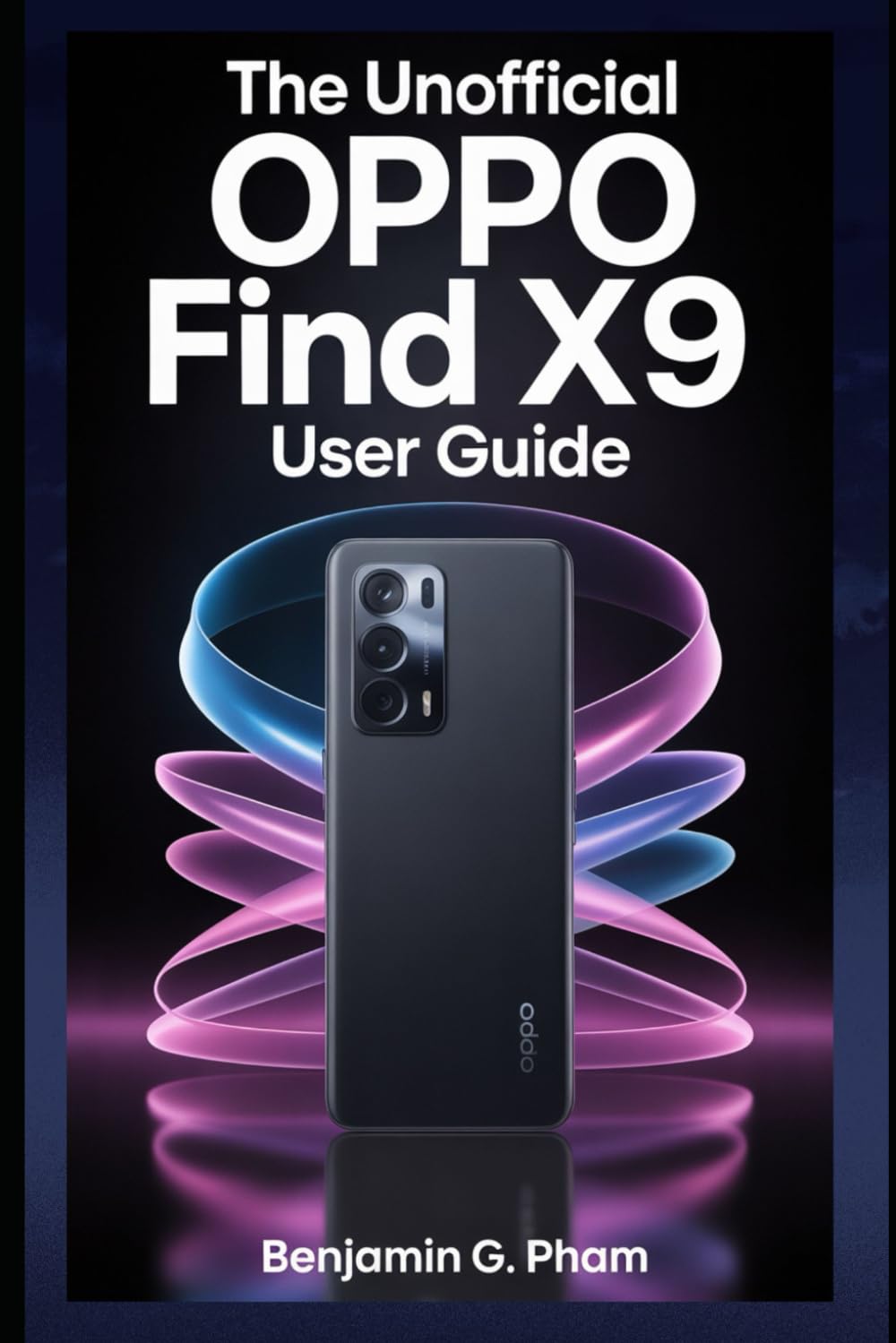
Image: Front cover of the user manual for the OPPO Find X9 Series, displaying the title and design.
1. საწყისი დაყენება და კონფიგურაცია
Upon first powering on your OPPO Find X9 Series device, you will be guided through a series of steps to set up your phone. This section outlines the process for initial configuration.
- ჩართვა: Press and hold the power button until the OPPO logo appears.
- ენის შერჩევა: აირჩიეთ თქვენთვის სასურველი ენა სიიდან.
- რეგიონის შერჩევა: Select your geographical region.
- Wi-Fi კავშირი: Connect to a stable Wi-Fi network to download necessary updates and complete setup.
- Google ანგარიშის დაყენება: შედით თქვენი Google ანგარიშით ან შექმენით ახალი. ეს აუცილებელია Google Play Store-სა და Google-ის სხვა სერვისებზე წვდომისთვის.
- მონაცემთა გადაცემა (არასავალდებულო): Follow prompts to transfer data from an old device if desired.
- უსაფრთხოების დაყენება: Configure screen lock methods such as PIN, pattern, password, fingerprint, or facial recognition.
- Review and Finish: Accept terms and conditions, and complete the setup process.
2. ძირითადი ოპერაცია და ნავიგაცია
Familiarize yourself with the fundamental operations and navigation gestures of your OPPO Find X9 Series device.
- საწყისი ეკრანი: წვდომა აპებზე, ვიჯეტებსა და შეტყობინებებზე. მთავარ ეკრანებს შორის ნავიგაციისთვის გადაფურცლეთ მარცხნივ ან მარჯვნივ.
- აპლიკაციის უჯრა: ყველა დაინსტალირებულ აპლიკაციაზე წვდომისთვის გადაფურცლეთ ეკრანის ქვედა კიდიდან ზემოთ.
- შეტყობინებების პანელი: გადაფურცლეთ ქვემოთ ეკრანის ზემოდან view შეტყობინებები და სწრაფი პარამეტრები.
- ბოლო აპლიკაციები: ეკრანის ქვედა კიდიდან ზემოთ გადაფურცლეთ და გააჩერეთ (ან შეეხეთ ბოლო აპლიკაციების ღილაკს) view და მართეთ ახლახან გამოყენებული აპლიკაციები.
- ჟესტები: Customize navigation gestures in Settings > System Settings > System Navigation.
3. Camera Features and Photography
The OPPO Find X9 Series offers advanced camera capabilities. This section guides you through various camera modes and settings to capture high-quality photos and videos.
- კამერის რეჟიმები: Explore modes such as Photo, Video, Portrait, Night, Pro, Panorama, and Slow-motion.
- პარამეტრები: Adjust resolution, aspect ratio, timer, grid lines, and advanced camera parameters.
- ხელოვნური ინტელექტის გაუმჯობესებები: Utilize AI Scene Enhancement for optimized photo quality based on detected subjects.
- საექსპერტო რჩევები: Learn about composition, lighting, and focus techniques for improved photography.
4. AI Tools and Smart Settings
Discover the integrated AI features and smart settings designed to personalize and optimize your device's performance and user experience.
- ჭკვიანი გვერდითი პანელი: Access frequently used apps and tools quickly.
- Flexible Windows: Utilize split-screen and floating windows for enhanced multitasking.
- AI System Booster: Optimize system performance and app launch speeds.
- პერსონალიზაცია: Customize themes, wallpapers, always-on display, and icon styles.
5. Productivity Tools and Connectivity
Enhance your productivity with various built-in tools and seamless connectivity options.
- File გაზიარება: Use Nearby Share or OPPO Share for quick file გადარიცხვები მოწყობილობებს შორის.
- Multi-Screen Connect: Mirror your phone screen to a PC or tablet for a larger workspace.
- ციფრული კეთილდღეობა: Monitor and manage your screen time and app usage.
- ღრუბლოვანი სერვისები: Sync data and back up your device using Google Drive or OPPO Cloud.
6. უსაფრთხოება და კონფიდენციალურობა
Protect your personal data and maintain your privacy with the security features available on your OPPO Find X9 Series device.
- ბიომეტრიული უსაფრთხოება: Configure and manage fingerprint and facial recognition for secure unlocking and app access.
- აპის დაბლოკვა: დაიცავით ინდივიდუალური აპლიკაციები პაროლით ან ბიომეტრიული ავტორიზაციის საშუალებით.
- პირადი სეიფი: Securely store private photos, videos, and documents.
- Permission Manager: Control which apps have access to your device's features and data.
- კონფიდენციალურობის საინფორმაციო დაფა: Monitor app access to sensitive permissions.
7. მოწყობილობის მოვლა
Regular maintenance helps ensure optimal performance and longevity of your OPPO Find X9 Series smartphone.
- პროგრამული განახლებები: რეგულარულად შეამოწმეთ და დააინსტალირეთ სისტემის განახლებები პარამეტრები > მოწყობილობის შესახებ > განახლებული.
- ბატარეის ოპტიმიზაცია: Manage battery usage in პარამეტრები > ბატარეა ბატარეის მუშაობის გასახანგრძლივებლად.
- შენახვის მენეჯმენტი: გასუფთავება არასაჭირო files and cache to free up storage space.
- დასუფთავება: Use a soft, lint-free cloth to clean the screen and device body. Avoid harsh chemicals.
8. საერთო პრობლემების მოგვარება
ეს განყოფილება განიხილავს გავრცელებულ პრობლემებს, რომლებსაც შეიძლება წააწყდეთ და გთავაზობთ გადაწყვეტილებებს.
| საკითხი | გამოსავალი |
|---|---|
| მოწყობილობა არ ჩართულია | დარწმუნდით, რომ ბატარეა დატენილია. დააჭირეთ და გააჩერეთ ჩართვის ღილაკი მინიმუმ 10 წამის განმავლობაში. |
| აპლიკაციების გათიშვა ან გაყინვა | აპლიკაციის ქეშის გასუფთავება (პარამეტრები > აპლიკაციები > აპლიკაციების მართვა > [აპლიკაციის სახელი] > მეხსიერების გამოყენება > ქეშის გასუფთავება). გადატვირთეთ მოწყობილობა. |
| ცუდი ბატარეის ხანგრძლივობა | Check battery usage in settings to identify power-hungry apps. Reduce screen brightness. Disable unnecessary features like GPS or Bluetooth when not in use. |
| ქსელთან დაკავშირების პრობლემები | Toggle Wi-Fi/Mobile Data off and on. Restart the device. Reset network settings (პარამეტრები > სისტემის პარამეტრები > სარეზერვო ასლის შექმნა და გადატვირთვა > ტელეფონის გადატვირთვა > ქსელის პარამეტრების გადატვირთვა). |
9. Product Specifications (OPPO Find X9 Series)
This manual details the specifications of the OPPO Find X9 and Find X9 Pro models. For precise technical specifications, please refer to the official OPPO website or the packaging of your specific device model.
Note: As this document is a general guide, specific hardware details such as processor type, RAM, storage, and camera sensor models are covered within the guide's content rather than listed here.
ISBN for this user guide: 979-8270541873 წწ

Image: Back cover of the user manual, showing the ISBN barcode and additional details.
10. გარანტია და მხარდაჭერა
For information regarding your device's warranty, please refer to the warranty card included with your OPPO Find X9 Series smartphone or visit the official OPPO support website. For technical assistance, contact OPPO customer service through their official channels.
- Official OPPO Webსაიტი: For product information, FAQs, and support resources.
- მომხმარებელთა მომსახურება: Contact details for phone, chat, or email support can be found on the official webსაიტი.


